










August 20, 2026
Why Is My Solar System Not Working? Common Causes and Solutions
Share my #SolaXStory


When the lights go out or the app shows zero generation, many homeowners immediately search for problems with solar panels or wonder, 'Why have my solar panels stopped working?' However, solar panels are essentially durable sheets of glass and silicon with no moving parts, meaning they rarely fail on their own. In reality, most common solar panel problems are actually system-level issues—originating from the inverter, a tripped breaker, shading, or the grid connection.
This guide explains the most common solar system problems, what you can safely check yourself, and when you should contact a qualified solar installer.
Safety warning: Never open the inverter, disconnect DC cables, or climb onto the roof to investigate a fault.
Quick Solar System Troubleshooting Checklist
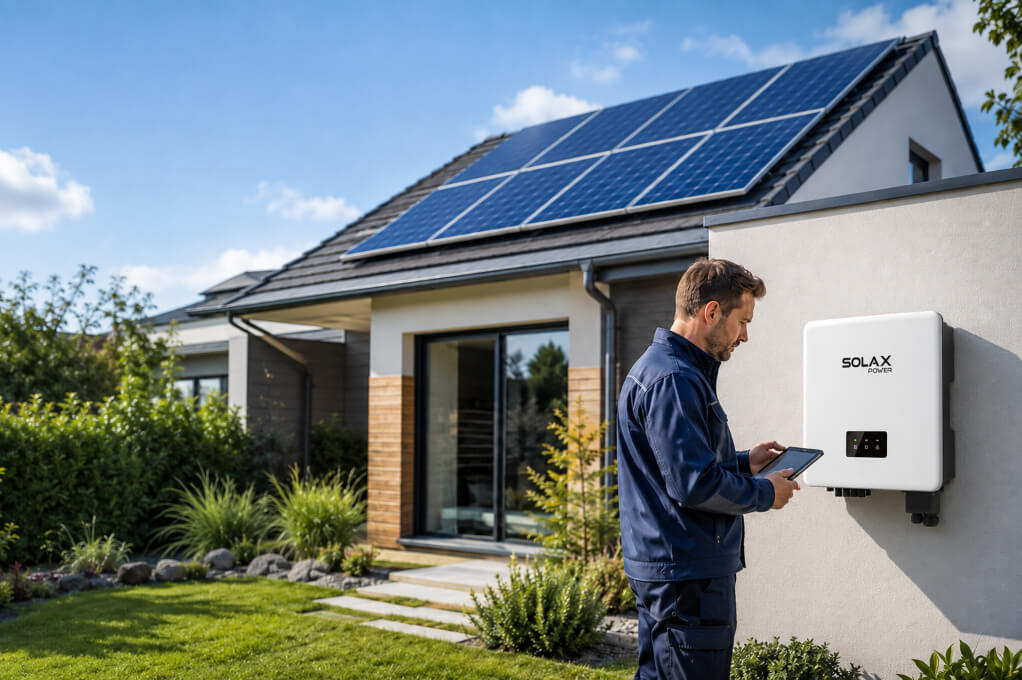
Before assuming that the solar panels have failed, identify exactly what has changed. Use the checklist below to narrow down the likely cause.
Symptom | Possible Cause | What to Check First |
Zero solar production | Inverter shutdown, grid outage or tripped breaker | Check the inverter status and error code |
Lower-than-normal output | Weather, shading, dirt or high temperature | Compare production on similar days |
Monitoring app is offline | Wi-Fi, server or communication device problem | Confirm whether the inverter is still operating |
Red inverter light | Grid, insulation, temperature or hardware fault | Record the exact fault code |
System repeatedly stops | Grid voltage fluctuation or overheating | Review the inverter event history |
Electricity bill is unusually high | Increased consumption, low generation or metering issue | Compare generation, grid import and export |
These initial checks can help distinguish a genuine equipment fault from normal weather-related changes or a monitoring problem.
My Solar System Stopped Working: Common Causes and Solutions
A solar system contains several connected components, including the inverter, grid connection, monitoring equipment, breakers and DC wiring. Use the symptoms below to identify the likely cause and decide what to do next.
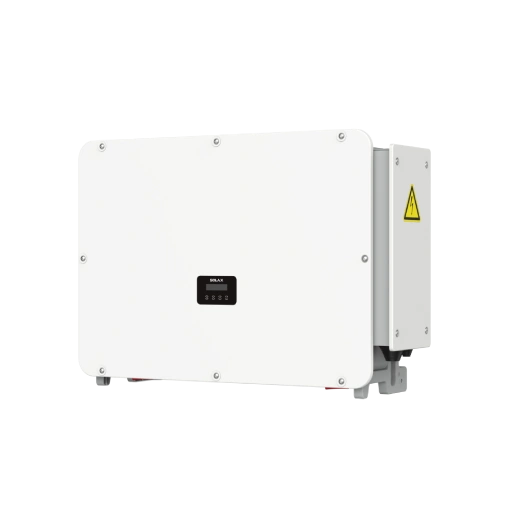
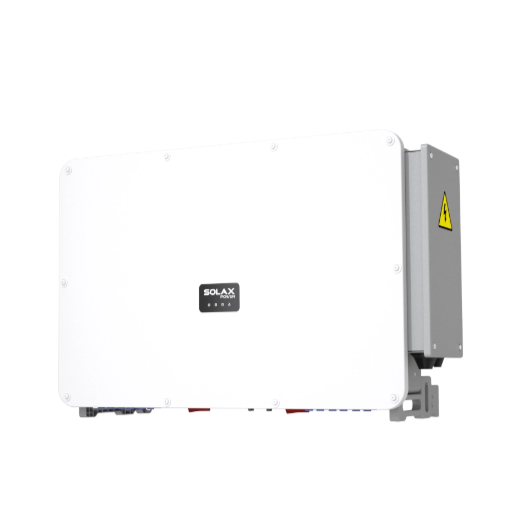
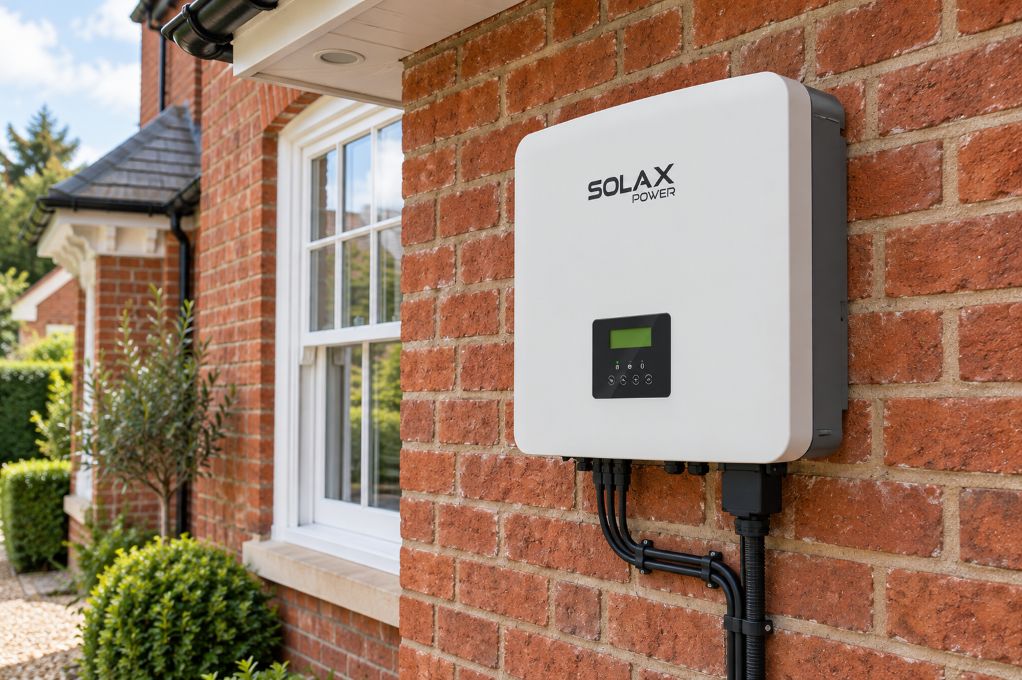
1. My Solar Inverter is Not Working
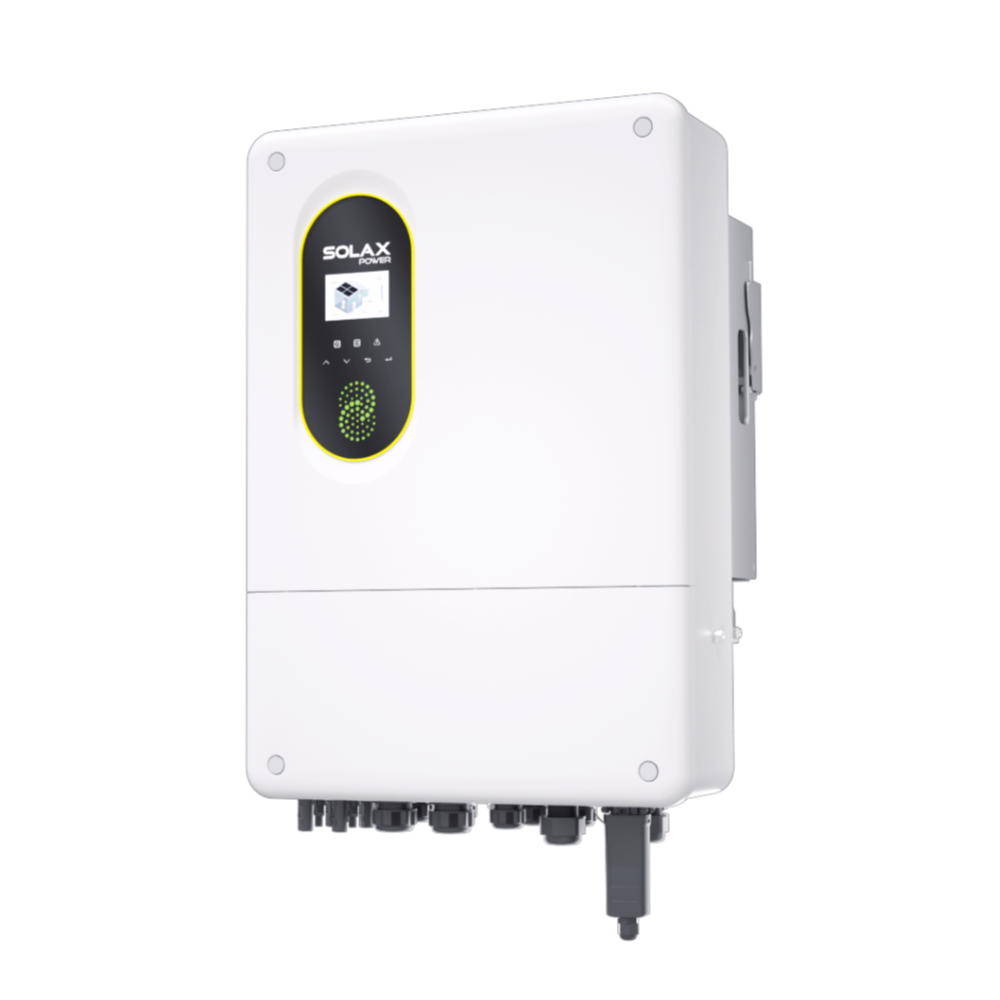
The problem: The system shows zero output, the inverter repeatedly shuts down, or its display shows a warning light or error code.
Possible causes: The inverter may have entered protection mode because of an internal fault, abnormal grid conditions, excessive temperature, a DC input problem or a communication error. A blank display may also indicate that the inverter is not receiving power.
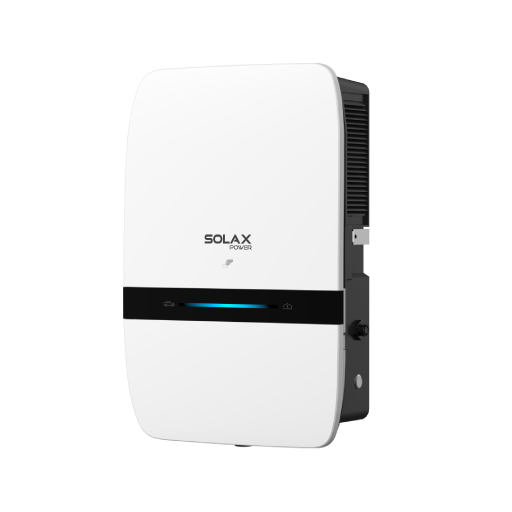
What to do: Check the inverter display, status light and monitoring platform. Record the exact error code, inverter model and time of the fault. Because warning-light meanings vary by model, consult the corresponding user manual.
2. Grid Voltage or Connection Problem
The problem: The inverter stops generating, frequently disconnects or displays a grid voltage, frequency or "No Grid" error.
Possible causes: A grid-tied inverter continuously monitors the utility grid. If the voltage or frequency moves outside its permitted operating range, the inverter stops exporting power for safety. A grid outage, loose AC connection or tripped protection device may produce similar symptoms.
What to do: Confirm whether the property still has grid power and record the inverter error. The system may reconnect automatically when grid conditions return to the permitted range. If the fault happens repeatedly—particularly around midday—ask an installer to inspect the AC wiring and grid conditions. Learn more in our guide to inverter grid voltage faults.
3. Monitoring or Communication Failure
The problem: The monitoring app shows the system as offline, displays zero power or has gaps in its production history.
Possible causes: The inverter may still be generating electricity, but a Wi-Fi outage, router replacement, changed password, disconnected communication dongle or temporary platform interruption can prevent new data from appearing.
What to do: Check the inverter's local display or status light. If it shows normal operation, reconnect the communication device according to the product instructions and confirm that the router has internet access.
4. Tripped Breaker or Switched-Off Isolator
The problem: The inverter has no AC connection, shows a grid-related error or remains switched off.
Possible causes: An AC breaker may have tripped because of an electrical fault, overload, water ingress or protection event. An external isolator may also have been accidentally switched off during maintenance.
What to do: Only inspect breakers and external switches that are clearly labelled, safely accessible and covered by the installe's or manufacturer's instructions. If a breaker immediately trips again, leave it off and contact a qualified installer. Repeated resetting can hide a potentially serious fault.
5. New or Partial Shading
The problem: Production is lower during a particular part of the day, season or from one panel string.
Possible causes: Growing trees, new buildings, chimneys, antennas, leaves, bird nests or accumulated snow may create shade that was not present when the system was installed. Partial shading can significantly reduce the output of an affected string.
What to do: Check for new physical obstructions around your roof. If trees have grown, consider trimming the branches. If the shade is from a new building or permanent structure, consult your installer about adding Microinverters or DC Optimizers to mitigate the shading impact.
6. Off-Grid Systems: Solar Charge Controller Troubleshooting
The problem: Your battery isn't charging, or the system shuts down early.
Possible causes: If you run an off-grid setup, the issue might lie between the panels and the battery. Solar charge controller troubleshooting usually reveals incorrect voltage settings, loose DC wiring, or a controller that has entered protection mode.
What to do: Check the LED indicators on your charge controller. Ensure the battery voltage isn't too depleted to wake up the controller, and verify the breaker between the controller and the battery is switched on.
Are problems with solar panels the cause? (Quick checks)
While many sudden shutdowns are caused by the inverter, grid, breakers, or monitoring, problems with solar panels can still reduce output—especially if the drop is consistent at the same time each day.
New shading: Trees, new buildings, antennas, leaves, or bird nests can create partial shade and heavily cut string output. Check from the ground at different times of day.
Heavy soiling: Dust or bird droppings can cause localized losses. If safe and permitted by your installer guidance, clean only from ground-accessible areas—don't climb the roof.
Visible damage: Cracked glass, burn marks, loose frames, or hanging cables are common solar panel problems after storms. Do not touch—contact an installer.
One string underperforming: If your monitoring shows one MPPT/string consistently lower or at zero, it may indicate a panel/connector issue (or shading) and needs professional testing.
If you suspect physical damage or wiring issues, stop troubleshooting and book an inspection.
When Should You Contact a Solar Installer?
Stop troubleshooting and contact a qualified solar installer if you notice any condition that may involve electrical damage or a safety risk. Warning signs include:
A burning smell, smoke or unusual noise
A breaker that repeatedly trips
An inverter that is overheating or has water inside it
An isolation, ground or arc-fault warning
Zero production that continues in full sunlight
One MPPT or panel string that remains offline
The same inverter error returning after a restart
Visible damage to panels, cables or connectors
Do not open the inverter, disconnect solar cables or repeatedly reset protective devices. Before contacting the installer, record the inverter model, exact fault code, time of the event and relevant monitoring screenshots. This information can help the installer identify the likely cause and prepare for the inspection.
FAQ
Table of Contents
Latest News
Explore expert insights, practical guides, and the latest news on SolaX Power.


To the Latest Newsletter
Stay Ahead with the Latest SolaX Updates!
Subscribe
I have read and agree to Privacy Policy and User Terms