












November 11, 2026
Heat Pump Not Working? Troubleshooting Common Problems
Share my #SolaXStory


A heat pump not working does not always mean a component has failed. Incorrect settings, a power interruption or a normal defrost cycle can explain why heating has stopped. Other heat pump problems, such as poor water circulation or persistent faults, need further investigation.
This guide takes you through heat pump system troubleshooting by symptom, from a unit that will not start to one that runs without heating. It focuses on air-to-water systems, including operating modes, water temperature and heat delivery, with a brief explanation of airflow issues for air-to-air units.
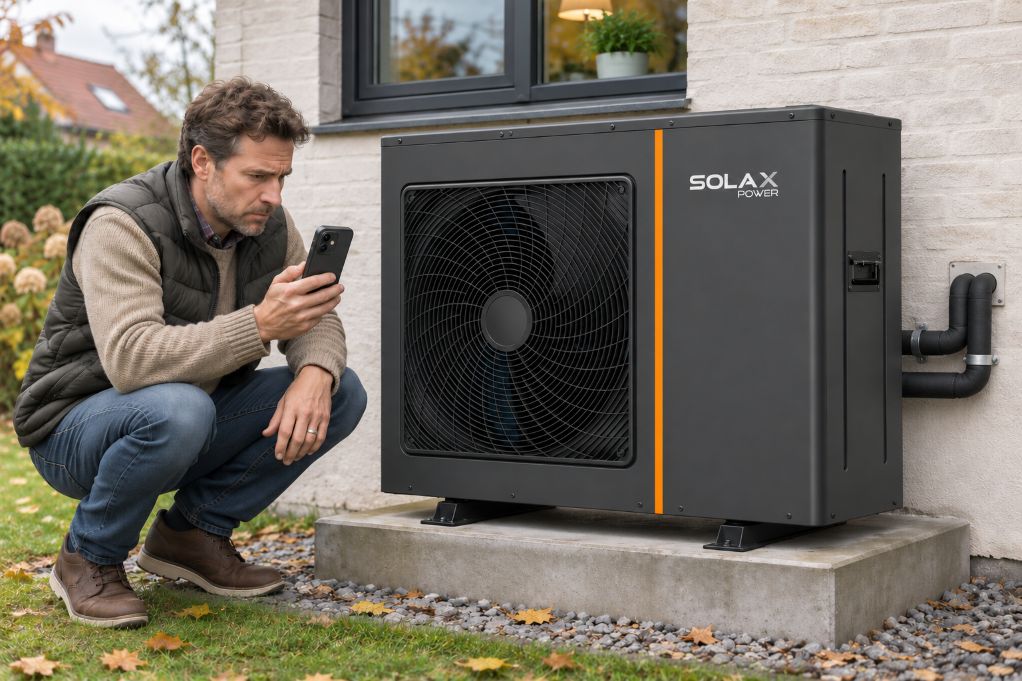
Heat Pump Troubleshooting Chart
Use this heat pump troubleshooting chart to find your symptom and decide what to check first. For air-to-water systems, check the controller's operating mode before assuming the unit has failed.
Symptom | First check | Next step |
Heat pump will not turn on | Check the controller display, schedule and temperature setting. | Note any fault code. If there is no power or a breaker has tripped, contact your installer. |
Running but not heating | Compare the selected mode, target water temperature and actual reading. | If heating remains poor, ask your installer to check water circulation and heat delivery. |
Not cooling | Confirm cooling is enabled and the room needs cooling. | Have the installer check cooling settings and compatible room terminals. |
Outdoor fan not running | Check whether defrost is active or demand is satisfied. | Seek service if heating fails to resume. |
Rooms cold, domestic hot water normal | Check space-heating schedules and zone settings. | Request checks of circulation, valves and heating controls. |
App shows offline | Check the local controller and network connection. | If local operation is normal, troubleshoot connectivity first. |
Problem 1: Heat Pump Not Turning On
If your heat pump is not turning on, first establish whether it has lost power or is waiting for a heating command. Start with the controller, then work through the settings and any fault information.
Check the Power Supply
If the controller display is blank, check whether your home has power and whether the heat pump's supply has been switched off. A tripped breaker needs investigation; avoid repeatedly resetting it.
Review Heating Settings and Schedules
If the display works, confirm that heating is enabled and the temperature setting creates a demand for heat. Check the timer, weekly schedule and holiday settings.
If your heat pump stopped working after a power cut or a settings change, record when it happened. Follow the model's instructions for any restart delay.
Record Alarms and Check External Controls
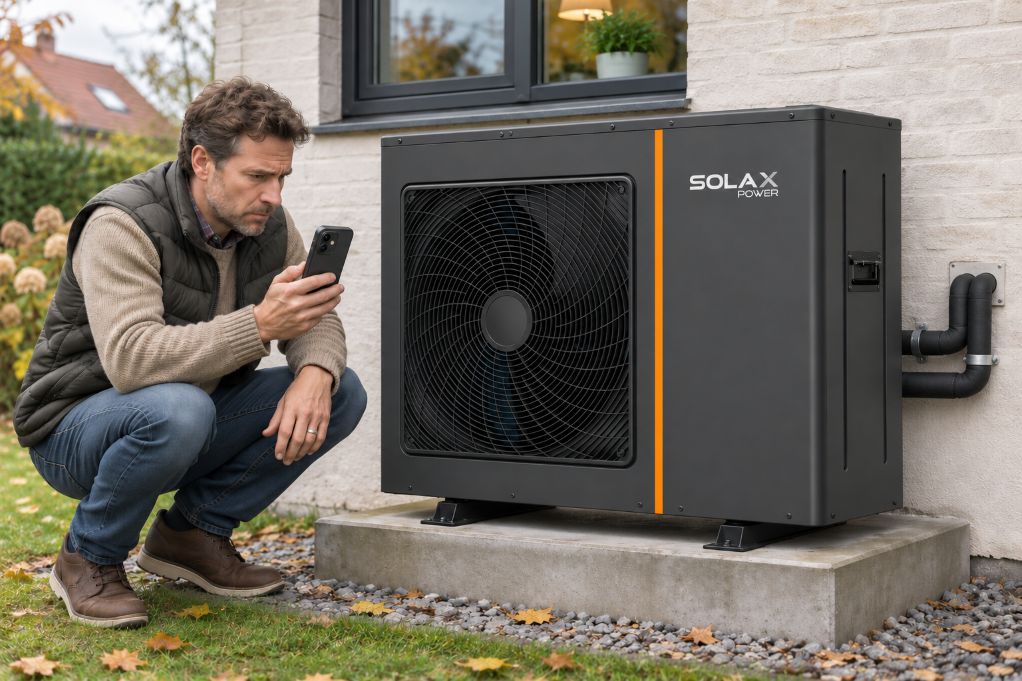
Photograph any fault code before changing settings or restarting the unit. Note recent maintenance or controller adjustments.
For systems connected through SG Ready or Modbus, ask the installer to check external commands and operating permissions. A control restriction may prevent operation even when the controller has power.
Problem 2: Heat Pump Running but Not Heating
A heat pump not heating the house may be producing too little heat, or the heat it produces may not be reaching the rooms. For an air-to-water system, checking the operating mode and water temperature helps you decide where to investigate next.
Check the Operating Mode and Water Temperature
Confirm that space heating is enabled. A system serving both rooms and domestic hot water may temporarily pause room heating while it heats the cylinder, depending on its configuration.
Compare the target leaving water temperature with the actual controller reading. If the water stays below target during sustained heating demand, record the temperatures and any alarms for your installer.
The SolaX Thermal R290 Series and Alture Series list heating water temperatures up to 80°C. This is a maximum capability, not an everyday target. The appropriate setting depends on the heating design and operating conditions; raising it to maximum is not a troubleshooting fix.
Check Heat Delivery Through the Water Circuit
If the water warms up but rooms stay cold, extend your air source heat pump troubleshooting to the distribution system. Check room thermostats, heating schedules and whether the affected zone is requesting heat.
Note whether every room is cold or only one area. This helps the installer narrow the investigation.
Trapped air, restricted filters, circulation pump problems or zone valves can interrupt heat delivery. Ask your installer to check these components and confirm suitable water flow. Avoid dismantling pumps, filters or valves yourself.
Distinguish Defrost from Persistent Heating Failure
Check whether leaves, snow or stored items are blocking the outdoor air inlet or outlet. Persistent airflow or drainage problems may require a review of the outdoor unit location and clearance. A heat pump not working in heat mode may briefly be defrosting. Heat delivery can change and the outdoor fan may stop during this cycle. Watch whether normal heating resumes afterward.
Persistent thick ice, repeated interruptions without room-temperature recovery, or an alarm warrant service. Photograph the ice and controller display to help your installer investigate these heat pump issues.
Problem 3: Heat Pump Not Cooling
If your heat pump is not cooling, check both the operating settings and how cooling reaches the rooms. For an air-to-water system, the connected terminals and controls must also support cooling.
Check Cooling Mode and Settings
Confirm that cooling is enabled and the room temperature is above the cooling setpoint. Review schedules, zone controls and alarm messages. Record fault codes before attempting a restart.
Confirm the System Can Deliver Cooling
Chilled water needs suitable terminals, such as correctly specified fan coil units, and compatible controls. Heating radiators should not be assumed to provide effective cooling.
Where floor cooling is installed, water temperature and condensation protection require careful control. Avoid lowering the water setpoint simply to force faster cooling.
Have Persistent Cooling Problems Checked
If settings are correct but rooms remain warm, ask your installer to check water circulation, terminal operation and controls.
Problem 4: Outside Fan Not Running When the Heat Is On
An outside fan not running when heat is on does not automatically indicate a fault. First, distinguish a temporary fan pause from the entire outdoor unit failing to operate.
Check for Defrost
During defrost, the outdoor fan may stop while frost clears from the coil. Check the controller's status and watch whether normal heating resumes afterward.
Review Heating Demand and Controls
The unit may pause because the heating target has been reached, or a schedule or external control is limiting operation. Heating mode on the display does not mean the fan and compressor must run continuously.
Know When to Request Service
If the outdoor unit remains off despite heating demand, record room and water temperatures, operating status and fault codes. Contact your service provider if heating does not resume, thick ice persists or unusual grinding or buzzing occurs. See our guide to Heat Pump Making Loud Noise in Cold Weather for help distinguishing normal operating sounds from changes that need inspection. Do not open panels or push the fan blades.
When Professional Heat Pump Diagnostics Are Needed
Arrange professional heat pump diagnostics if shutdowns, alarms, heavy ice or insufficient heating persist after basic checks. Repeated resets may obscure fault information without resolving the cause.
What a Technician Should Check
For an air-to-water system, checks should cover water circulation, temperature sensors, power supply, control signals and the refrigerant circuit. These help establish whether the problem starts at the heat pump or elsewhere in the installation.
Heat pump control board troubleshooting also requires checking power, sensor inputs, communications and outputs against the manufacturer's service information. An error code alone does not establish that the board needs replacement.
What to Prepare Before Contacting Service
Give your service provider:
The model and serial number.
Fault-code photos and when the problem started.
Operating mode, target and actual water temperatures.
Photos of persistent ice or recordings of unusual sounds.
Details of recent power cuts, maintenance or setting changes.
Leave electrical and refrigerant repairs to qualified personnel.
FAQ
Table of Contents
Latest News
Explore expert insights, practical guides, and the latest news on SolaX Power.



To the Latest Newsletter
Stay Ahead with the Latest SolaX Updates!
Subscribe
I have read and agree to Privacy Policy and User Terms