













November 12, 2026
Installer's Guide to Choosing Reliable String Inverters and Reducing Callbacks
Share my #SolaXStory


Choose a reliable string inverter before a callout becomes a callback
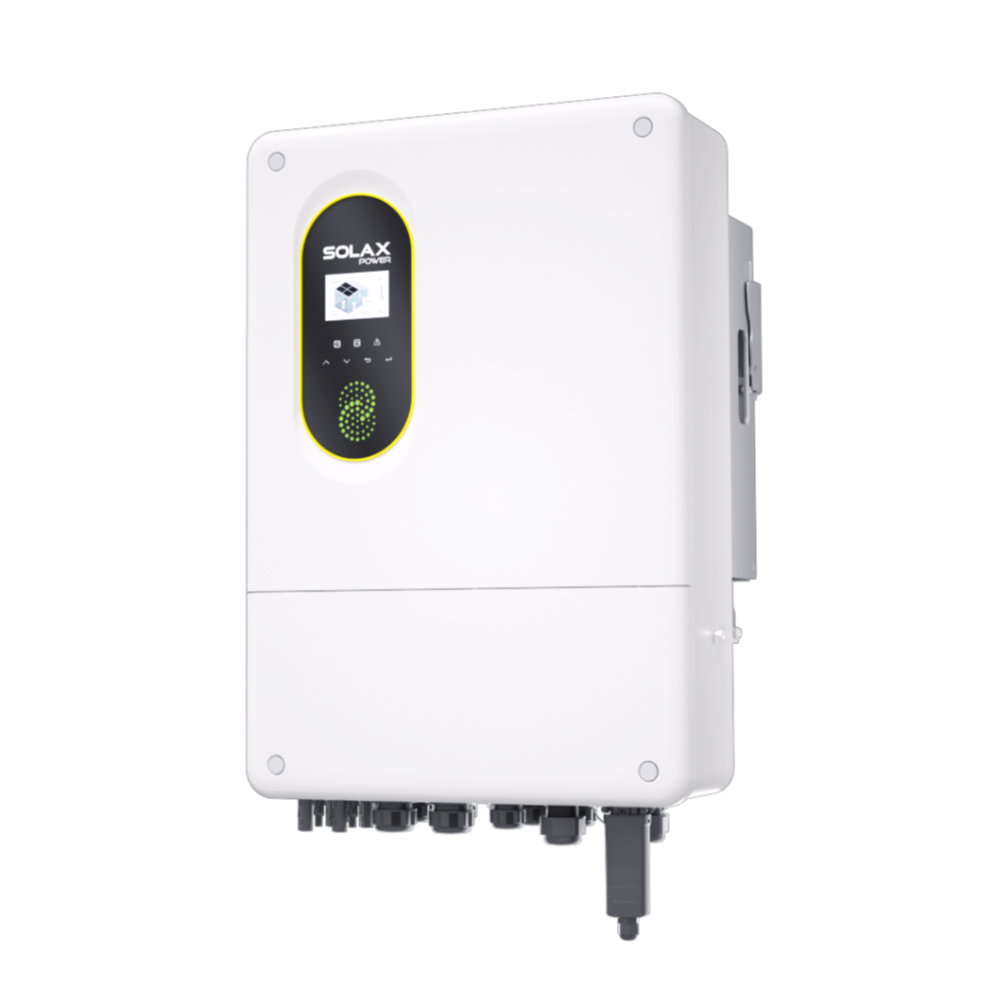
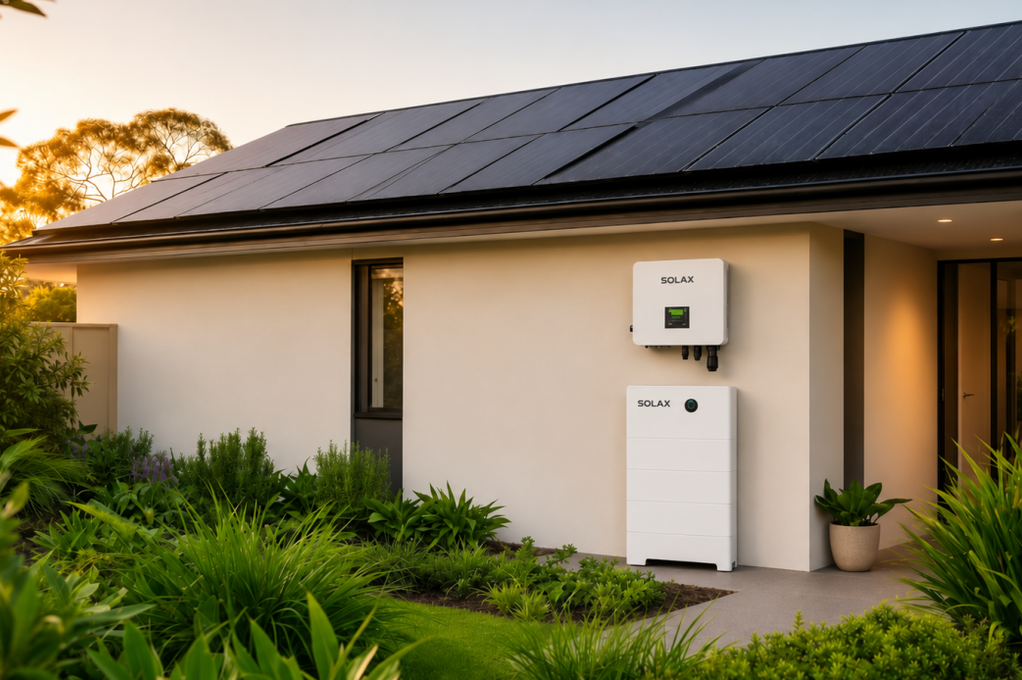
Callbacks usually begin at design or handover, not when an inverter reports a fault. For a residential solar PV system with variable roof planes, grid-export conditions and possible future additions, the essentials are correct DC limits, suitable MPPT tracking, recorded compliance settings and usable monitoring. The SolaX Residential String Inverters route supports this process because it groups grid-connected options for defined residential solar installation scopes.
A reliable string inverter is only one part of a dependable solar power system. String design, CT placement, export control settings and homeowner access to solar monitoring must agree from commissioning through service. In the UK, installers must establish whether a DNO notification or approval is required before or after installation; export-limited installations can require a G100 application before work proceeds. GOV.UK outlines this connection pathway.
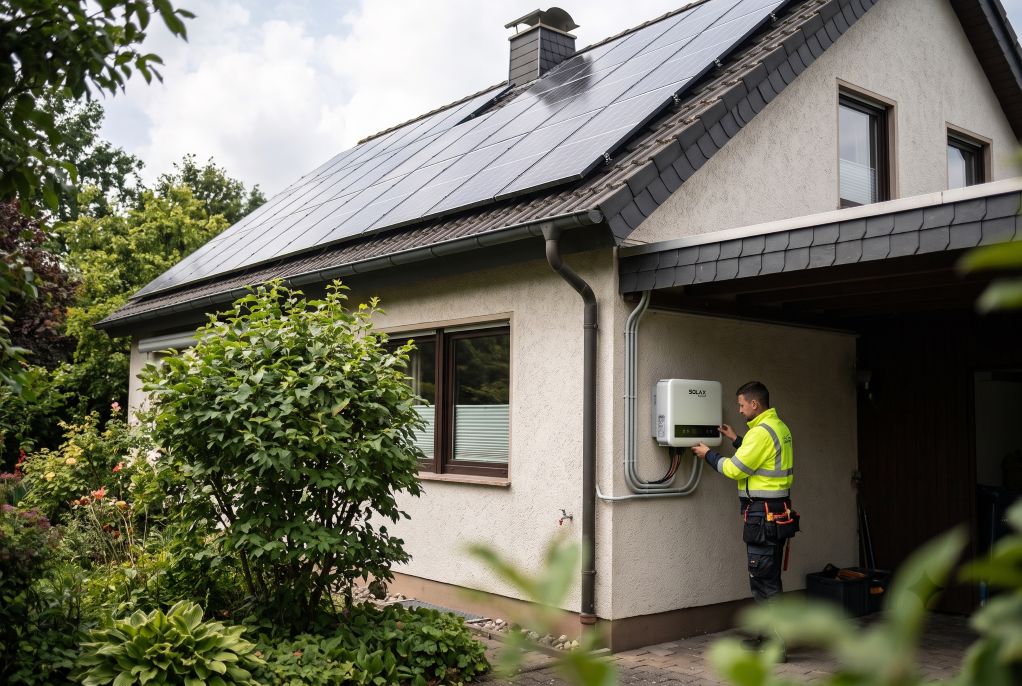
Collect electrical inputs before choosing nominal kW
Rated AC output does not confirm whether a solar inverter suits the array. Record these inputs before selecting equipment:
Module count, cold-weather open-circuit voltage and operating voltage per string
Maximum module current against each MPPT input limit
Roof orientation, shading pattern and electrically different string groups
Supply phase, DNO export limit and CT-based export-control method
Mounting environment, cable route and communications coverage
Use MPPT count to match roof complexity
An MPPT is an independent tracker that finds the best operating point for a PV string. Strings with different orientations, shading or module characteristics should not be combined without an electrical review. A low-cost single-input arrangement can otherwise reduce yield and make diagnosis harder.
Installation condition | Selection direction | Relevant SolaX coverage |
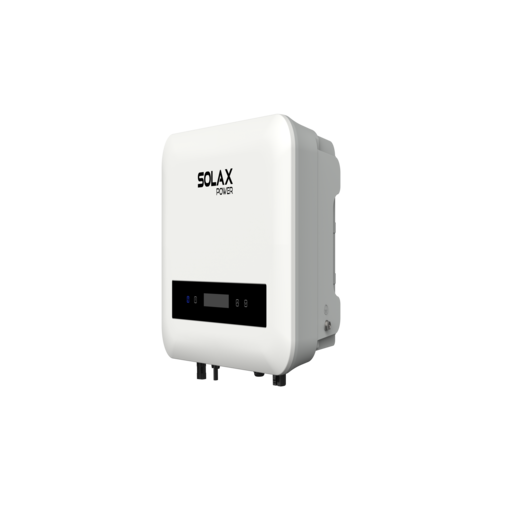
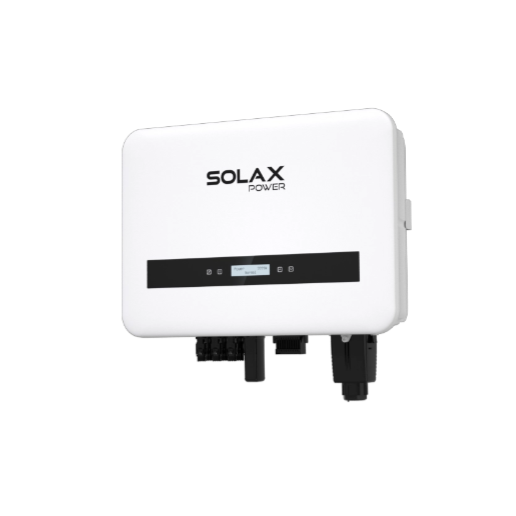
Compact single-phase PV system | Confirm voltage window and panel-current compatibility | X1-MINI G4 PLUS |
Larger or multi-orientation household array | Review MPPT arrangement and grid requirements | X1-SMART G2 |
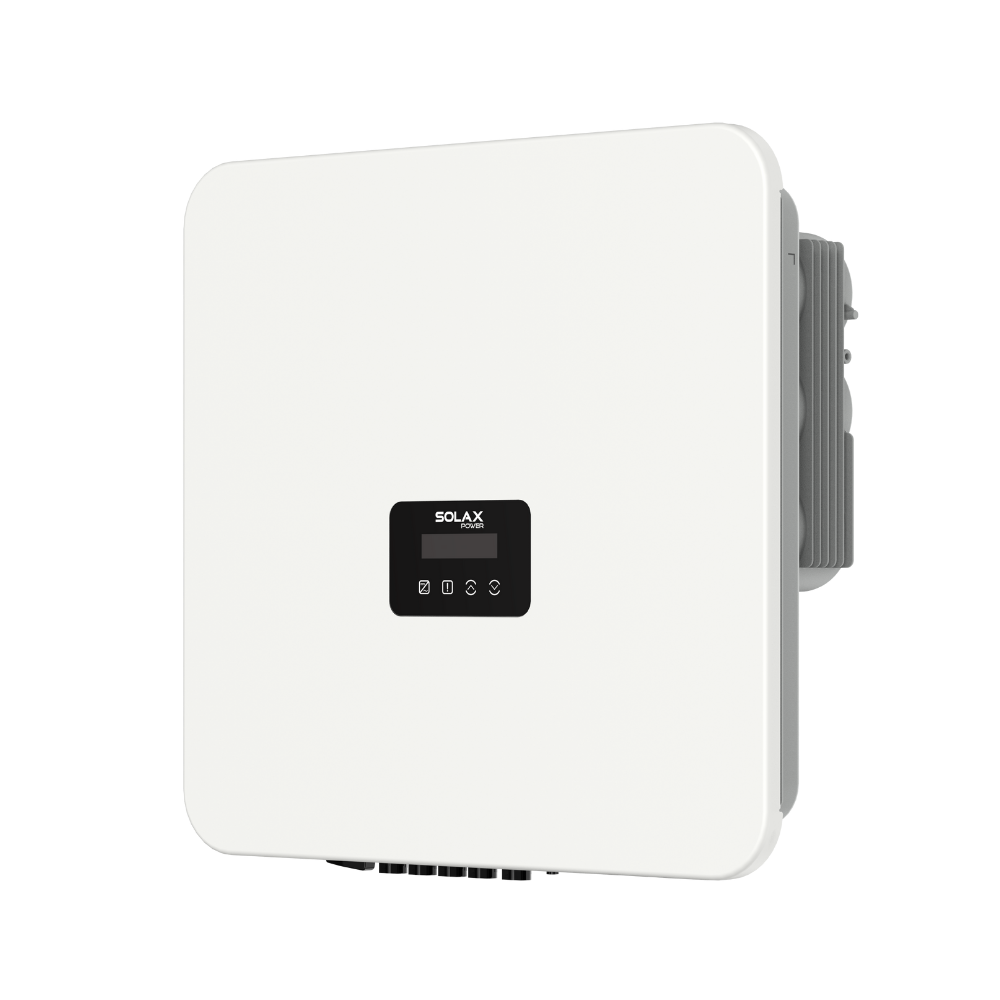
Three-phase residential application | Verify network approval and installation requirements | PRO G3 |
Match the inverter architecture to the site
Use the smallest practical decision set: array electrical limits first, roof geometry second, grid conditions third. This avoids treating an inverter battery, solar battery or solar energy storage system as an automatic substitute for a properly matched grid-tied inverter.
Compact single-phase arrays: X1-MINI G4 PLUS
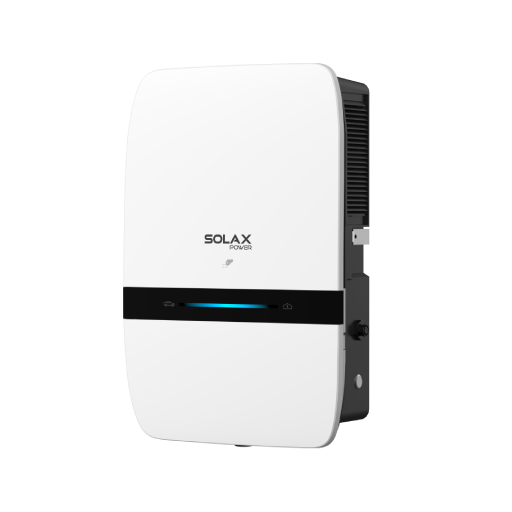
The X1-MINI G4 PLUS is available in 5 kW and 6 kW versions. It has one MPPT with one string input, a 40–550 V operating range and 20 A maximum input current per MPPT. Its listed features include global MPP tracking, shade optimisation, I-V curve diagnosis, built-in export control, AC/DC Type II surge protection and parallel operation for up to five inverters. The units are IP66 rated and measure 330 × 235 × 145 mm.
More complex single-phase layouts: X1-SMART G2
For a larger home solar system with multiple orientations, use an inverter with a suitable MPPT arrangement and capacity. Confirm the string design and local grid-code requirements before selection.
Three-phase projects: PRO G3
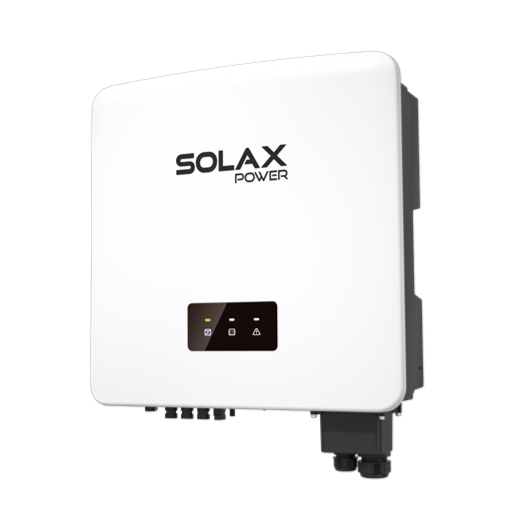
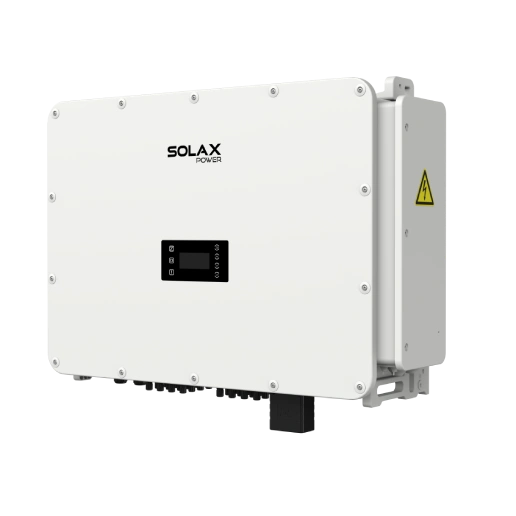
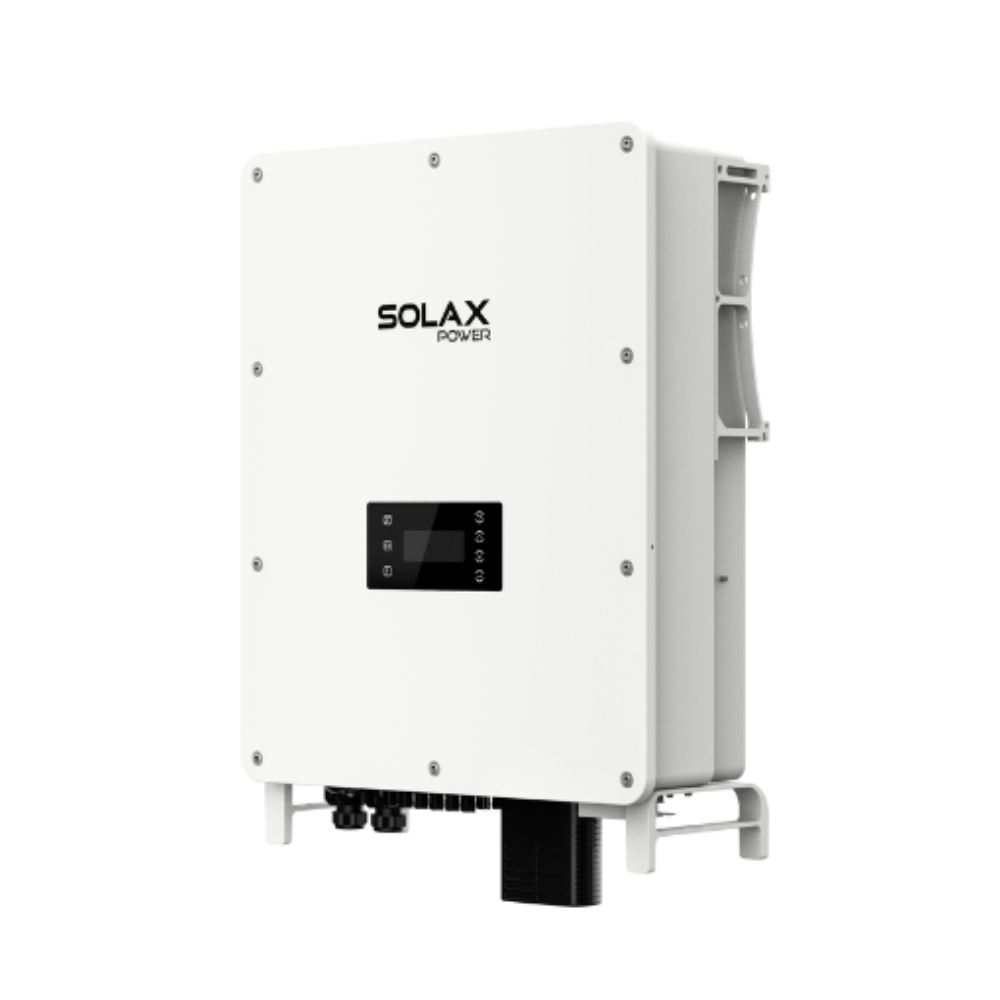
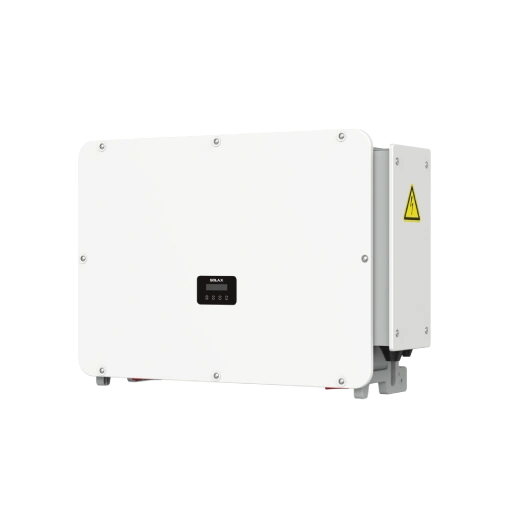
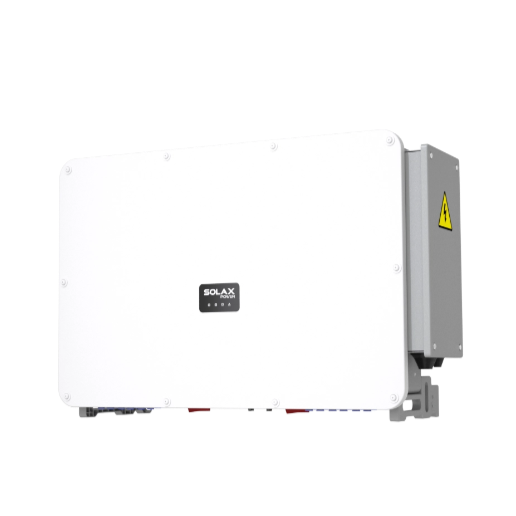
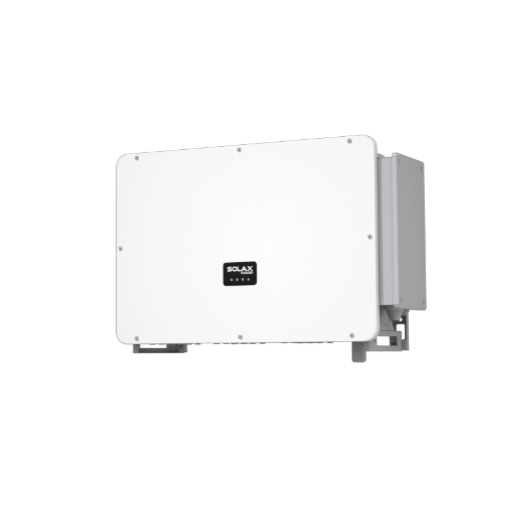
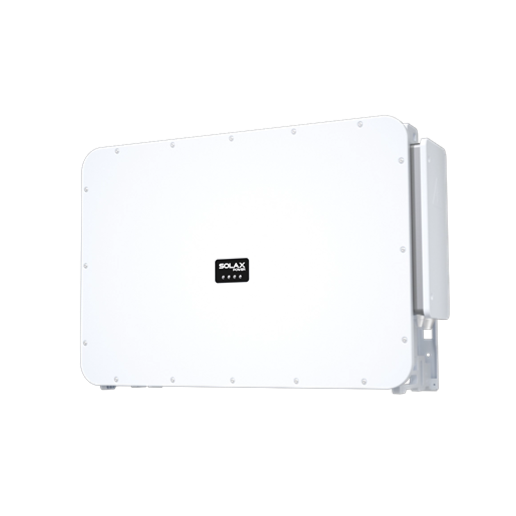
PRO G3 is the three-phase residential on-grid route listed in the portfolio, with 20 kW, 25 kW and 30 kW models. It provides two MPPTs on the 20/25 kW versions and three on the 30 kW version, alongside Type II AC/DC surge protection, IP66 protection and online I-V curve scanning. It requires a site-specific network and connection review rather than selection by output rating alone.
Build commissioning around evidence, not memory
A sound inverter commissioning process gives the next technician enough evidence to separate configuration, communications and electrical issues before arranging a visit. It also protects the solar installer when authorised firmware or configuration changes occur.
Record the final configuration at handover
Confirm firmware version, serial number and final site record.
Document the country or grid-code profile and export-control setting.
Photograph CT orientation, communications wiring and isolation labels.
Verify live PV production and import/export readings.
Create separate homeowner and installer SolaXCloud access records.
Revalidate export settings after an authorised update or configuration change. This matters because connection requirements are specific to the installation: GOV.UK notes that G98 notifications can be submitted within 28 days for eligible connect-and-notify work, whereas G99 or G100 applications may be needed before installation.
Define remote diagnostic responsibilities
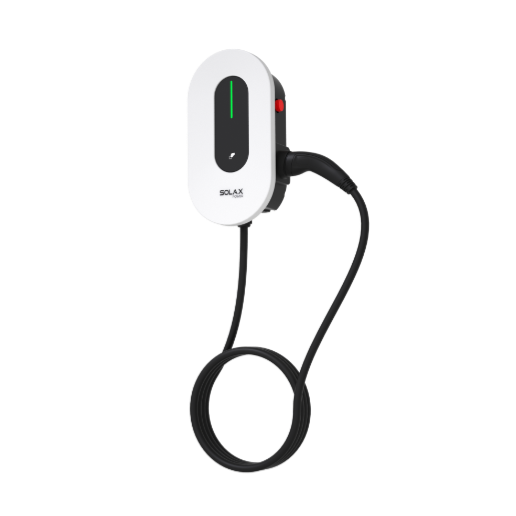
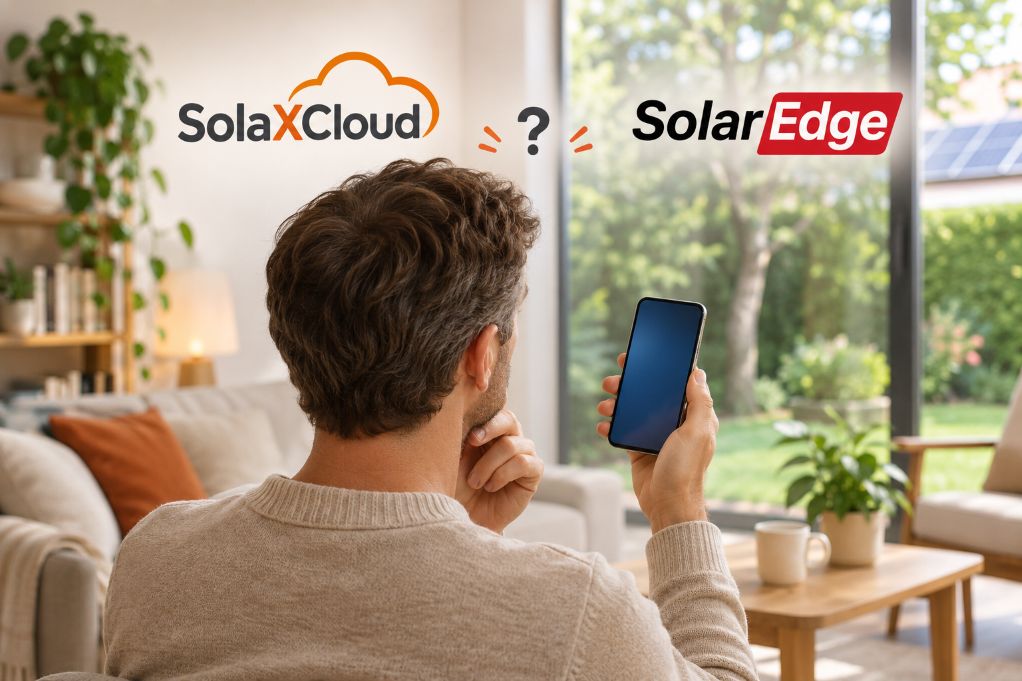
Solar monitoring works best when alert ownership is agreed in writing. Set the escalation contact, homeowner permissions, expected evidence and threshold for a site visit. SolaXCloud provides real-time monitoring and smart energy management features; the wider SolaX For Home route also connects PV, solar battery storage, solar EV charger options and energy storage solutions for homes.
Separate low-callback value from low initial cost
The right selection reduces uncertainty during solar installation and later support. Do not present a string inverter, micro inverter or hybrid inverter as universally better; choose the architecture that fits the roof and electrical design.
Selection checks that protect installation time
DC voltage range versus calculated string voltage
Maximum input current versus module data
MPPT arrangement versus orientations and shading
IP rating versus the mounting environment
Export-control method versus DNO requirements
Monitoring access versus the service workflow
Documentation versus commissioning and handover needs
FAQ
Table of Contents
Latest News
Explore expert insights, practical guides, and the latest news on SolaX Power.



To the Latest Newsletter
Stay Ahead with the Latest SolaX Updates!
Subscribe
I have read and agree to Privacy Policy and User Terms