












November 06, 2026
SolaXCloud vs SolarEdge: A Monitoring App Comparison for Solar Installers and Homeowners
Share my #SolaXStory


Choose SolaXCloud vs SolarEdge Around Your System Design
When a solar power system includes a solar inverter, inverter battery, the monitoring app should show energy flow clearly and support the equipment already installed. For a connected SolaX system, SolaXCloud smart energy management may be a suitable fit because it brings compatible SolaX devices into one dashboard while adding Smart Scene automation and XCopilot fault guidance. SolarEdge may suit installations where module-level PV diagnostics are the primary requirement.
For homeowners, start with the visibility you need: solar production, household consumption, solar battery charge, grid import and export. For installers, assess site creation, permissions, alarms and how quickly a fault can be triaged remotely. This matters as flexible electricity use becomes more relevant: Ofgem found that 49% of consumers believe time-of-use tariffs could reduce their costs.
Match monitoring scope to installed hardware
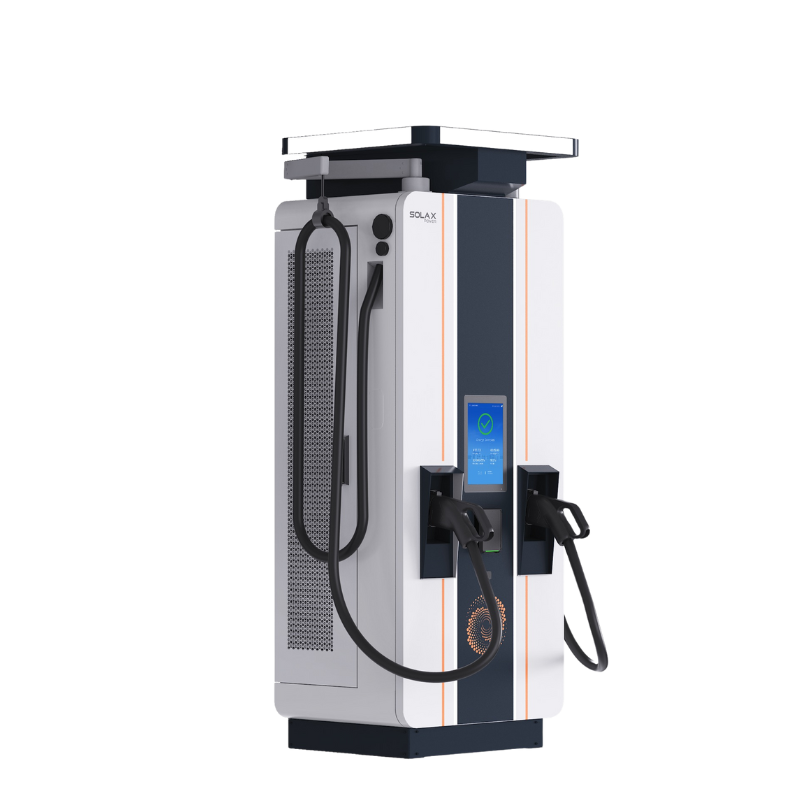
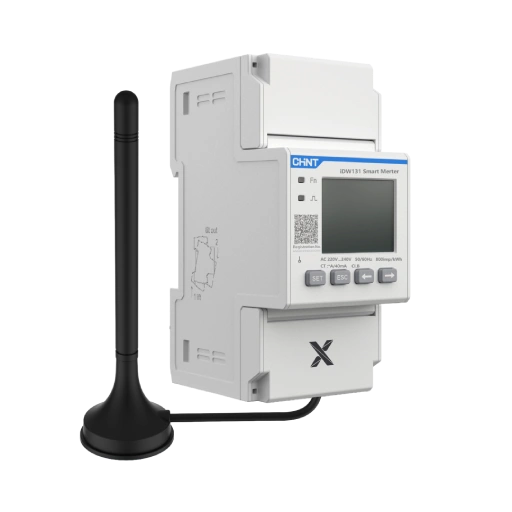
A monitoring platform works best when it follows the architecture of the solar energy system. SolaXCloud is intended for compatible SolaX inverters, battery storage, EV chargers and connected controls. SolarEdge Monitoring is centred on the SolarEdge PV ecosystem, including its inverter and optimiser design. Avoid selecting an app before confirming the inverter, meter, battery and communications equipment on the installation plan.
Prioritise installer access and fault workflows
Installers should define who receives alerts, who can alter settings and what service is included after commissioning. SolarEdge installers create sites and set customer access levels. SolaXCloud supports plant management, device data and notifications; however, permissions and service responsibilities should still be agreed in writing before handover.
Why SolaXCloud Fits Unified SolaX Energy Management
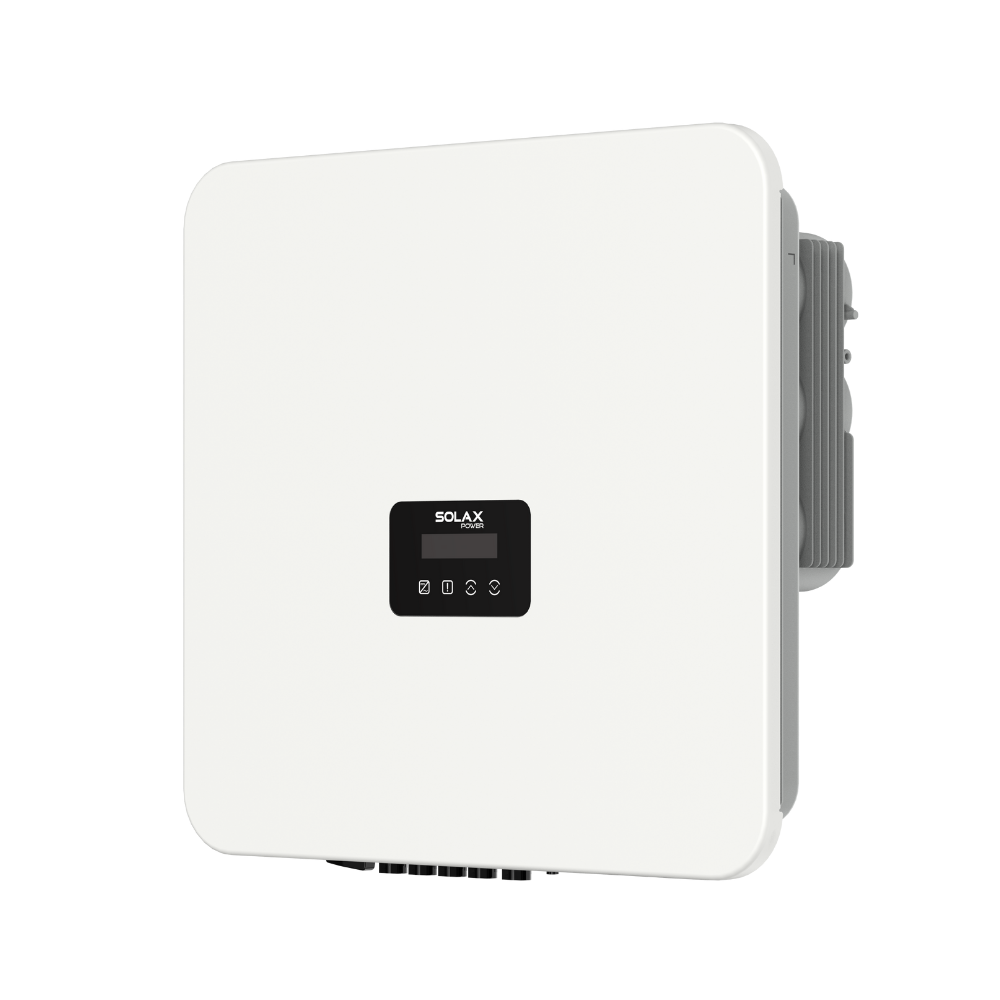
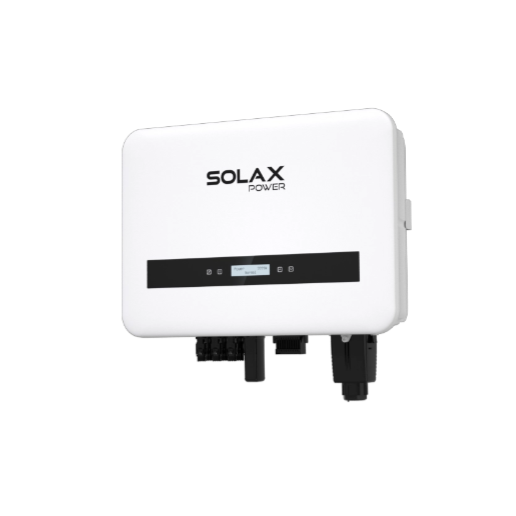
Solaxcloud suits a residential solar system or small commercial solar installation built around compatible SolaX equipment. Its central purpose is not only solar monitoring, but smart energy management across linked devices. That makes it useful when a household wants one view of photovoltaic generation, battery storage for home use and controllable loads rather than separate applications.
Centralises connected SolaX assets
The platform provides real-time monitoring and dashboard control for connected SolaX energy devices. XCopilot supplies equipment guidance and fault-location support, helping users interpret system information before contacting a solar installer. Smart Scene can automate responses to defined conditions, which is useful where the system is configured around tariff periods or changing household demand.
Smart controls are most useful when they make outcomes visible. A London City Hall home battery study noted that showing customers how battery management benefits them is important. In practical terms, review trends over several similar days rather than judging a solar battery or solar PV system from one cloudy afternoon.
Where SolaXCloud has limits
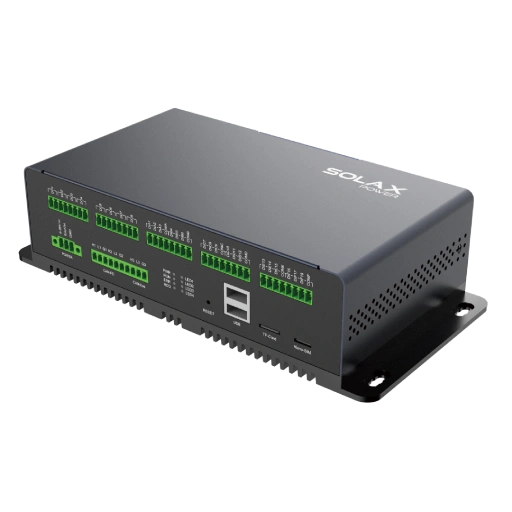
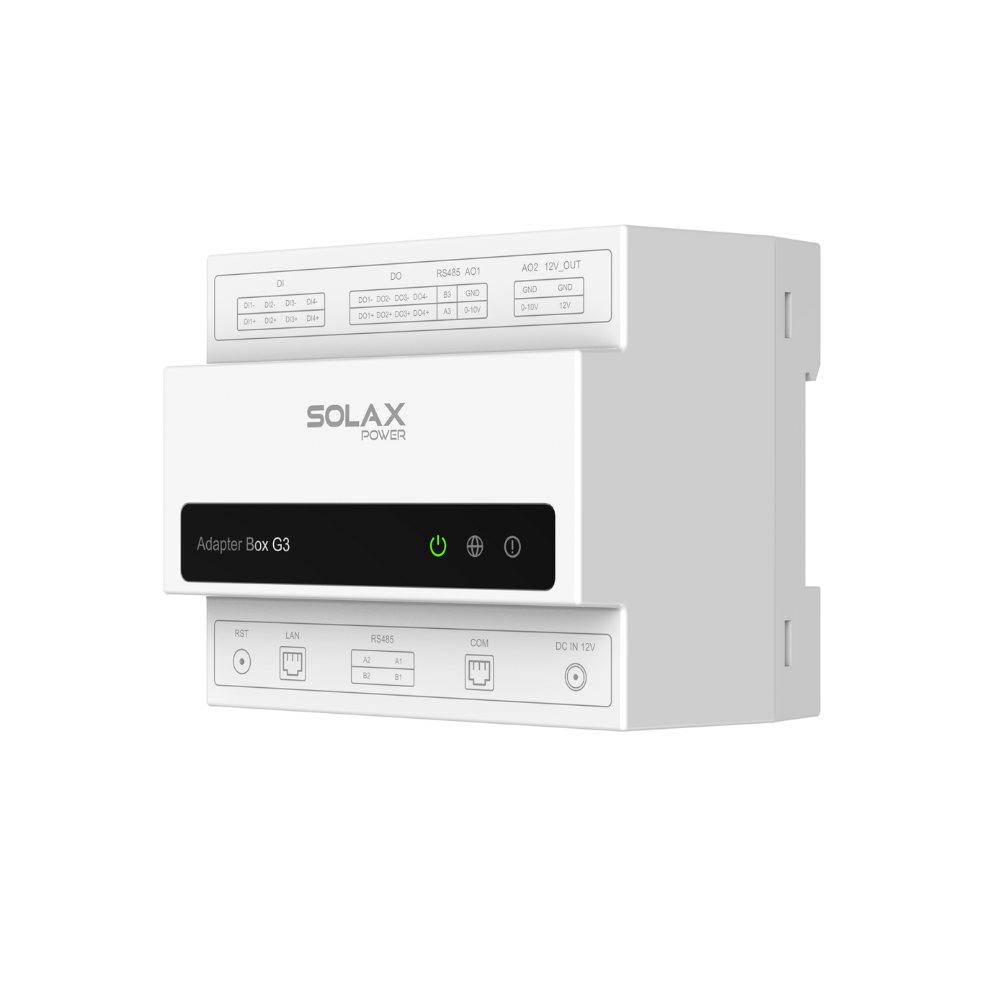
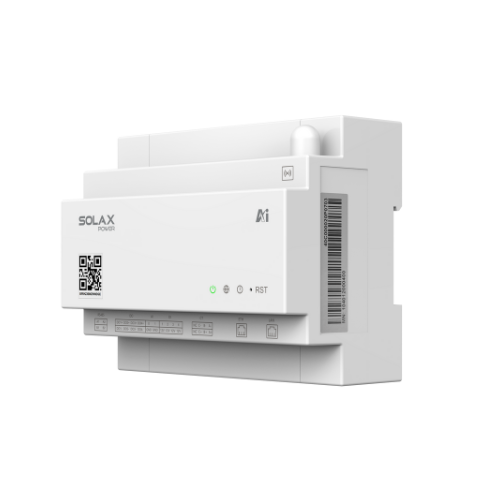
SolaXCloud requires compatible, connected SolaX equipment. It does not turn a mixed-brand solar energy system into one fully managed platform, and it does not claim SolarEdge-style module-level visibility. Confirm communications hardware, meter configuration and supported devices during solar inverter installation.
Where Is SolarEdge Monitoring Most Relevant?
SolarEdge Monitoring may be particularly relevant for SolarEdge residential fleets where module-level performance data is central to the service workflow. Its platform gives installers a single dashboard for multiple residential sites, with inverter-level and module-level performance information. Automated alerts can identify an affected module before a site visit.
Module-level diagnostics are its defining strength
A solar installer managing shaded roofs, complex arrays or recurring underperformance investigations may value SolarEdge's granular PV data. The platform supports module-level and inverter-level diagnostic views, helping technicians narrow a problem to a specific location in a mapped system. That can make troubleshooting more targeted than a system-level production view.
SolarEdge architecture remains the dependency
The benefit depends on a SolarEdge system design, including its associated monitoring architecture. Its commercial monitoring is now handled through SolarEdge ONE for C&I rather than the residential monitoring interface. Therefore, installers should confirm which portal applies to each customer type, how customer invitations are managed and whether metering is included for consumption reporting.
SolaXCloud vs SolarEdge: Which Monitoring Workflow Wins?
Dimension | SolaXCloud | SolarEdge Monitoring |
Primary ecosystem | Compatible SolaX connected assets | SolarEdge PV ecosystem |
Inverter battery visibility | Unified compatible-device view | Depends on installed architecture |
Module-level diagnostics | System and device guidance | Detailed module-level data |
Smart energy controls | Smart Scene automation | Energy controls vary by system |
Installer workflow | Plant data and fault guidance | Fleet dashboard and mapped alerts |
Suitable use case | Unified SolaX solar and battery | Granular PV fault diagnosis |
Limitations | Requires SolaX compatibility | Requires SolarEdge architecture |
Unified device control
SolaXCloud: It is designed to bring compatible solar inverter, solar battery, charger and energy-control data together. Smart Scene adds a practical control layer for selected automation conditions.
SolarEdge: It concentrates on the SolarEdge PV ecosystem and installer fleet monitoring. Consumption insights depend on suitable metering and system configuration.
More suitable for this use case: SolaXCloud may suit one connected SolaX solar energy system because it keeps compatible energy devices within a single management environment.
How detailed are diagnostics?
SolaXCloud: XCopilot provides step-by-step equipment guidance and fault-location assistance. This suits users who need clear system-level direction without interpreting module maps.
SolarEdge: Module-level performance data and automated alerts support more granular fault investigation. This is valuable where identifying an individual underperforming module is essential.
More suitable for this use case: SolarEdge may suit module-level diagnostic detail. SolaXCloud may be a more direct choice for compatible SolaX device guidance and wider energy management.
Installer access and customer sharing
SolaXCloud: Check plant access, user permissions and alert-routing responsibilities during commissioning. Homeowners should know whether their installer will actively monitor notifications.
SolarEdge: Installers create monitoring sites and invite customers with selected access levels. Homeowners should confirm who acts as portal administrator and who responds to alerts.
Comparison: Neither platform is universally more suitable; the deciding factor is the installer's documented support process.
SolaXCloud Is a Suitable Fit for One Connected SolaX System
Choose SolaXCloud when the project uses compatible SolaX solar inverters, inverter battery equipment and energy controls, and the goal is unified smart energy management. Choose SolarEdge when a SolarEdge PV design needs module-level performance visibility for installation and maintenance. Before purchase, verify meter inclusion, internet connectivity, device compatibility, user permissions and the installer's monitoring commitment.
For a SolaX solar energy system, use SolaXCloud as the operating view for daily performance checks and automation planning. Contact a qualified installer for wiring, battery, inverter or electrical repairs; a monitoring app can identify an issue, but it cannot replace professional maintenance.
FAQ
Table of Contents
Latest News
Explore expert insights, practical guides, and the latest news on SolaX Power.





To the Latest Newsletter
Stay Ahead with the Latest SolaX Updates!
Subscribe
I have read and agree to Privacy Policy and User Terms