












November 25, 2026
How Does Self-Use Mode Work in a Home Solar and Battery System?
Share my #SolaXStory


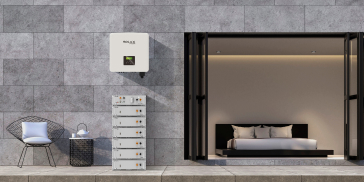
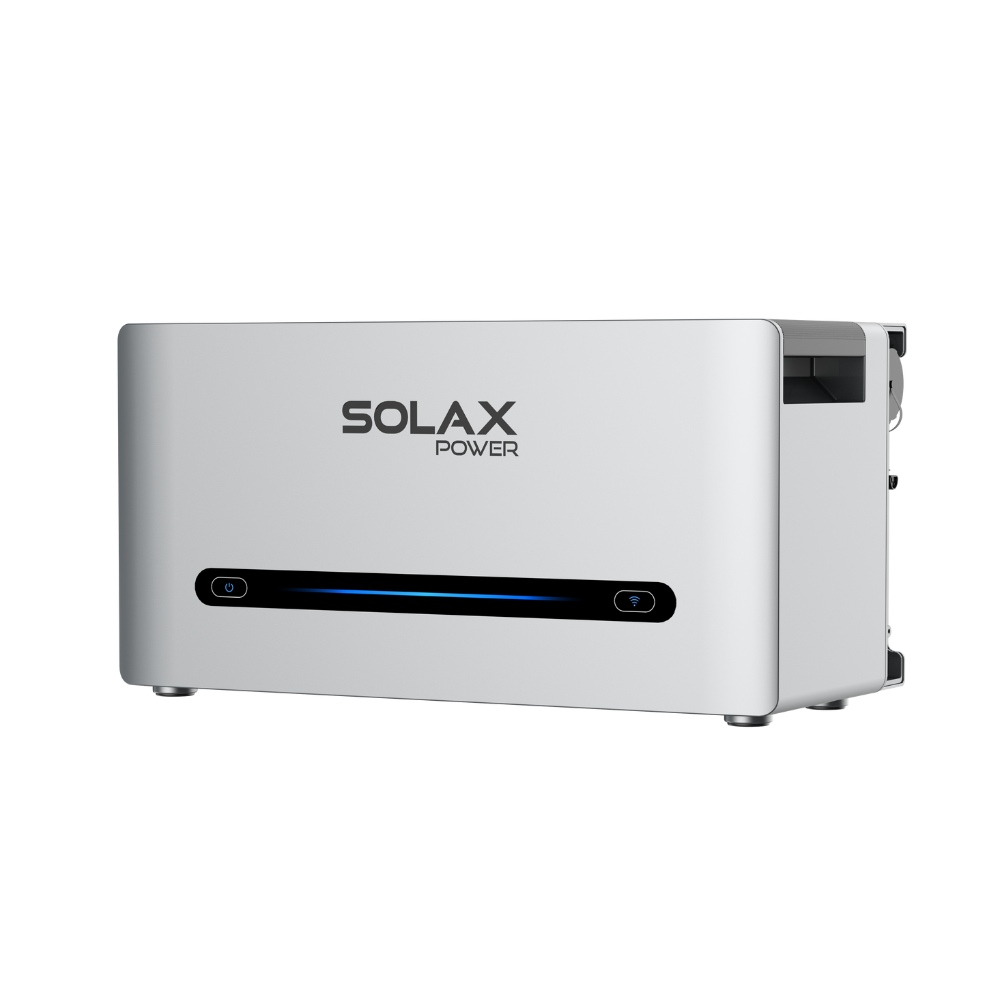
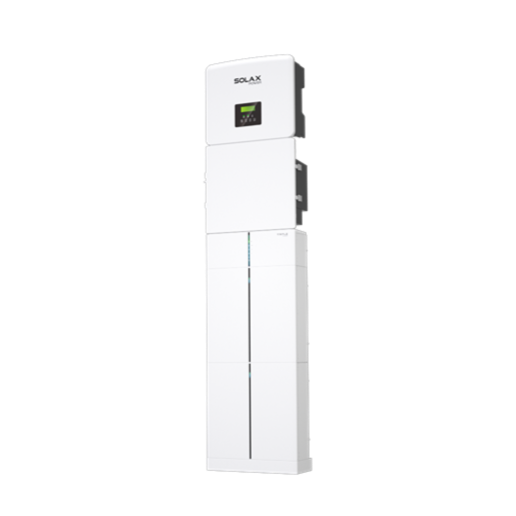
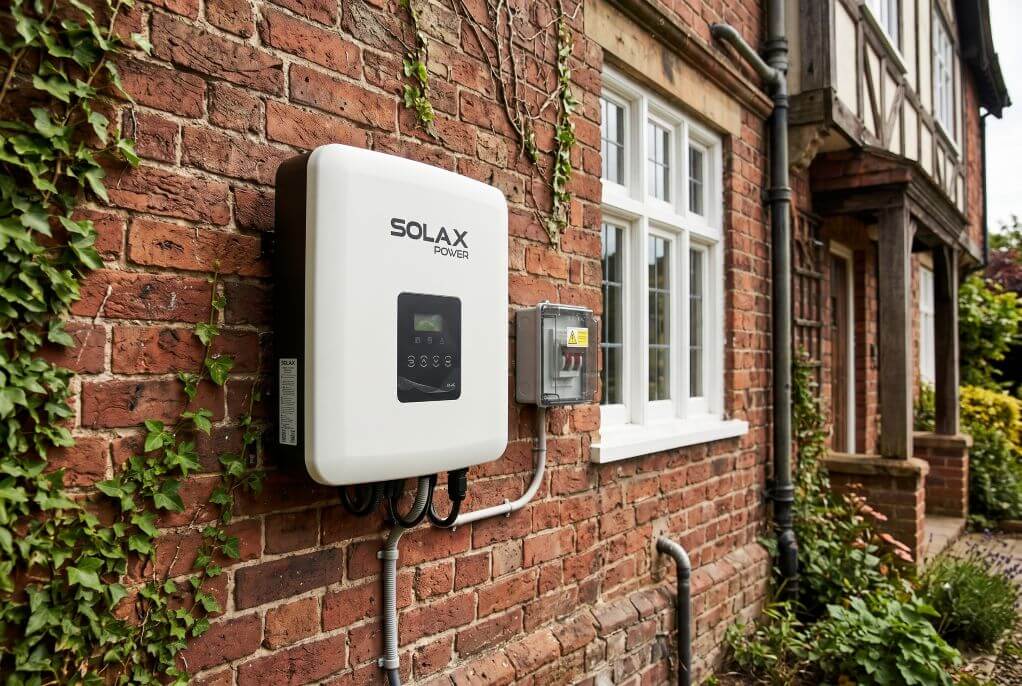
The UK Government notes that home batteries can store solar electricity for later use. If you export solar electricity by day but import it later, you need storage and controls matched to your usage. Compatible configurations in the SolaX For Home range offer self-use mode for a solar battery: they prioritise household demand, then charge the battery with surplus generation. The benefit depends on your consumption, settings and tariff.
How does self-use mode direct solar electricity?
Define the system and its terms
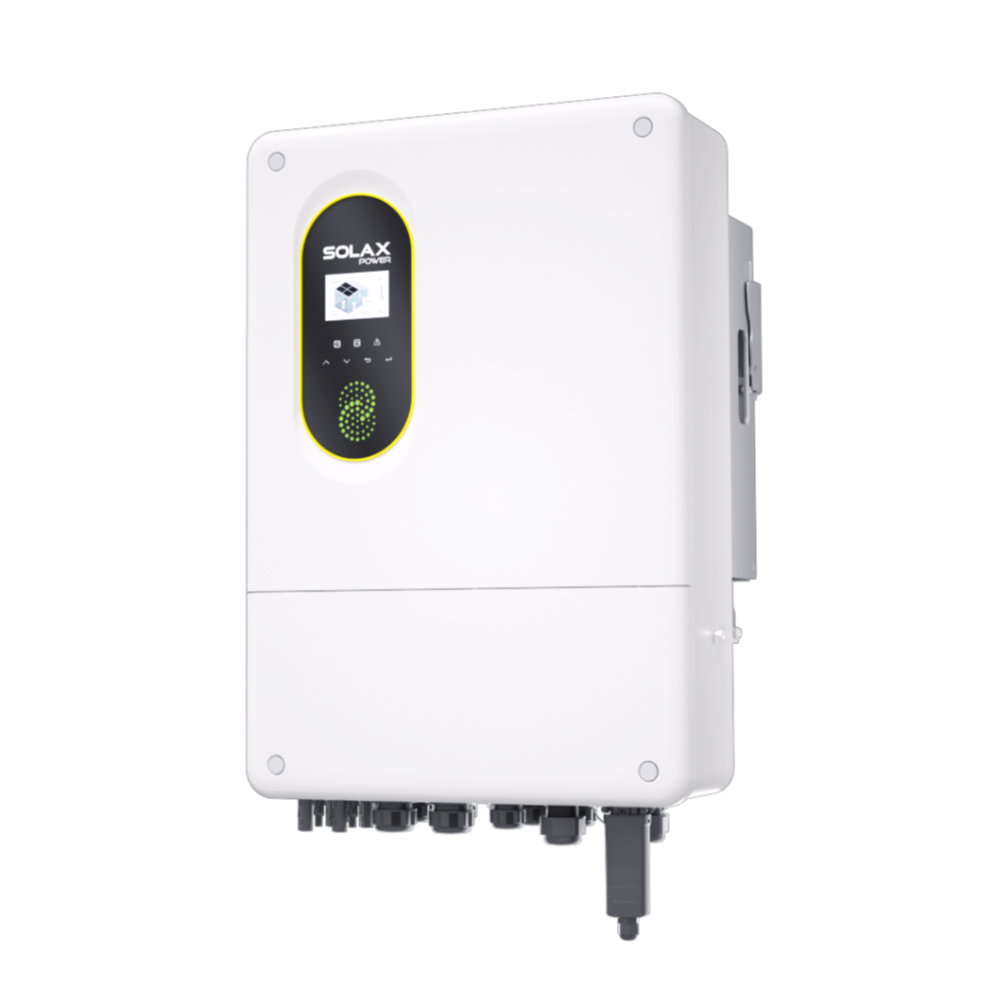
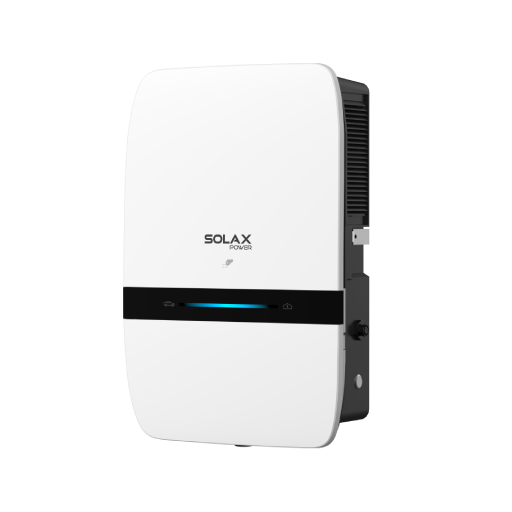
A solar photovoltaic system, or solar PV system, converts sunlight into electricity. Household load is the power your appliances currently need. A hybrid solar inverter connects solar generation and compatible battery storage; the battery’s state of charge (SoC) shows how full it is. Grid import is electricity drawn from the network; export flows in the opposite direction.
Power, in kilowatts (kW), measures the rate of supply or use. Energy, in kilowatt-hours (kWh), measures an amount used or stored over time.
Follow the electricity through a typical day
During normal grid-connected operation, self-use mode follows this sequence:
Solar generation supplies the home's current load.
Surplus charges the solar battery, subject to its limits.
Remaining surplus may be exported, where permitted.
When solar falls short, the battery can supply demand until its minimum SoC or another limit is reached; the grid supplies any remaining shortfall.
For example, 4 kW of generation and 2 kW of demand leave up to 2 kW for charging, subject to system limits.
How should homeowners configure and check the system?
Confirm the equipment and mode
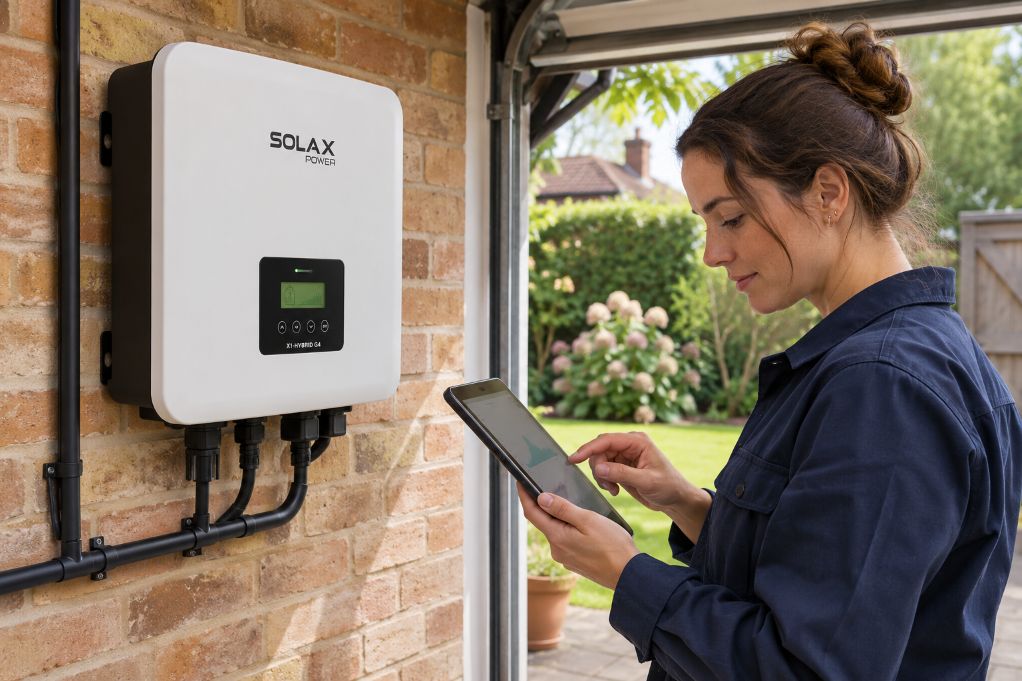
Ask your solar installer to verify the inverter and battery pairing, metering, export settings and available modes. Menu names and permitted settings vary by model and firmware, so confirm the instructions for your equipment before making changes.
Set a reserve and review schedules
A higher minimum SoC keeps more charge in reserve but leaves less for routine self-consumption. There is no single setting for every household. Check charging and discharge windows too: a scheduled grid charge can change the normal solar-first sequence.
Check the results in SolaXCloud
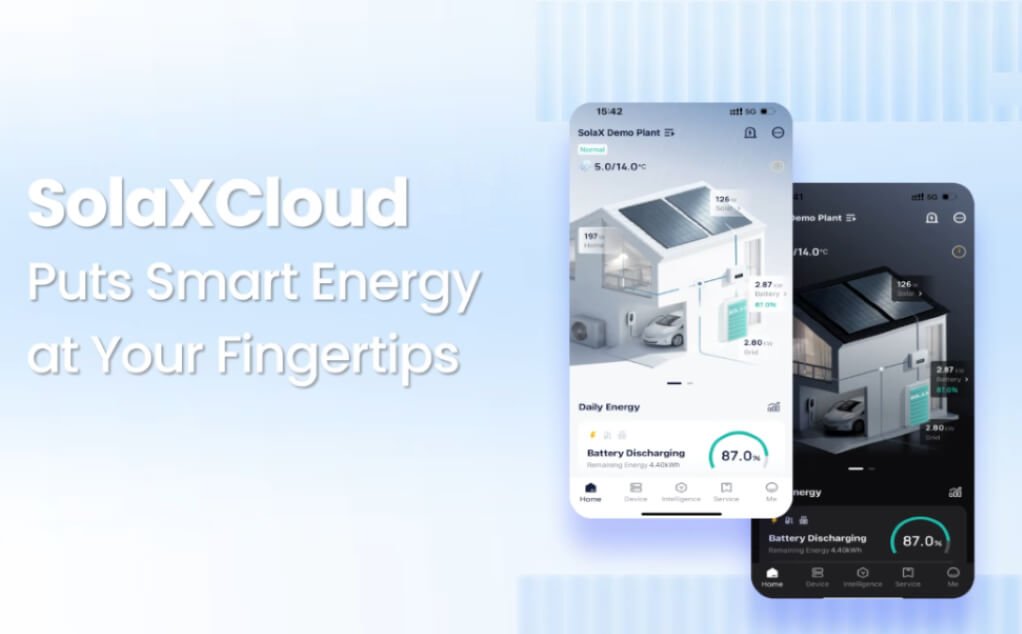
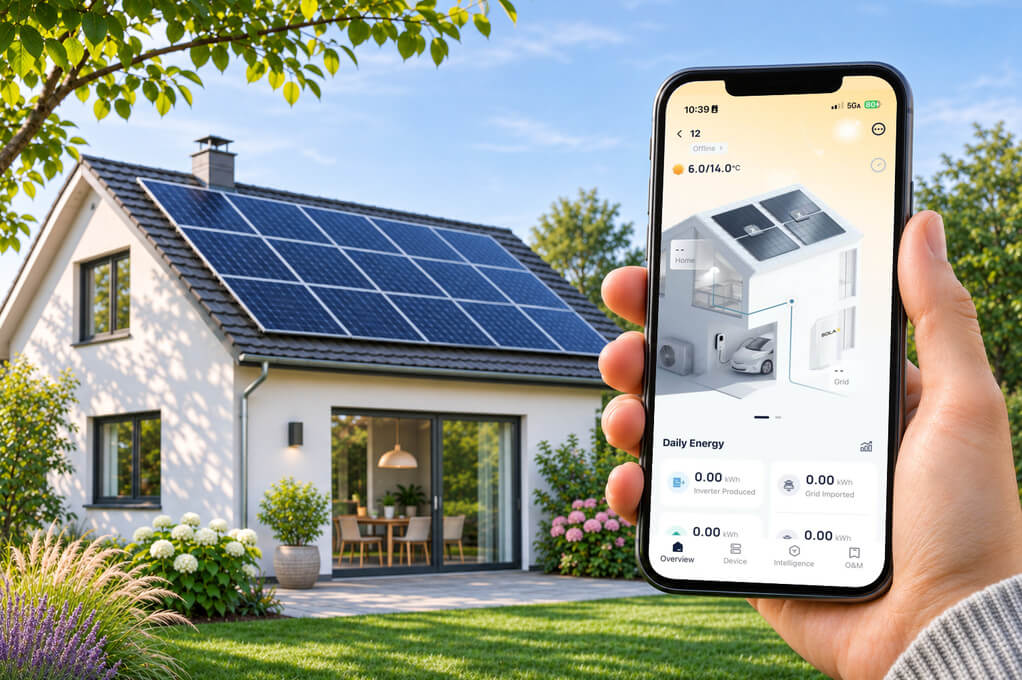
SolaX Smart Energy Management includes SolaXCloud monitoring and tariff-related controls. Compare generation, household use, battery activity and grid exchange over several days. Confirm which readings and controls your equipment supports.
Choosing settings for cost, capacity and resilience
Compare priorities, not just equipment
Self-use favours consuming your own solar electricity; a tariff schedule can shift charging to different hours. A higher reserve may suit a household concerned about outages, but reduces charge available for everyday use. Compare import rates, export payments and charging times before scheduling grid charging.
Check capacity and backup separately
Usable capacity determines how much energy a battery can store. Inverter and battery power limits determine how quickly it can supply that energy. Self-use mode alone does not establish outage backup: ask your installer to confirm emergency power supply capability, wiring and supported circuits.
Match the configuration to the household
New solar and battery installation
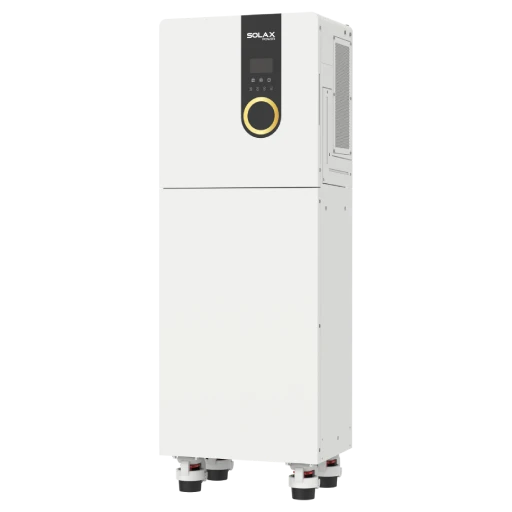
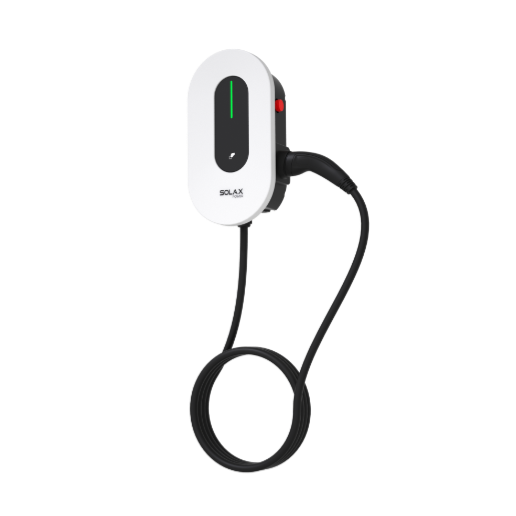
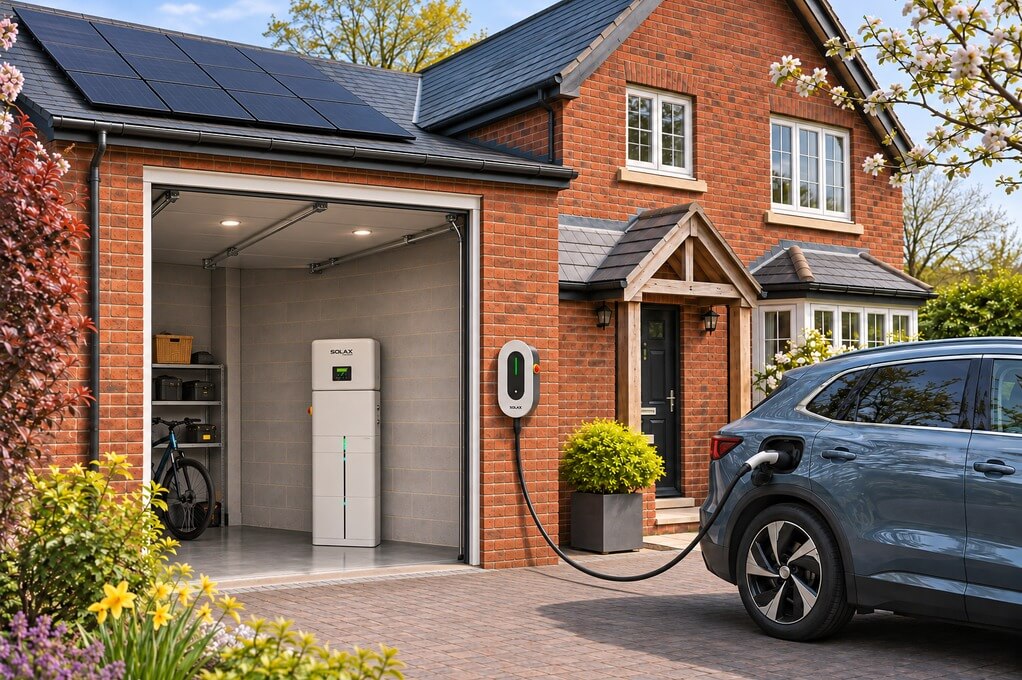
SolaX Residential Solutions includes solar-plus-storage and solar-plus-storage-and-EV-charging configurations. If a solar EV charger matters to you, check charger compatibility and control settings before expecting automatic charging from surplus generation.
Existing solar installation
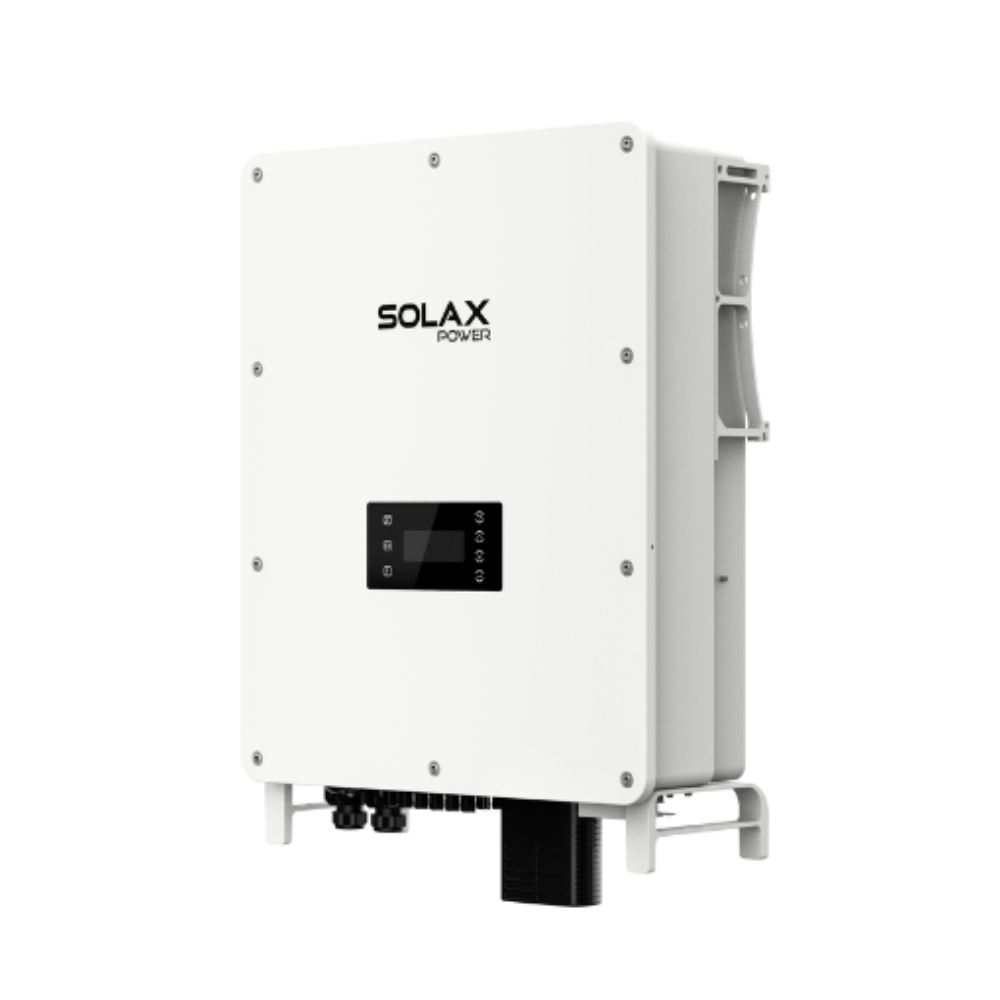
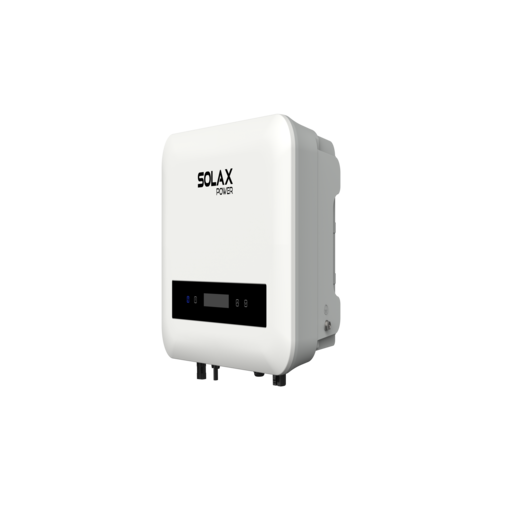
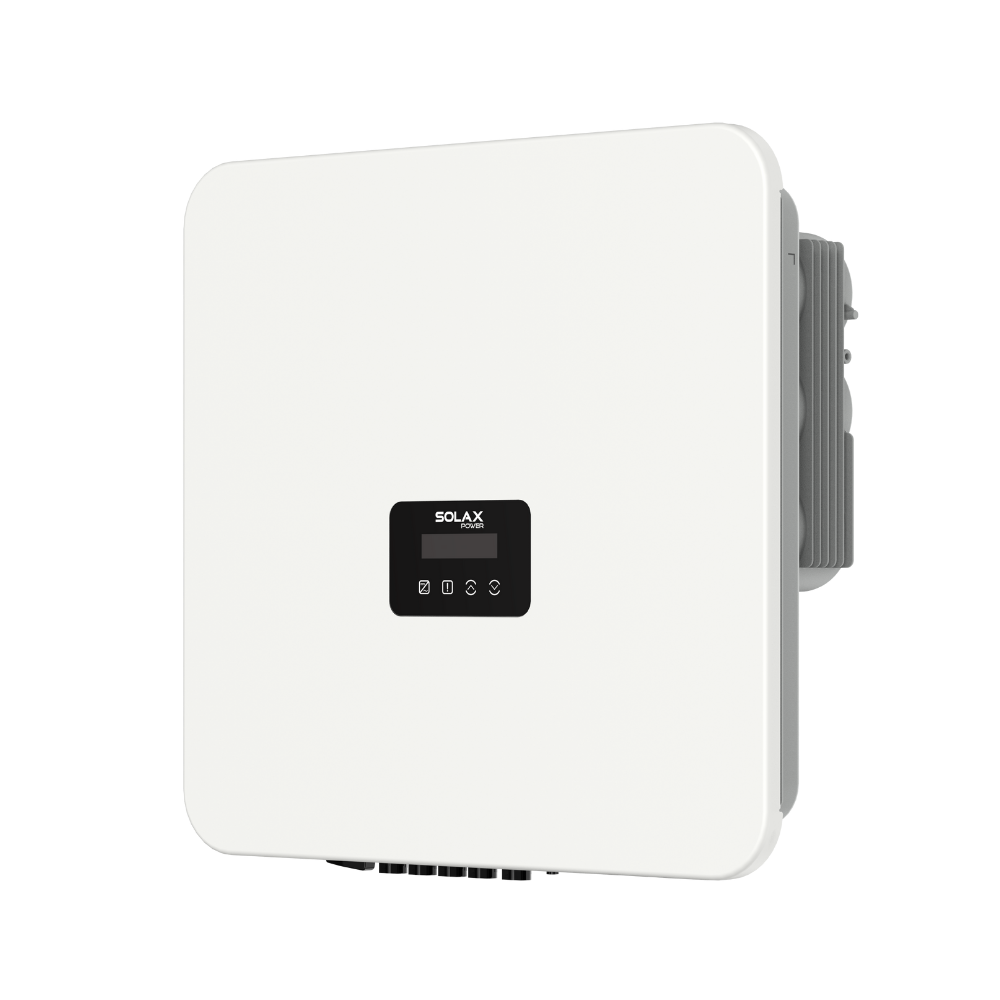
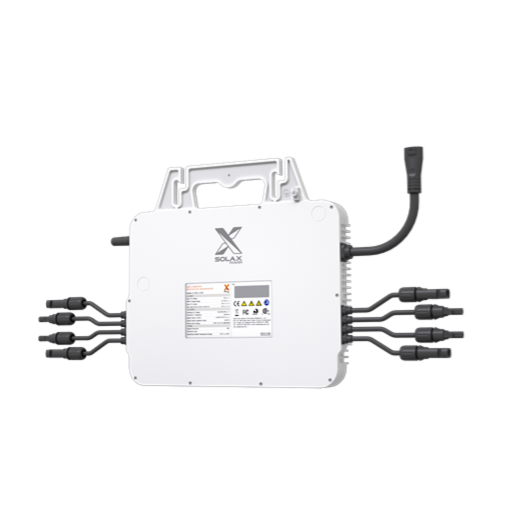
AC-coupled storage is a possible retrofit: a separate battery inverter connects storage on the alternating-current side of an existing solar installation. The SolaX X1-AC is a retrofit inverter; an installer must assess your existing inverter, metering and proposed battery pairing.
Key takeaway and next action
Self-use normally prioritises household demand, then battery charging, before eligible export. Ask a qualified installer to assess your usage, tariff, equipment compatibility and backup requirements together.
FAQ
Table of Contents
Latest News
Explore expert insights, practical guides, and the latest news on SolaX Power.



To the Latest Newsletter
Stay Ahead with the Latest SolaX Updates!
Subscribe
I have read and agree to Privacy Policy and User Terms