









November 18, 2026
5 Best Solar Monitoring Apps for Features, Costs and Compatibility
Share my #SolaXStory


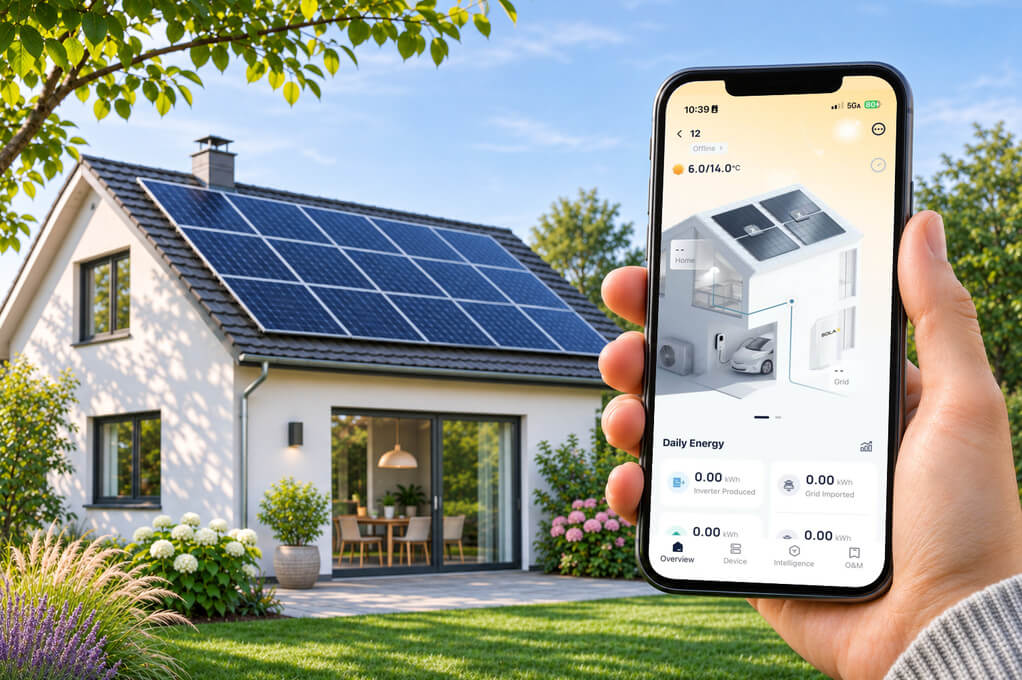
Solar panels can be working while a problem goes unnoticed. A monitoring app helps you check whether your system is producing power, spot changes in its output and review what happened while you were away. But a solar panel monitoring app may show different data from an inverter app, especially if you want to track household energy use or compare individual panels.
This guide compares five solar monitoring apps: SolaXCloud, mySolarEdge, Fronius Solar.web, the Enphase App and SolisCloud. The right solar power monitoring app depends on your equipment, the information you want to see and whether features such as consumption monitoring require extra hardware or a paid plan.
5 Solar Monitoring Apps Compared: How to Choose
These apps are designed for specific equipment ecosystems. Their differences show up in day-to-day tasks, from checking household energy flows to investigating one panel or keeping an eye on several sites.
SolaXCloud shows how energy moves through a SolaX system
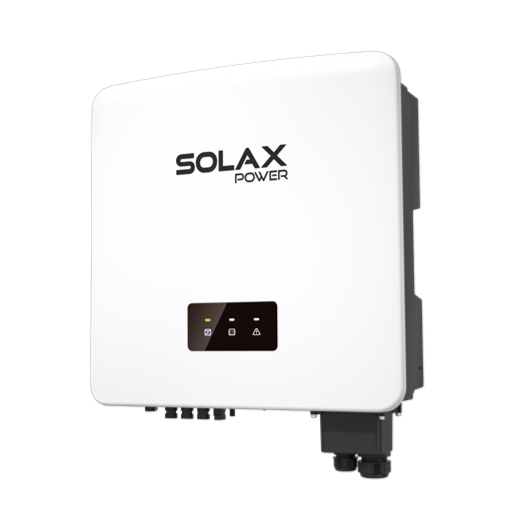
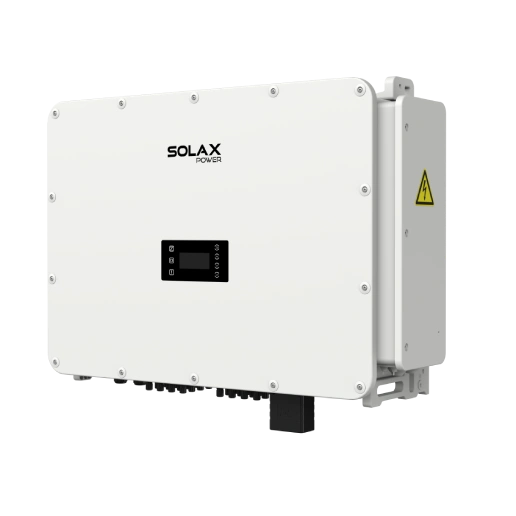
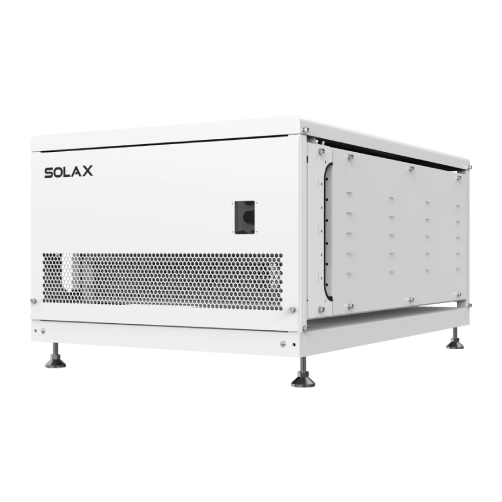
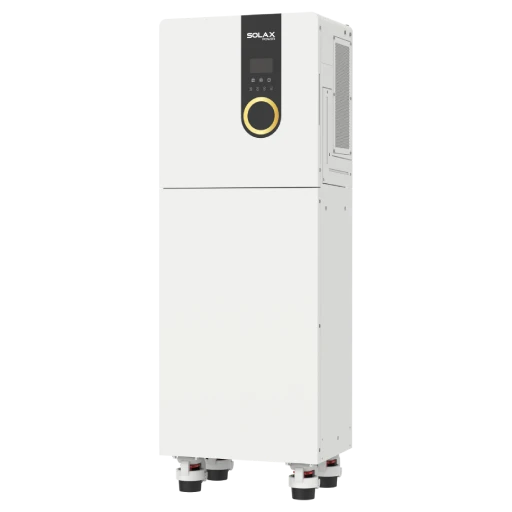
SolaXCloud is SolaX Power's monitoring platform for compatible inverters and energy storage systems. It brings system data together in an app for owners and installers.
See where the power is going. With compatible metering, the energy flow view can show solar generation, household consumption and grid exchange. A supported battery adds its charging or discharging activity.
Use past production to understand your routine. Review historical data to see when your system tends to export power. If that often happens around midday, you may be able to run some appliances earlier.
Learn more about the SolaXCloud monitoring platform and its features for compatible systems.
mySolarEdge can help identify an underperforming panel
mySolarEdge is SolarEdge's app for system owners. For systems with optimisers and an enabled panel layout, it can show production at the module level.
Compare panels on the roof. If one panel repeatedly produces less than nearby panels, its position and output can give your installer a useful starting point for troubleshooting.
Check household consumption. Consumption and grid exchange data require a compatible SolarEdge Energy Meter.
Panel-level monitoring depends on the system configuration, so check which devices and views are included in your installation.
Fronius Solar.web separates basic monitoring from premium features
Solar.web is Fronius's monitoring platform for compatible PV systems. It offers Basic and Premium options, which makes it easier to check whether you need the paid features.
Basic covers routine monitoring. It includes historical PV data and notifications.
Premium adds analysis and planning tools. Depending on the feature, these can include production forecasts and financial reports.
Check Fronius's current plan details for your region before subscribing, since available features may vary.
The Enphase App offers detailed production reports
The Enphase App is designed for owners of Enphase Energy Systems. Its reports can help when a general production graph does not show enough detail.
Investigate a specific time period. The Recent Production report provides seven days of readings in five-minute intervals as a CSV file.
Review longer-term output. Daily and monthly reports make it easier to follow production over a selected period.
Consumption data requires the appropriate metering equipment.
SolisCloud helps users monitor multiple Solis sites
SolisCloud is Solis's app and web monitoring platform for compatible systems. Its site overview can be useful for installers or businesses responsible for more than one location.
See which site needs attention. The overview can be sorted by measures such as yield, current power and last update.
Distinguish an alarm from a connection problem. SolisCloud uses different status indicators for systems with alarms and systems that are no longer communicating.
The available information depends on the connected inverter and data logger.
How to Choose the Best Solar Monitoring App for Your System
Start with the inverter model. A solar inverter monitoring app usually works with specific equipment, and the data it displays may depend on meters, sensors or a communication device.
Compatibility
Confirm that the solar system monitoring app supports your exact inverter model and system configuration. Check which meters or sensors are needed to view household consumption.
Try the history view
Look for the time range, chart detail and export options you’ll actually use.
Check the alerts
See whether the app identifies equipment faults and communication problems separately.
Review account access
Find out how the owner and installer accounts work, and who can change system settings.
Consider the number of sites and meters
For a small business, check whether you can review each location separately and whether the app supports the meters needed for energy cost analysis.
The best solar monitoring app is the one that works with your equipment and gives you the information you need without requiring features you will not use.
FAQ
Table of Contents
Latest News
Explore expert insights, practical guides, and the latest news on SolaX Power.


To the Latest Newsletter
Stay Ahead with the Latest SolaX Updates!
Subscribe
I have read and agree to Privacy Policy and User Terms