













November 23, 2026
Smart Load Control Explained: How to Prioritise Solar, Battery and Home Appliances in the UK
Share my #SolaXStory


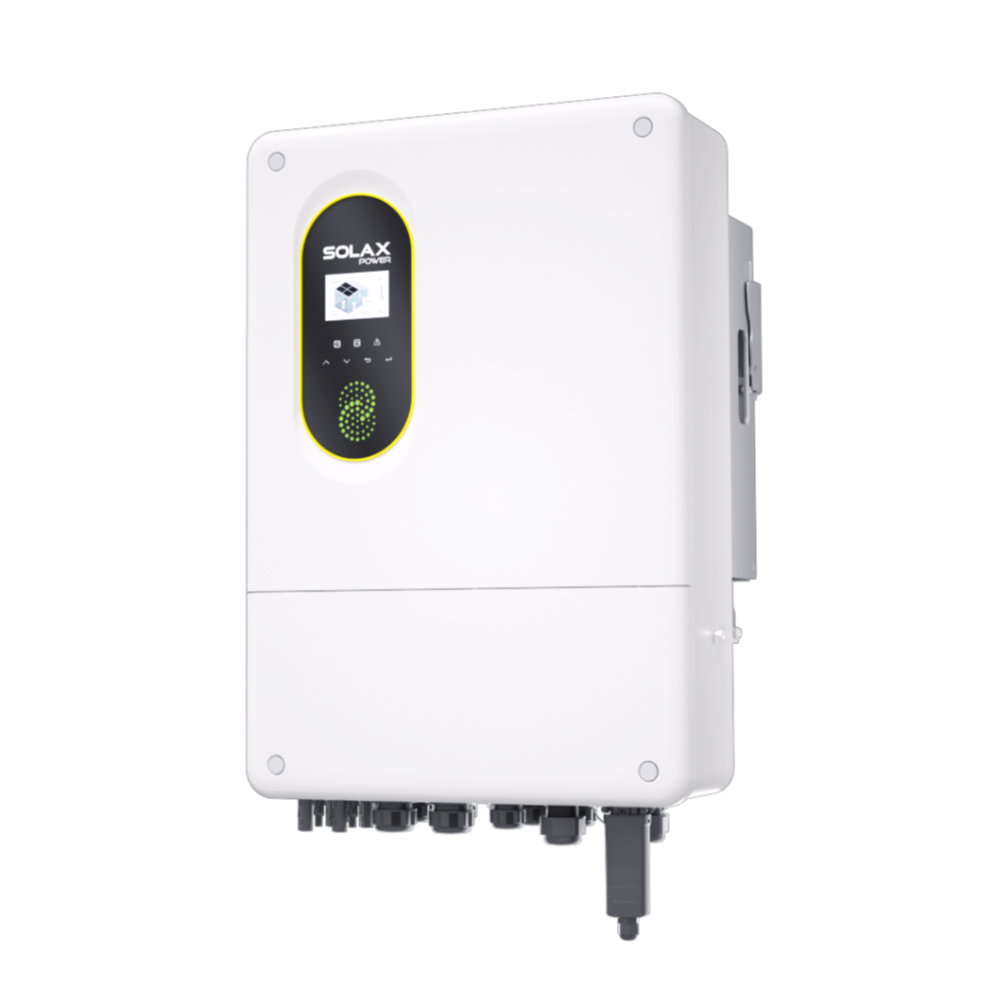
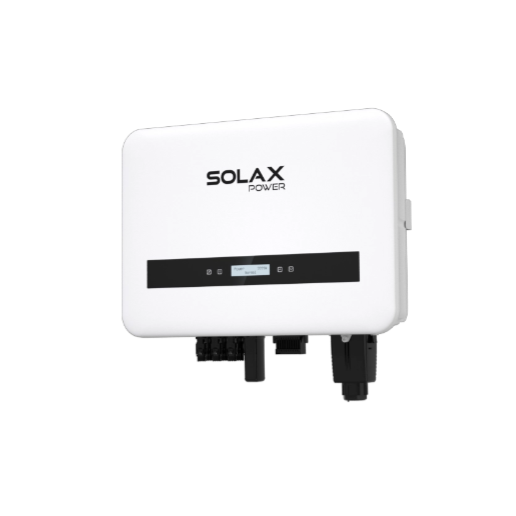
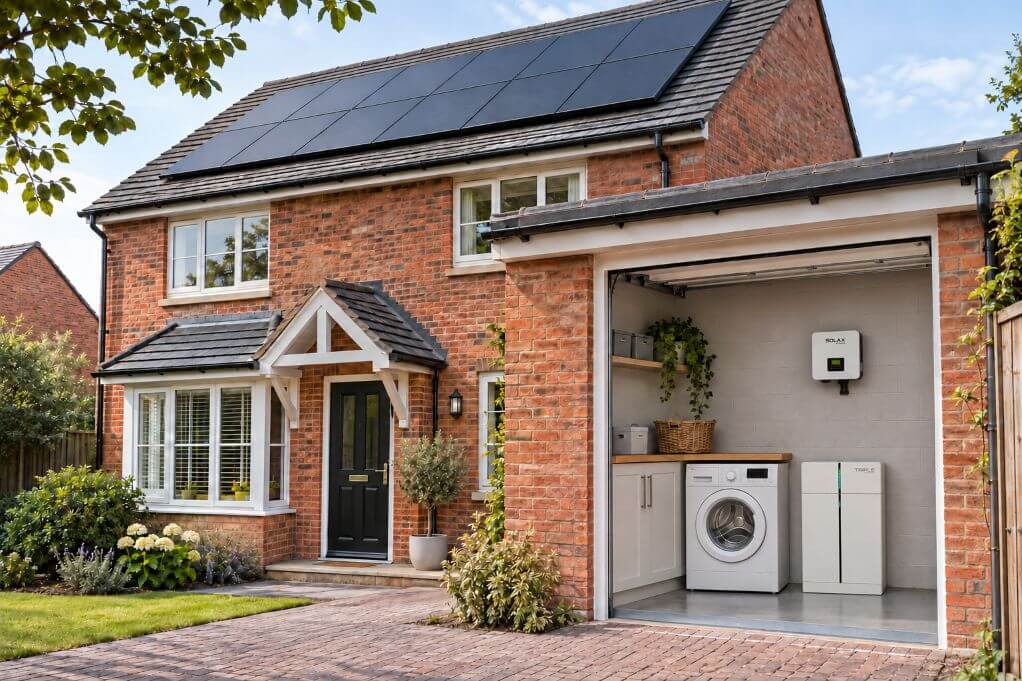
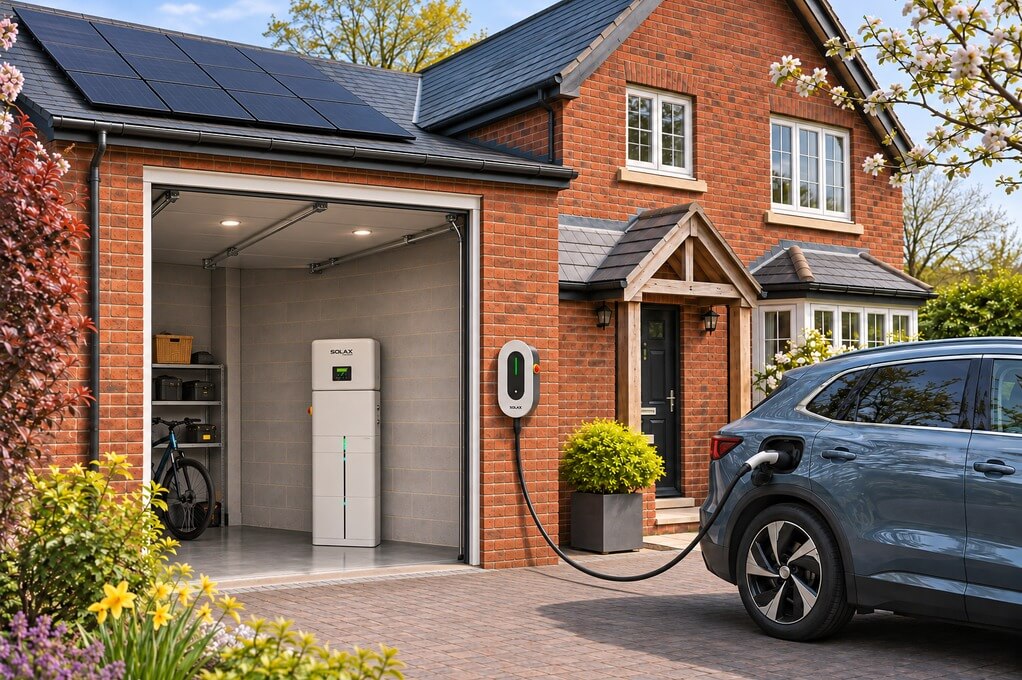
When your solar panels generate electricity but nobody is using it, smart load control can help you shift suitable demand. You need a compatible inverter, battery and appliance controls. The SolaX X1-Hybrid G4 supports battery management and compatible smart loads, while a T-BAT-SYS-HV-3.0 battery stores surplus energy. Confirm the combination and interfaces with an installer.
1. Identify which household loads can be shifted
List what runs continuously, what is essential and what can wait. Compare those loads with the times your home uses the most electricity and when solar generation is likely to be available. Smart load control changes when a supported load runs; it does not control every appliance automatically.
Continuous: Fridges and other equipment that must keep running.
Essential: Appliances you need at specific times.
Flexible: EV charging or a compatible heat pump, where timing can change.
2. Check the smart load control prerequisites
A competent solar installer should assess your solar PV system, supply phase and planned controls before equipment is selected. Solar installation and commissioning are professional electrical work, not DIY tasks. Ask for a plan covering the following checks:
Inverter and battery compatibility, plus the required meter or current transformer.
Supported interfaces and accessories for the charger or heat pump.
Whether backup is needed and which circuits it would cover.
Whether the distribution network operator must be notified or approve the connection first.
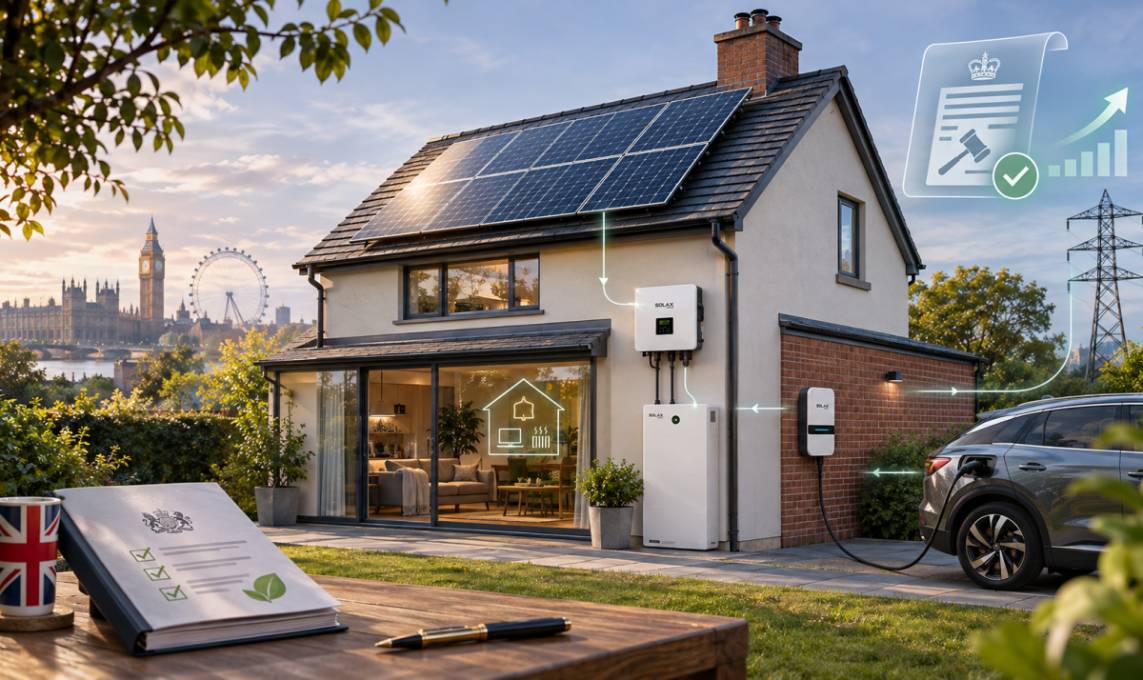
In England, Scotland and Wales, GOV.UK distinguishes between connections notified after installation and those requiring an application beforehand.
3. Choose the inverter and battery configuration
For a new solar and battery installation, a hybrid inverter can manage both. For an existing solar system, ask your installer to assess a retrofit arrangement rather than assuming the existing inverter must be replaced. Battery capacity, measured in kWh, indicates stored energy; power ratings, measured in kW, affect how much can be supplied at once.
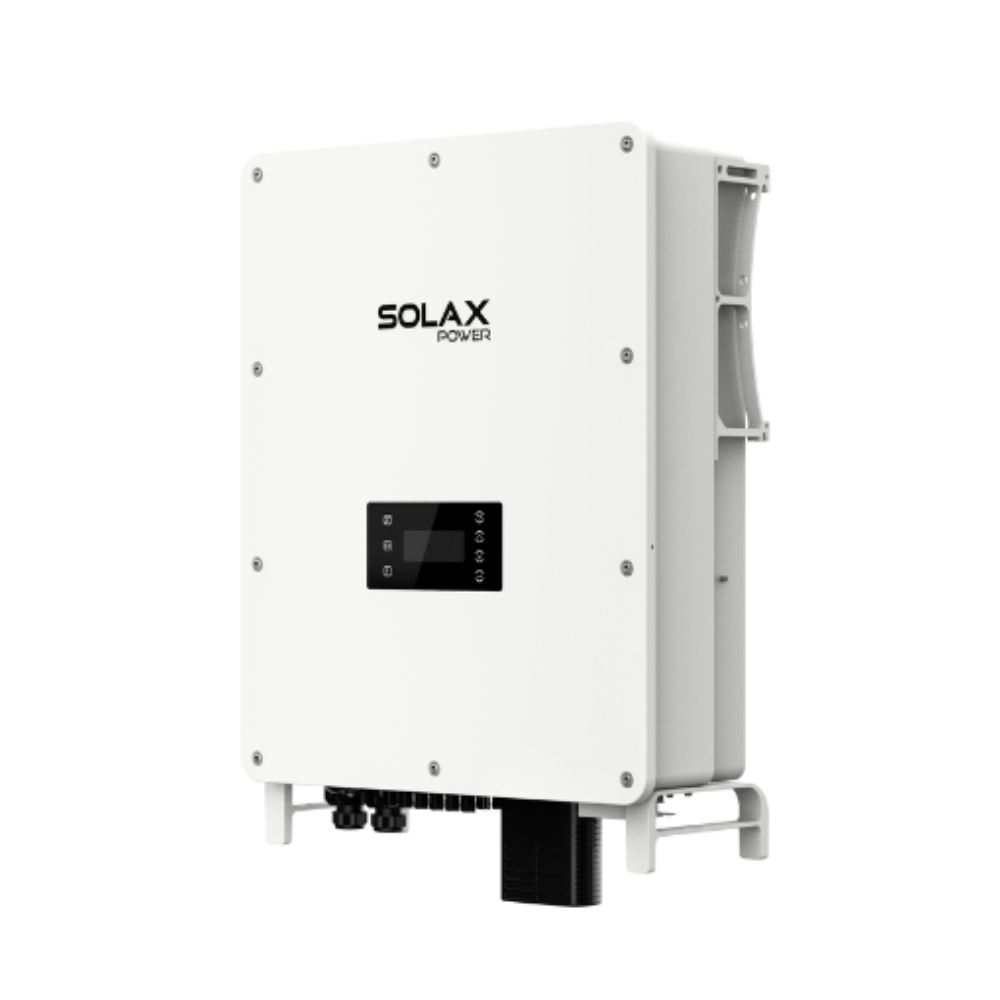
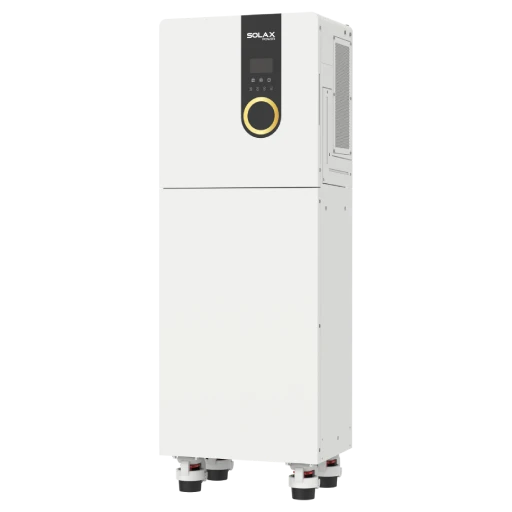
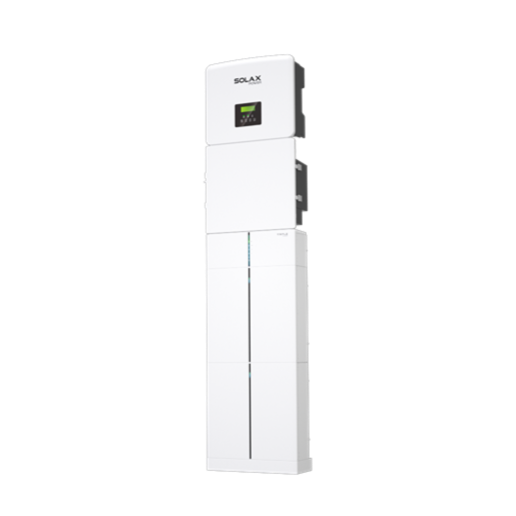
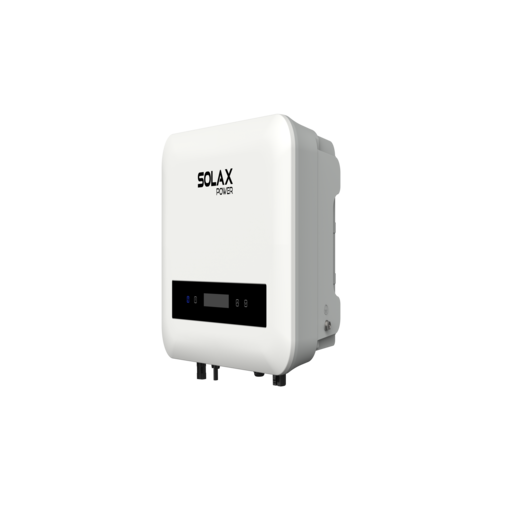
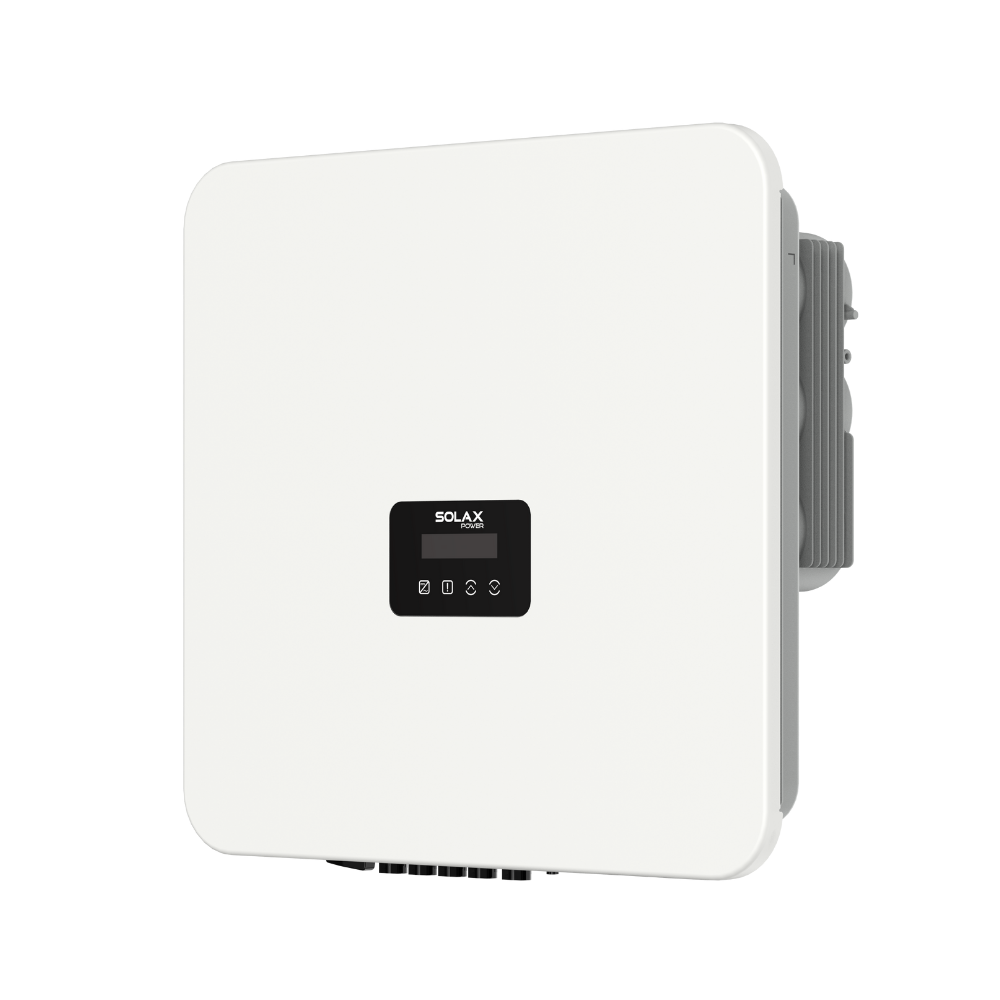
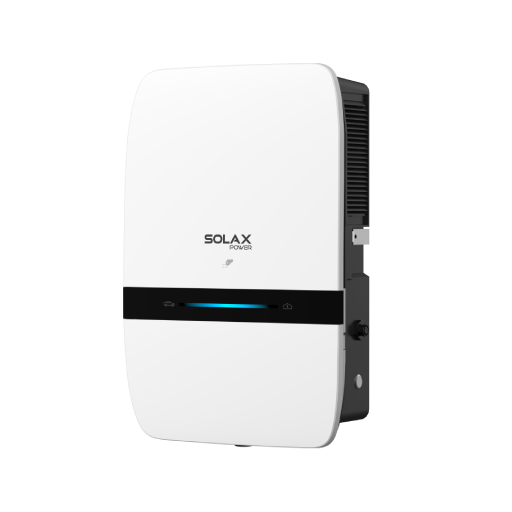
SolaX X1-Hybrid G4 inverter
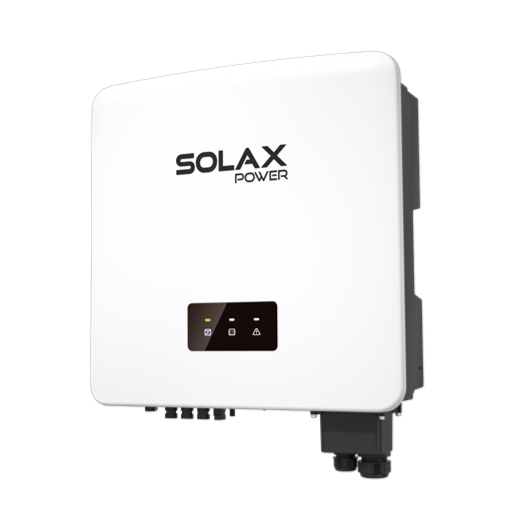
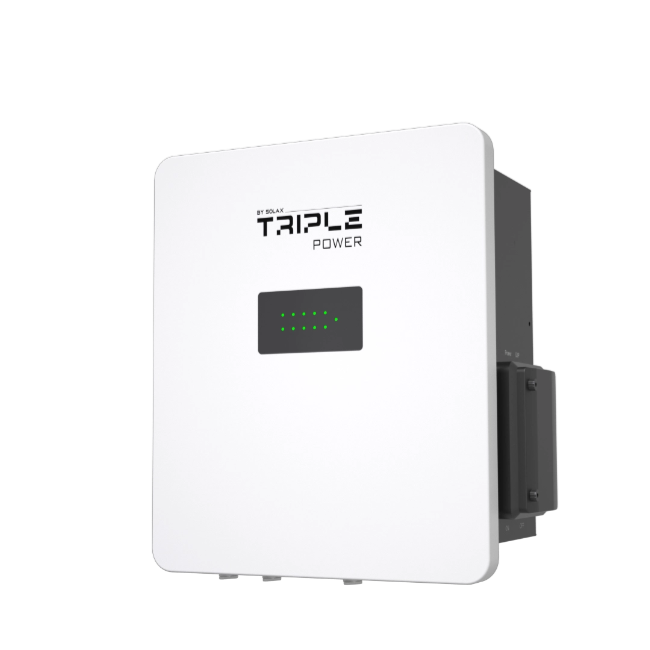
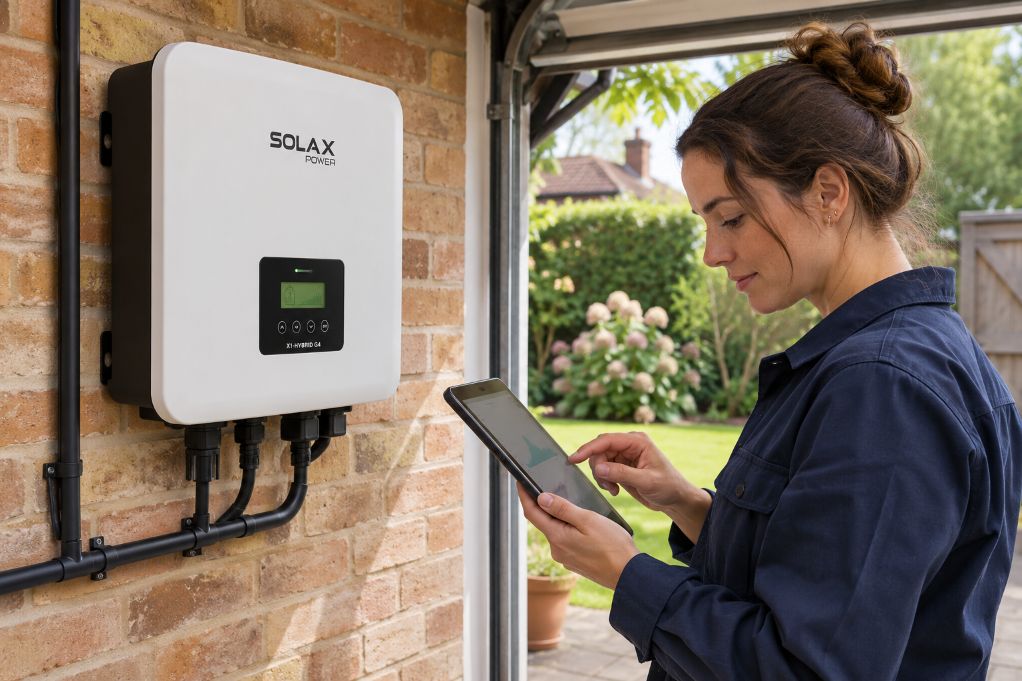
The single-phase SolaX X1-Hybrid G4 provides time-of-use energy management and integration with supported heat pumps and smart EV chargers. Models range from 3.0 kW to 7.5 kW. Ask your installer to match the model, meter and control accessories to your supply and appliances. The residential energy storage inverter range provides broader configuration options.
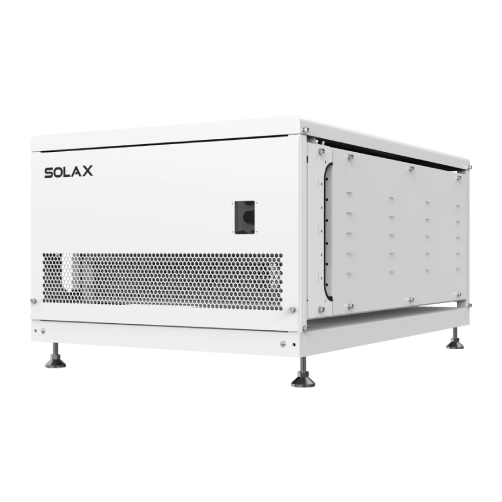
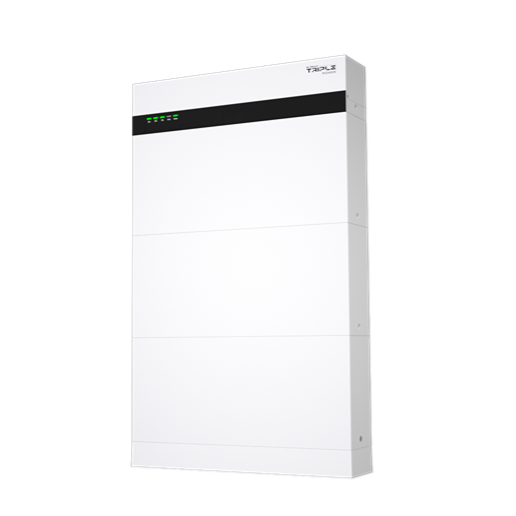
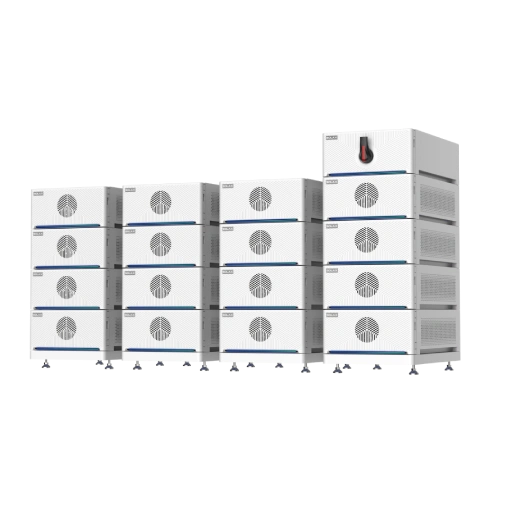
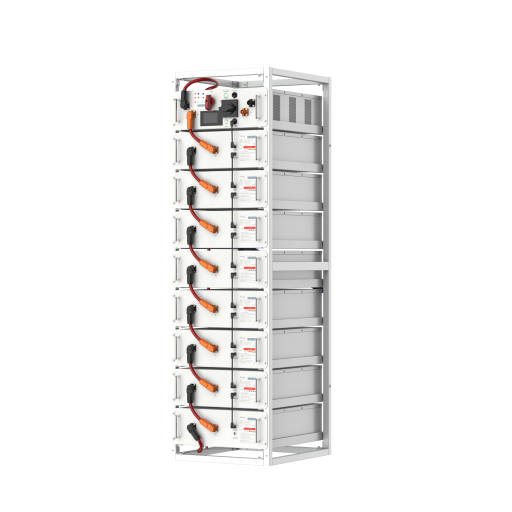
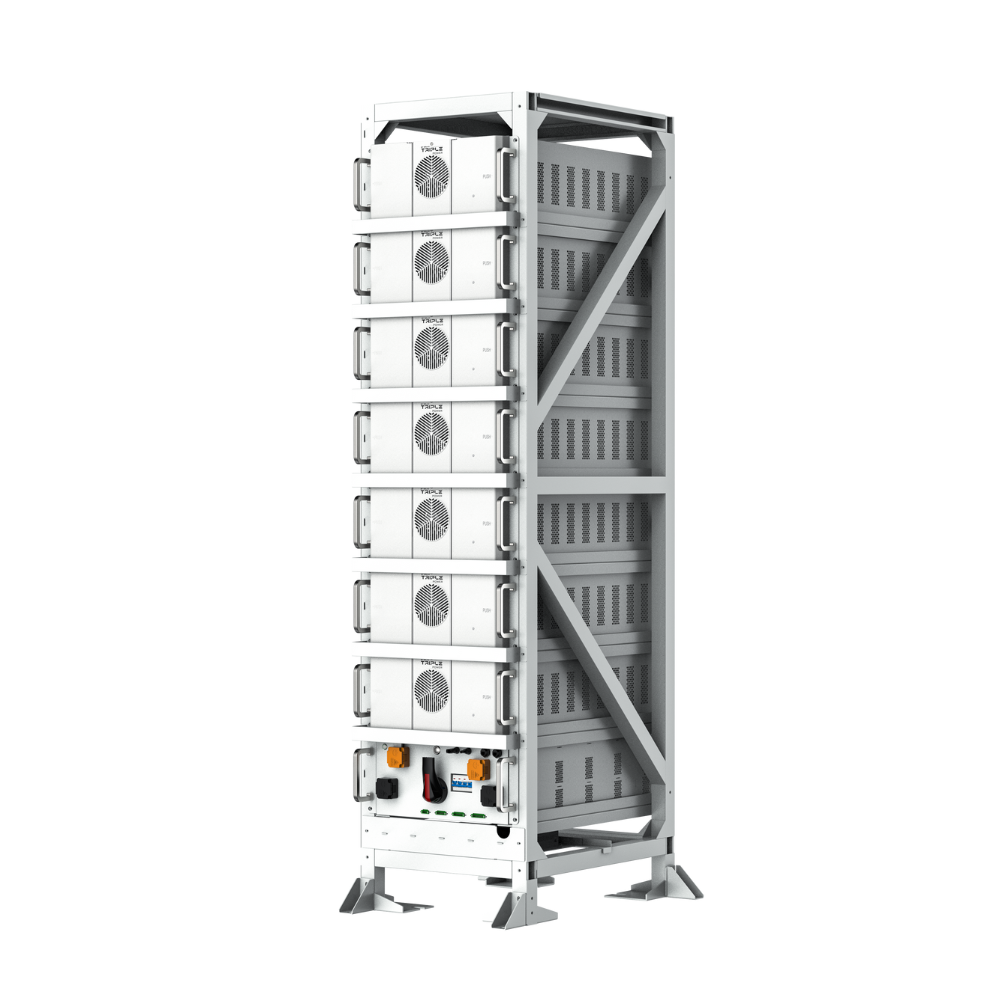
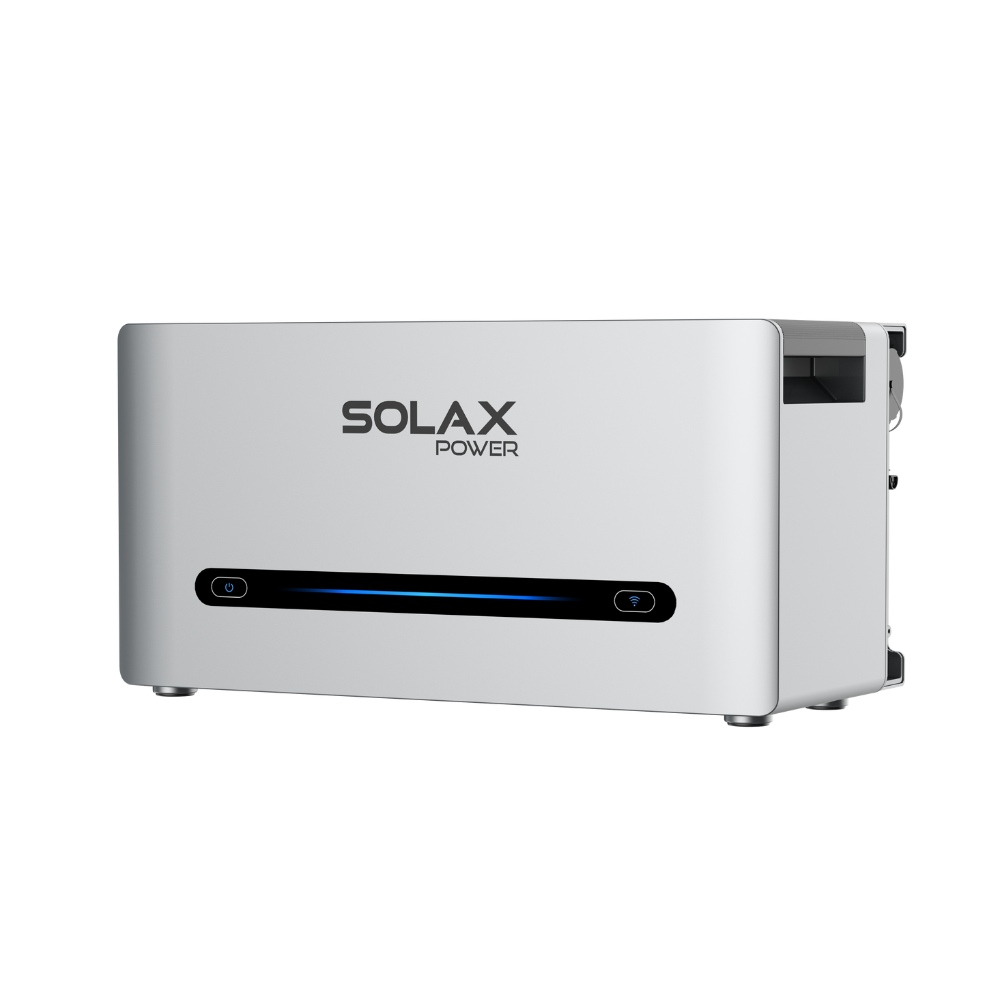
SolaX T-BAT-SYS-HV-3.0 battery
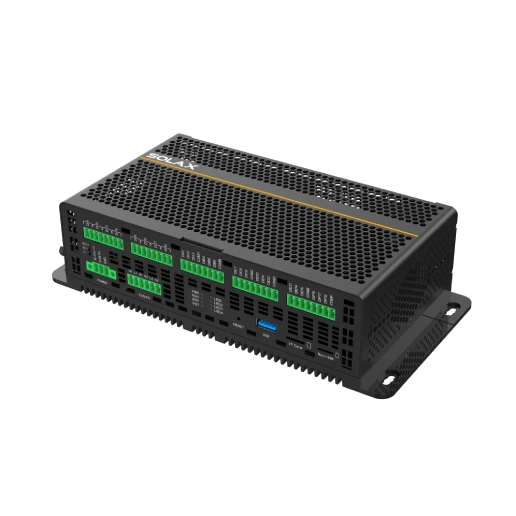
The SolaX T-BAT H 3.0 V2 integrates with the X1-Hybrid G4 and Matebox. Its listed configurations span 3.1–12.3 kWh and use lithium iron phosphate cells. Size your solar battery storage against evening demand, available space and the required output. Your installer can also compare the residential battery range.
4. Set smart load control priorities
Agree an operating mode and battery reserve with your installer. In the X1-Hybrid G4’s self-use mode, solar first supplies current household demand, then charges the battery; remaining surplus can be exported. Actual behaviour depends on settings and system conditions.
Set a reserve appropriate to your backup needs, if backup is installed.
Add a grid-charging window if your tariff and system support it.
Check export arrangements: Ofgem says eligible Great Britain installations can receive Smart Export Guarantee payments based on export meter readings.
5. Schedule flexible appliances around available energy
Once battery settings are agreed, set schedules or surplus thresholds for compatible loads. Confirm any adapter, meter or charger requirements first. A schedule does not guarantee solar-only operation: weather, household demand and device settings can change the electricity source.
At home during the day: Run suitable flexible loads while generation is available.
EV at home overnight: Consider a cheaper tariff window if daytime charging is impractical.
Compatible heat pump: Use supported controls without compromising comfort.
Outage planning: Keep an agreed reserve and understand backup circuit limits.
6. Monitor results and adjust the settings
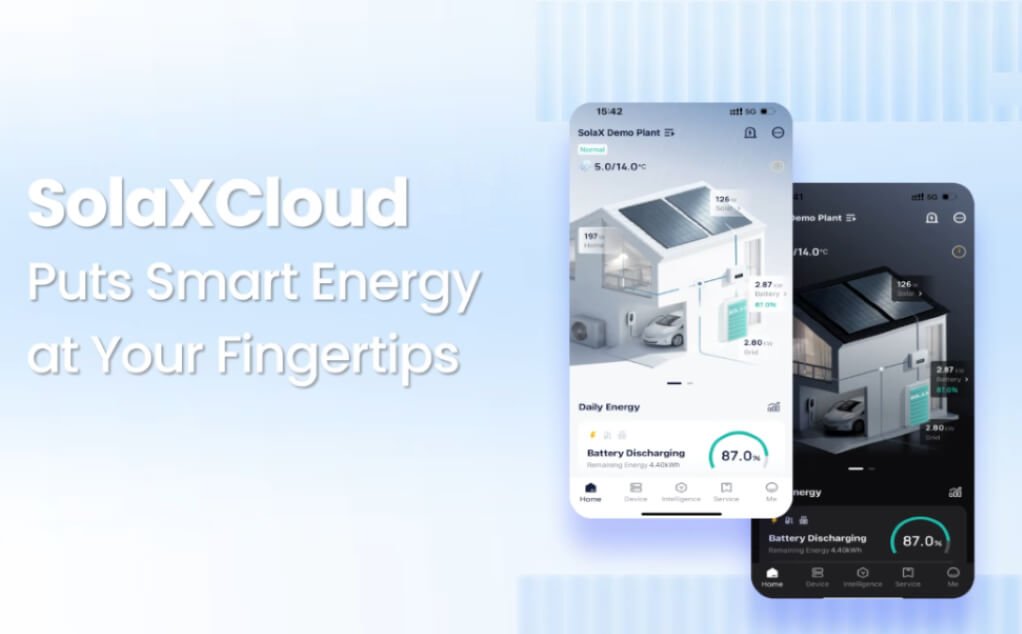
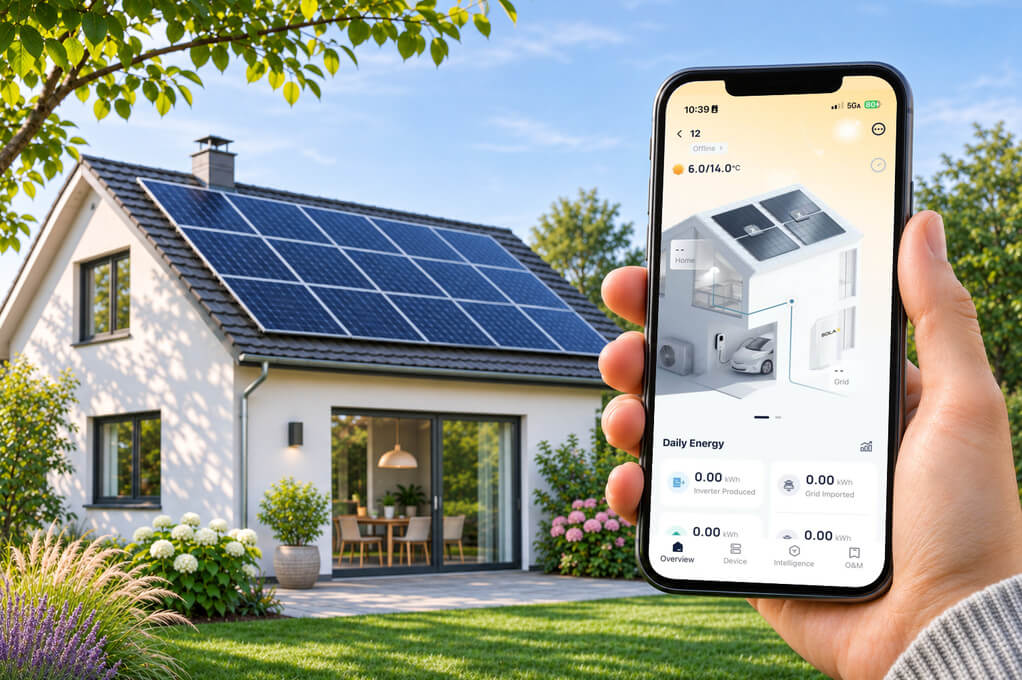
Review generation, consumption, battery charge and grid import in SolaXCloud across different days. Compare the results with your intended schedules, then revisit settings when your tariff, the season or household routine changes. Available software functions depend on the system and market.
Troubleshooting guide
Problem | Possible cause | Fix |
Battery charges less than expected | Household demand uses solar first | Compare generation and consumption; review settings |
Appliance does not respond | Unsupported interface or schedule conflict | Check compatibility; installer checks configuration |
Grid import continues | Demand exceeds available solar and battery output | Review timing and power limits |
Backup misses an appliance | Appliance outside backup circuit | Ask installer to explain circuit layout |
Turn the priorities into an installation plan
Shortlist flexible loads, check compatibility, select the inverter and battery, then agree priorities and monitor results. Discuss your requirements with a qualified installer using SolaX’s residential solutions as a starting point.
FAQ
Table of Contents
Latest News
Explore expert insights, practical guides, and the latest news on SolaX Power.


To the Latest Newsletter
Stay Ahead with the Latest SolaX Updates!
Subscribe
I have read and agree to Privacy Policy and User Terms