










August 14, 2026
SolaX Grid Voltage Fault: How to Fix IE03 Inverter Error
Share my #SolaXStory


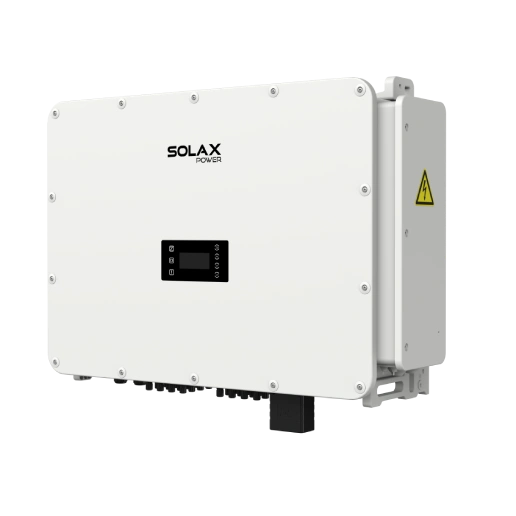
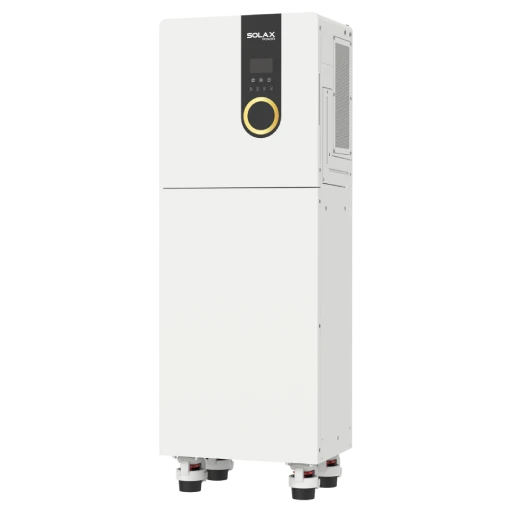
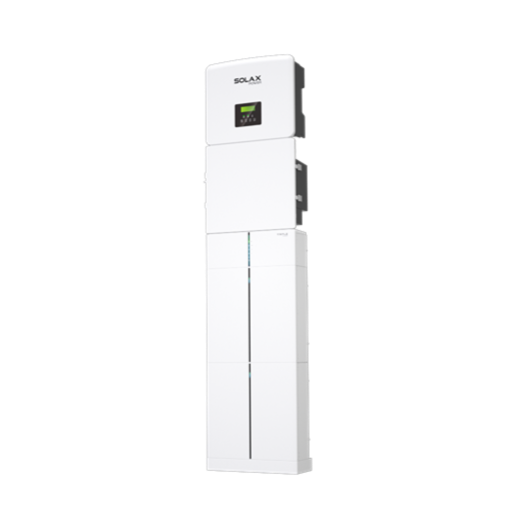
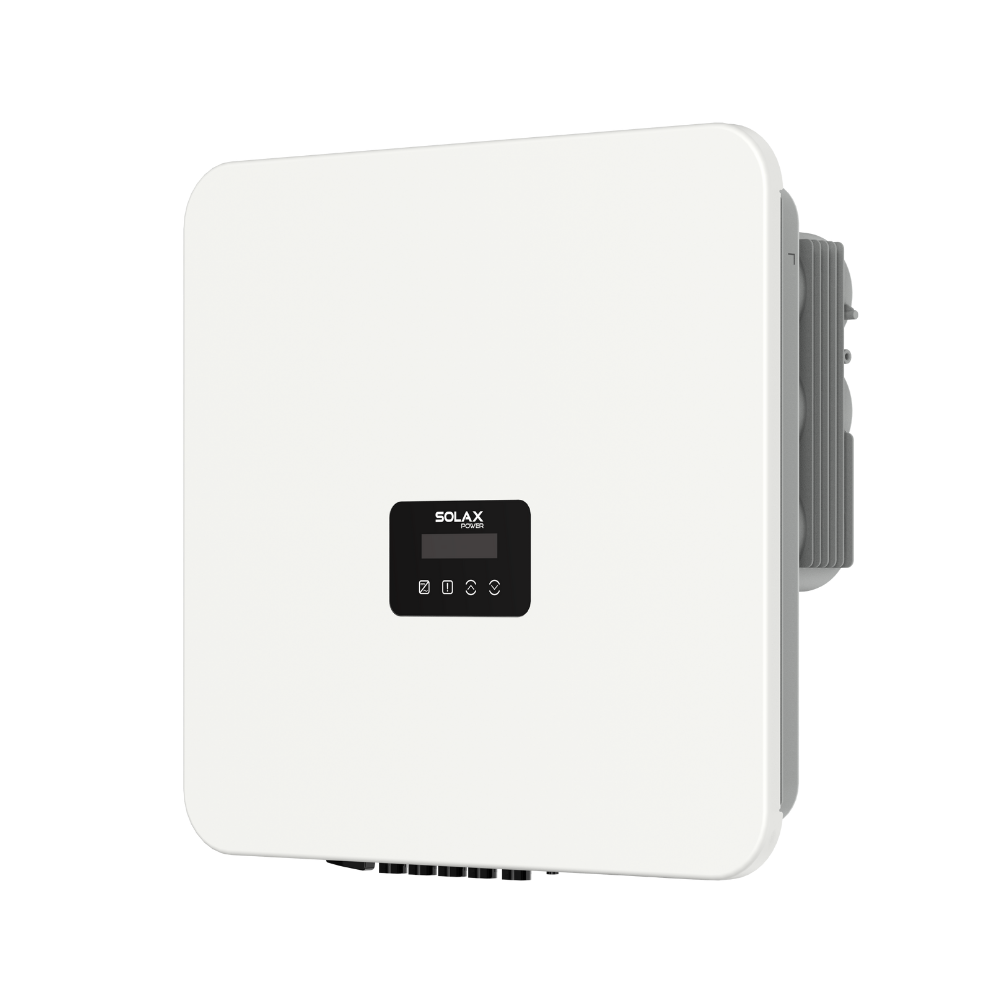
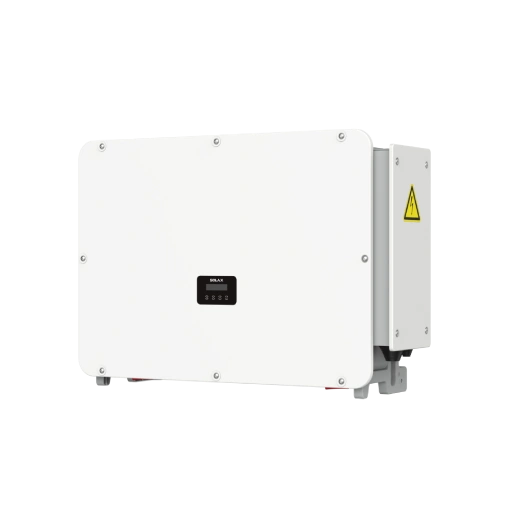
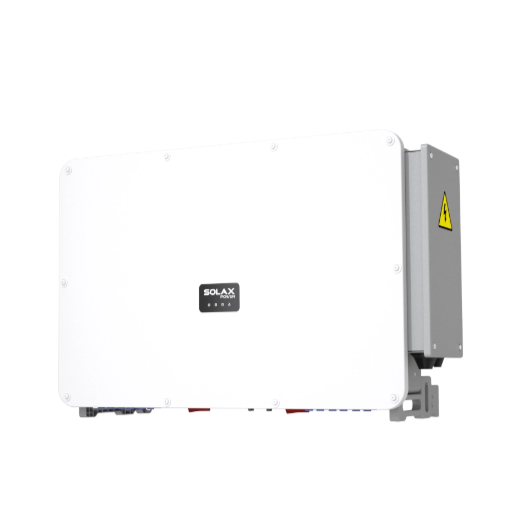
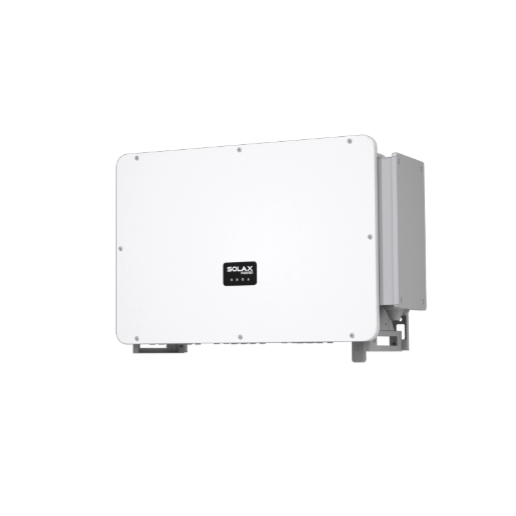
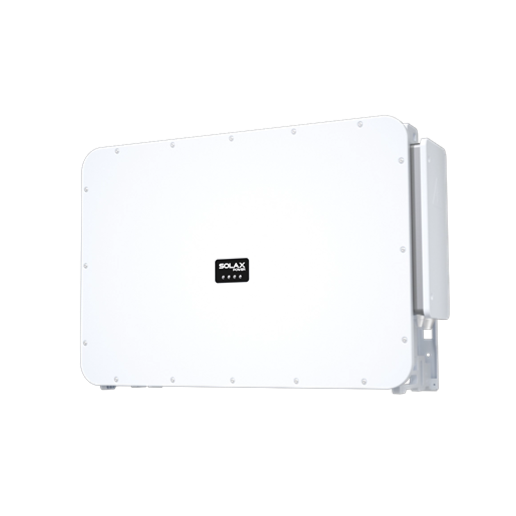
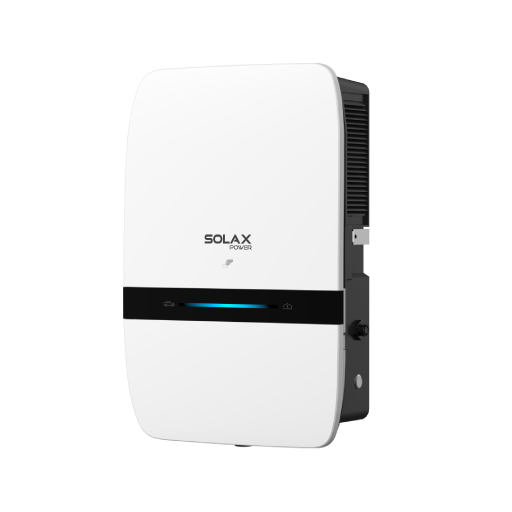
This blog uses the SolaX X3-ULTRA as an example. Error codes vary by inverter model and brand. Always check the manual for your specific inverter.
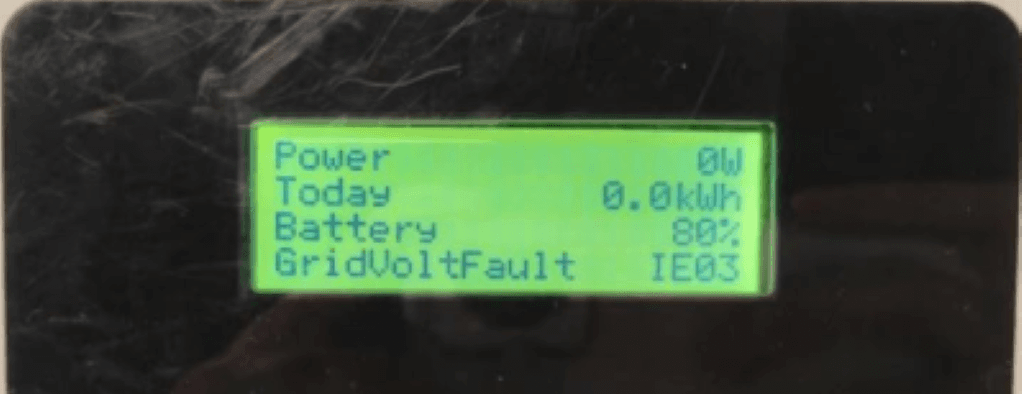
GridVoltFault IE03 means the grid voltage is too high or too low. The inverter temporarily stops exporting power for safety and normally reconnects automatically when the voltage returns to the permitted range. If the fault occurs repeatedly, ask a qualified installer to check the grid voltage, AC wiring and safety settings.
What Is a Grid Voltage Fault?
A grid voltage fault occurs when a grid-connected inverter detects that the AC grid voltage is above or below its permitted operating range. The inverter then temporarily stops exporting power to protect the system and comply with local grid-connection requirements.
This fault does not necessarily mean that the inverter or solar panels are damaged. The permitted voltage range varies depending on the country, local grid standard, single-phase or three-phase system, inverter model, and configured Safety/Grid Code.
Grid Overvoltage vs. Grid Undervoltage
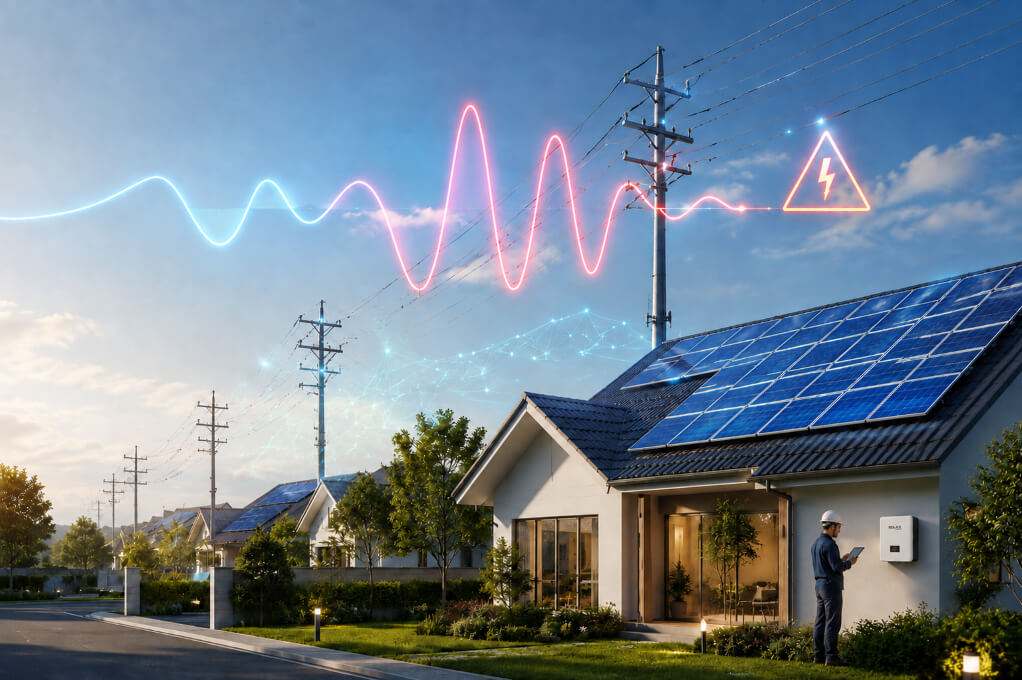
A SolaX grid voltage fault can be triggered by either grid overvoltage or grid undervoltage.
Condition | Meaning | Common pattern |
Grid overvoltage | AC voltage exceeds the permitted range | Often occurs around midday during high solar export |
Grid undervoltage | AC voltage falls below the permitted range | Often occurs during high demand or unstable grid supply |
What Causes a SolaX Inverter Grid Volt Fault?
Common causes of excessively high or low grid voltage detected by a SolaX inverter include:
Cause | Description |
Temporary grid fluctuation | Short-term grid overvoltage or undervoltage can trigger the fault. The inverter normally reconnects after the voltage stabilizes. |
High voltage during solar export | Local voltage may rise around midday when multiple solar systems export large amounts of power. |
Excessive AC connection resistance | Long or undersized cables, loose terminals, faulty breakers, isolators or aging connections can affect the voltage measured at the inverter. |
Incorrect safety or grid-code setting | The wrong country or grid standard may apply unsuitable voltage protection limits. |
Low or unstable utility voltage | A weak supply, grid disturbance or phase imbalance can cause an undervoltage fault. |
Measurement or internal detection issue | If the grid voltage, wiring and settings are normal, the inverter may require professional inspection. |
What Is the Solution for a Grid Voltage Fault?
Solution 1: Wait for the Grid to Stabilize
For a temporary voltage fluctuation, wait for normal grid conditions to return. Avoid repeatedly restarting the inverter; it should normally check the grid and reconnect automatically.
Solution 2: Confirm the SolaX Safety Code
Ask an authorized installer to verify that the correct country and grid standard are selected. The typical path is Advanced Settings → Safety, although menu names vary by model.
Solution 3: Inspect the AC Connection
The installer should check for undersized or long cables, loose terminals, faulty breakers or isolators, and excessive voltage difference between the inverter and grid connection point.
Solution 4: Contact the Utility Provider
If the voltage remains abnormal when solar output is low, the utility may need to monitor the supply, inspect the distribution line or review transformer settings.
Solution 5: Review Protection Parameters
Grid protection limits should only be adjusted by a qualified installer in accordance with local regulations and SolaX guidance. Increasing the overvoltage limit by 5 V is not a universal solution.
Solution 6: Reduce Solar Export
Increasing daytime self-consumption, charging a battery or using an approved export-control system may reduce voltage rise. However, these measures cannot repair faulty wiring or an abnormal utility supply.
How Do I Reset the SolaX Inverter to Fix the Grid Volt Fault Error Code?
Resetting the inverter cannot correct active grid overvoltage or undervoltage. Record the fault code and grid voltage, then wait for the supply to stabilize. The inverter should normally complete its safety checks and reconnect automatically.
If the fault remains after the voltage returns to normal, follow the shutdown and restart instructions in the manual for your specific SolaX model. Do not perform a factory reset or change grid parameters. Contact your installer if the error persists.
When Should You Contact an Installer or SolaX Support?
Contact a qualified installer if IE03 occurs frequently, remains active after grid conditions normalize, or prevents the inverter from reconnecting. Stop using the system and seek immediate assistance if you notice unusual heat, smoke, burning smells or damaged electrical equipment.
If the installer confirms that the wiring, settings and measured voltage are correct but the fault continues, contact SolaX Support for model-specific diagnosis. Provide the inverter model, serial number, complete fault code and relevant SolaXCloud records.
FAQ
Table of Contents
Latest News
Explore expert insights, practical guides, and the latest news on SolaX Power.



To the Latest Newsletter
Stay Ahead with the Latest SolaX Updates!
Subscribe
I have read and agree to Privacy Policy and User Terms