












August 12, 2026
Solar Inverter Fault Codes: Meanings and Troubleshooting Guide
Share my #SolaXStory


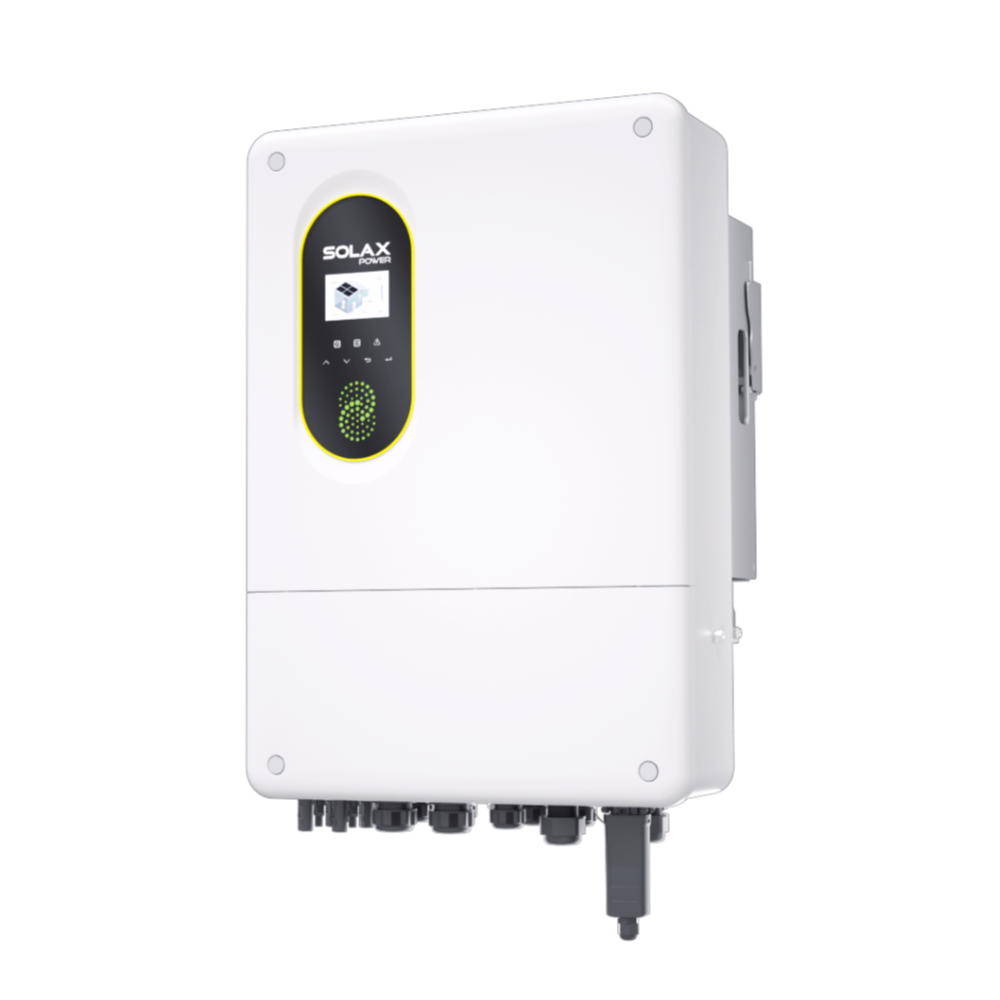
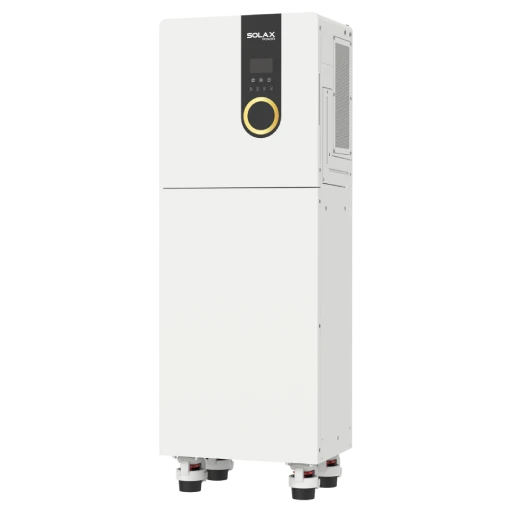
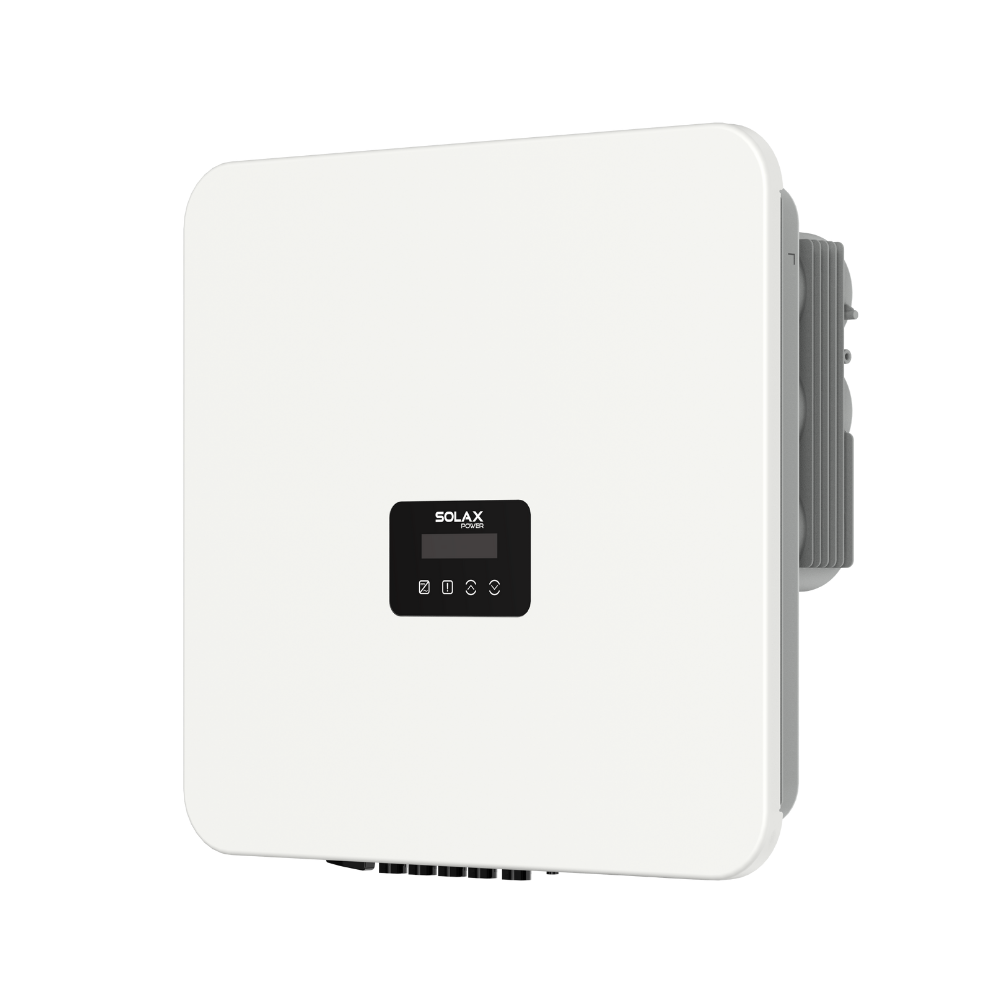
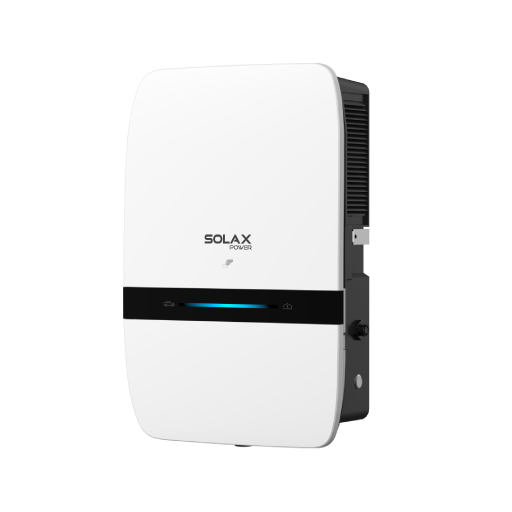
This guide explains common SolaX solar inverter fault codes using the SolaX X3-ULTRA as an example. Fault codes and solar system troubleshooting steps may vary between inverter models and firmware versions, so always refer to the user manual for your specific product.
Solar Inverter Fault Codes: Quick Reference
Use this quick reference to identify several commonly searched SolaX inverter fault codes and the appropriate first response.
Error code | Fault message | First response |
IE 01 | TZ Protect Fault | Wait briefly and reduce EPS loads |
IE 02 | Grid Lost Fault | Wait for the utility supply to return |
IE 03 | Wait for grid voltage to normalize | |
IE 04 | Grid Freq Fault | Wait for automatic reconnection |
IE 05 | PV Volt Fault | Check PV data and contact the installer |
IE 07 | Bat Volt Fault | Check battery and BMS status |
IE 15 | Bat Con Dir Fault | Stop troubleshooting and contact the installer |
What Do Solar Inverter Fault Codes Mean?
Solar inverter fault codes identify abnormal conditions involving the grid, PV input, battery, backup loads or internal components. The same number can have different meanings on different inverter brands and models. Here are common SolaX inverter fault codes and solutions for your reference.
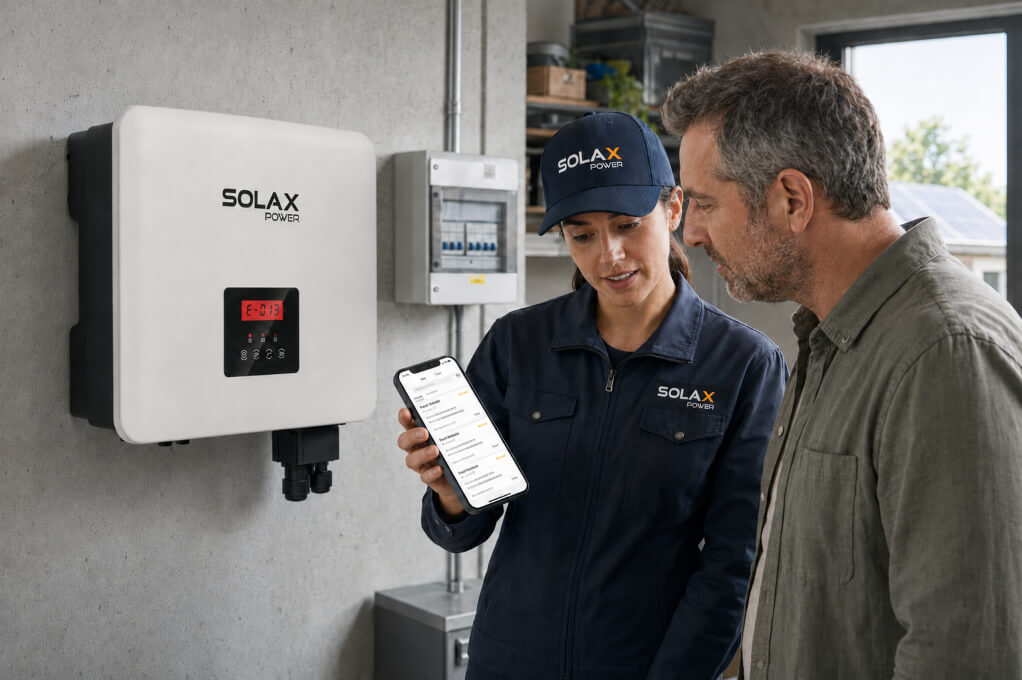
Fault 01 Inverter Error: SolaX IE 01 TZ Protect Fault
If your inverter displays IE 01, it means that overcurrent protection has been triggered. The inverter has detected excessive current and activated a protective shutdown. This inverter fault alarm helps prevent damage to the inverter, battery and connected loads.
Possible causes
The total EPS load exceeds the inverter's backup output limit.
A high-power appliance produces excessive startup current.
The connected loads require more power than the battery can currently supply.
A temporary system abnormality has triggered overcurrent protection.
What to do
Wait briefly to see whether the inverter returns to normal.
If the system is operating off-grid, check the total power of the EPS loads.
Turn off high-power appliances and reduce the backup load.
Do not repeatedly restart the inverter without reducing the load.
Contact SolaX or your installer if the fault returns.
Fault 02 Inverter Error: SolaX IE 02 Grid Lost Fault
What does error code 2 mean on a solar inverter? In this SolaX example, IE 02 means Grid Lost Fault. The inverter cannot detect a connection to the utility grid. This does not necessarily mean the inverter itself is defective.
Possible causes
A local utility outage
An external grid breaker or switch has been turned off
A loose or abnormal AC grid connection
A temporary interruption in the utility supply
What to do
Confirm whether your home or building has utility power.
Check the status of user-accessible external grid switches and breakers.
Wait for the utility supply to return to normal.
The inverter should perform its safety checks and reconnect automatically after grid power is restored.
If the property has power but IE 02 remains active, contact your installer or SolaX Support.
Fault 03 Inverter Error: SolaX IE 03 Grid Volt Fault
A fault 03 inverter message on the SolaX model used in this guide indicates abnormal grid voltage. The utility grid voltage is outside the inverter's permitted operating range. The inverter disconnects from the grid to comply with safety and grid-connection requirements.
Possible causes
Grid voltage is temporarily too high or too low.
Local voltage rises when multiple nearby solar systems export power.
The AC grid connection has excessive resistance or another installation issue.
The local utility supply is unstable.
What to do
Wait for the grid voltage to return to its normal range.
The inverter will usually reconnect automatically once grid conditions stabilize.
Check the inverter display or SolaXCloud for the recorded grid voltage.
If the fault frequently occurs around midday or on sunny days, ask your installer to check the voltage at the grid connection point.
Contact the installer or utility provider if the grid voltage repeatedly exceeds the permitted range.
For a more detailed explanation of grid overvoltage and related alarms, refer to our guide on why a solar inverter may start beeping.
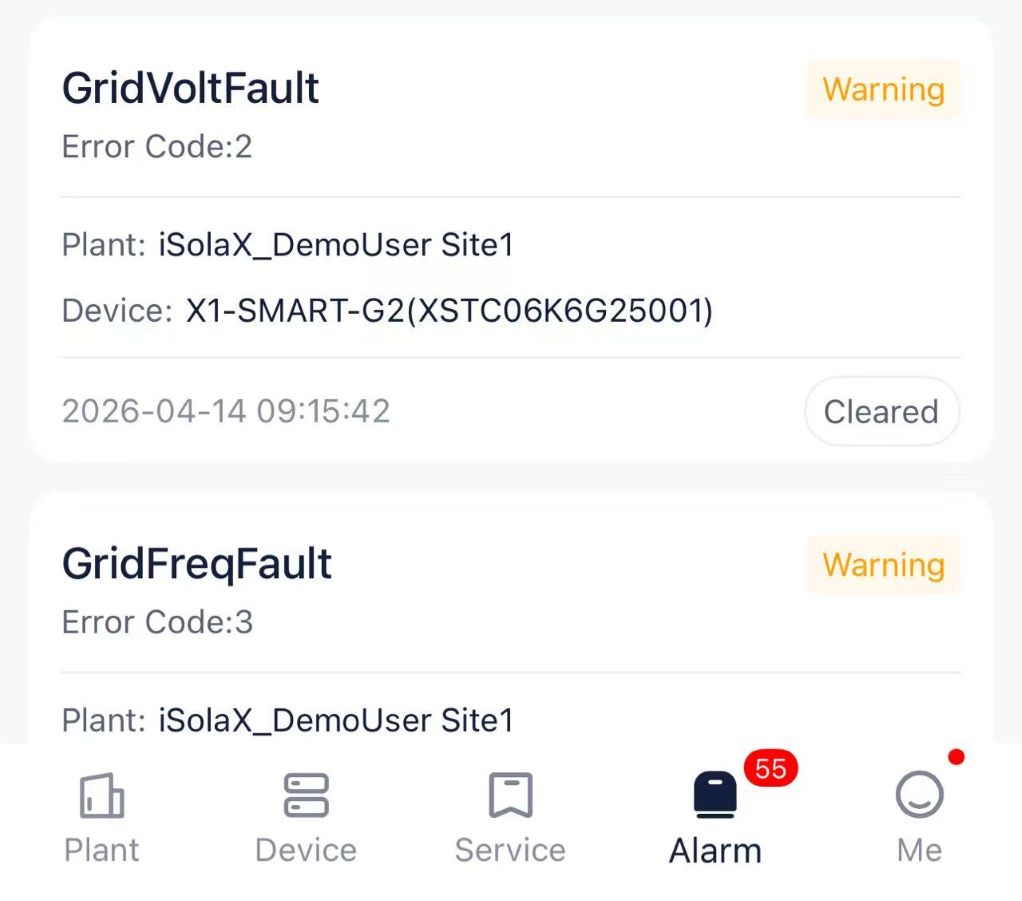
04 Fault on Inverter: SolaX IE 04 Grid Frequency Fault
IE 04 means Grid Frequency Fault. The inverter has detected that the utility grid frequency is outside its permitted operating range.
Possible causes
A temporary fluctuation in grid frequency
Unstable utility power
A disturbance affecting the local electricity network
Incorrect regional or grid-code settings, which must be checked by an authorized installer
What to do
Wait for the utility grid frequency to return to normal.
The system will usually reconnect automatically.
Do not immediately reset the inverter if IE 04 is caused by an active grid-frequency problem.
Contact your installer if the fault persists or occurs frequently.
The installer may need to verify the grid conditions and confirm that the correct grid standard has been configured.
Fault 05 Inverter Error: SolaX IE 05 PV Volt Fault
IE 05 means PV Volt Fault. The voltage from the solar panel array exceeds the inverter's permitted PV input range.
Possible causes
Too many solar panels are connected in series.
Low temperatures increase the open-circuit voltage of the PV strings.
The PV array has been configured incorrectly.
The selected inverter and PV string design are not correctly matched.
The DC switch is off or the PV input requires inspection.
What to do
Check the PV voltage shown on the inverter display or in SolaXCloud.
Do not disconnect, reconnect or handle the PV terminals yourself.
Ask your installer to check the PV string design and open-circuit voltage.
Confirm that the PV input complies with the technical limits of your specific SolaX model.
Contact SolaX or your installer if IE 05 remains active.
Fault 07 Inverter Error: SolaX IE 07 Battery Voltage Fault
A fault 07 inverter message on the SolaX model used in this guide means Bat Volt Fault. The battery input voltage is outside the inverter’s normal operating range.
Possible causes
Battery voltage is too high or too low.
The battery has reached a very low state of charge.
The Battery Management System, or BMS, has detected an abnormal condition.
Battery communication is interrupted.
The battery is incompatible with the inverter or incorrectly configured.
The battery connection requires professional inspection.
What to do
Check the battery voltage and state of charge on the inverter or in SolaXCloud.
Look for an accompanying BMS communication or battery warning.
Do not disconnect or adjust high-voltage battery cables yourself.
Allow the battery to charge if the system indicates a low battery condition and no safety fault is present.
Contact your installer or SolaX Support if the fault persists.
Fault 15 Inverter Error: SolaX IE 15 Battery Connection Direction Fault
IE 15 means Bat Con Dir Fault. The inverter has detected that the battery connection direction may be incorrect.
Possible causes
The positive and negative battery connections have been reversed.
The battery was connected incorrectly during installation.
The fault appeared after battery maintenance or reconnection.
The battery wiring or detection circuit requires inspection.
What to do
Do not attempt to reverse or adjust the high-voltage battery cables.
Do not repeatedly restart the inverter to clear the fault.
Stop further troubleshooting.
Contact the installer to inspect the battery connection.
Contact SolaX Support if the connection appears correct but IE 15 remains active.
Other Important SolaX Faults You Should Not Ignore
Some important hybrid solar inverter fault codes may have lower search volume but require special attention because they involve electrical safety, backup power or excessive loads.
SolaX IE 13: Isolation Fault
The inverter has detected an insulation or earth fault. This may indicate that current is leaking from the DC side of the solar system.
Possible causes
Damaged PV cable insulation
Water inside a connector or other DC component
Poor grounding
Low insulation resistance between the PV system and earth
Damaged rooftop wiring or connectors
What to do
Do not repeatedly reset the inverter.
Do not touch rooftop PV wiring, DC connectors or internal components.
Follow the safe shutdown instructions in the manual for your specific SolaX model.
Keep away from the equipment if there is water, smoke, heat or a burning smell.
Contact a qualified solar installer or licensed electrician.
Do not restart the system until the cause has been identified and corrected.
SolaX IE 16: EPS Overload Fault
The connected loads exceed the inverter's available EPS or off-grid output capacity.
Possible causes
Too many appliances are operating on the backup circuit.
High-power appliances exceed the EPS output rating.
A compressor, pump or motor produces excessive startup current.
The battery cannot provide enough power for the connected backup loads.
What to do
Turn off high-power appliances such as air conditioners, ovens, water heaters and pumps.
Reduce the total load connected to the EPS circuit.
Check whether the remaining load is within the inverter's EPS output rating.
After removing the overload, restart the output only as instructed in the user manual.
Contact SolaX or your installer if IE 16 returns under a low load.
SolaX IE 17: Overload Fault
The inverter has detected an overload while operating in on-grid mode.
Possible causes
The connected load exceeds the system's available output.
An appliance produces high startup or surge power.
An output abnormality is causing excessive current.
A temporary overload protection event has occurred.
What to do
Turn off high-power appliances.
Reduce the total connected load.
Remove the cause of the overload before attempting a reset.
Press the ESC button to restart the inverter only after the load has been reduced.
Do not repeatedly reset the system while the excessive load remains connected.
Contact SolaX Support if IE 17 occurs when no significant load is connected.
What Does the Fault Light on a SolaX Inverter Mean?
A fault light on a SolaX inverter means that the system has detected a warning or error. However, the red fault light alone does not identify the exact problem.
Check the inverter's LCD screen for the complete IE code and fault message. You can also open SolaXCloud to review when the inverter fault alarm occurred, whether it has appeared before and whether the system recovered automatically.
Some temporary faults, such as abnormal grid voltage or frequency, may clear automatically once conditions return to normal. Other faults involving insulation, battery connections or internal components may require assistance from your installer or SolaX Support.
Do not repeatedly reset the inverter based only on the red light. Record the complete fault code first and follow the instructions in the user manual for your specific SolaX model.
What Information Should You Provide to SolaX Support?
If the fault does not clear or keeps returning, prepare the following information before contacting your installer or SolaX Support to help the technical team diagnose the problem more efficiently.
Information | Example |
Inverter model | SolaX X3-ULTRA |
Error code | IE 04 |
Fault message | Grid Freq Fault |
Operating mode | On-grid / EPS / battery charging |
Time of occurrence | Midday, night or during outage |
Recovery behavior | Automatic / after reset / persistent |
Serial number | From product label or SolaXCloud |
How to Reset a SolaX Inverter Fault?
Not every inverter fault needs to be manually reset. Record the complete IE code first, then select the appropriate response according to the fault type.
Type A: Auto-Resume Faults
IE 02 Grid Lost Fault
IE 03 Grid Volt Fault
IE 04 Grid Freq Fault
These grid-related faults normally clear automatically when the utility supply returns to the permitted range. Restarting the inverter will not correct an active grid problem.
Type B: Remove the Cause Before Restarting
IE 01 TZ Protect Fault
IE 16 EPS Overload Fault
IE 17 Overload Fault
Reduce or disconnect the excessive load first. After removing the cause, press ESC where instructed by the model manual or follow the approved restart procedure for your SolaX inverter.
Resetting without removing the excessive load will not clear the fault.
Type C: Do Not Repeatedly Reset
IE 05 PV Volt Fault
IE 13 Isolation Fault
IE 15 Bat Con Dir Fault
Persistent relay, sensor, EEPROM or battery faults
These faults may involve unsafe voltage, damaged insulation, incorrect wiring or internal hardware. Do not repeatedly restart the inverter. Contact your installer or SolaX Support.
How to Tell If a SolaX Solar Inverter Is Bad?
A single SolaX fault code does not necessarily mean the inverter is defective. Professional inspection may be needed if the same internal, relay, EEPROM or sensor fault repeatedly returns, an overload remains after loads are removed, or the inverter cannot operate under normal grid, PV and battery conditions. Check the SolaXCloud fault history before considering repair or replacement.
FAQ
Table of Contents
Latest News
Explore expert insights, practical guides, and the latest news on SolaX Power.



To the Latest Newsletter
Stay Ahead with the Latest SolaX Updates!
Subscribe
I have read and agree to Privacy Policy and User Terms