











June 08, 2026
Why Is My Solar Inverter Beeping? 7 Fault Codes and Quick Fixes
Share my #SolaXStory


You are standing in your garage, and your solar system has suddenly become a noisy, alarming box. You are probably wondering, "why is my inverter beeping?"
Take a deep breath. A beeping inverter doesn't necessarily mean your system is broken or catching fire. In most cases, it's simply trying to communicate a temporary grid issue or a minor overload.
In this guide, we will walk you through basic inverter troubleshooting and show you how to decode those annoying sounds.
7 Common Solar Inverter Problems & Fault Codes
Different inverters use audible alarms differently.
Some models only beep for critical faults. Others beep for battery warnings or grid issues.
The beep itself is not the problem — it is a symptom.
To understand why your inverter is beeping, you must check the actual inverter fault codes shown on the display or monitoring app.
Below are the most common solar inverter problems homeowners encounter — and what they really mean.
Grid Overvoltage
One of the most common inverter fault codes is a Grid Overvoltage warning. When many homes export solar power at the same time, local voltage rises. If it exceeds the legal limit, your inverter shuts down temporarily to protect your home, which often triggers the solar inverter beeping alarm.
What to do:
Wait — the inverter will reconnect automatically once voltage stabilizes.
If it happens frequently, contact your utility company.
Inverter Overload Fault
Inverter overload faults typically occur during power outages when the system is running on backup battery power.
Turning on high-power appliances, such as air conditioners, ovens, or heat pumps, may exceed the inverter's backup output capacity. This causes the inverter to emit a continuous beeping sound and shut down automatically to protect its internal components.
Corrective actions:
Turn off high-power appliances
Restart the inverter
Reduce the total load while operating in backup power mode
Inverter Low Battery Alarm
When the battery's State of Charge (SOC) drops to a critically low level, the inverter will trigger a "Low Battery" alarm. This often occurs during prolonged power outages or when an off-grid system is operating at night.
The system may emit an intermittent beeping sound and automatically shut down to prevent battery damage.
Recommended actions:
Reduce power consumption
Wait for solar charging
If the alarm persists, check the battery's health
This is one of the most common reasons why users search for "why does my power inverter beep?"
Insulation / Earth Fault (DANGER)
This is the one fault you must take seriously. If your screen displays an "Isolation Fault," "ISO Fault," or "Earth Fault," you have a serious safety issue. This typically means water has entered the DC wiring on your roof after heavy rain, causing electricity to leak. Do not touch the system.
What to do:
Do not reset
Do not inspect wiring yourself
Perform safe shutdown
Call a licensed solar electrician immediately
Overheating (Thermal Derating)
Solar inverters reduce output automatically when internal temperatures get too high. This is called thermal derating. Some common causes include poor ventilation, direct sunlight, and dust blocking cooling vents.
What to do:
Clean vents
Install shade if needed
Overheating is one of the most common solar inverter problems in hot climates.
Wi-Fi / Communication Error
If your inverter has a green light but your app shows no data, you likely have a communication issue — not a power failure. This is one of the most misunderstood inverter troubleshooting situations.
Common causes include router reboot, Wi‑Fi password change, and weak signal.
What to do:
Restart your Wi‑Fi router
Wait 5 minutes
Reset solar inverter (safe reboot procedure below)
Reconnect monitoring app
Your system is often still producing power.
Low DC Voltage
If you hear short beeps or mechanical clicking noises early in the morning or late at dusk, do not panic. This is usually a "Low DC Voltage" warning. It simply means there is enough light for the inverter to wake up, but not quite enough solar energy to start generating usable power. Just wait for the sun to rise fully, and the noise will stop.
How to Stop Inverter from Beeping?
Now that you have a general idea of what is causing your system to alarm—and you've taken steps like reducing your home's power load—you might still be dealing with that annoying noise.
Are you just looking for how to stop inverter from beeping right now? If the screen is clear of critical safety faults (like an Earth Fault) but the alarm won't turn off, the safest way to clear a temporary software glitch or lingering grid error is to perform a hard reboot.
Here is a step-by-step guide on how to safely reset solar inverter systems:
⚠️ Safety Warning: Always follow this exact order. Rushing the shutdown process can damage your equipment or pose an electrical hazard.
Step 1: Turn OFF the AC
Go to your home's main switchboard (breaker box) and flip the "Solar Supply Main Switch" to the OFF position.
Step 2: Turn OFF the DC
Go to your inverter and turn the "PV Array DC Isolator" switch to the OFF position. (Note: This must always be the last switch you turn off).
Step 3: WAIT
This is crucial. Wait at least 5 minutes. You must allow the inverter screen to go completely black and wait for the beeping to completely stop. This gives the internal capacitors time to safely discharge.
Step 4: RESTART.
Turn the system back on in the exact reverse order.
First, turn the DC switch ON.
Second, turn the AC switch ON.
Once the system boots up, it will perform a self-check. If the original issue (like high grid voltage or an overload) has been resolved, the inverter will return to a solid green light and the beeping will finally stop.
When to Stop Troubleshooting and Call a Professional
While basic troubleshooting and safe reboots can resolve most minor grid faults or communication errors, solar systems involve high-voltage electricity. Knowing when to stop trying to fix it yourself is critical for the safety of your home and your family.
Shut down immediately and call a professional if you notice:
Insulation or Earth Fault: If the screen displays an "Isolation Fault," "ISO Fault," or "Earth Fault," it usually means water has entered the DC wiring on your roof. This can make your roof and gutters live with dangerous DC voltage.
Burning Smell: Any scent of melting plastic, ozone, or electrical burning from the inverter or the isolator switches.
Visible Sparks: If you see any sparking or arcing near the electrical panels or inverter connections.
Smoke: If there is even the slightest trace of smoke coming from the inverter or battery casing.
If any of these red flags occur, execute the safe shutdown procedure (turn off the AC breaker, then the DC isolator), step away from the equipment, and immediately contact a licensed solar electrician or your original installer.
When to Replace Your Inverter?
If you've reached the point where troubleshooting no longer solves the issue, it may be time to consider replacement instead of repair. You should seriously evaluate replacing your inverter if:
It is 10+ years old
You are seeing repeated internal fault codes
The warranty has expired
The inverter keeps shutting down despite proper troubleshooting
It continues inverter beeping continuously even after safe resets
Older inverters often lack modern grid protection logic, advanced diagnostics, and intelligent monitoring features.
If you're unsure whether your unit is near end-of-life, read our detailed guide on "How Long Does a Solar Inverter Last" to understand typical lifespan and warning signs.
Upgrade to a Smarter, Quieter Inverter Experience
If you are dealing with a noisy inverter, take comfort in the numbers: roughly 80% of all inverter beeping is simply a grid fluctuation or a battery warning, and only 10-15% relates to an actual hardware failure.
However, dealing with cryptic error codes and loud beeping noises from older inverters can be incredibly frustrating. Always prioritize safety, but also consider your peace of mind.
The SolaX Advantage: Smart Diagnostics via SolaX Cloud
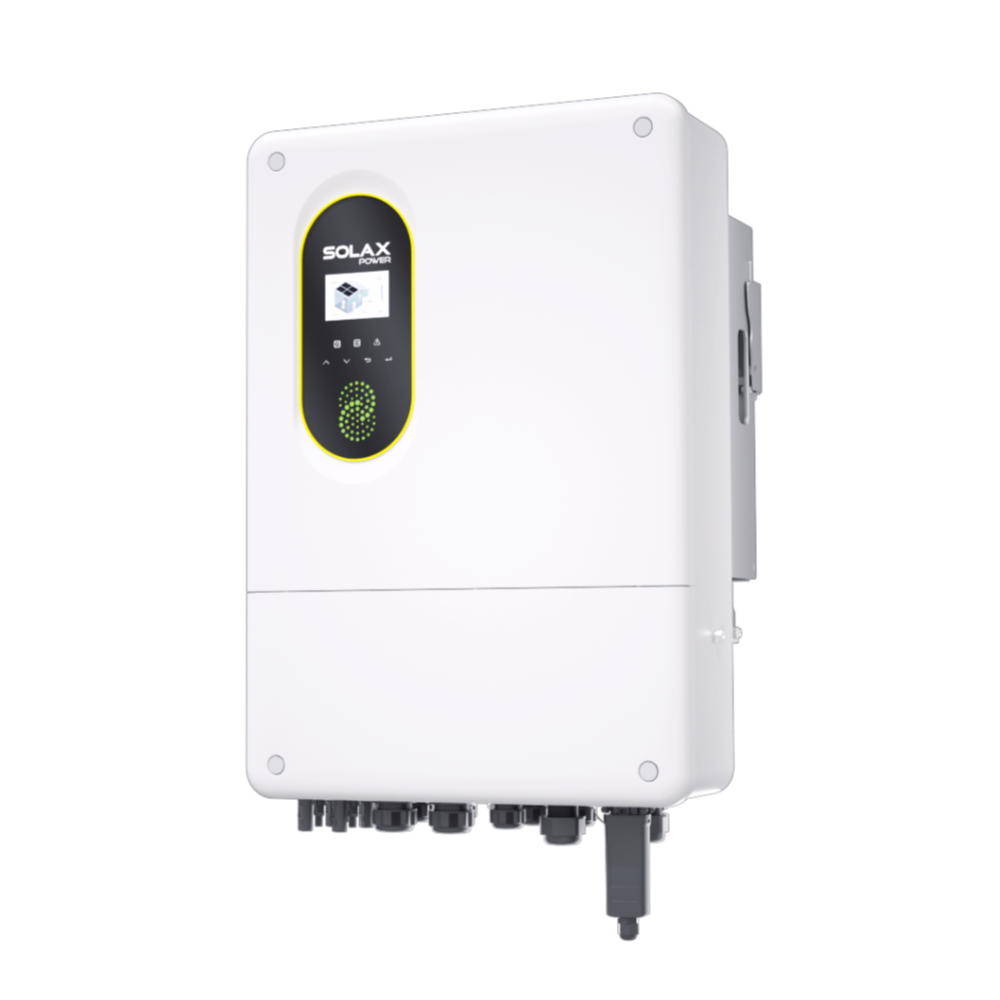
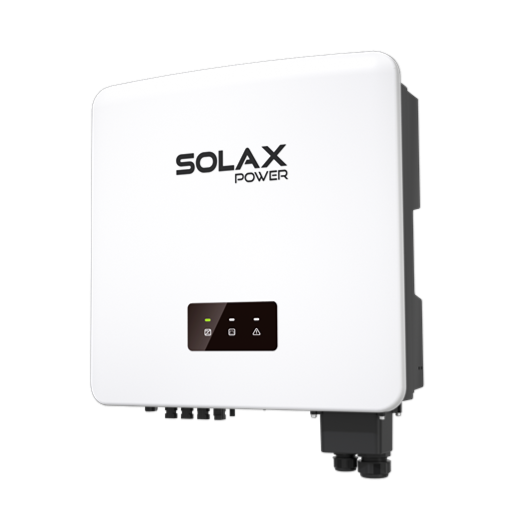
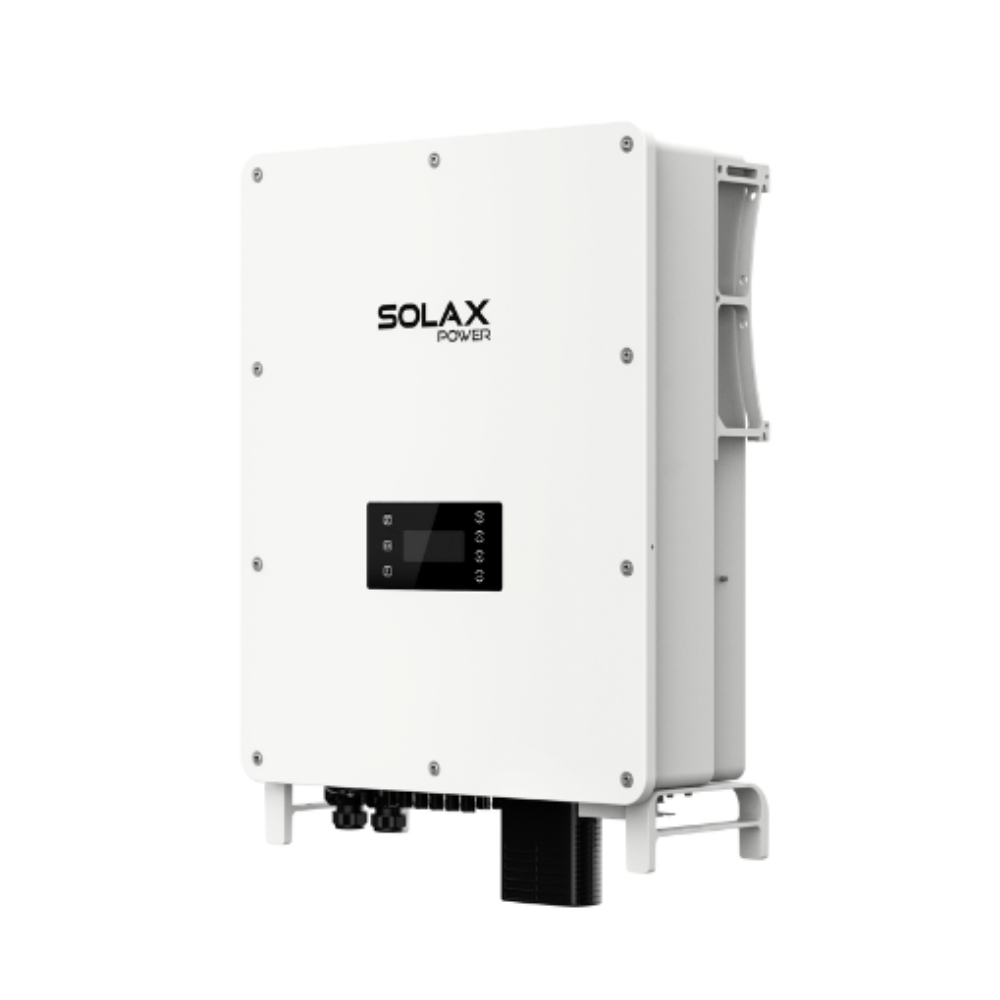
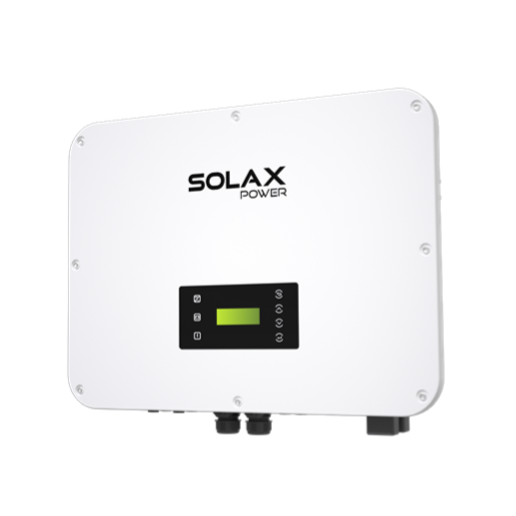
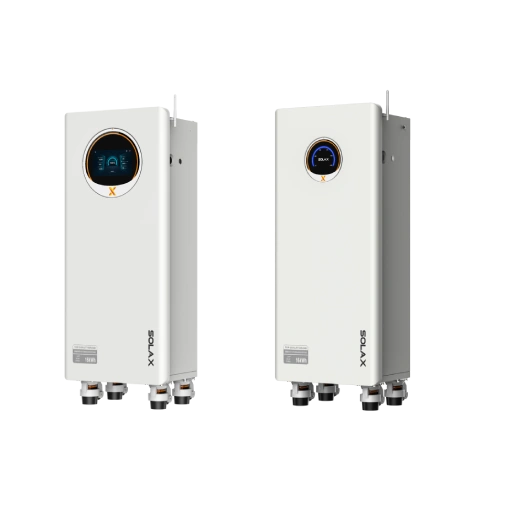
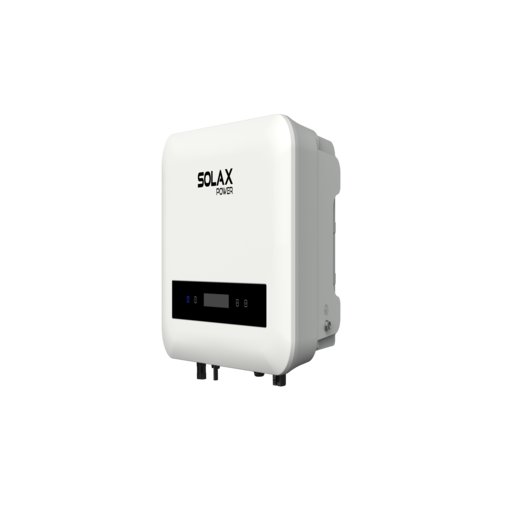
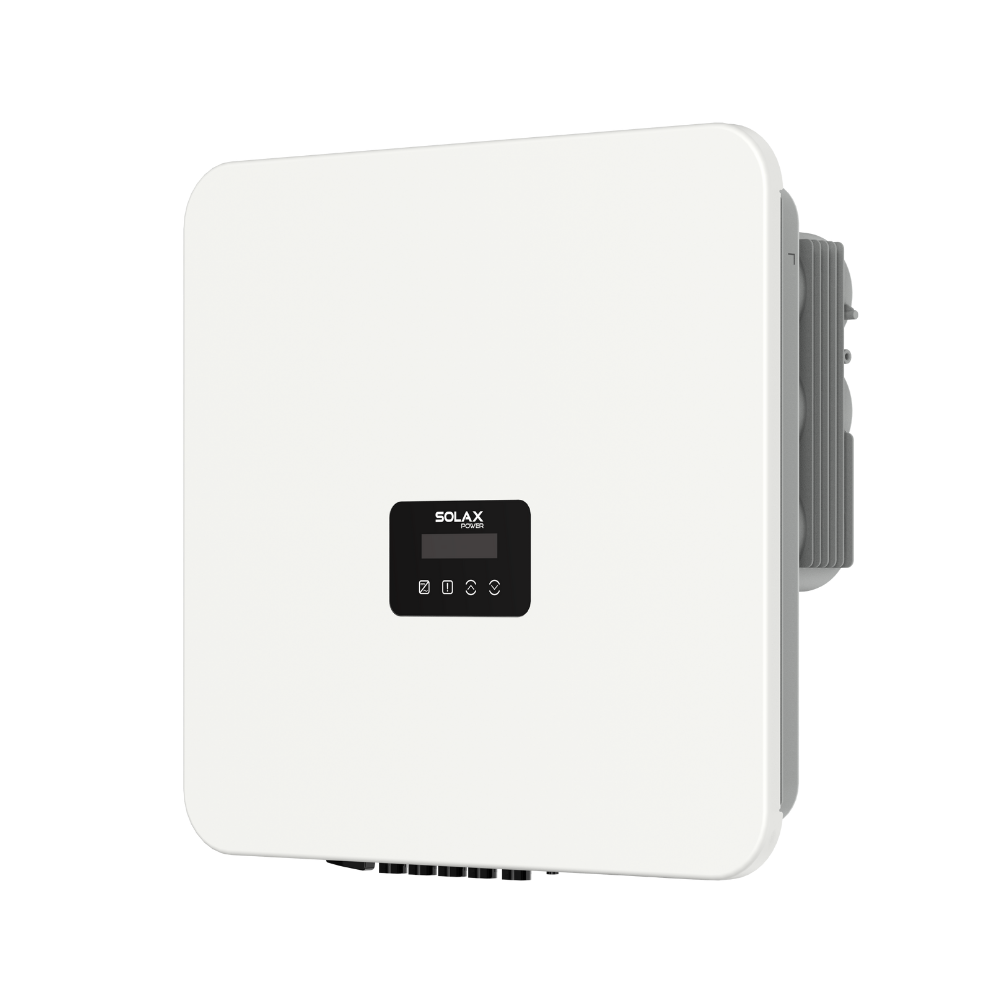
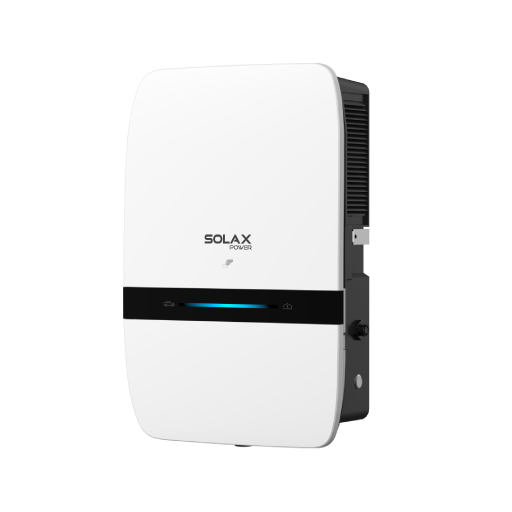
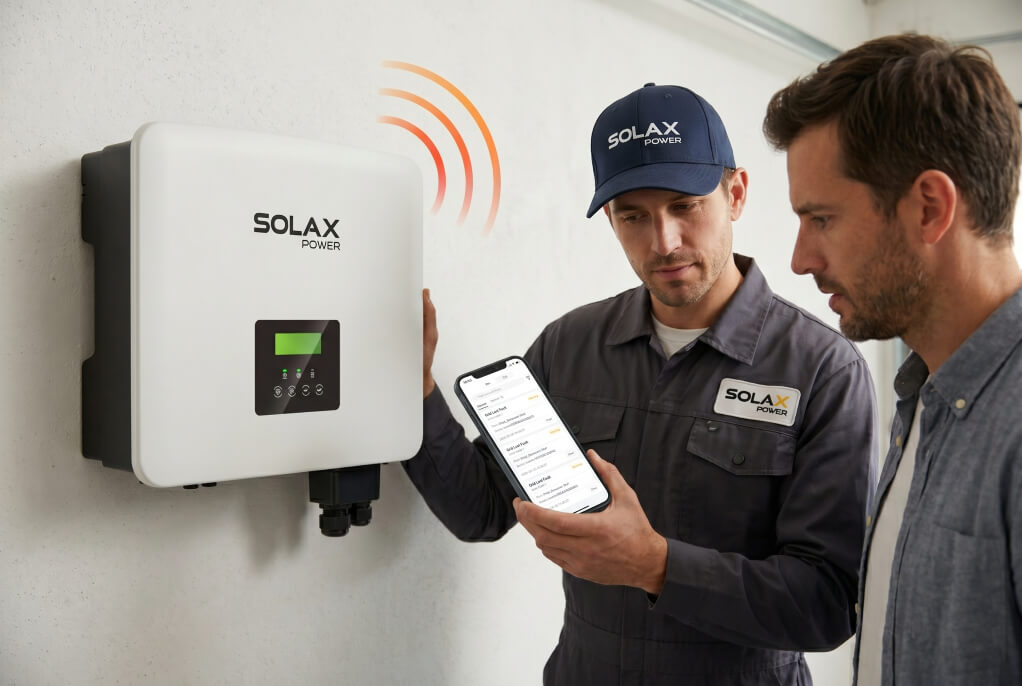
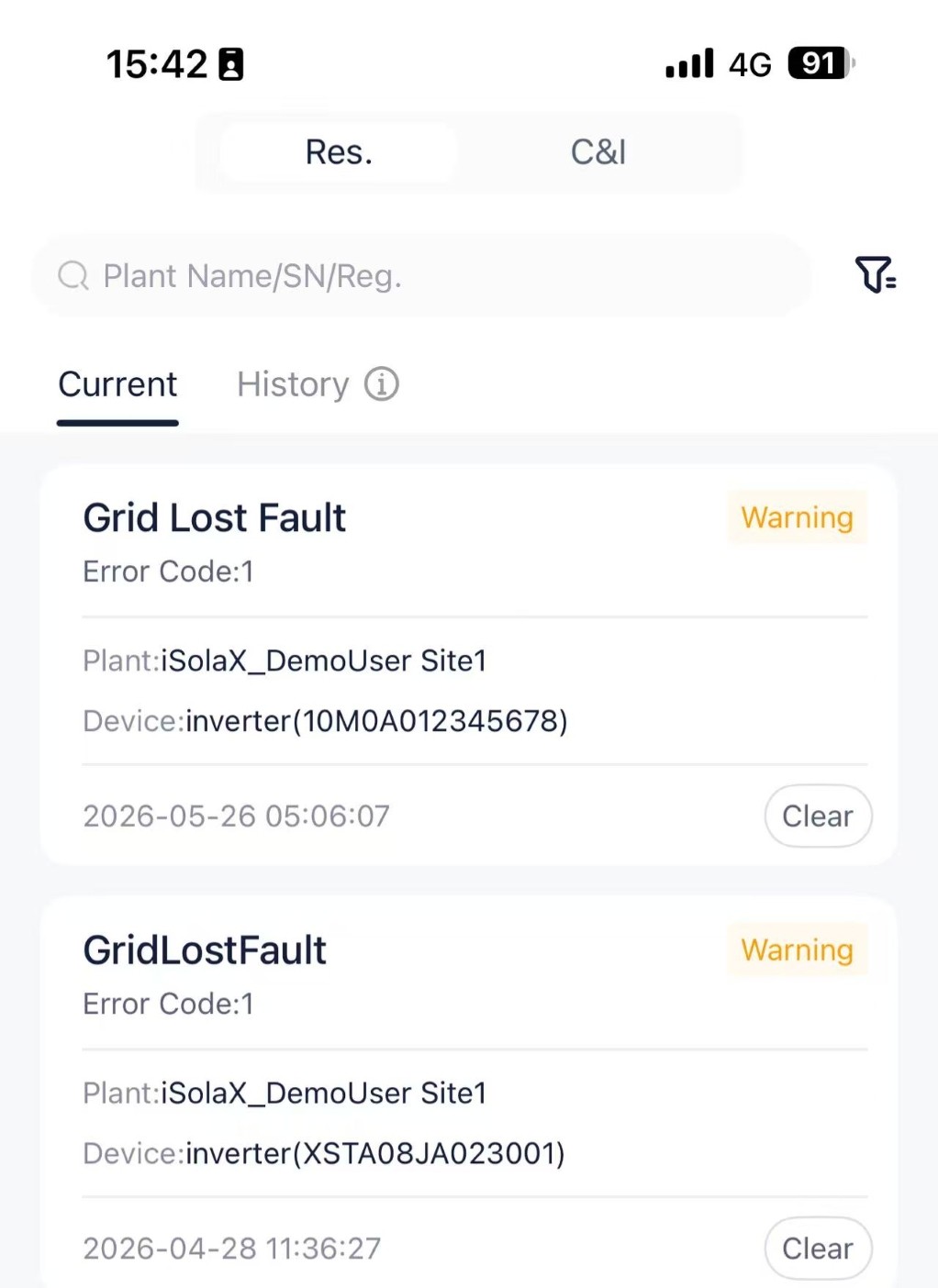
You shouldn't have to decipher Morse code to understand your solar system. Modern solutions like the SolaX inverter take the guesswork entirely out of troubleshooting. Instead of relying on a loud buzzer, the SolaX Cloud App displays clear, plain-English alert pages directly on your smartphone. You will instantly know exactly why your system paused and how to fix it—quietly and intelligently.
Need Help? How to Contact SolaX Global Technical Support
If you are already a SolaX user and your inverter is beeping continuously, our Global Technical Support Center is ready to help you resolve it quickly.
To help our engineers diagnose the beep issue as fast as possible, please prepare the following before contacting us:
Find Your Details: Locate your inverter's serial number (SN) and hardware version. This is usually found on the sticker label on the side of the inverter or within the SolaX Cloud app.
Record a Video: Use your phone to record a clear, 10-second video of the inverter making the beeping sound. Ensure the serial number sticker is clearly visible in the video frame.
Mute the EPS (If Applicable): If your system is currently running on battery backup (EPS mode), temporarily mute the EPS warning in the settings before recording. This helps our technicians isolate the specific fault beep without background noise.
Submit Your Ticket: Send the video, SN, and hardware version to SolaX technical support through our official support portal or contact your local SolaX service center.
Click Here to access the SolaX Support Portal or explore our next-generation smart inverters.
FAQ
Table of Contents
Latest News
Explore expert insights, practical guides, and the latest news on SolaX Power.



To the Latest Newsletter
Stay Ahead with the Latest SolaX Updates!
Subscribe
I have read and agree to Privacy Policy and User Terms