













August 21, 2026
Avoid Repeat Battery Call-Outs: Home Storage Solutions with Smoother Installer Tools and Diagnostics
Share my #SolaXStory


Battery fault revisits rarely come from one dramatic failure. More often, they come from small setup gaps: unclear device naming, incomplete commissioning notes, unstable connectivity, or no remote view of the alarm that triggered the homeowner's call.
On a home solar energy project, every unnecessary return visit eats into margin, delays the next job, and weakens customer confidence. That is why installer workflow matters almost as much as inverter or solar battery specification.
For SolaX home storage work, the practical choice is not only about capacity or backup. It is also about how easily your team can commission, monitor, and triage the system later. The most useful path is to compare modular and all-in-one SolaX configurations through the lens of serviceability, cloud visibility, and future expansion.

Which SolaX Home Storage Building Blocks Matter Most?
A smoother support process starts with shared terms. If the site team, office staff, and homeowner all describe the system differently, even simple remote checks become slow.
Core terms to align before specification
Hybrid inverter: the unit that manages PV input, battery charging, household demand, and grid interaction.
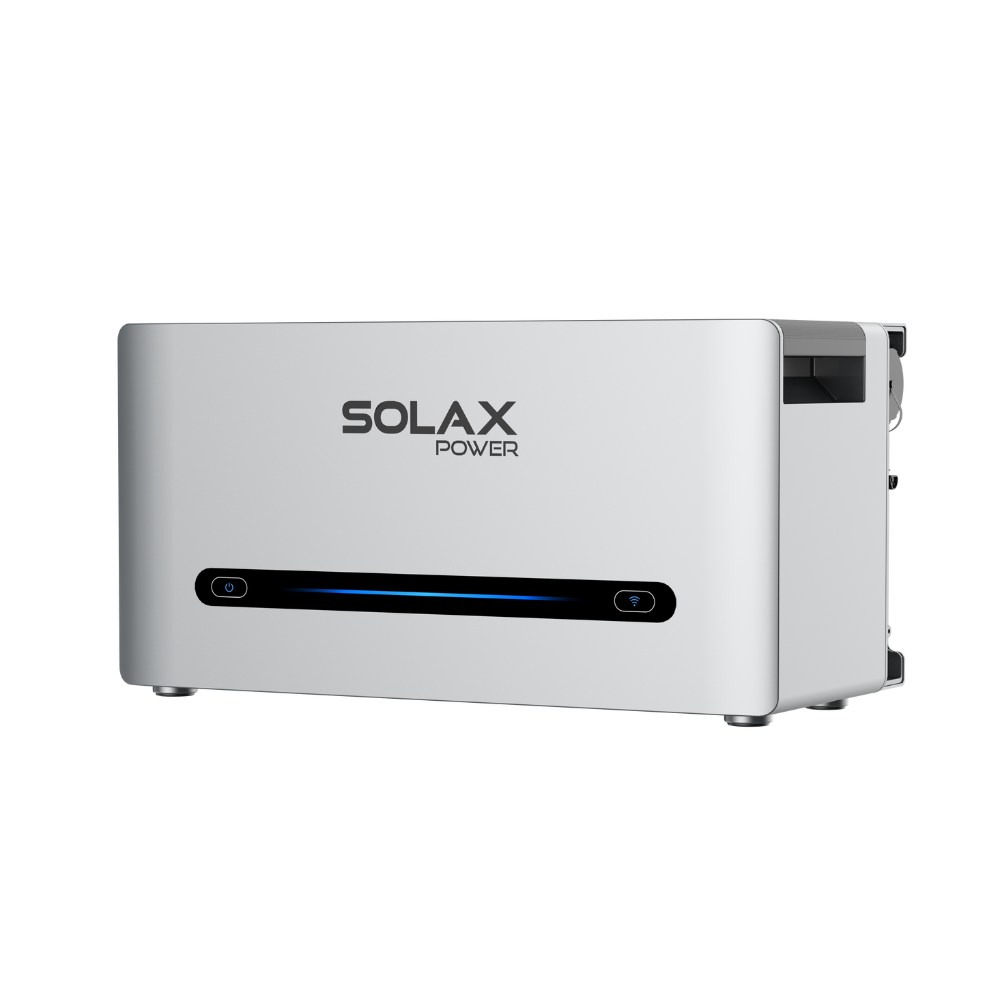
Battery system: the storage block that captures surplus solar power system output for later use.
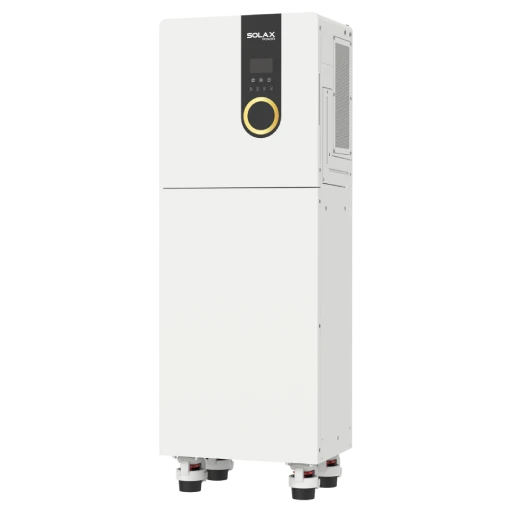
All-in-one ESS: a combined package that brings key hardware into one coordinated residential setup.
Cloud portal: the monitoring layer that centralises operating data, alarms, and some remote service actions.
Main SolaX residential product paths
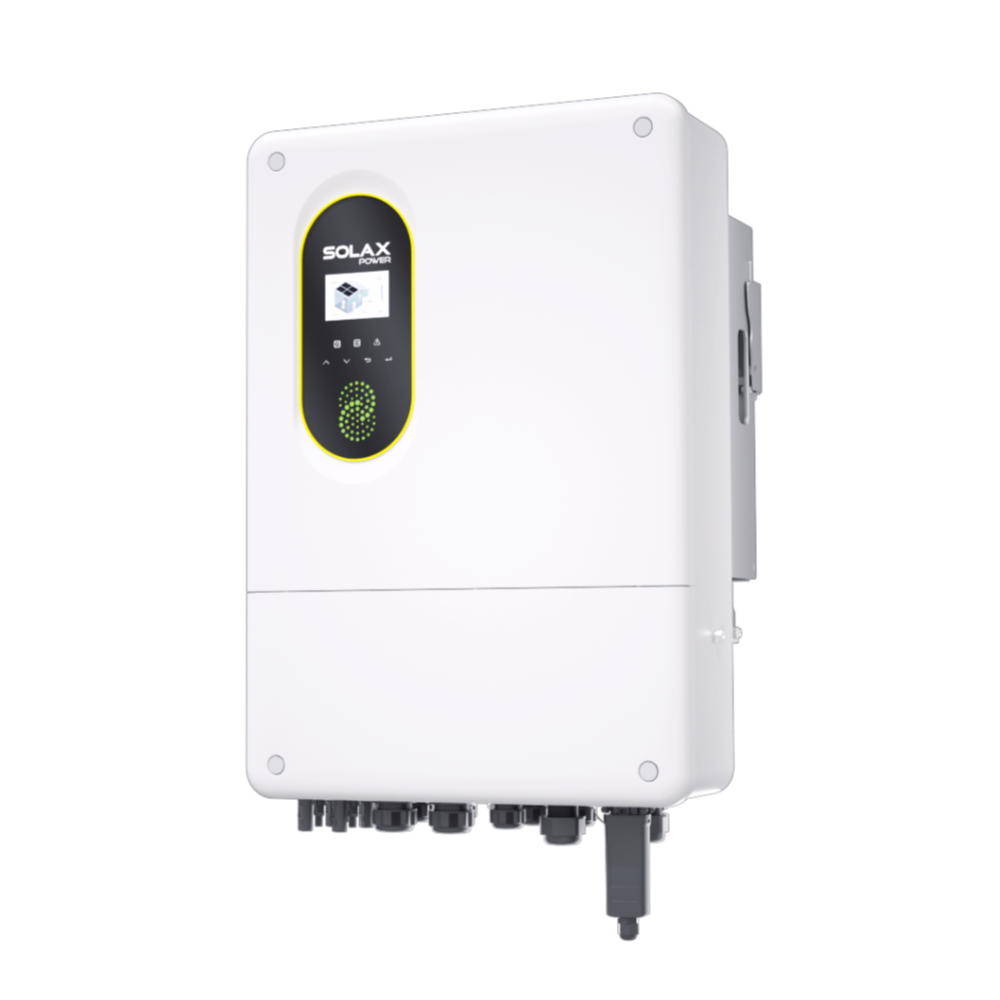
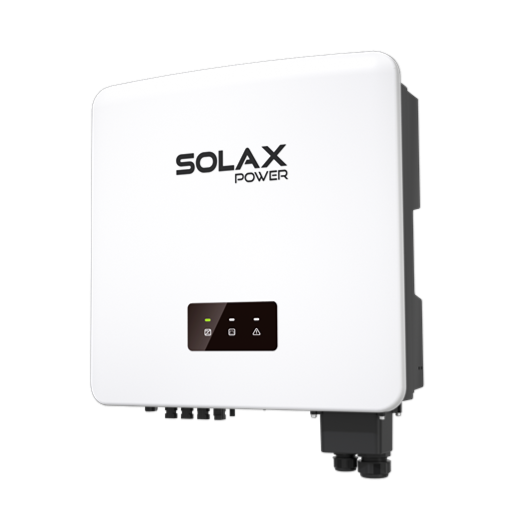
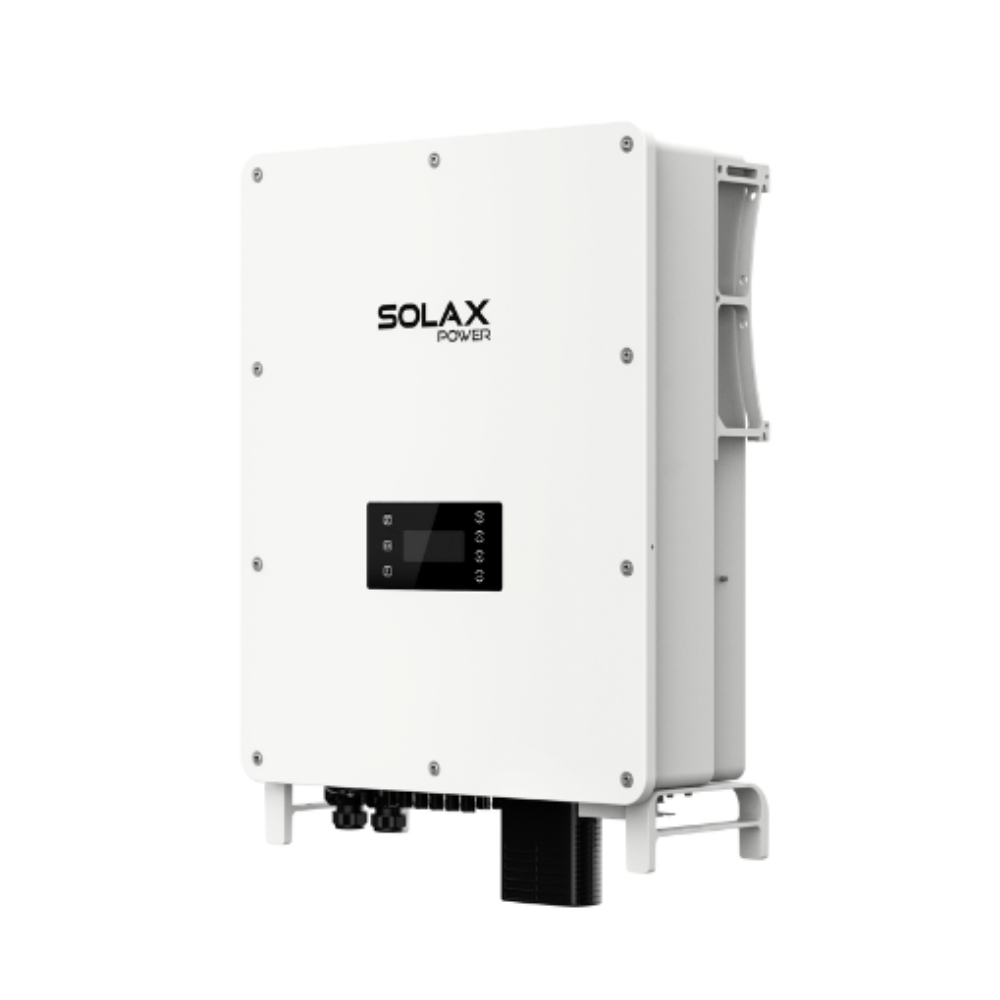
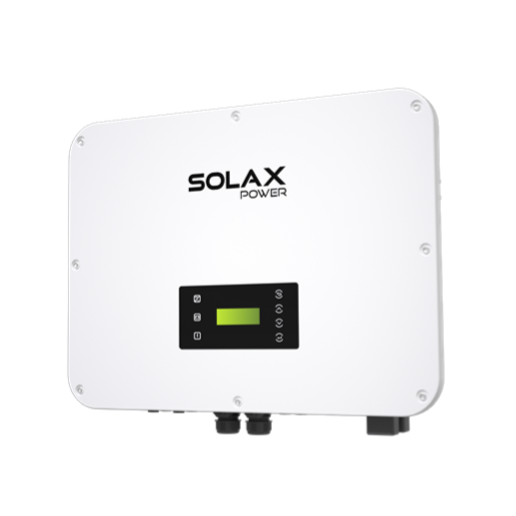
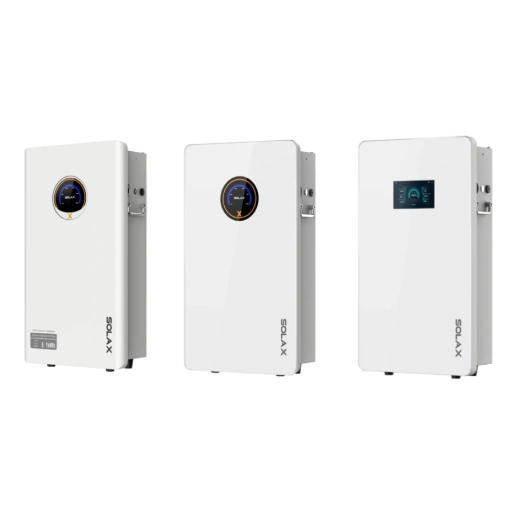
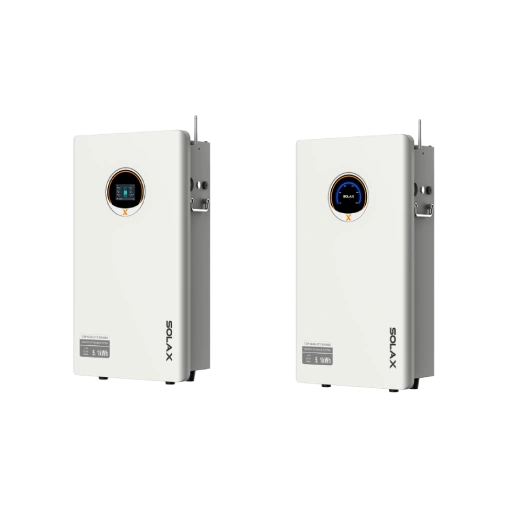
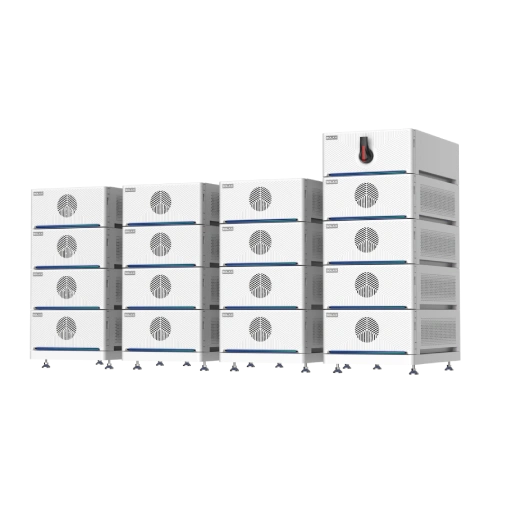
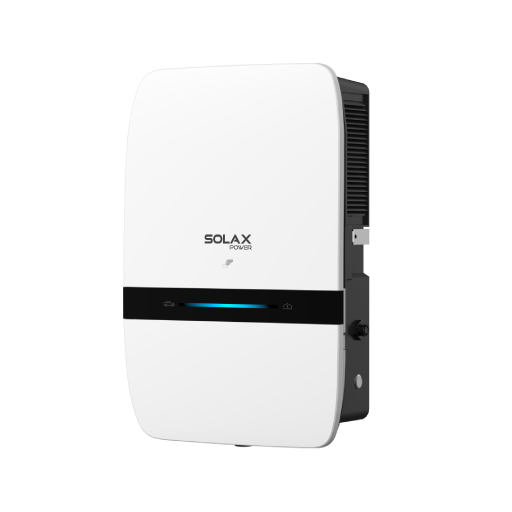
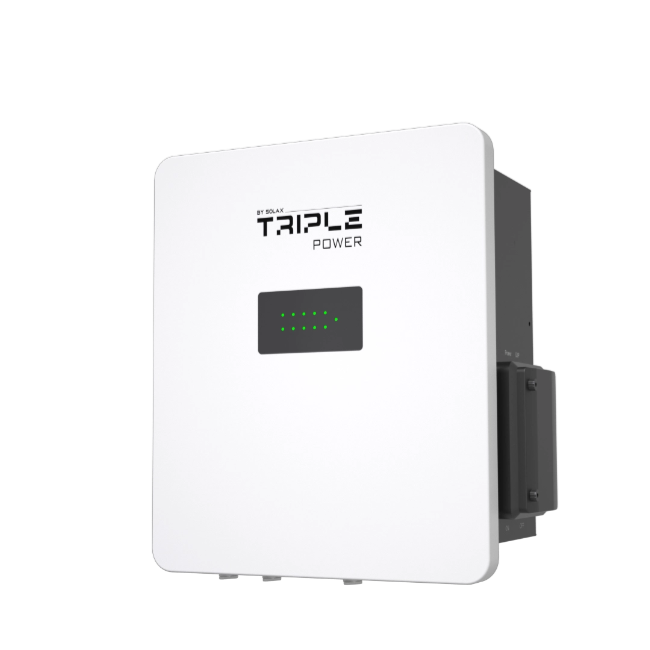
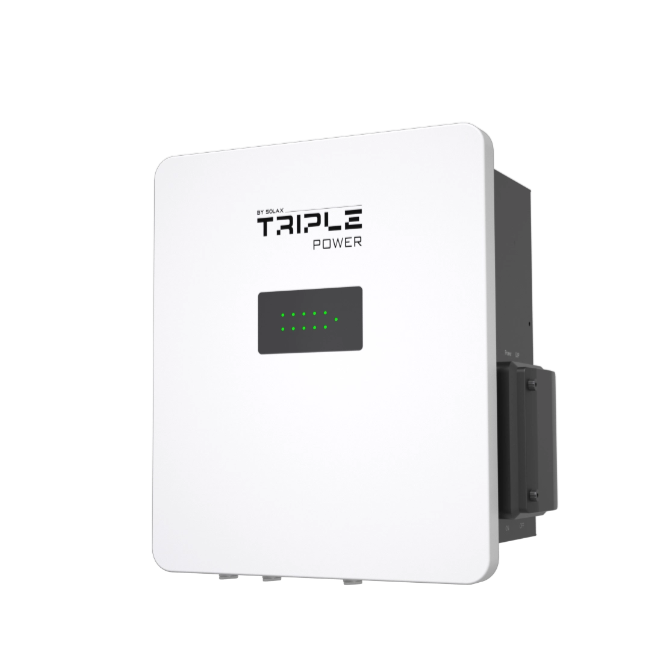
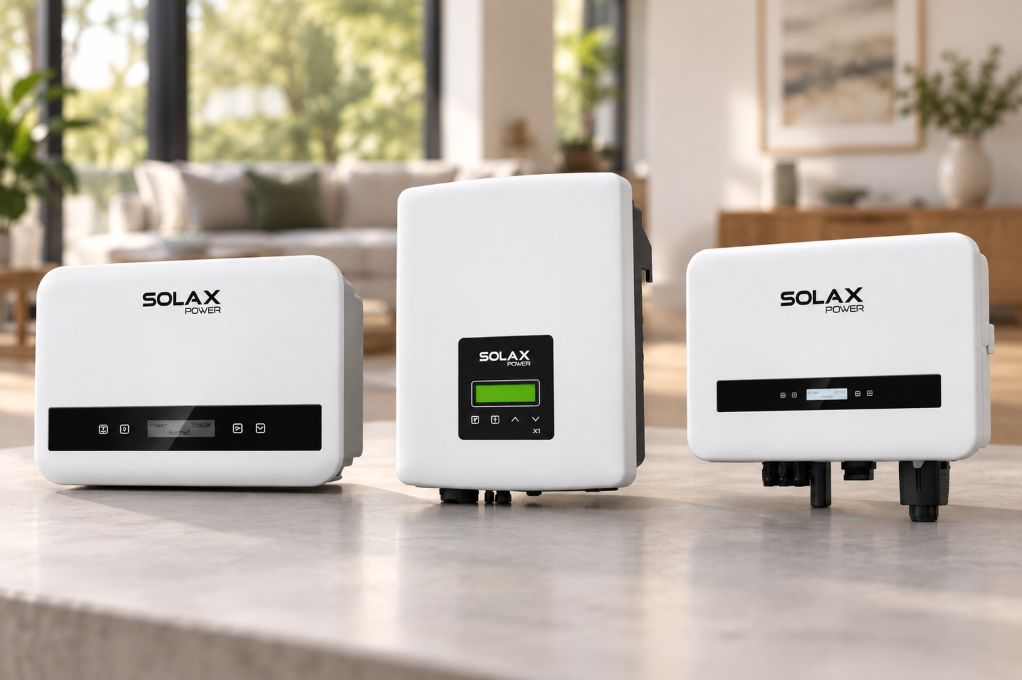
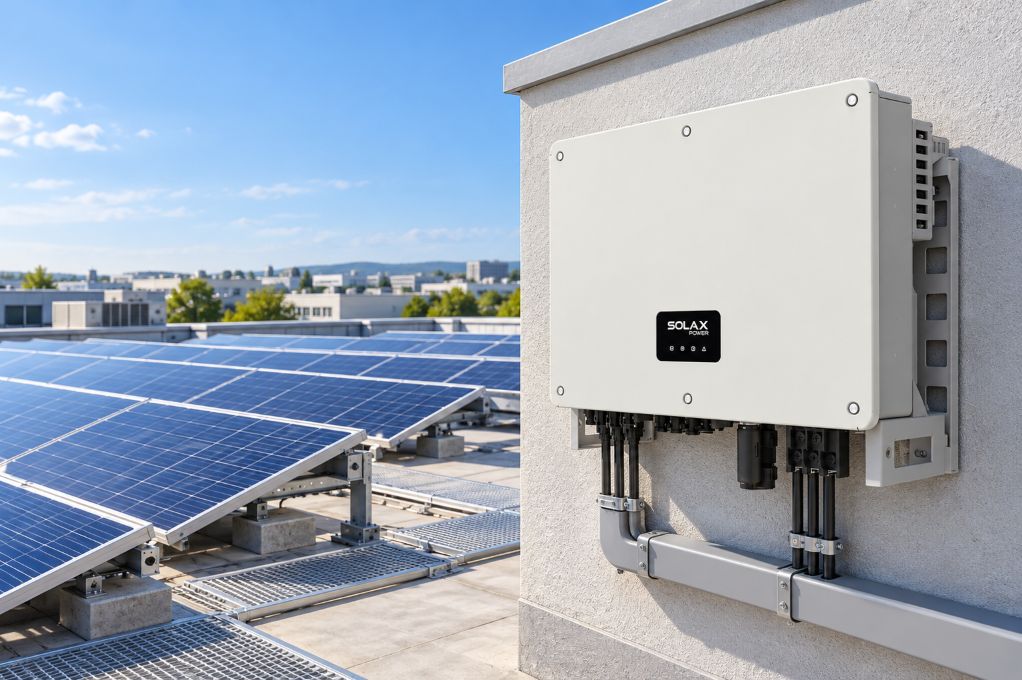
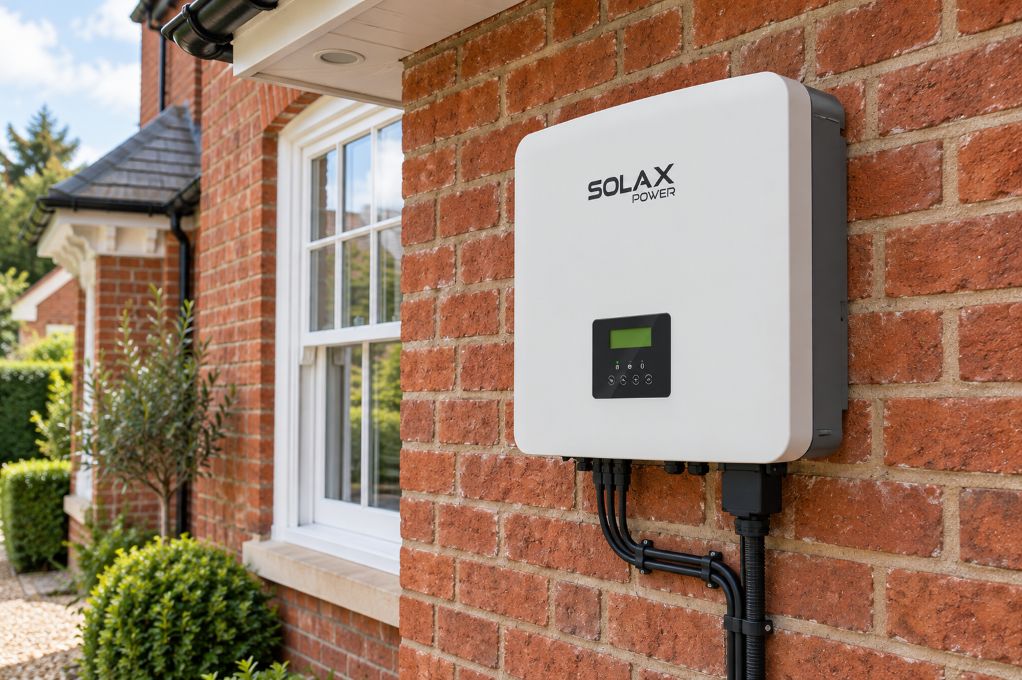
SolaX positions its residential range around energy storage inverters, battery systems, all-in-one ESS products, and SolaXCloud for monitoring and control. Its residential ESS materials also emphasise modular design, easier expansion, and real-time monitoring for time-of-use management and load control. That makes the range useful for installers who want to build a solar inverter and inverter battery setup around the service model, not only the hardware layout.
Where smoother diagnostics usually begin
Clear device hierarchy and site labels from day one
Stable commissioning and verified communications
Remote access to alarms, warnings, and settings where supported
Planned load prioritisation for backup behaviour
A Practical Path to Fewer Lorry Rolls with SolaX
The best way to reduce unnecessary dispatches is to treat diagnostics as part of system design. SolaX's residential portfolio gives you more than one route, so the right answer depends on how the site will be installed, supported, and expanded.
Start with the right system format
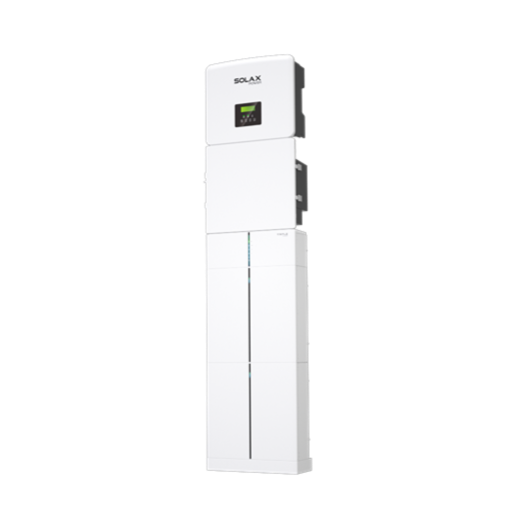
If the property may grow later, a modular inverter-plus-battery layout usually gives you more flexibility around placement, staged upgrades, and service access. If the priority is a tidier install with less wiring and a faster handover, SolaX Residential All-In-One ESS systems are pre-configured and designed to reduce commissioning time. For homes where backup is a key requirement, define essential and non-essential loads early so the system design matches outage expectations rather than relying on assumptions at handover.
Build diagnostics into commissioning
Good diagnostics are created during commissioning, not after the first fault. SolaX support guidance for its ESS installation flow points installers to check warning or fault messages in SolaXCloud and record them when present. In practice, that means your team should register devices cleanly, confirm communications, capture baseline settings, and verify alarm visibility before leaving site.
A consistent checklist helps:
Register each device to the correct site in the portal
Record serial numbers and final device labels
Confirm the homeowner and installer roles have proper access
Test backup behaviour and communication paths
Save screenshots of normal operating status for future comparison
Use software visibility to triage before dispatch
Before sending a lorry, review what the portal already shows. SolaX documentation and support materials indicate that useful escalation data includes the inverter serial number, registration details, warnings, and battery input status. That changes the service workflow: instead of reacting to a vague "battery fault" report, your team can check whether the issue is a communication drop, an alarm state, a settings mismatch, or a genuine hardware problem.
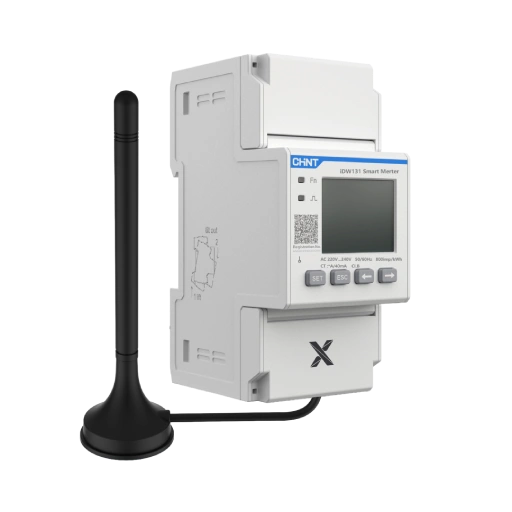
This kind of remote triage also fits wider energy sector expectations. The UK government's consumer guidance around smart meter issues highlights how remote visibility and clear support pathways can reduce confusion before an engineer visit is arranged. GOV.UK support responsibilities around in-home energy monitoring and fault handling are expected to be clear to end users, which is a useful benchmark for home smart energy workflows.
What Installers Should Compare Inside the SolaX Range
Once you narrow the format, compare systems by service workflow rather than headline figures alone. Similar solar power system outcomes can create very different after-sales workloads.
Service workflow and portal depth
A strong installer setup should make it easy to organise sites, read alarms, and pass evidence to support without repeating basic checks. SolaX positions SolaXCloud as the monitoring layer for real-time system management, optimisation, and connected device control across home energy solutions. For a multi-install team, that matters because portal structure affects response speed as much as hardware quality.
Check for:
Alarm visibility across inverter and battery devices
Remote setting access where enabled
Clean site organisation for multiple installers
Support handoff with usable screenshots and fault history
Hardware layout and maintenance access
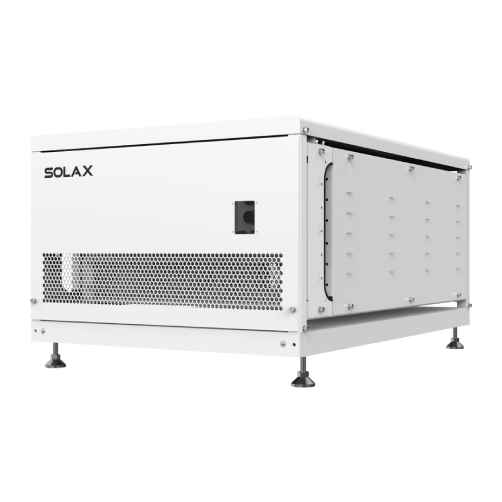
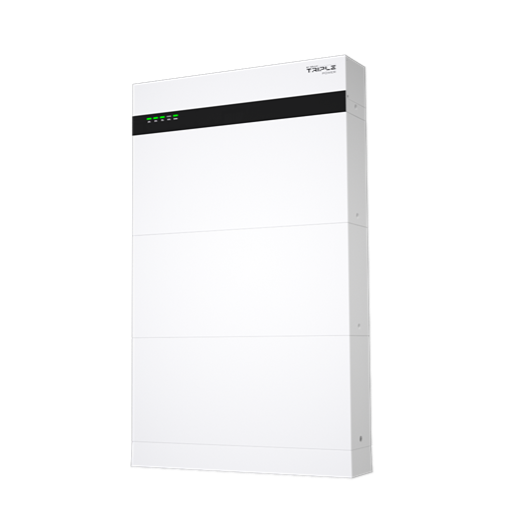
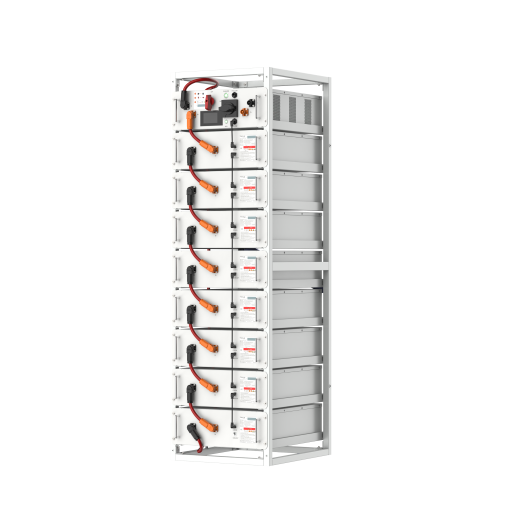
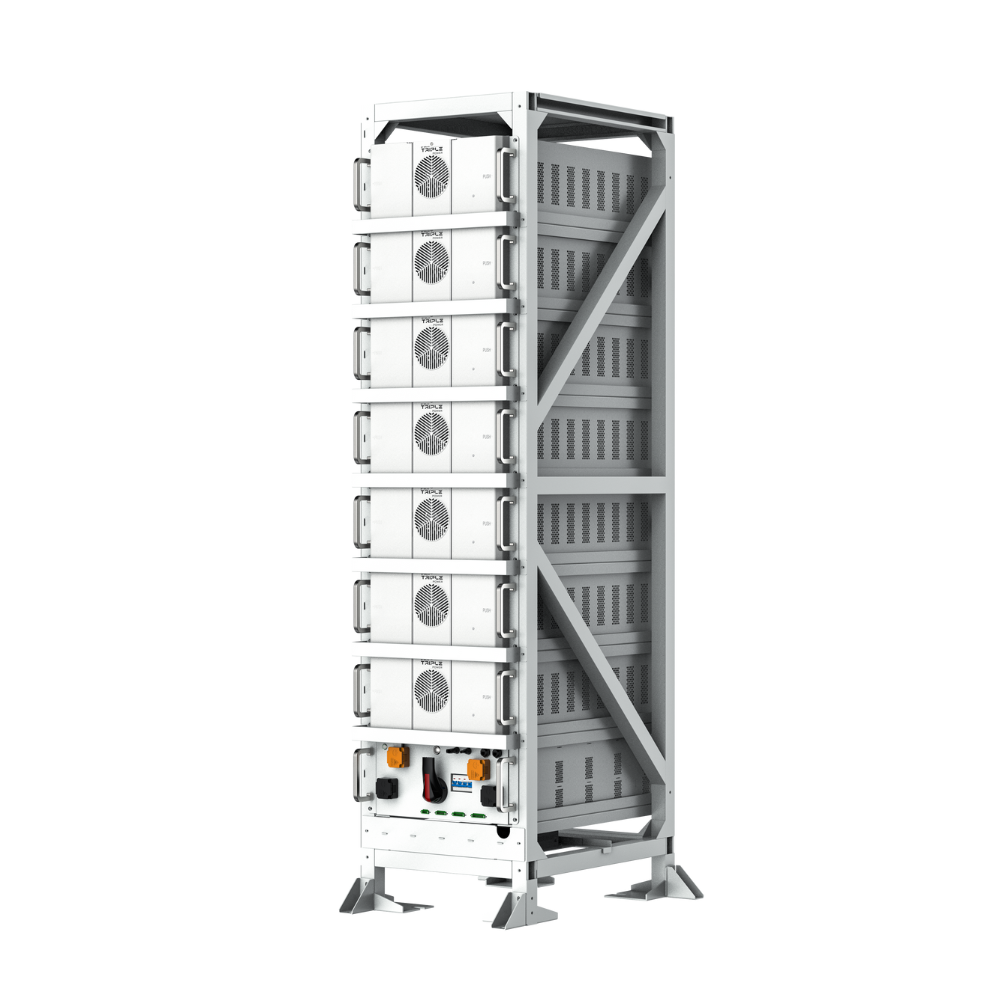
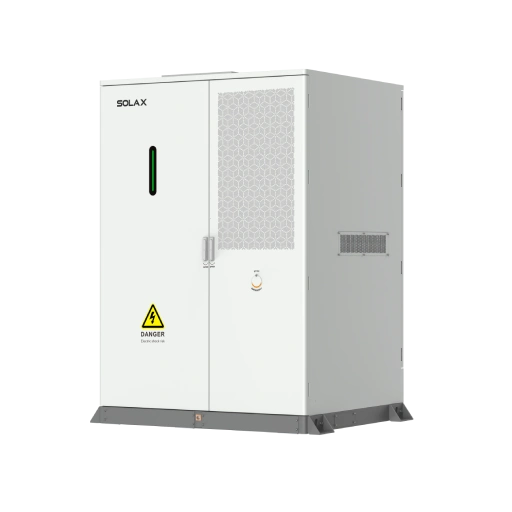
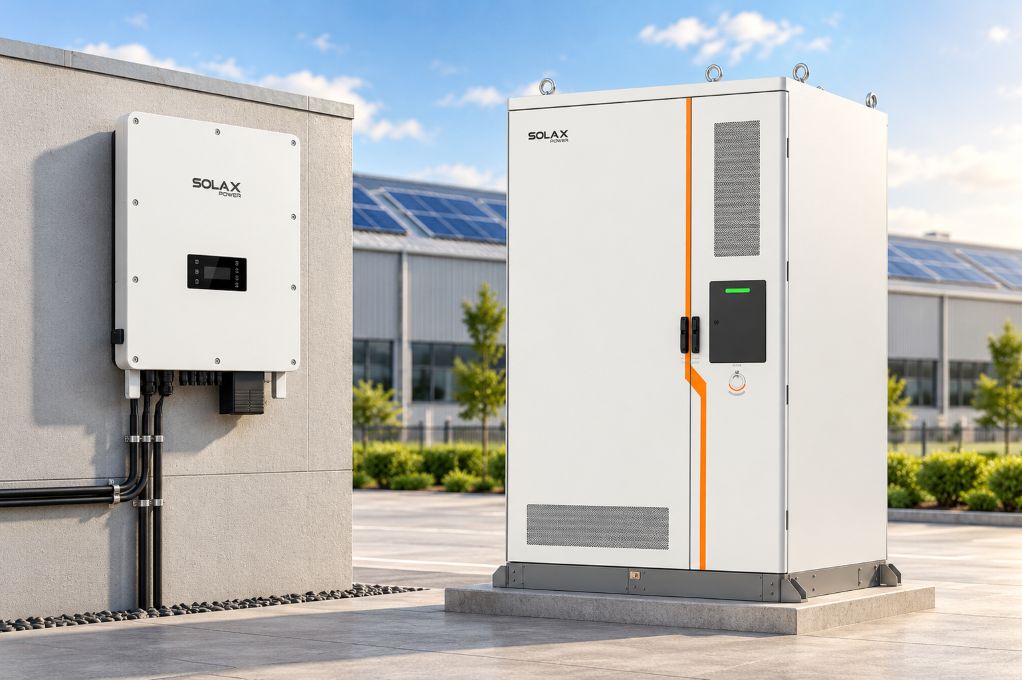
Modular batteries usually suit staged upgrades and can make replacement or inspection more straightforward when access is tight. Integrated ESS products can shorten installation and reduce cable complexity, which may also lower the risk of commissioning errors. SolaX's residential ESS positioning highlights modular assembly, expansion, and maintenance, while its integrated systems focus on simpler deployment.
Performance and backup priorities
Do not ignore core electrical priorities. MPPT count affects array flexibility, EPS capability matters in outages, and charging behaviour shapes how the solar battery performs under real household demand. SolaX X3-IES offers up to 98.5% efficiency, multi-mode operation, modular battery expansion from 10 kWh to 60 kWh, and IP66 protection, which makes it easier to frame decisions around backup scope and future growth rather than one headline number alone.
The Simplest Takeaway for Home Storage Planning
If you want fewer repeat battery visits, prioritise the SolaX setup that gives your team cleaner commissioning, clearer portal data, and easier remote diagnosis. For some homes, that will be a modular hybrid inverter and battery route with room to expand. For others, an all-in-one ESS will make more sense because it reduces installation complexity and creates a tidier service baseline.
The key is to map load priorities, remote support workflow, and future expansion before choosing the hardware. When the monitoring layer, naming standard, and backup checks are right from the start, your smart energy system becomes easier to support long after commissioning day.
FAQ
Table of Contents
Latest News
Explore expert insights, practical guides, and the latest news on SolaX Power.


To the Latest Newsletter
Stay Ahead with the Latest SolaX Updates!
Subscribe
I have read and agree to Privacy Policy and User Terms