












March 10, 2026
Quickly 5 Steps to Choose Solar Batteries for High-Usage Homes Capacity Power Backup
Share my #SolaXStory


You finally get your solar energy system dialed in, then evening hits: cooking, HVAC, laundry, and a couple of screens all pile on at once. The lights flicker, the inverter throws a warning, and your home battery storage drains faster than you expected.
That is more than annoying. If your solar battery is undersized on kWh (capacity) or kW (power), you can waste solar pv production during the day and still end up pulling from the grid or losing backup when you need it most.
This guide fixes that with a practical five-step workflow you can run before you sign off on an energy storage system. If you do these steps in order, your solar power system design becomes easier to approve, install, and expand.

Step-by-step guide to choose a solar battery
Step 1: Audit your high-usage load profile
Start with what actually breaks your workflow: your evening peak and your simultaneous loads. Pull 12 months of utility bills, then add any interval data your utility portal provides (15-minute or 1-hour is ideal). Next, walk your panel and write down the loads you run after sunset: cooking circuits, heat pump or AC, well pump, sump pump, EV charging, and anything that must stay on (refrigerator, Wi-Fi, medical devices). This is the fastest way to stop guessing and to prevent your inverter from tripping when multiple appliances start together.
Use this quick audit checklist:
Identify your top 5 evening loads
Note each loads running watts
Note surge loads (motors, compressors)
Mark which loads are critical in outages
Record how long you run each load
If your home battery storage goal is backup, split the list into two groups: (1) critical loads panel candidates and (2) nice-to-have loads. This single step often saves you from overspending on battery storage for home while still protecting the loads that matter.
Step 2: Size capacity (kWh) for nights and outages
Now size solar battery capacity in kWh based on the hours you want to cover when solar pv is not producing. A clean way to do it is: evening and overnight kWh you want to cover plus a margin for winter and battery aging. For many high-usage homes, the mistake is focusing only on total daily usage, then forgetting that your battery solution must carry the home when your solar power inverter output is low or zero.
A practical sizing method:
Choose your target runtime (for example, 6 to 12 hours)
Add up the kWh for only the loads you will power
Add 10% to 25% margin for seasonal swing
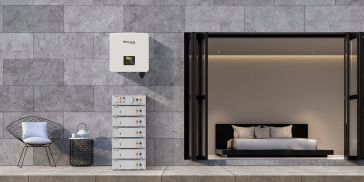
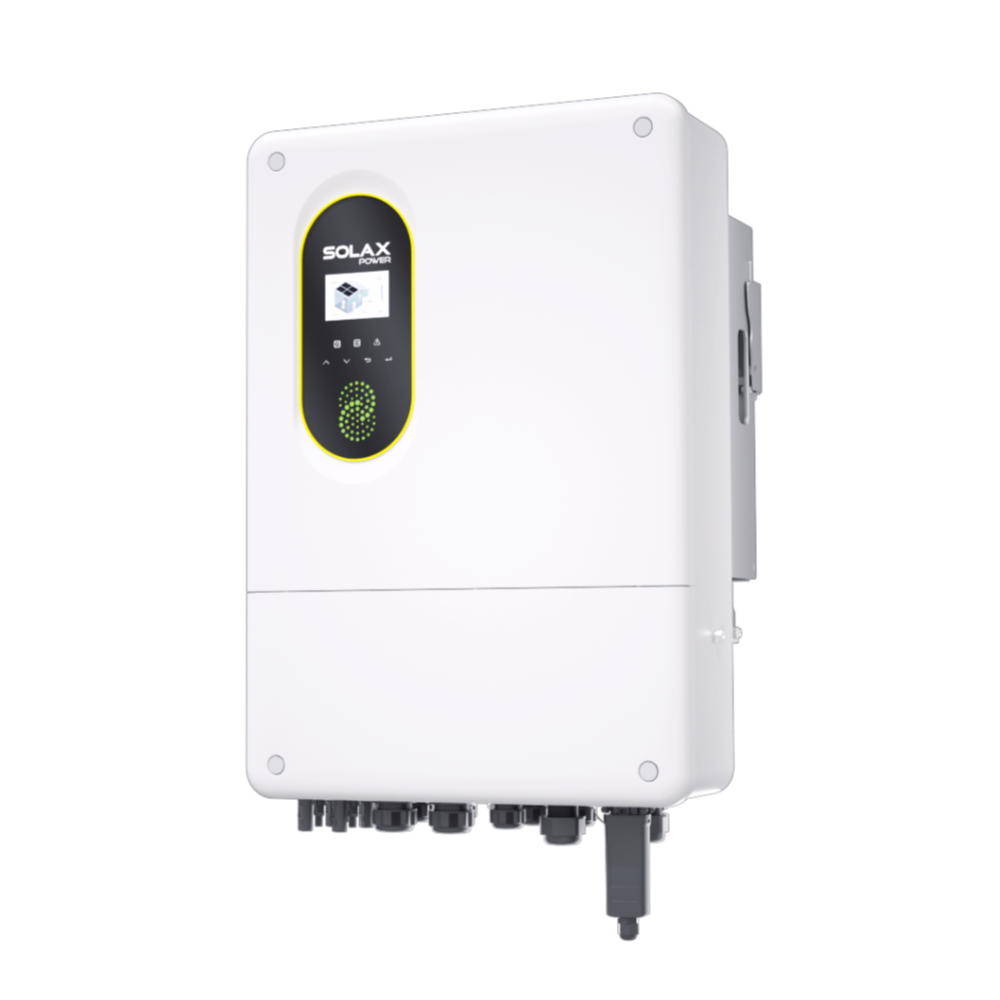
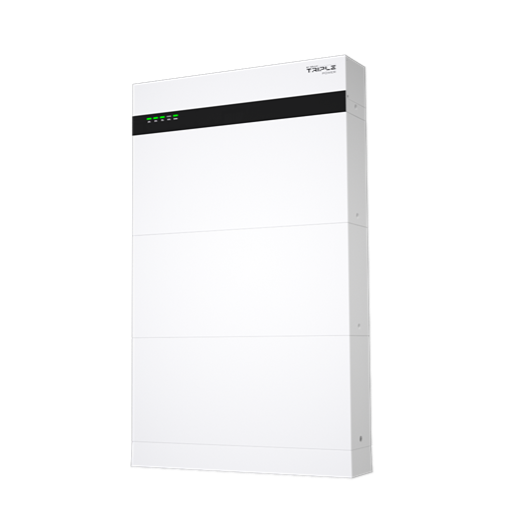
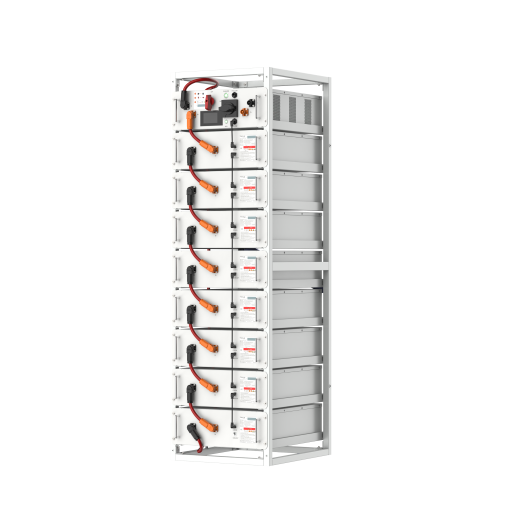
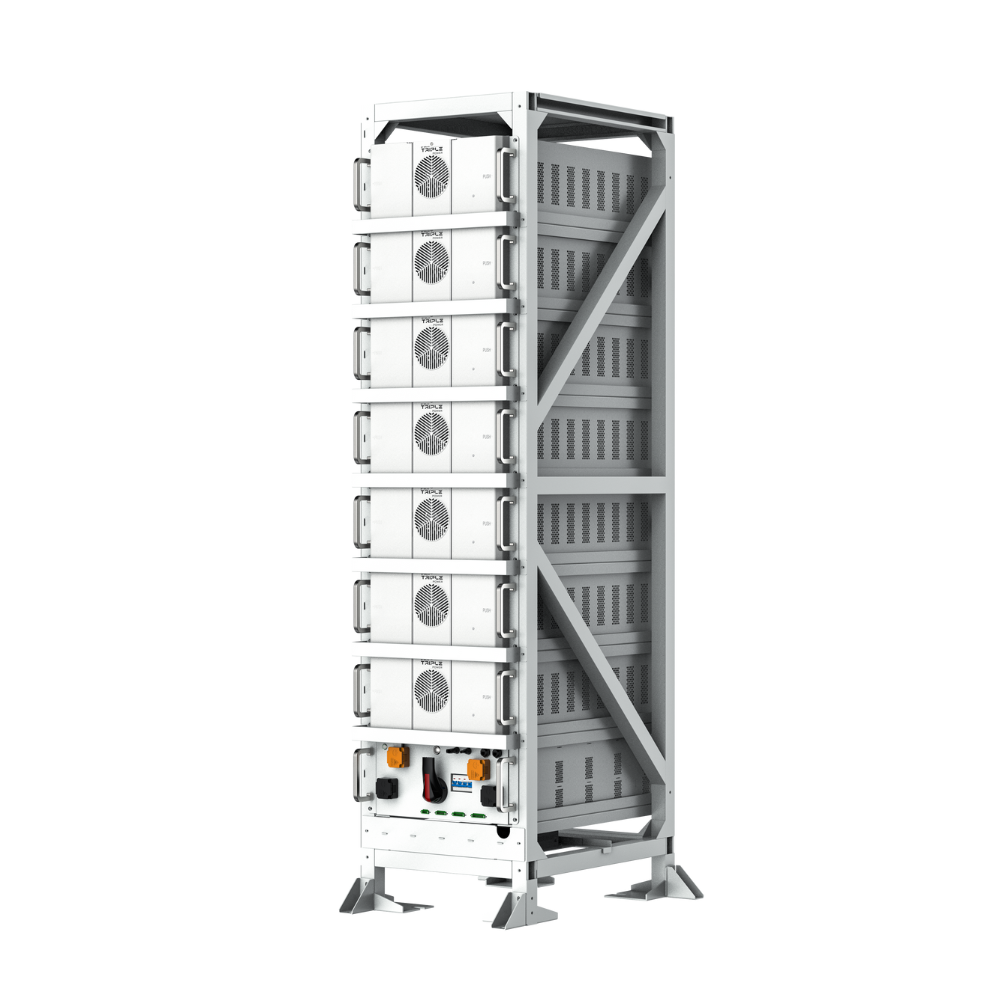
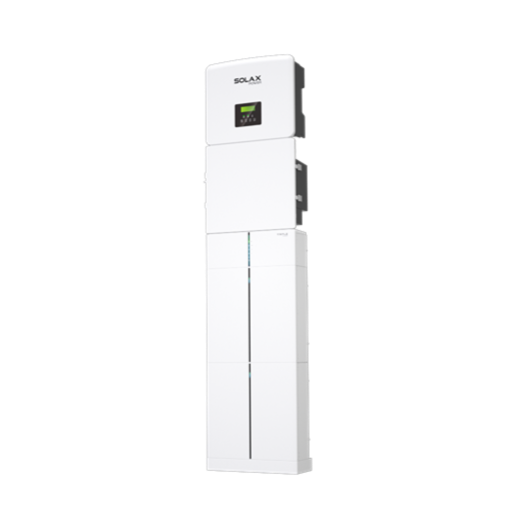
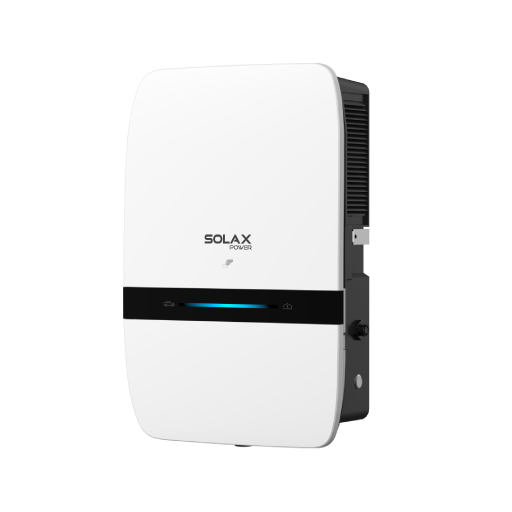
To keep this grounded in real product ranges, SolaX offers multiple battery storage families that map to different home sizes. For modular high-voltage battery storage, the SolaX T-BAT H 3.0 V2 stack ranges from 3.1 kWh up to 12.3 kWh, and it is designed to integrate with the X1-Hybrid G4 platform as part of the X-ESS G4 all-in-one energy storage system. It also lists a 95% battery roundtrip efficiency and 6,000+ cycles in its product materials, which is useful when you are comparing usable energy and expected life.
Step 3: Confirm power (kW) and surge so the inverter does not trip
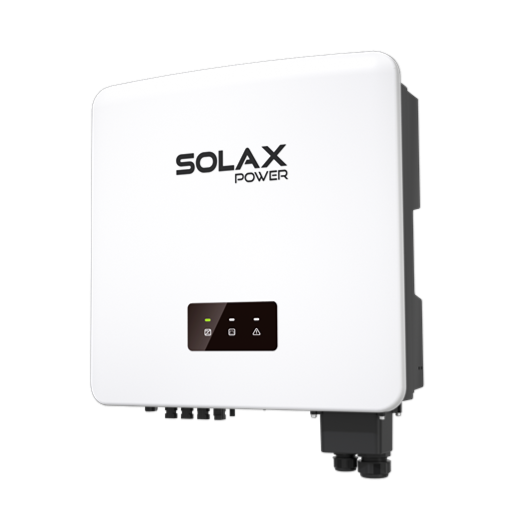
Capacity (kWh) answers how long you can run, but power (kW) answers what you can run at the same time. High-usage homes often fail here because a battery storage system can have enough energy for the night, yet still not start a big motor load without a surge-capable hybrid inverter. Your goal is to make sure your solar inverter and energy storage system can deliver your peak continuous kW and cover short surge events without nuisance shutdowns.
Do this in order:
List simultaneous loads you expect to run
Add their running watts for a continuous kW target
Identify the biggest surge load (HVAC, pump)
Confirm surge tolerance in the inverter and battery specs
SolaX battery specs can help you sanity-check the power side. For example, the T-BAT H 12.0 V2 configuration lists 10.2 kW rated power in the T-BAT H 3.0 V2 product parameter table, while smaller stacks scale down (2.5 kW on T-BAT H 3.0, 5.1 kW on T-BAT H 6.0, 7.6 kW on T-BAT H 9.0). That scaling is exactly why you should audit surge loads first: it tells you whether you need a larger stack, load-shedding, or a tighter critical-loads plan.
Step 4: Match battery chemistry and safety validation
Lock safety early, because it changes where you can install and how your installer will get the system approved. For residential solar battery storage, many homeowners and installers prefer LFP (lithium iron phosphate) because it is widely used for safer thermal characteristics and long cycle life. You also want a strong BMS (battery management system) with clear protections and reliable diagnostics, because a smart energy setup is only helpful when it stays visible and controllable.
Two practical checks you can run:
Chemistry and controls: Look for LFP plus a BMS that supports remote fault diagnosis and maintenance.
Fire propagation testing data: Ask your installer what large-scale test method data supports the permitting package.
On the product side, Residential Solar Batteries emphasize LFP battery cells and list safety-related attributes like IP ratings and certifications depending on model family. The T-BAT H 3.0 V2 highlights LFP cells, smart features such as remote diagnostics, and low-temperature battery heating technology, which can matter when your battery storage for home is installed in a garage or other unconditioned space.
Step 5: Validate solar inverter fit, monitoring, and expandability
Before you commit, confirm three compatibility layers:
(1) electrical match to your solar inverter or hybrid inverter,
(2) communications for monitoring
(3) a clean expansion path.
This is where many solar installation projects get messy, because a battery might be physically installable but not fully supported by the inverter firmware, the comms wiring, or the monitoring portal. If your goal is smart energy management, you want a setup that stays coherent as you add modules, add an EV load, or shift to time-of-use optimization.
Use this final validation checklist:
Confirm the exact inverter model family support (hybrid inverter vs AC-coupled)
Confirm battery comms interfaces and wiring path (RS485/CAN is common)
Confirm monitoring platform and data visibility for battery SOC and power
Confirm expansion rules (extra modules, extra towers, or parallel units)
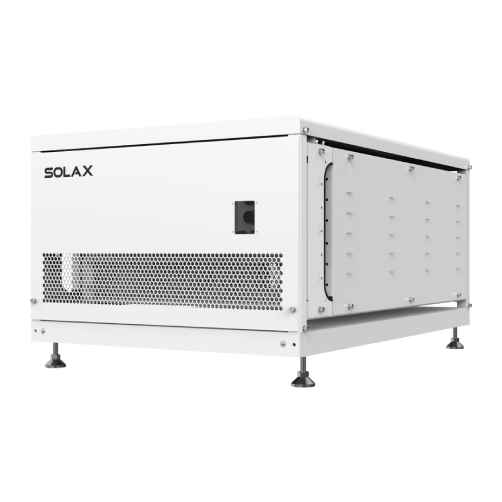
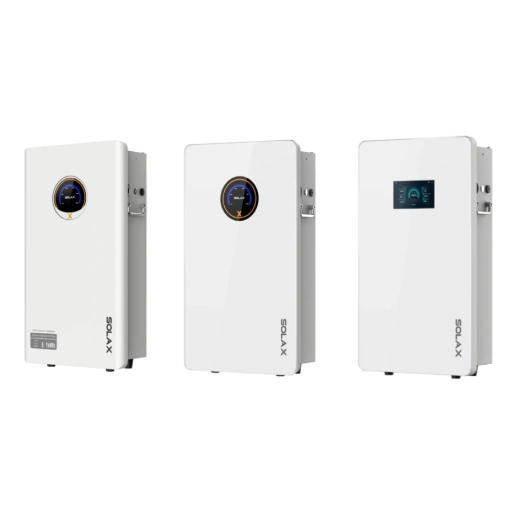
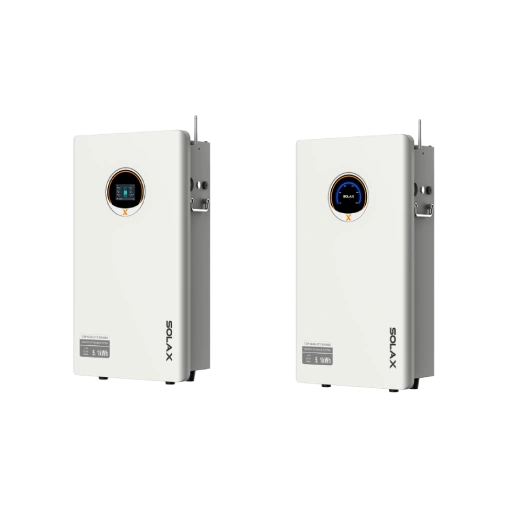
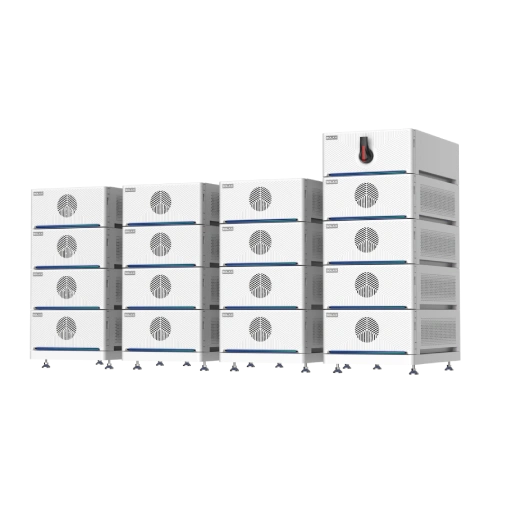
SolaX specifically positions its Residential Batteries as part of an integrated energy solutions stack with monitoring via SolaXCloud, which is useful when you want one view of your solar power system, inverter, and solar battery storage behavior. On hardware expandability, different SolaX lines scale in different ways: the T-BAT-SYS-LV D150 notes support for up to 16 parallel units and a peak discharge current of 310 A for 10 seconds, while the high-voltage T-BAT H 3.0 V2 highlights compatibility with a BMS-Parallel Box-II G2 for up to two battery towers. Those are the kinds of constraints you want written into your installer plan before equipment lands on site.
Troubleshooting guide for common solar battery issues
Problem | Cause | Solution |
Battery empties early | kWh undersized | Add modules or capacity |
Inverter trips on startup | kW too low | Increase power rating |
Lights flicker on motors | Surge not covered | Stagger loads, soft-start |
App data missing | Comms miswired | Re-pair, verify CAN/RS485 |
Poor winter coverage | Solar pv shortfall | Add PV, adjust backup loads |
Use these quick actions before you request a service call:
If the battery drains early, compare your actual evening kWh to your original target and reduce non-critical loads first.
If your inverter trips, stop forcing restarts and remove the largest motor load until your installer confirms surge settings and wiring.
If monitoring disappears, verify the network connection and confirm the inverter and battery comms cable path is seated and correctly landed.
Conclusion
Choose solar batteries for a high-usage home by matching three things: capacity (kWh), power (kW), and a realistic backup plan. First, audit your evening peak so you stop guessing. Next, size solar battery storage for your target runtime, then confirm your inverter and battery can handle surge loads without tripping. Finally, validate safety expectations and make sure monitoring and expansion will still work when your home adds new loads like EV charging.
FAQ
Table of Contents
Latest News
Explore expert insights, practical guides, and the latest news on SolaX Power.


To the Latest Newsletter
Stay Ahead with the Latest SolaX Updates!
Subscribe
I have read and agree to Privacy Policy and User Terms