










March 10, 2026
All-in-One Solar + Storage for Homeowners 2026: Pros, Cons, Fit
Share my #SolaXStory


Still guessing whether you need more solar battery capacity or a bigger inverter after the lights flicker? That uncertainty usually shows up at the worst time: an outage, a heat wave, or a surprise peak-rate bill.
If you size the energy storage system wrong, you can end up with a solar power system that saves less than expected, drops critical loads during switchover, or forces expensive electrical rework later.
All-in-One Solar Storage Fundamentals
Solar + storage basics PV and battery
Before you compare solar energy companies or product stacks, align on the simple physics: your PV system makes energy when the sun is available, while your home loads need power on demand. A solar battery (often called home battery storage or solar battery storage) bridges that mismatch by charging during surplus PV production and discharging later.
To keep the sizing honest, separate two numbers that people often mix:
Energy (kWh): how long you can run loads
Power (kW): how many loads you can run at once
That is why a battery storage for home plan that looks good on kWh can still fail in an outage if the inverter (power inverter) cannot start a well pump, HVAC blower, or induction cooktop at the same time.
Inverter roles hybrid string micro
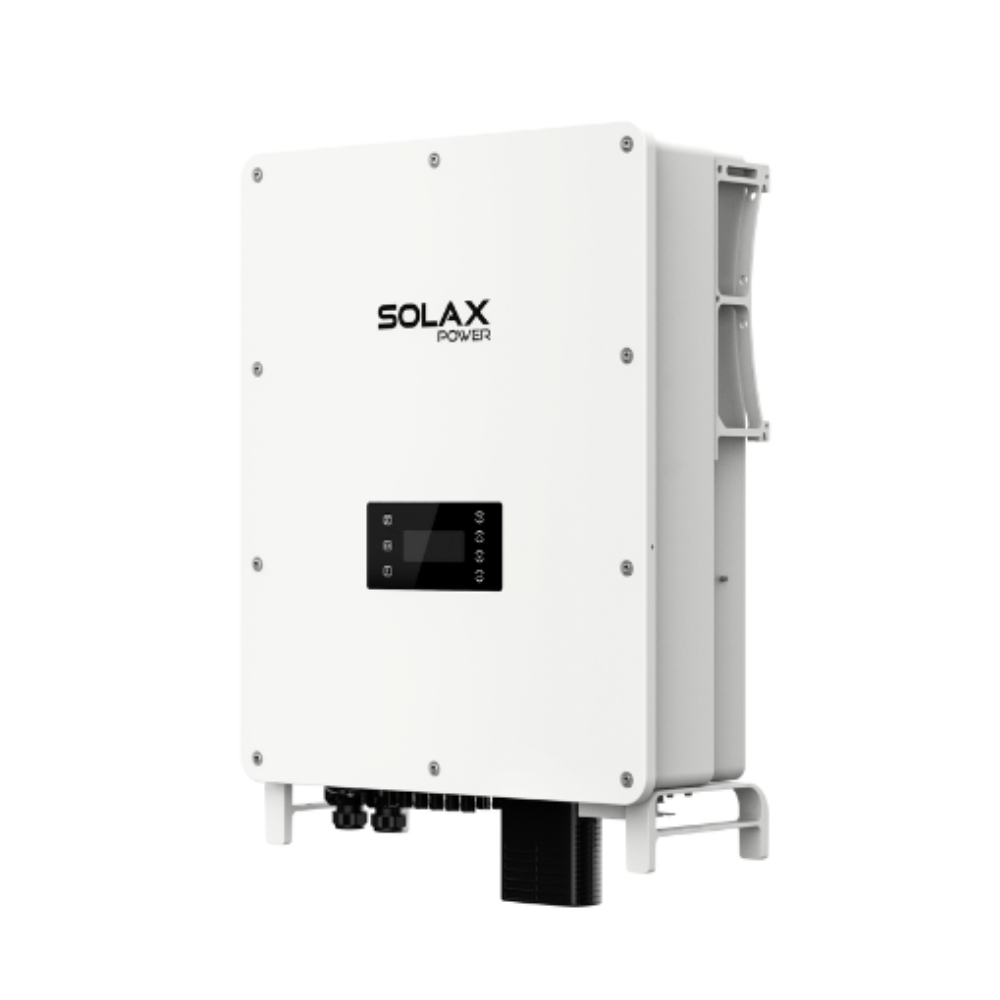
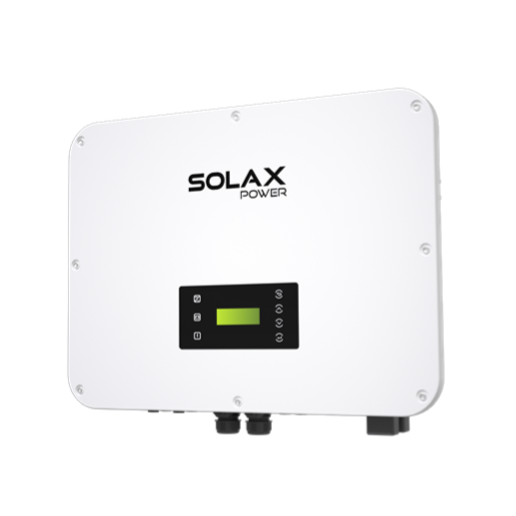
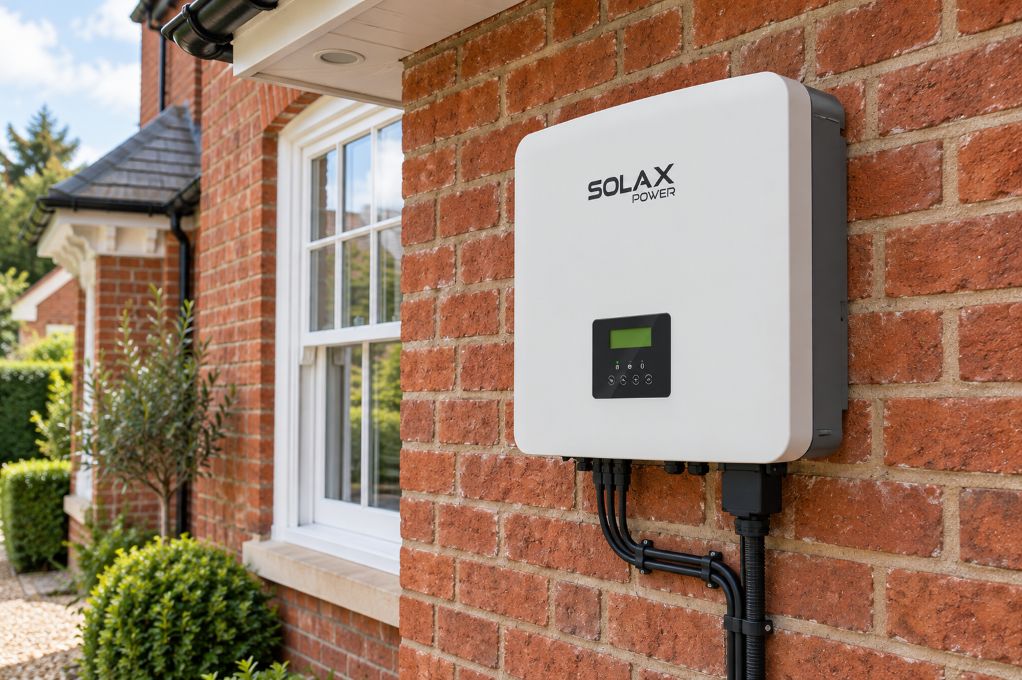
The inverter is the traffic controller of a solar energy system. It converts DC from solar PV into AC for your home, and in storage systems it also manages battery charge and discharge.
Common layouts you will hear installers use:
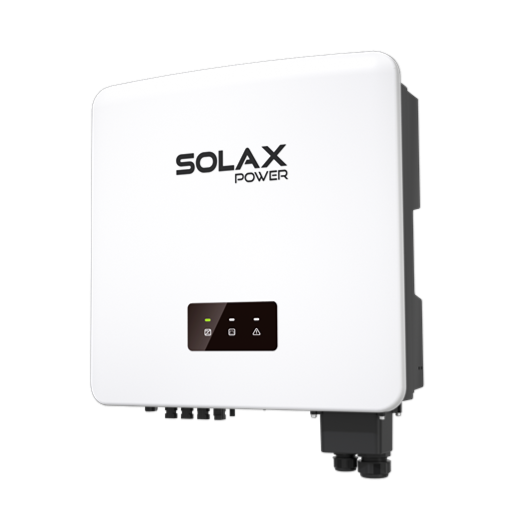
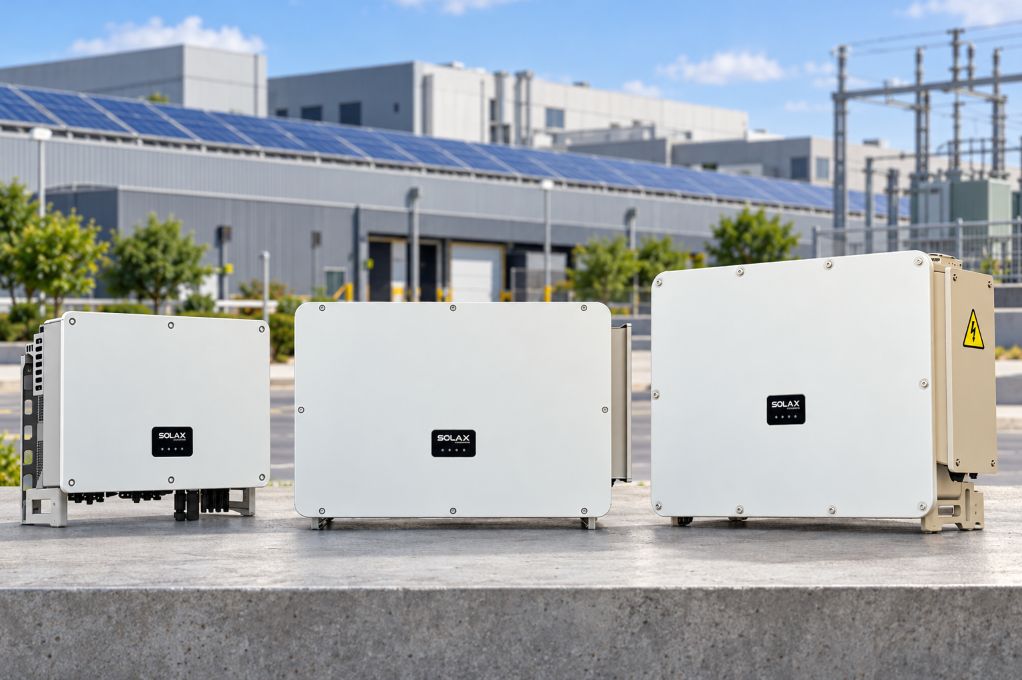
String inverter: PV strings feed one central solar inverter
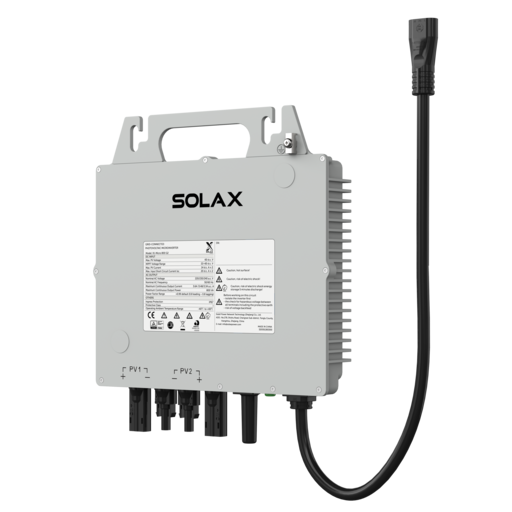
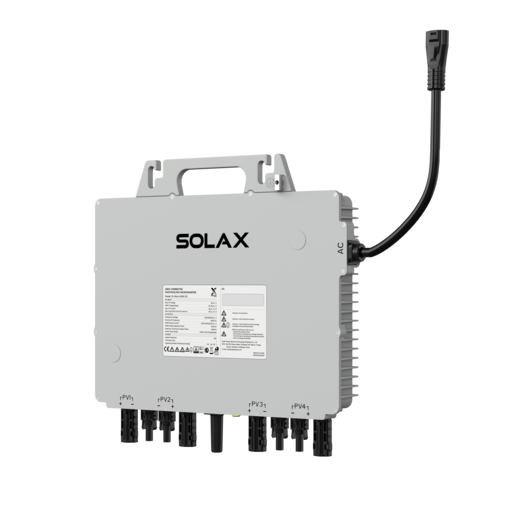
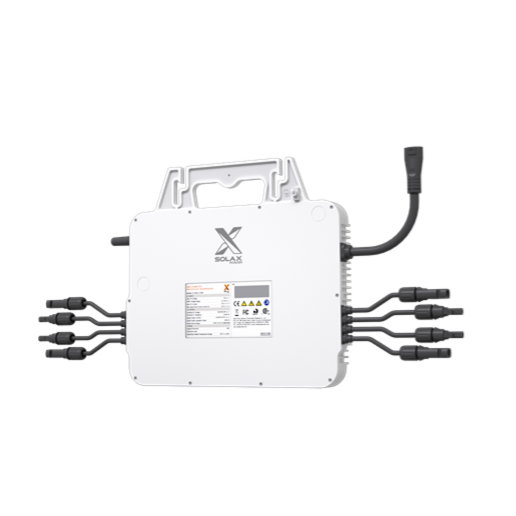
Micro inverter / solar micro inverter: each panel has its own microinverter (micro inverter solar)
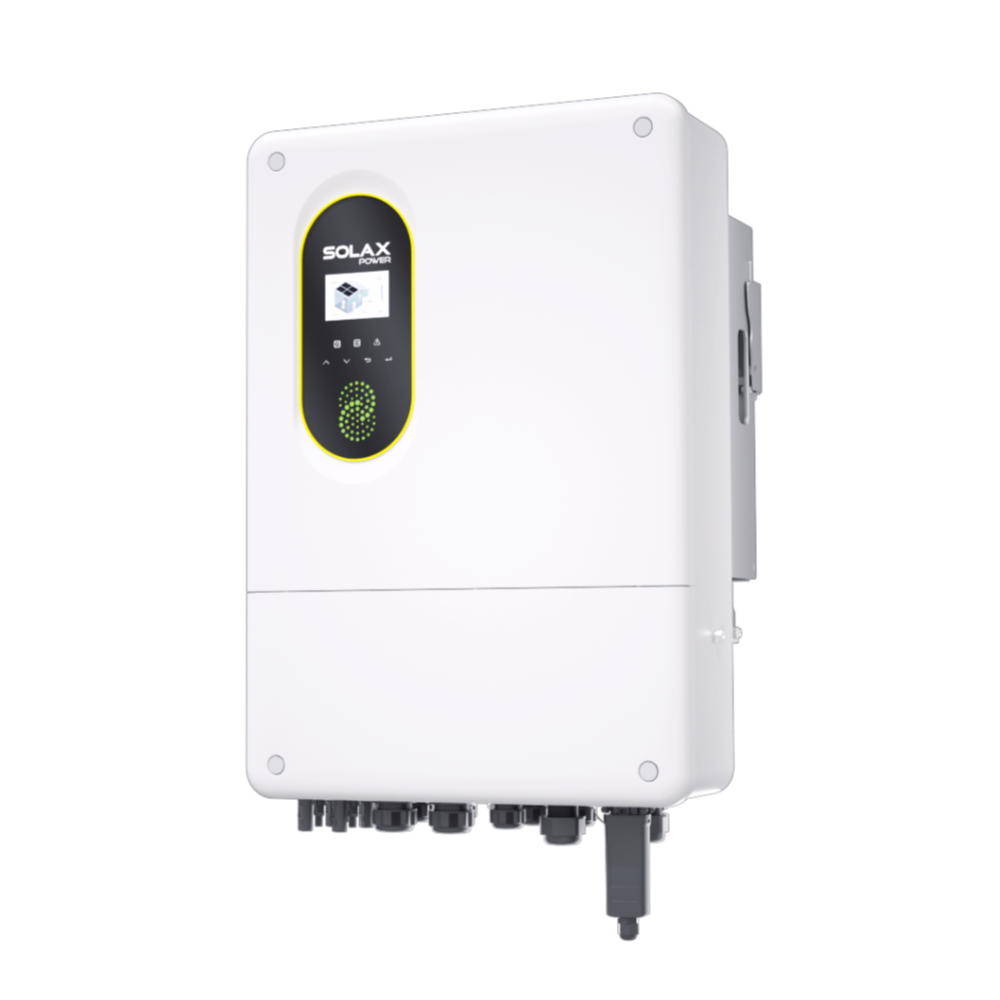
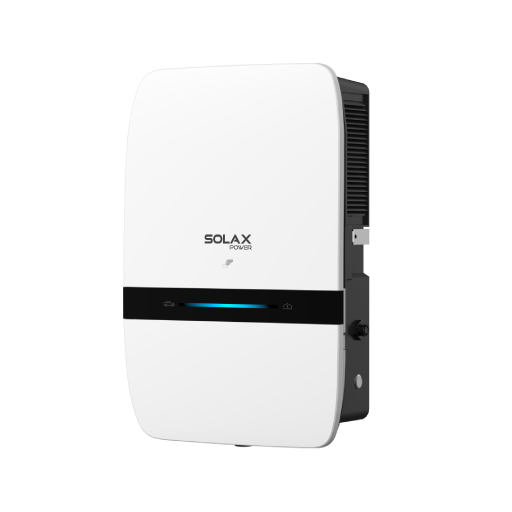
Hybrid inverter: a solar inverter that also controls battery charge/discharge (often the heart of a modern solar power storage setup)
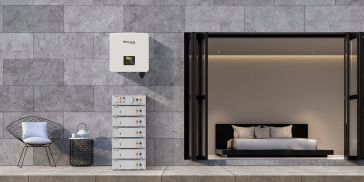
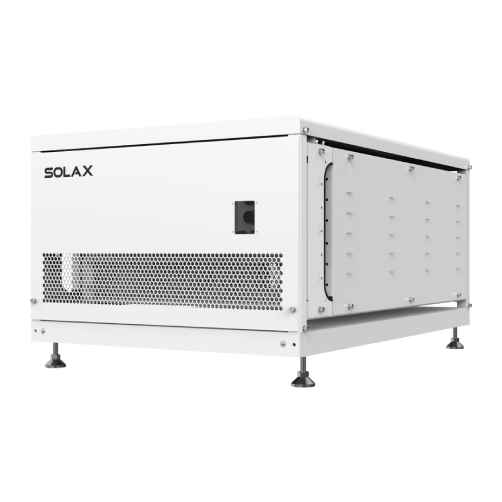
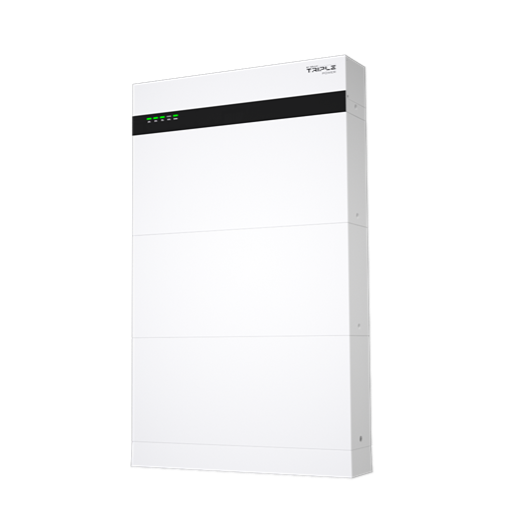
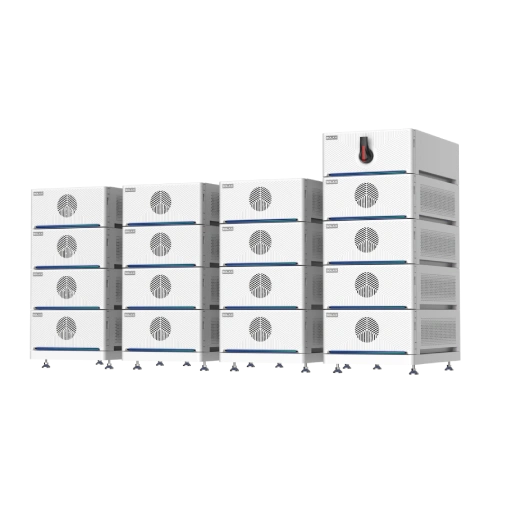
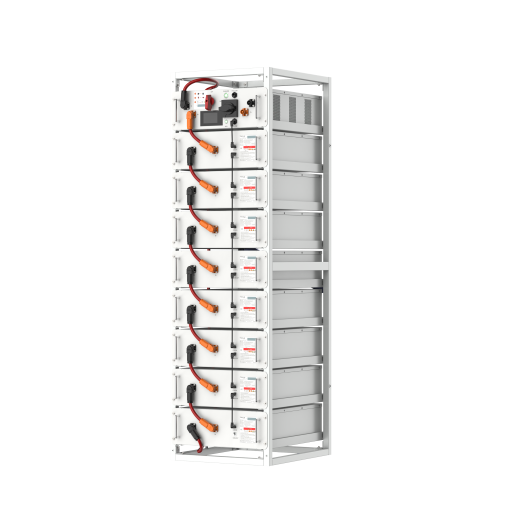
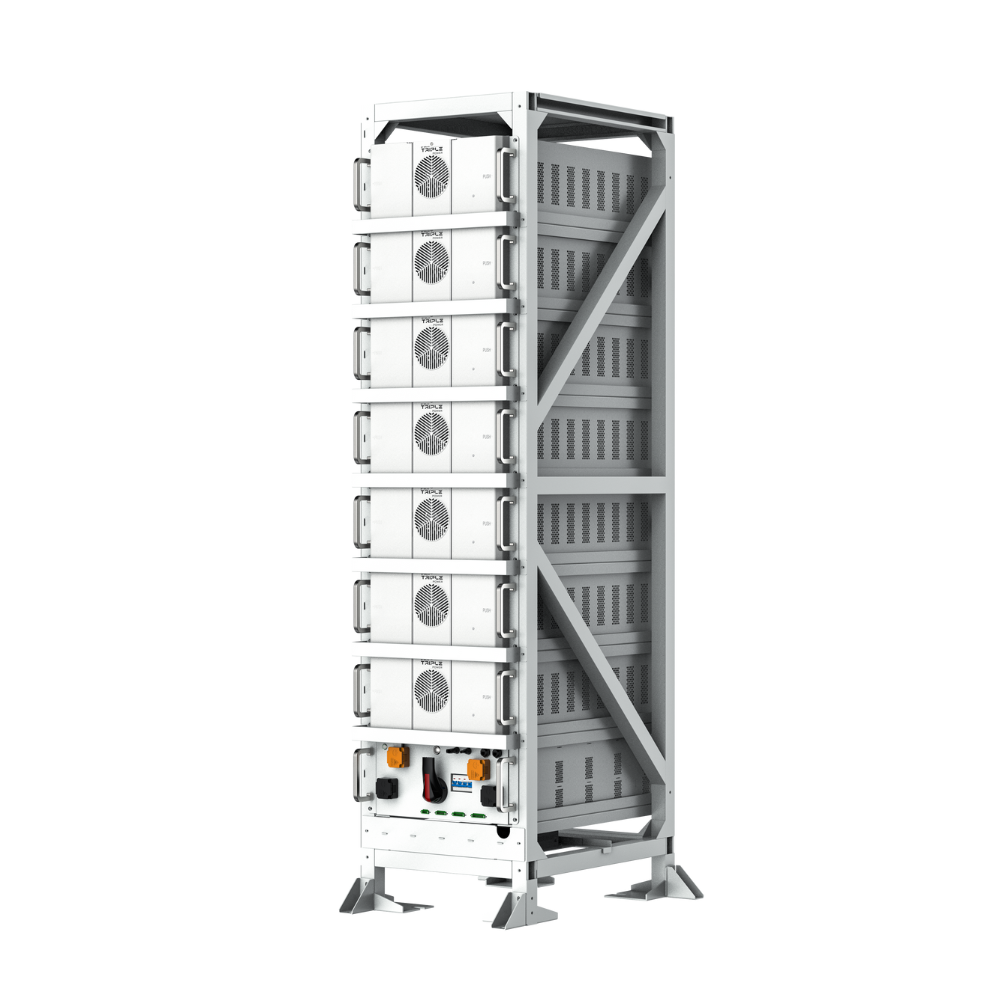
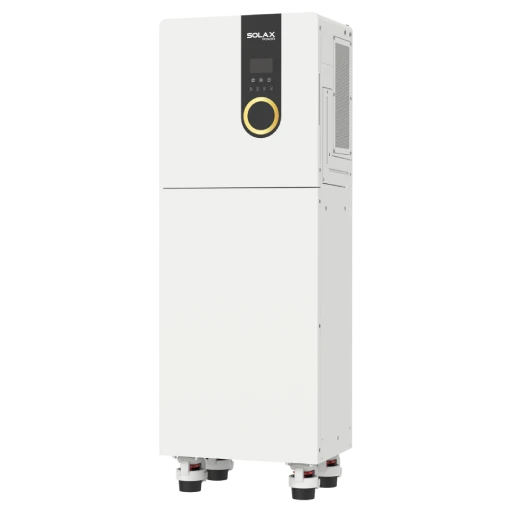
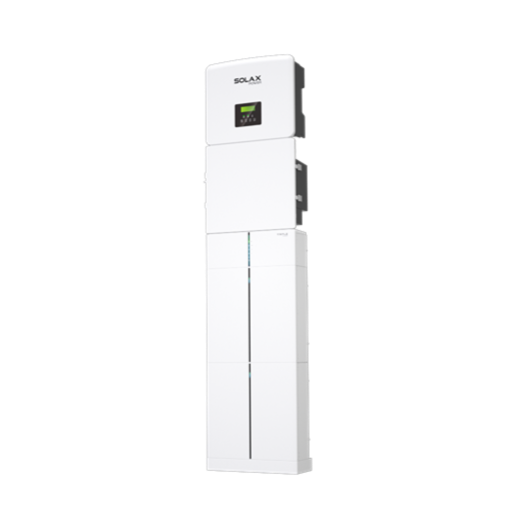
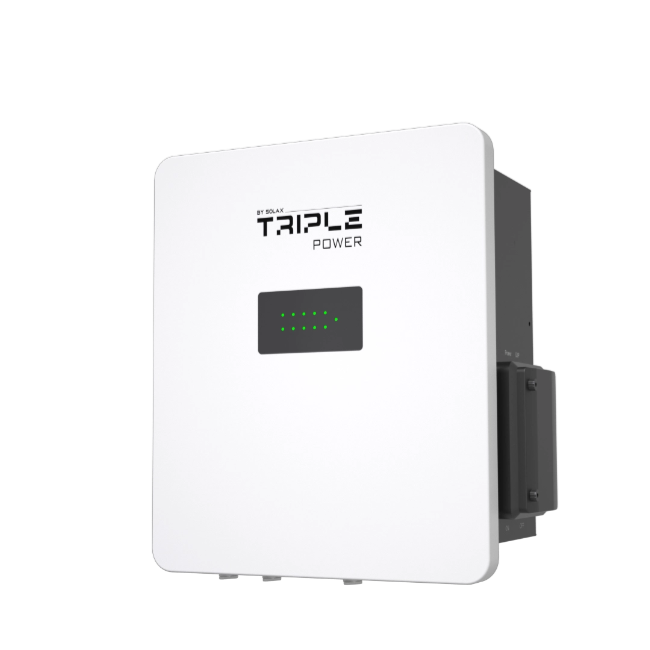
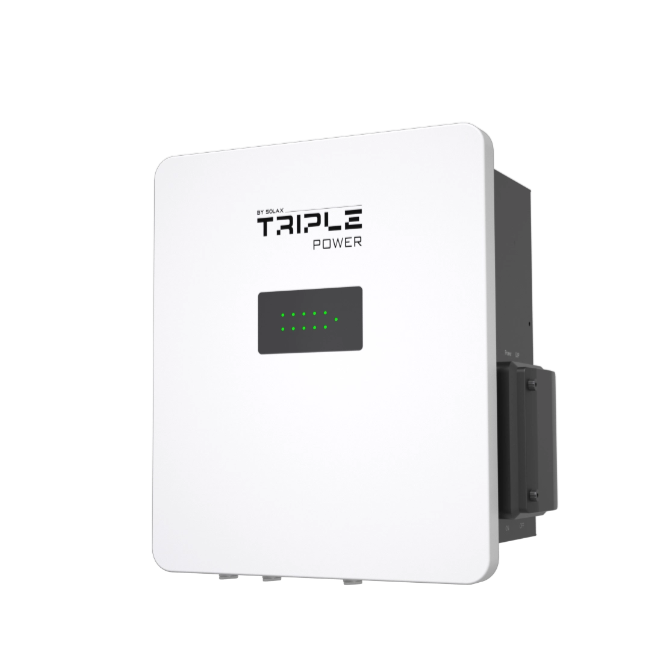
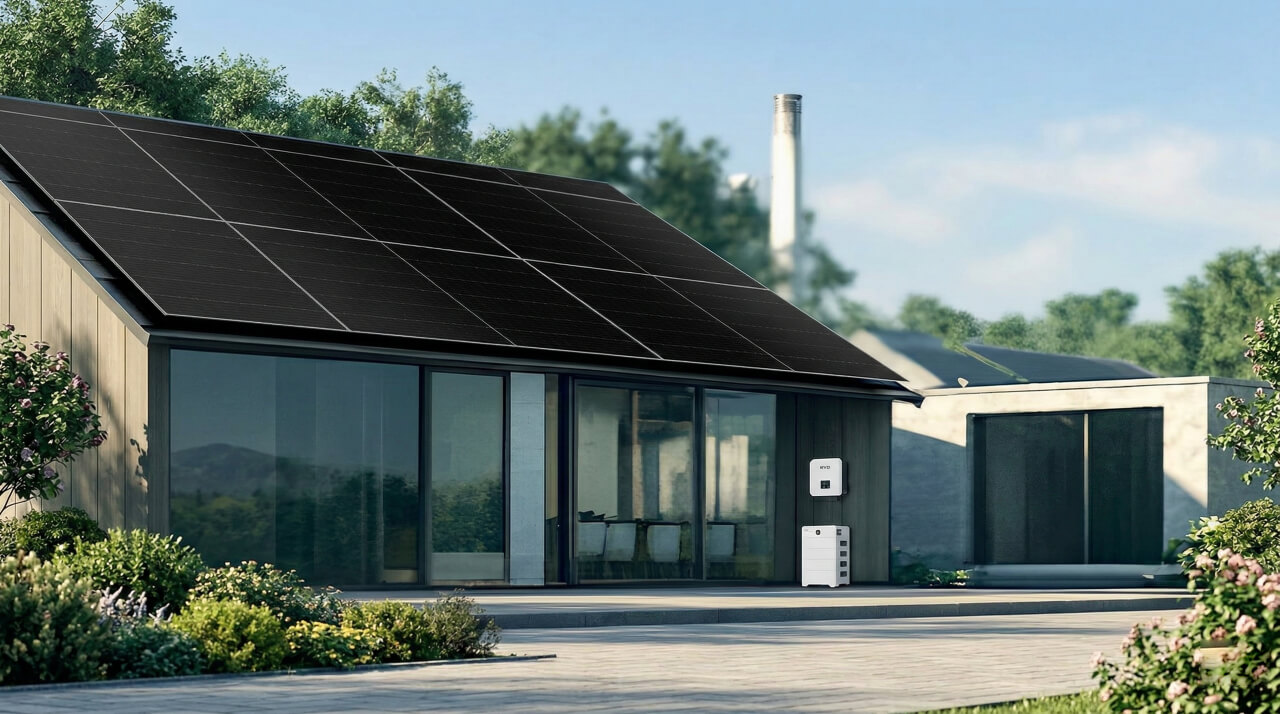
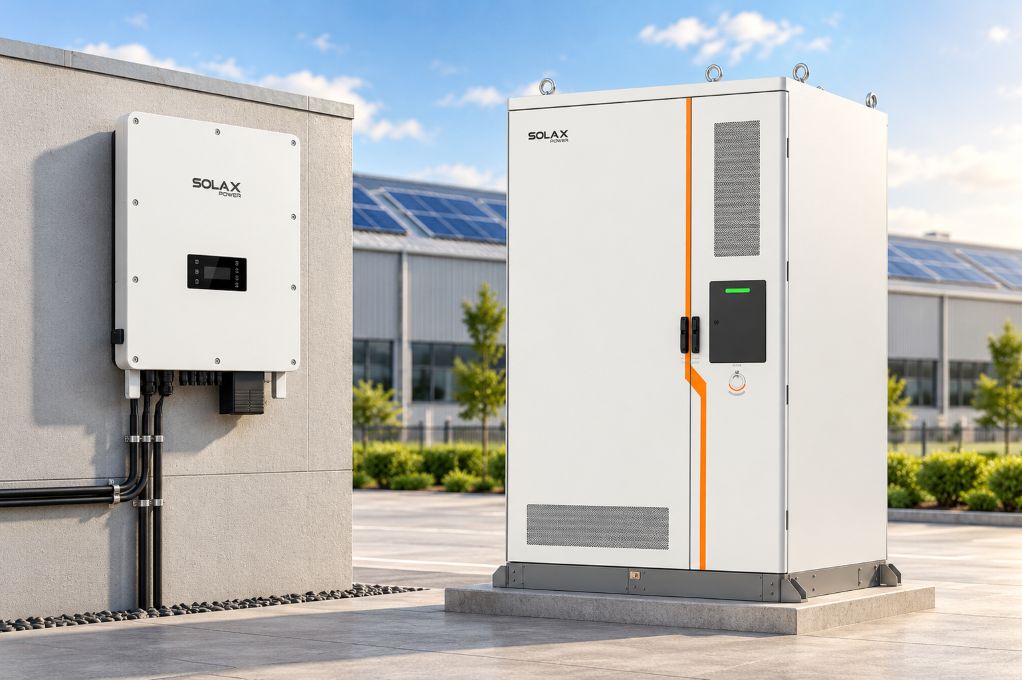
An all-in-one cabinet typically bundles a hybrid inverter and an inverter battery stack (battery modules plus BMS) into one enclosure, aiming to reduce wiring complexity and commissioning steps.
Energy storage system modes TOU backup self use
Before you buy hardware, decide how you plan to operate it. Most homeowners bounce between three practical modes:
Self-use: maximize on-site solar consumption
TOU shifting: charge when rates are low, discharge when rates are high
Backup/EPS: keep critical circuits up during outages
SolaX explicitly frames smart energy management around TOU optimization, smart load control, and VPP readiness for its Residential All-In-One ESS lineup.
System boundaries grid-tied vs off-grid
Most residential solar energy systems in 2026 are grid-tied. That means the grid is still present for synchronization, export limits, and safety requirements. True off grid solar system designs need additional planning for generator coupling, seasonal solar variation, and longer autonomy.
A practical way to avoid disappointment is to define your boundary in writing:
Grid-tied with backup: you want fast switchover and a clear list of backed-up circuits
Off-grid capable: you want the system to sustain the home without utility support for longer periods
If you only need outage coverage for essentials, a grid-tied energy storage system with a dedicated critical loads subpanel is usually the cleaner, safer build.
Home Goals Savings vs Resilience with Solar Energy
Start here because it prevents overspending: the right solar energy solution depends on whether your pain is bills, outages, or both. A TOU-focused homeowner cares about shifting kWh out of peak windows, while a resilience-focused homeowner cares about keeping specific loads alive when the grid drops.
Use a simple goal worksheet for your solar power system:
Savings goal: reduce peak imports, improve self-consumption
Outage goal: keep critical circuits running (refrigeration, Wi-Fi, lighting)
Comfort goal: selective HVAC, medical loads, well pump
If you do not separate these goals, you can end up chasing solar battery storage capacity that looks impressive but does not match your actual outage profile.
A 2025 Forbes summary of a Stanford study highlights why this trade-off matters: many households can reduce bills with solar-plus-storage, but blackout coverage depends on how much energy you allocate to essential loads versus whole-home comfort.
System Architecture All-in-One vs Split Energy Storage System
All-in-one architecture is mainly a workflow decision: you are trading separate boxes and more field wiring for a pre-integrated cabinet that aims to simplify installation and service access. In practice, the best choice depends on space, future expansion, and how your installer prefers to commission systems.
Key differences to evaluate before your solar installation:
Integrated cabinet: fewer interconnects, cleaner wiring, faster commissioning
Split system: easier to swap one component later, flexible placement
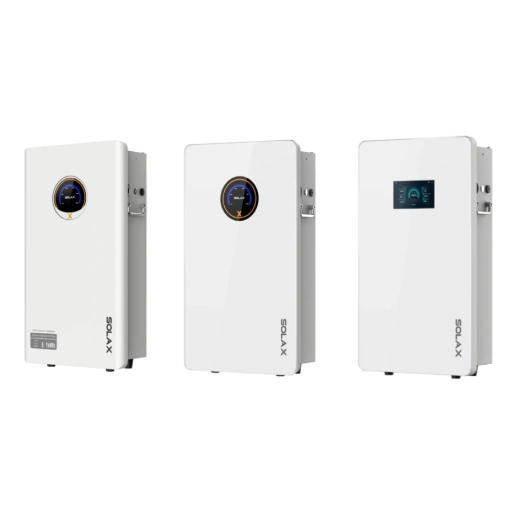
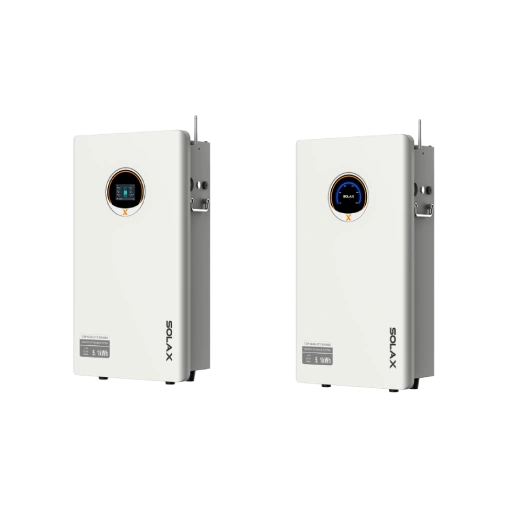
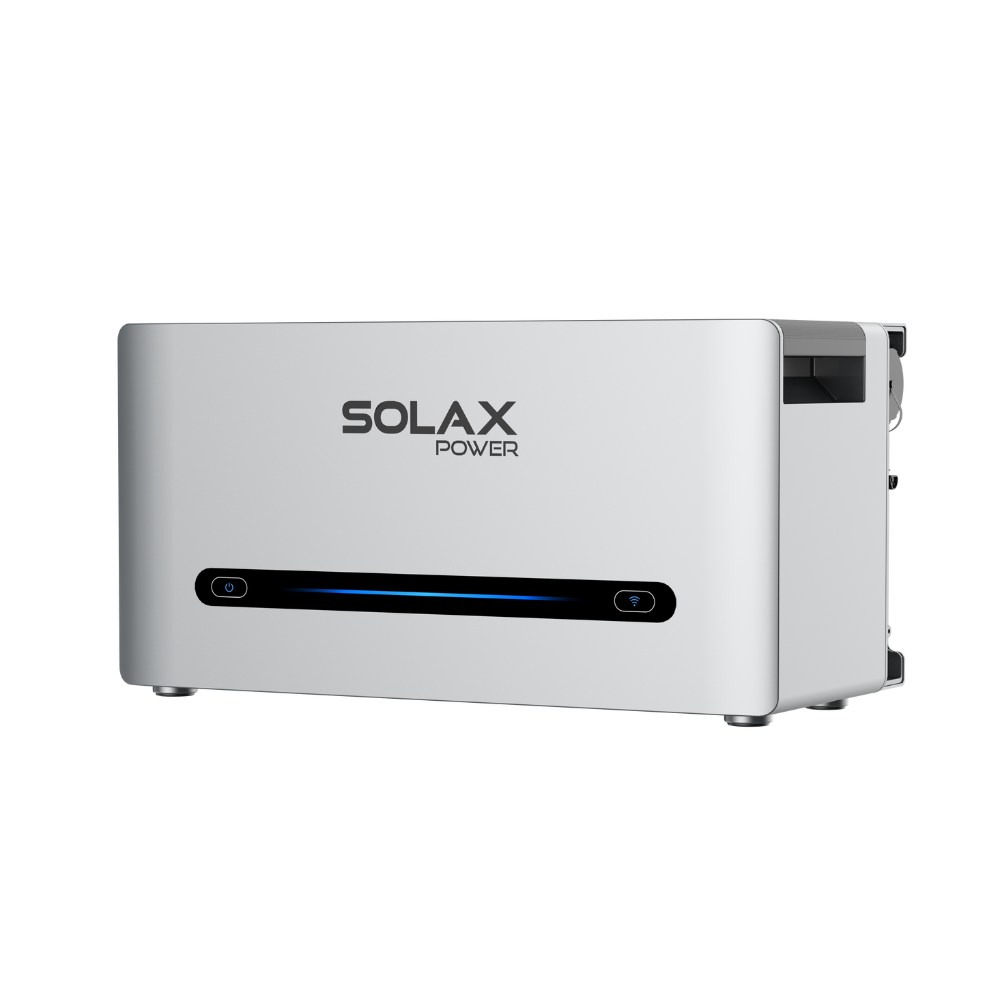
SolaX positions its residential all-in-one ESS as modular and pre-configured (plug-and-play) to reduce wiring and commissioning time, and also highlights parallel expansion and integration with other home electrification devices.
When you walk your utility room or garage, check three practical constraints that often get ignored:
Service clearance: can a technician access modules safely
Cable routes: shortest, neatest path to main panel
Noise/heat: keep away from sleeping areas
How to choose an All-in-One solar power system(scenario decision table)
Scenario | Primary goal | Key constraint | Best-fit approach |
High TOU rates | Bill savings | Peak window length | Larger usable kWh |
Frequent outages | Resilience | Surge loads | Higher kW inverter |
Shaded roof | Solar yield | Array mismatch | More MPPT support |
Limited wall space | Clean install | Clearance | All-in-one cabinet |
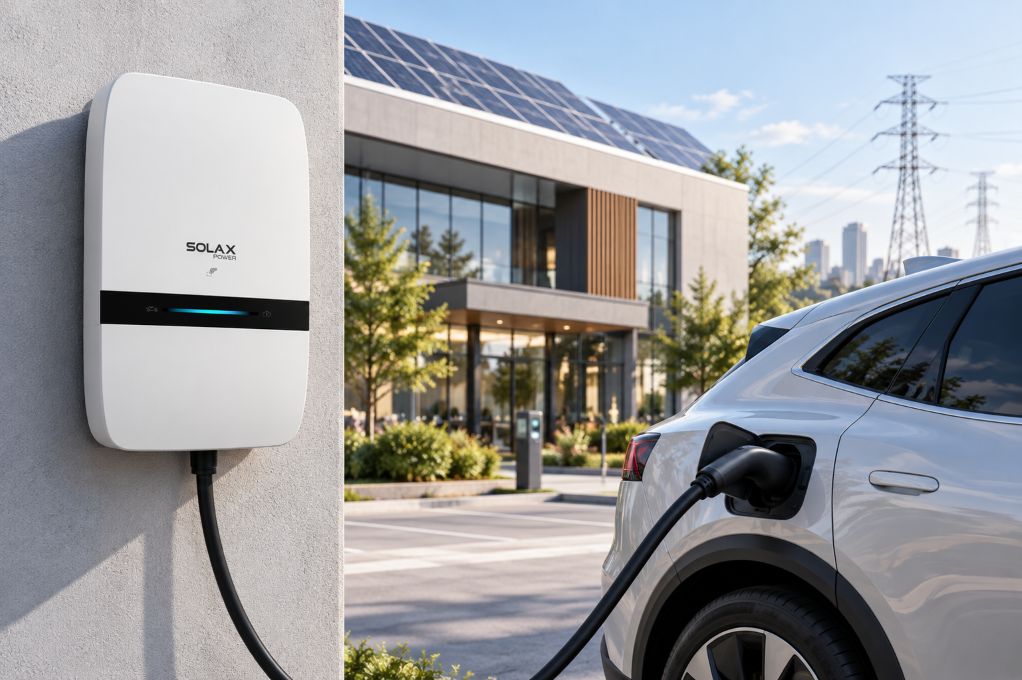
Future EV/heat pump | Electrification | Load growth | Monitoring + reserve |
Conclusion
An all-in-one solar + storage setup can be a strong fit when you want a cleaner installation, simpler commissioning, and software-driven smart energy management. The decision becomes straightforward once you separate energy (kWh) from power (kW), write down your backup scope, and confirm interconnection limits.
Next, ask your installer to prove EPS behavior with your real critical loads, then use monitoring to tune TOU schedules and maintain a clear backup reserve. When those steps are done well, your solar energy system is not just equipment; it is a controllable home energy platform.
FAQ
Table of Contents
Latest News
Explore expert insights, practical guides, and the latest news on SolaX Power.


To the Latest Newsletter
Stay Ahead with the Latest SolaX Updates!
Subscribe
I have read and agree to Privacy Policy and User Terms