












October 14, 2026
Assess a Reliable Solar Solution Provider with Inverters Before You Buy: A UK Homeowner's Checklist
Share my #SolaXStory


For a UK buyer, the safer way to compare solar solutions is to test the provider's evidence. That means checking grid rules, backup limits, battery pathway and monitoring before you approve a quote. According to GOV.UK, installers must submit the relevant G99 form, or G100 where export is limited, to the DNO before installation.
Check supply type before comparing any solar inverter
A reliable solar power system starts with the property's electrical supply. Single-phase and three-phase homes need different inverter families, so this step narrows the shortlist quickly.
What to confirm
Ask whether your property is single-phase or three-phase.
Check the proposed inverter power rating in kW.
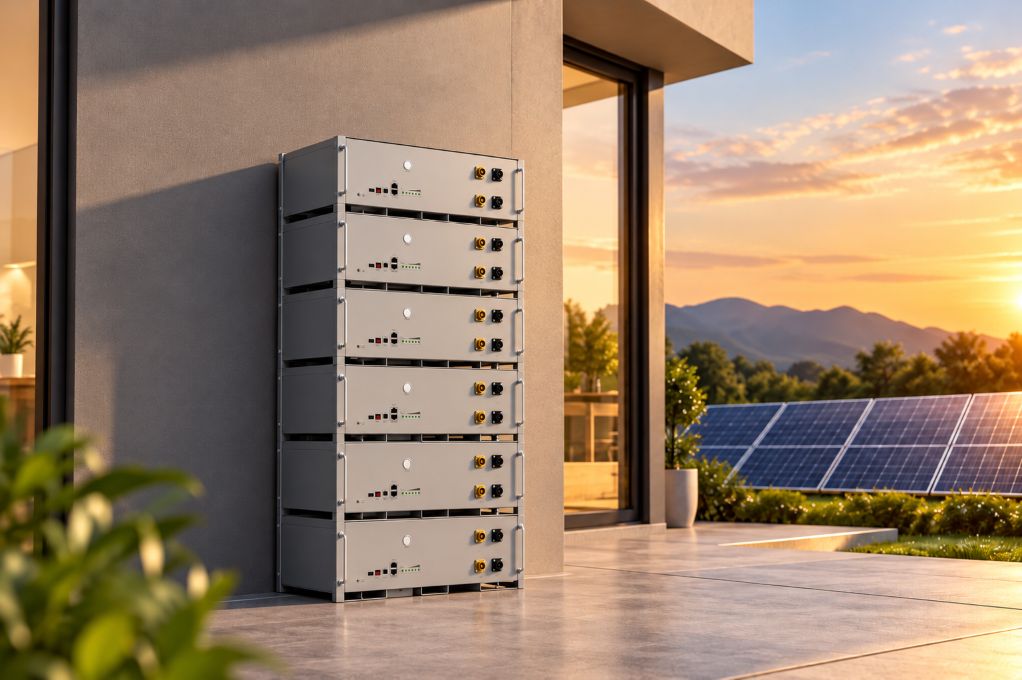
Confirm whether the design includes battery storage for home now or later.
Make sure the quoted model is residential, not a C&I unit.
Why this matters
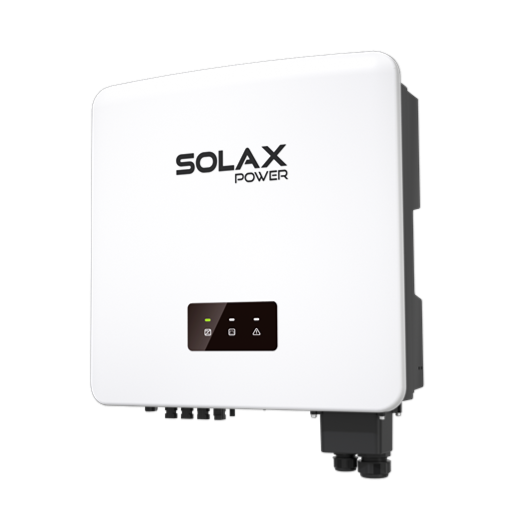
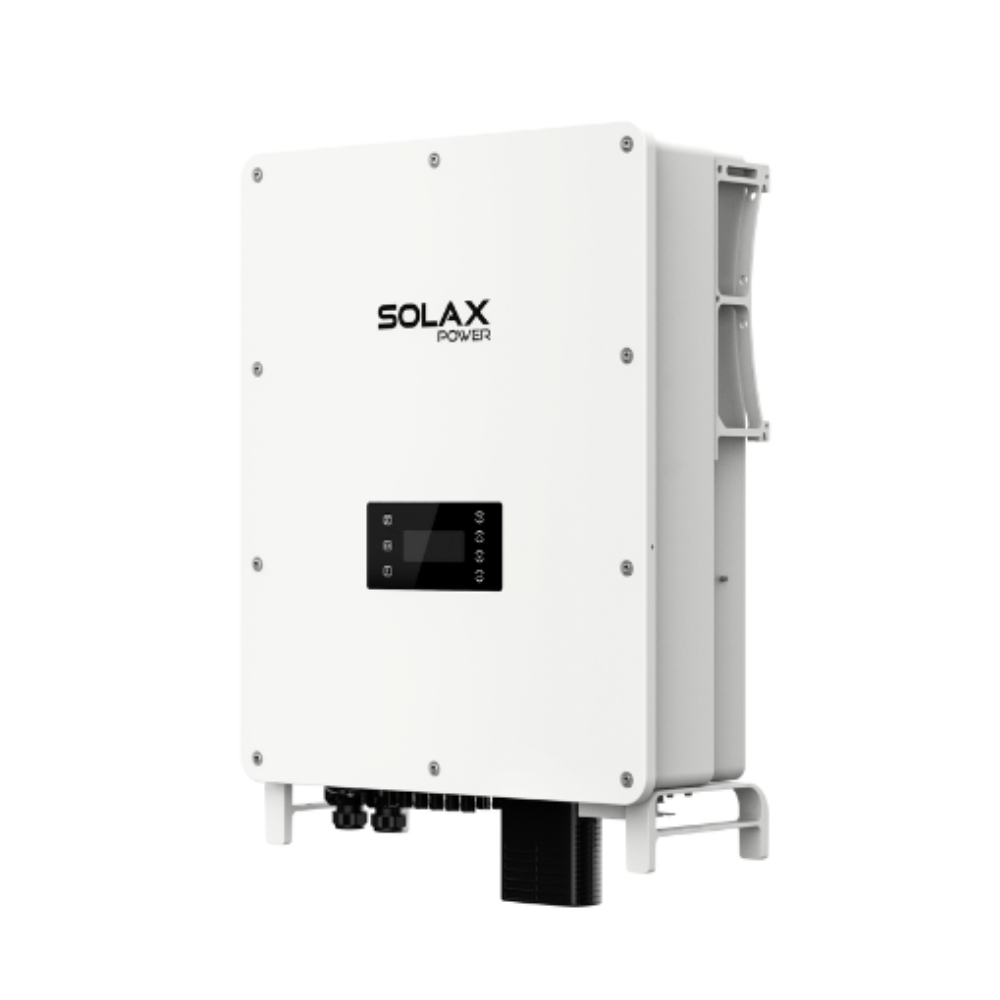
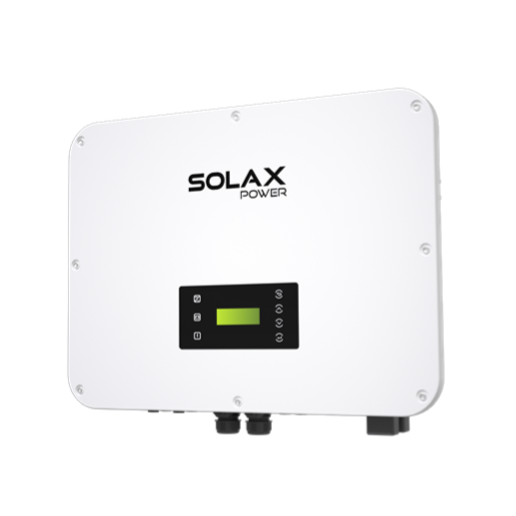
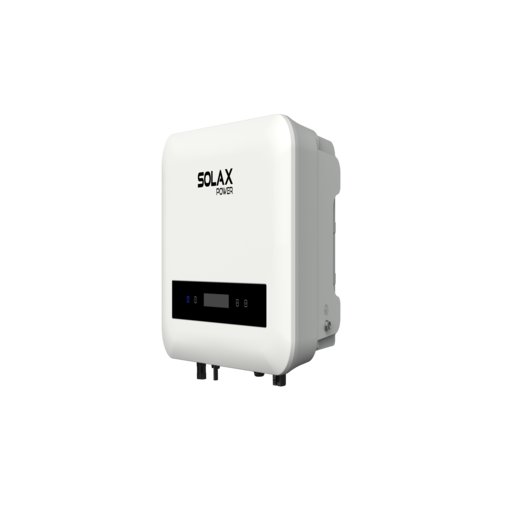
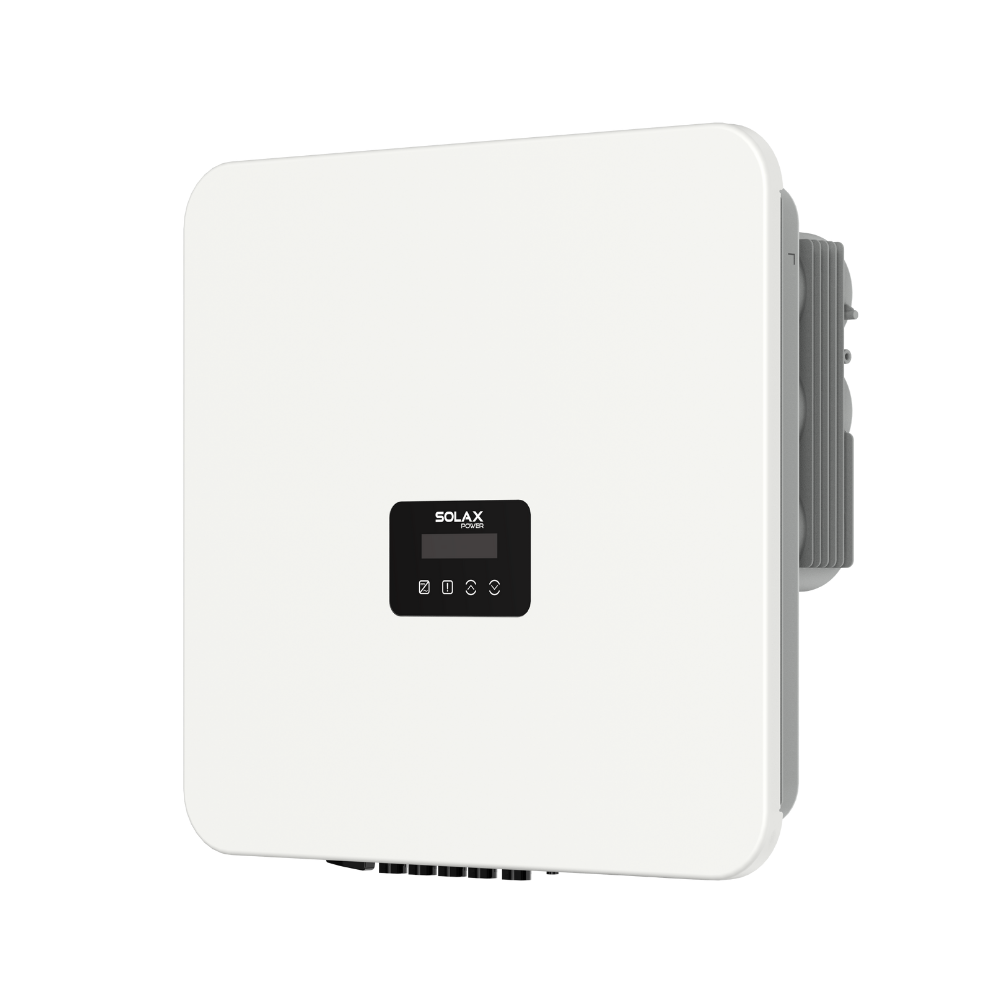
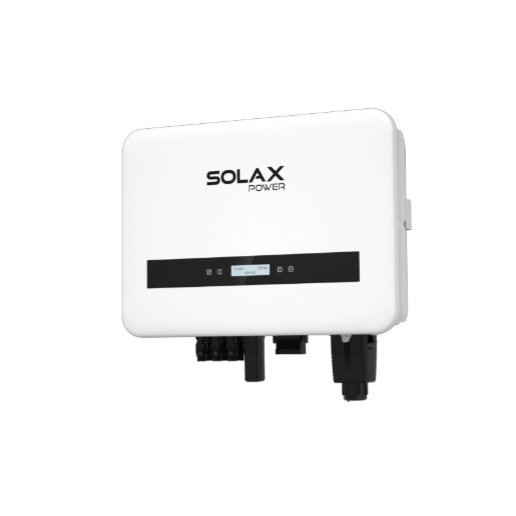
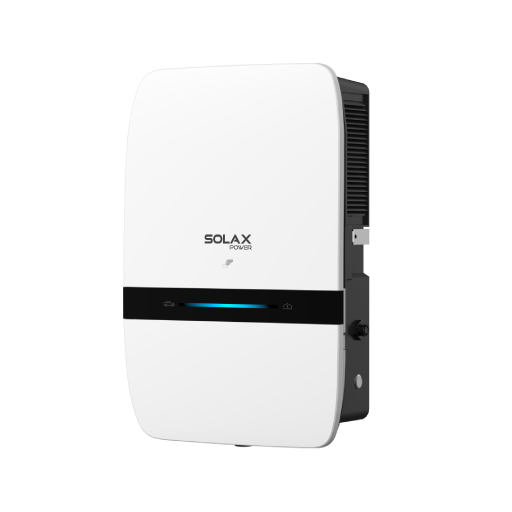
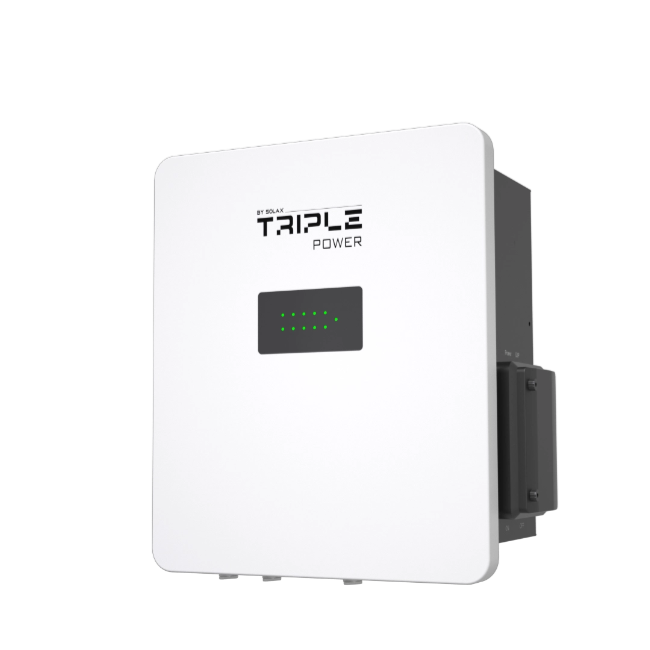
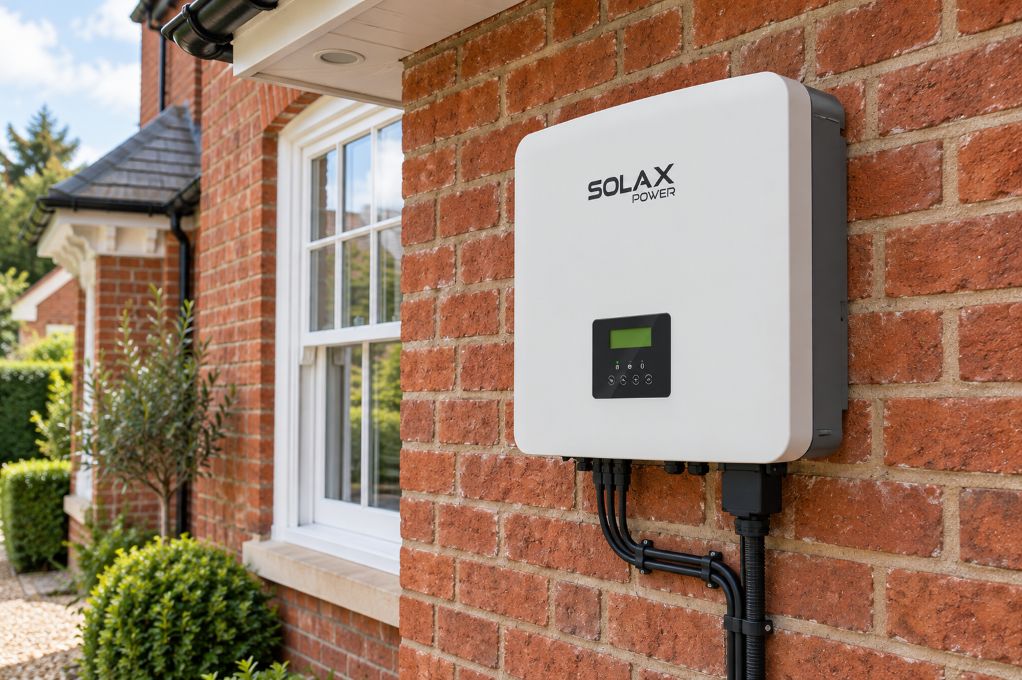
SolaX X1-Hybrid G4 is for single-phase homes and the X3-Hybrid G4 for three-phase applications. The UK X1-Hybrid G4 page lists 3 kW, 5 kW, 6 kW and 7.5 kW options, while the X3-Hybrid G4 range covers 5 kW to 15 kW for larger residential solar systems or more complex load profiles.
Verify export limiting for your solar pv system
Export control is often where quotes start to differ. A provider may promise compliance, but the important question is whether the inverter, meter or CT arrangement, and commissioning process are all defined clearly.
What to ask
Is export limiting required by the DNO?
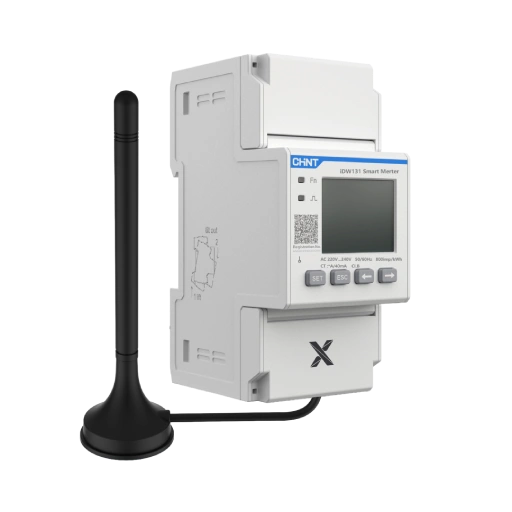
Which meter or CT will be used?
Has the installer commissioned this exact setup before?
Is model-specific UK documentation available?
What to watch
The UK energy device registration guidance states that G100 applies where export is limited, and ENA G100 covers schemes where generation exceeds the permitted export but the export is restricted. That makes commissioning accuracy just as important as inverter efficiency for any solar pv system with export control.
Plan your solar and battery pathway early
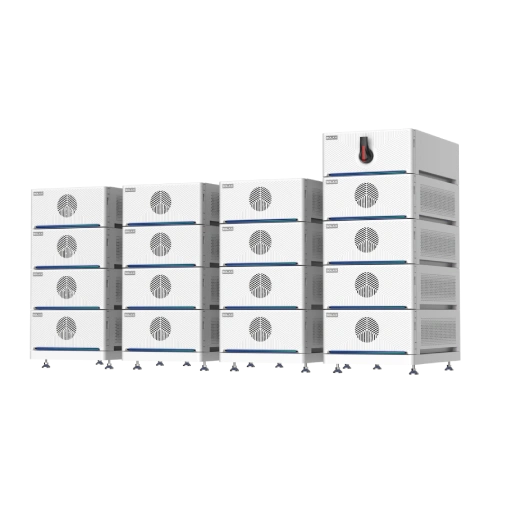
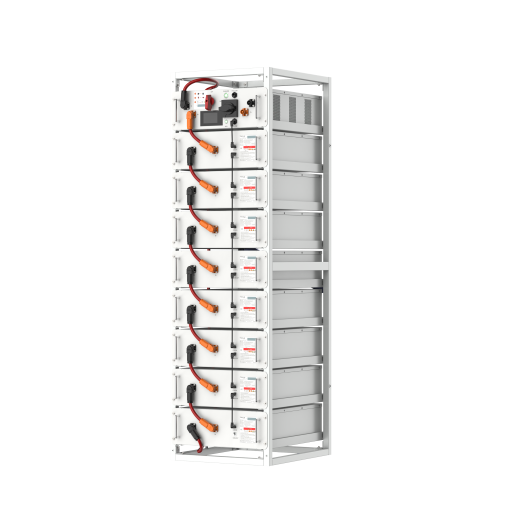
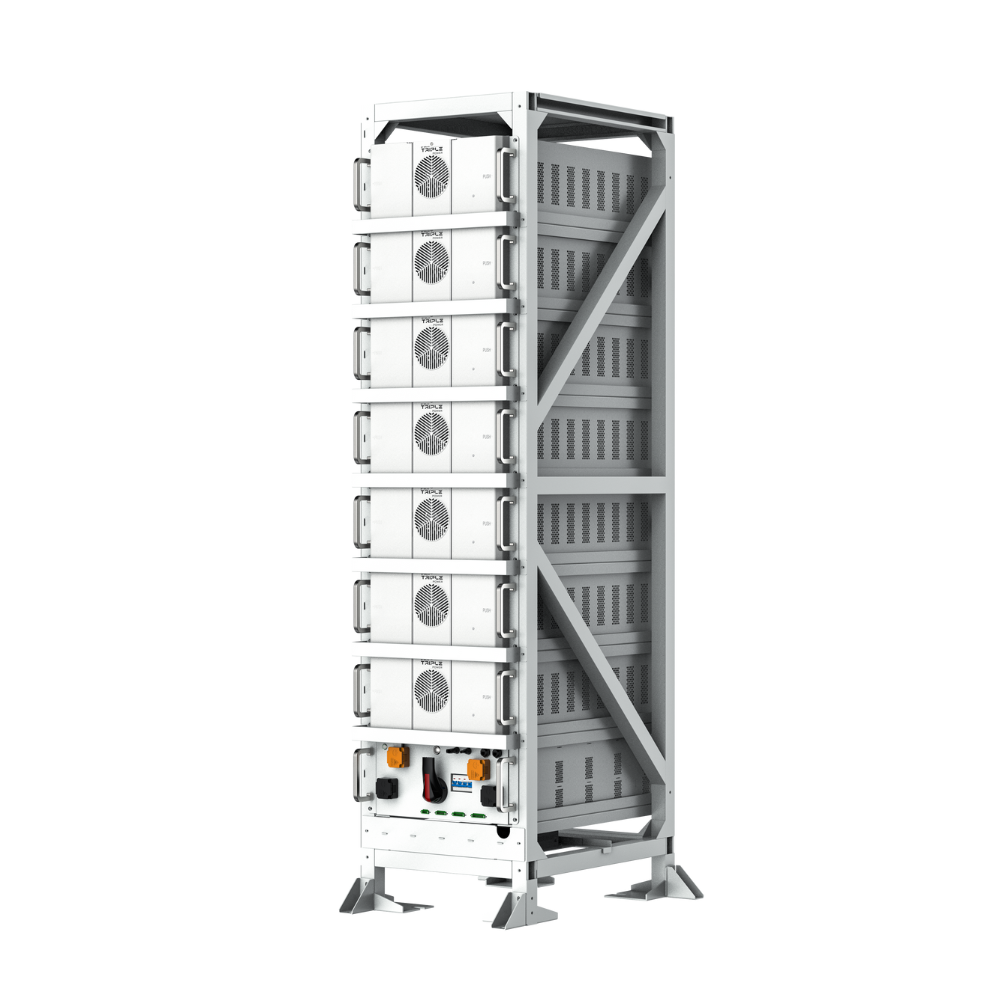
Many homeowners buy solar first and add storage later. That can work, but only if the inverter and battery path are defined at quote stage rather than left vague.
What to check
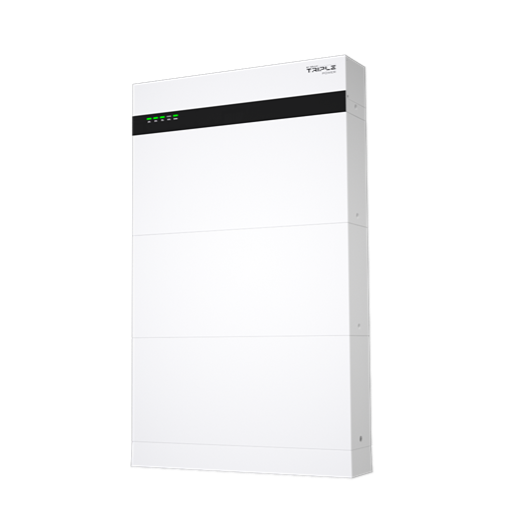
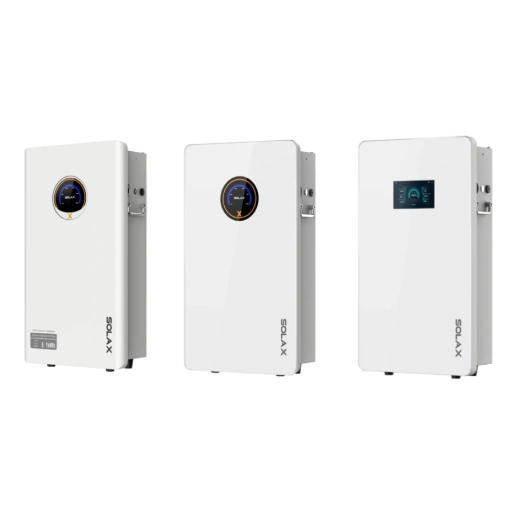
Whether the system is a true inverter with battery for home route.
Which battery families are compatible.
Whether EPS or backup works with and without batteries.
If later expansion changes cabling or protection hardware.
Why this matters
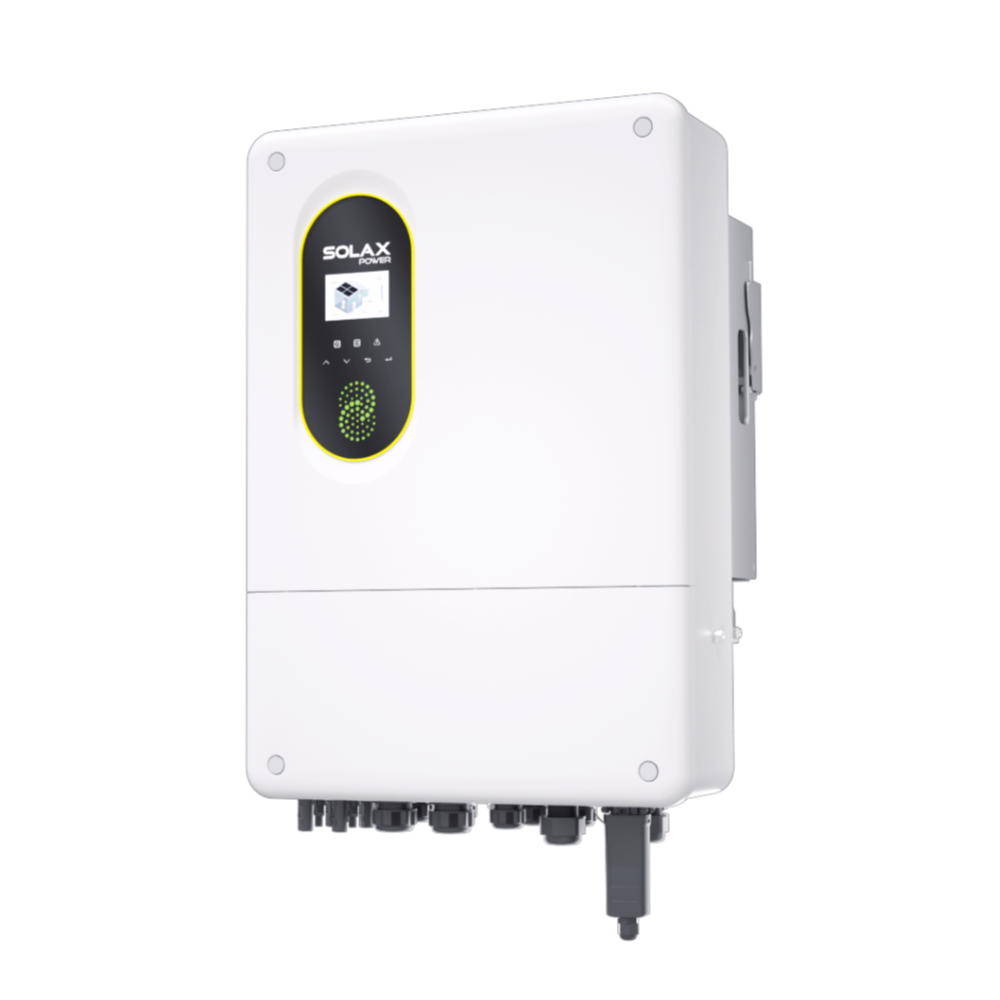
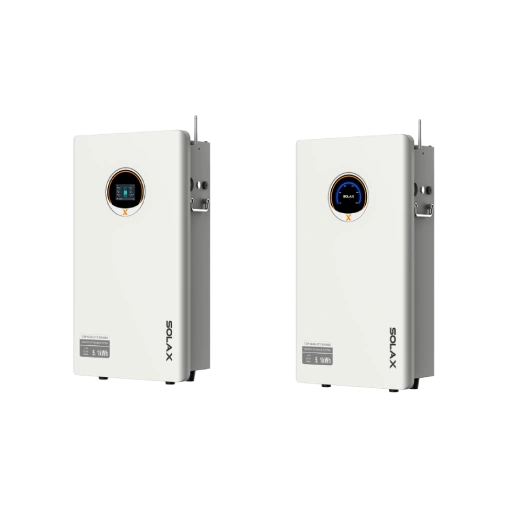
A hybrid platform should support a staged solar and battery plan without forcing a redesign. Residential Energy Storage Inverters also note a Super-Backup mode on compatible hybrid inverters where, during a blackout, backup loads can be supplied from PV even without batteries, although output is restricted and site conditions matter. That is useful, but it should never be confused with full home battery storage UK performance.
Define backup expectations for home battery storage
Backup is not one simple feature. Some households only want the fridge, router and lights to stay on. Others expect near whole-home resilience, which usually needs more hardware and tighter load planning.
What to do
List your essential circuits first.
Ask for EPS output limits in writing.
Confirm switchover behaviour and any ATS requirement.
Separate "essential-load backup" from "whole-home backup".
Common mistake
Many buyers assume EPS means every circuit in the house will run as normal. SolaX knowledge-base guidance distinguishes partial-home backup from whole-home backup via external ATS arrangements, and the X3-Hybrid G4 materials state UPS-level switchover of under 10 ms plus model-specific EPS ratings. In other words, backup design depends on power limits, wiring layout and accessories, not marketing shorthand.
Check monitoring and smart energy management together
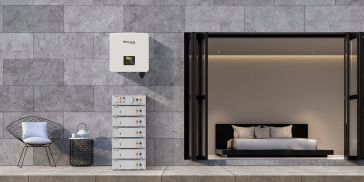
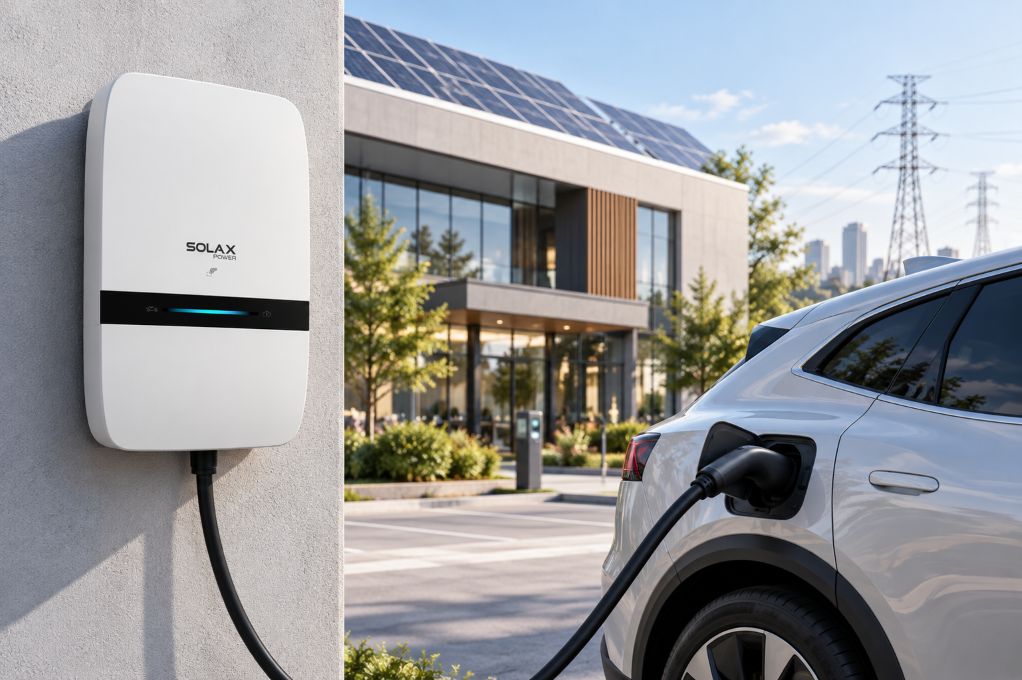
The best energy storage system is easier to live with when monitoring, installer access and daily control sit in one platform. This is especially useful if you want to improve self-consumption, manage charging times or add an EV charger later.
Useful checks
Is app access included at handover?
Can the installer see faults remotely?
Are time-of-use settings available?
Does the platform support wider smart energy control?
Why this matters
For homeowners comparing solar energy systems, one connected platform usually simplifies diagnostics and operating changes. SolaXCloud is the monitoring layer across the residential ecosystem, which helps when your solar battery, inverter and future charger need to work as one managed setup rather than as mixed components.
Use a quick evidence check before signing
A strong quote should be backed by technical documents, not broad claims. Ask for the exact model, battery pairing, export-limiting method and backup design before you decide.
Problem | Likely cause | Solution |
Export limit unclear | Missing meter detail | Request CT or meter plan |
Backup over-promised | EPS misunderstood | Define essential loads only |
Battery upgrade vague | No pairing confirmed | Get compatibility in writing |
Monitoring unclear | App handover omitted | Confirm access and roles |
Smart Export Guarantee tariffs continue to be relevant for homes with solar PV, and some arrangements may also interact with battery export settings. That makes accurate commissioning, metering and operating setup increasingly relevant when comparing a modern solar energy storage system.
FAQ
Table of Contents
Latest News
Explore expert insights, practical guides, and the latest news on SolaX Power.


To the Latest Newsletter
Stay Ahead with the Latest SolaX Updates!
Subscribe
I have read and agree to Privacy Policy and User Terms