












August 28, 2026
Choosing a Solar System with the Right App: 5 Simple Steps That You Should Know
Share my #SolaXStory


Choosing a solar power system often goes wrong before the panels are even installed. You compare battery size, inverter output, and panel ratings, but the app gets treated as an afterthought. That usually leads to a setup that works on paper yet feels awkward in daily use. If you want smart energy to feel practical, the control layer matters just as much as the hardware.
Step 1: Start with the main user, not the spec sheet
If the main user is not highly technical, a complicated dashboard will reduce the value of your solar energy system. The best starting point is to define whether the app is for a homeowner, a family member, a site manager, or an installer-supported user.
What to do
List the two or three actions the user will perform most often
Decide whether they need view-only access or regular control
Check whether one account or several people need access
Ask your installer how much support the app setup needs
Make sure the solar power system is easy to read at a glance
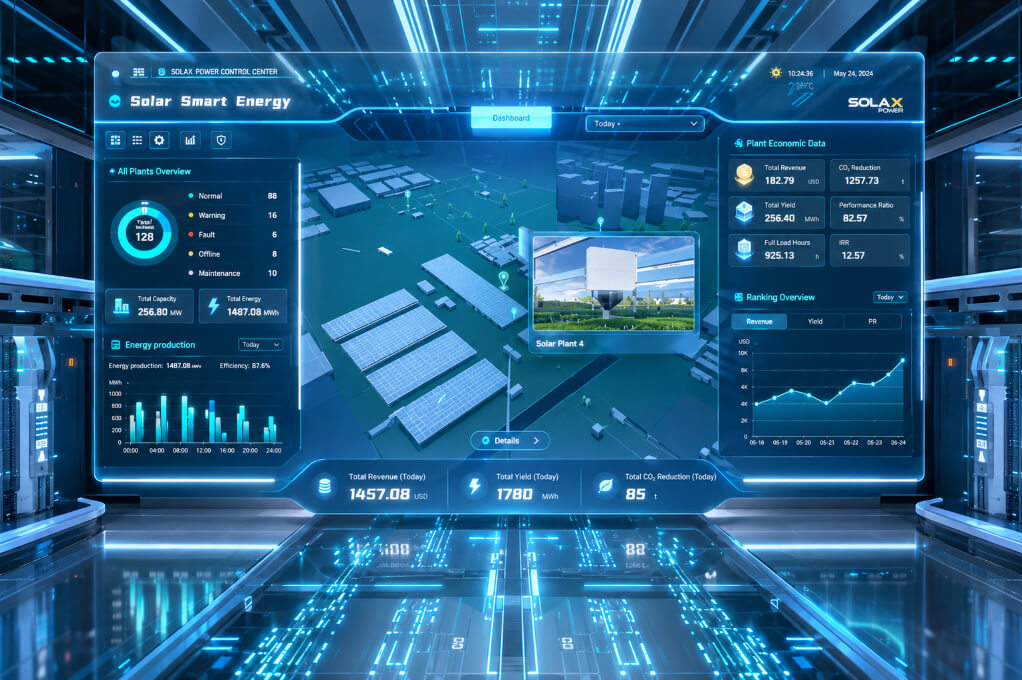
A home energy monitoring app should answer basic questions in seconds: Is the system generating? Is the inverter battery charging? How much power is the home using right now? If those answers are buried in technical menus, your smart energy setup becomes harder to use well.
SolaXCloud presents real-time monitoring, user-friendly control, and an intuitive dashboard, which matches what most households and small sites need from a daily control layer. That matters because people rarely optimise what they cannot quickly understand. In parallel, UK smart metering policy supports more data-rich energy use decisions, since smart meters can record half-hourly consumption data rather than only a running total.
Step 2: Check whether monitoring is clear enough for fast decisions
A strong app should help you read generation, consumption, and battery behaviour without guesswork. You should be able to open it and know whether your solar battery is storing spare production, whether imports are rising, and whether something needs attention.
What to do
Look for a dashboard view before deeper menus
Confirm live or near-real-time status visibility
Check whether battery charge and household use appear together
Ask for screenshots or a live demo before you buy
Common mistake
Choosing a system with detailed data but poor layout
Accepting installer-only visibility for everyday household use
Build around one smart energy control layer instead of separate tools
Once monitoring is clear, the next question is whether the app can do more than display information. Many homes and small businesses now want time-of-use automation, battery charging windows, and smarter load timing. According to Ofgem's 2025 research, 49% of consumers believe time-of-use tariffs could save them money, while behaviour-shifting potential already exists for common household tasks such as laundry.
Step 3: Look for automation that reduces manual switching
Manual control sounds fine at first, but it becomes tedious very quickly. A better solar power system can respond to changing conditions without requiring you to keep opening the app.
What to do
Check whether the app supports scheduled or condition-based actions
Ask how it handles battery charging windows
Review whether it can support tariff-aware routines
Confirm whether automations are easy to edit later
SolaXCloud highlights Smart Scene for automated energy optimisation and says it can automate responses to changing conditions. That is the sort of feature worth prioritising if you want the app to do more than act as a display screen.
Step 4: Match the app to the system you may build next
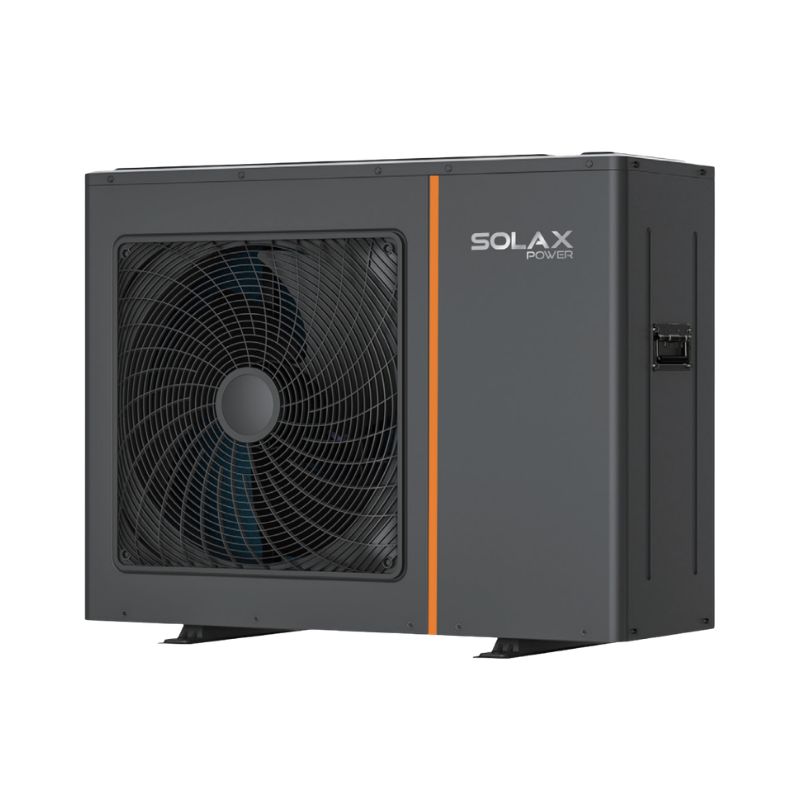
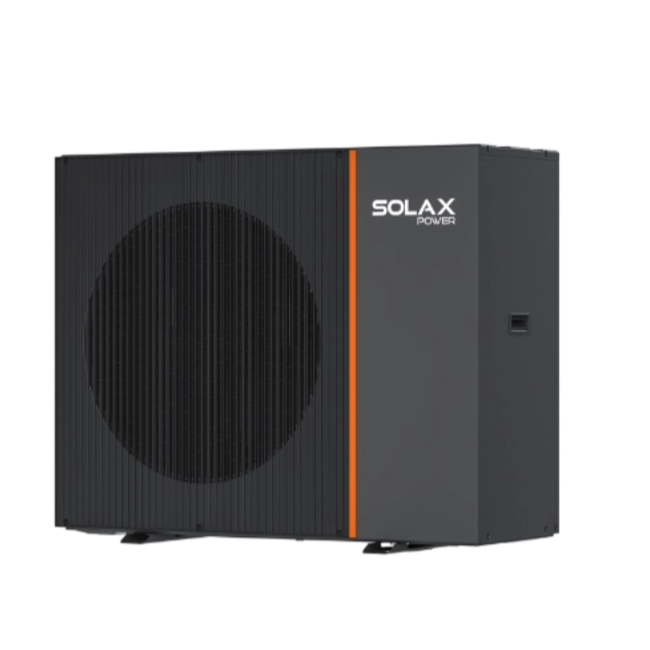
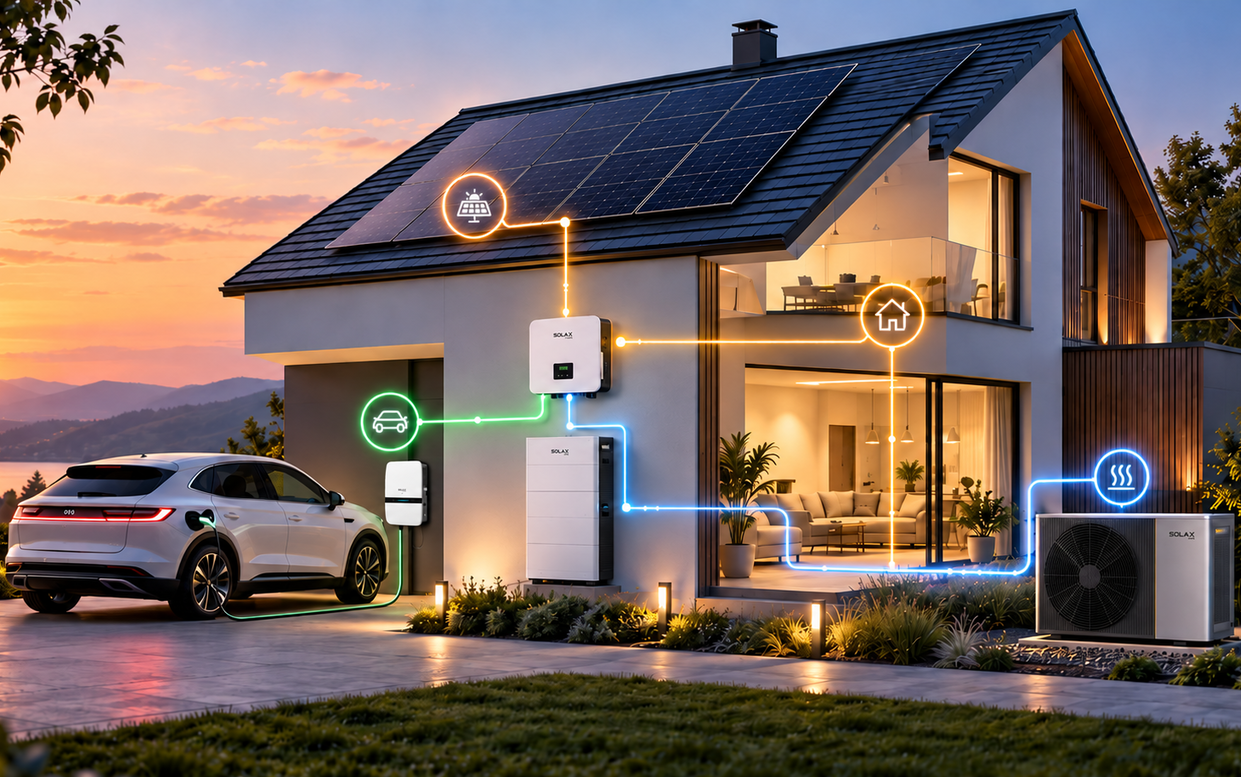
A solar inverter app should not become a dead end when your setup expands. If you may later add EV charging, a heat pump, or a broader solar battery arrangement, it is better to choose a platform that already sits inside a wider ecosystem.
What to do
Ask whether the same platform covers inverter, battery, and charger visibility
Check whether future devices would require separate apps
Review whether your installer supports staged expansion
Confirm internet and connectivity requirements for cloud access
What to watch
Fragmented controls across multiple brands
No clear path for later upgrades
Marketing claims that promise savings without system context
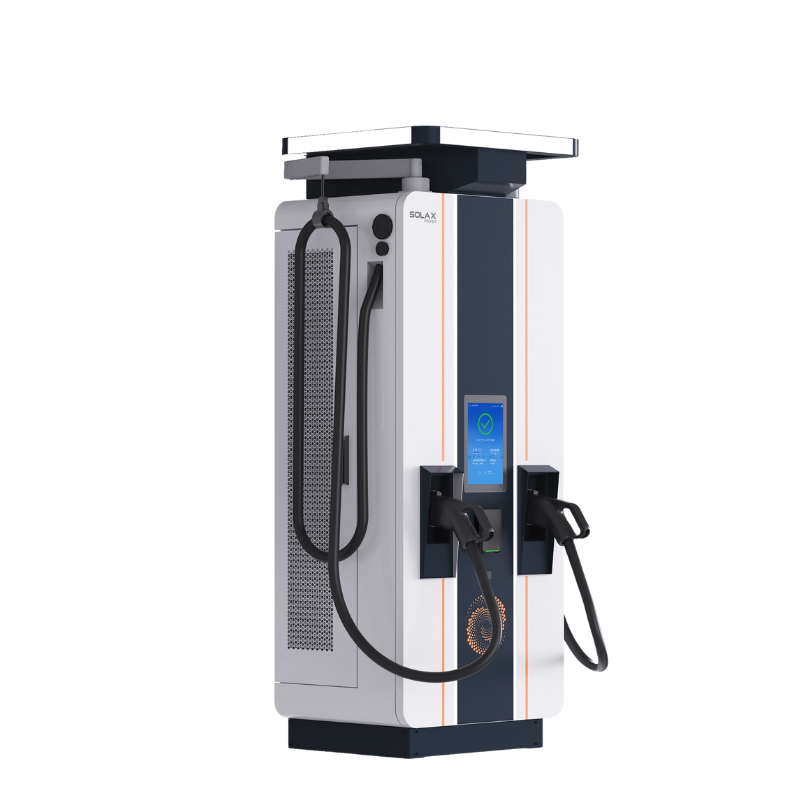
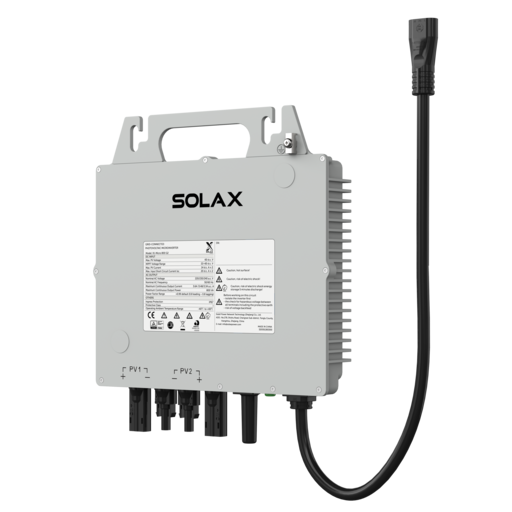
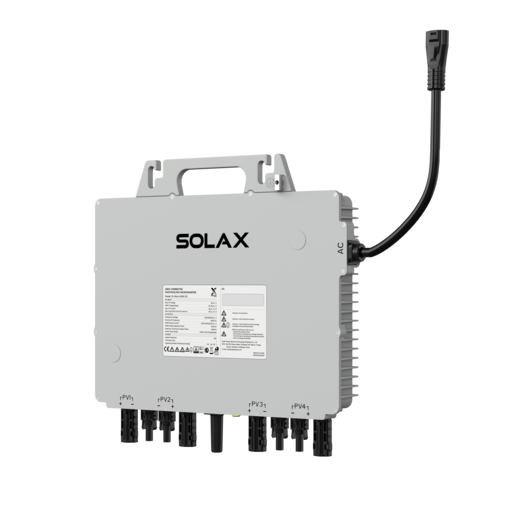
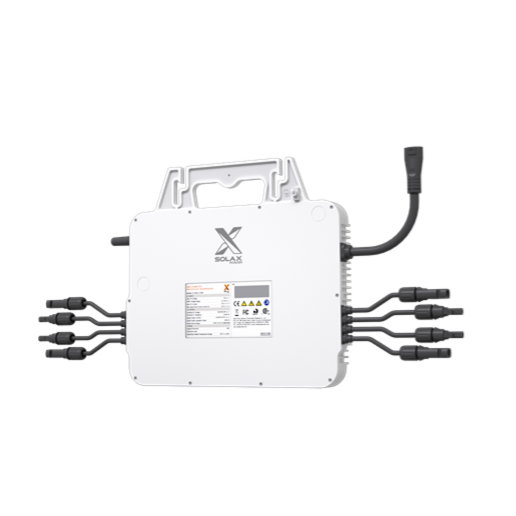
SolaX presents a broader platform that spans energy storage inverters, batteries, all-in-one ESS, EV chargers, microinverters, monitoring devices, and heat pumps. That makes it easier to judge whether one app-led system can remain manageable as your energy needs grow.
Step 5: Review scalability, support, and advanced coordination options
If your aim is a future-ready solar inverter and inverter battery setup, ask what the software can support in a few years, not only on day one. Some households may only need monitoring now, while aggregators, larger sites, or advanced users may want a route into coordinated control later.
What to do
Ask whether the platform supports remote monitoring at scale
Check whether open standards or utility integration are available
Review support paths for installers, businesses, or aggregators
Decide whether you need monitoring only or wider control options
SolaX VPP Solution is positioned for cloud-based control and remote monitoring, with support for IEEE 2030.5 and OpenADR. For most households, that will be a future-facing capability rather than an immediate need, but it is still a useful signal that the software layer is designed to scale.
Common app-led solar system problems and how to avoid them
The best way to compare options is to test likely frustrations before you sign off the design. Small usability issues become daily annoyances once the solar power system is live.
Problem | Cause | Solution |
App feels confusing | Technical-first layout | Choose dashboard-led design |
Data is not actionable | No automation layer | Prioritise smart routines |
System feels limiting later | Weak expansion path | Choose broader ecosystem |
Devices use separate controls | Mixed component choices | Favour one app layer |
FAQ
Table of Contents
Latest News
Explore expert insights, practical guides, and the latest news on SolaX Power.



To the Latest Newsletter
Stay Ahead with the Latest SolaX Updates!
Subscribe
I have read and agree to Privacy Policy and User Terms