













June 24, 2026
A Guide to Solar + Battery Systems with Simple, User-Friendly Interfaces and Powerful Performance
Share my #SolaXStory


How to choose a solar + battery setup that stays simple every day
A solar + battery system can look great on paper and still feel annoying in real life. The usual problem is not only hardware. It is the daily experience of checking one app for solar energy, another for the inverter battery, and a third for charging rules or backup status. That kind of split control makes it harder to use your solar power system well, even when the equipment itself is strong.
So the smarter buying question is not just "How much power does it make?" It is also "How easy is it to run on a normal Tuesday?" In the sections below, you will sort through the parts that shape a simple system, compare architecture choices, and build a short checklist for choosing a smart energy setup that performs well now and stays usable as your home changes.
What makes a solar + battery system feel easy to use?
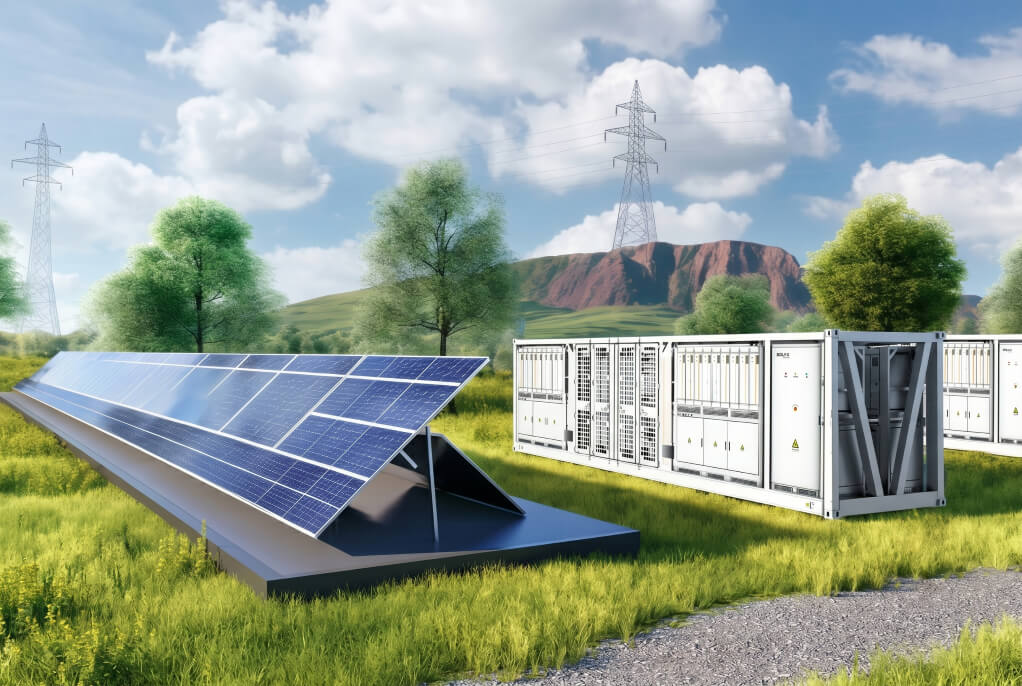
A system feels simple when you can understand it quickly, trust what it is doing, and expand it without rebuilding everything. That means the solar inverter, solar battery, monitoring layer, and optional smart devices need to act like one system instead of a bundle of separate products.
Core terms that shape the buying decision
The key terms are easier than they sound once you tie them to daily use:
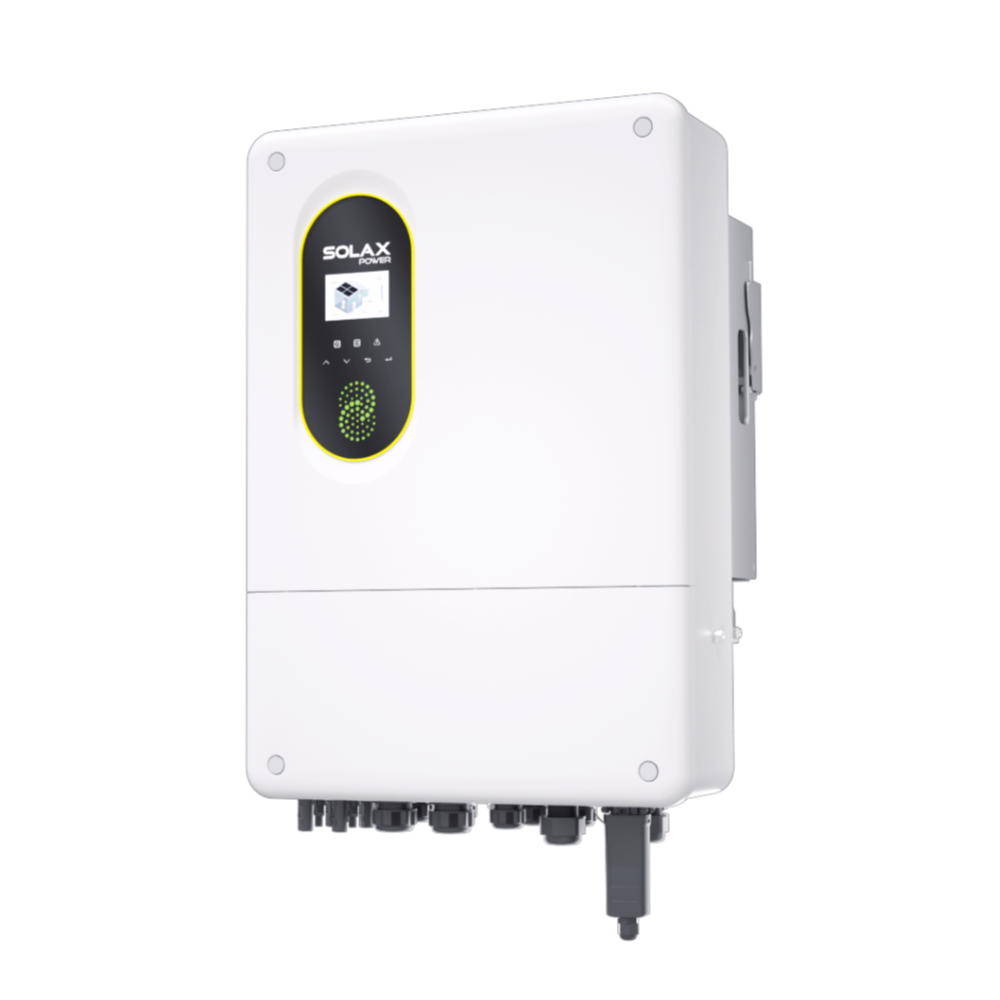
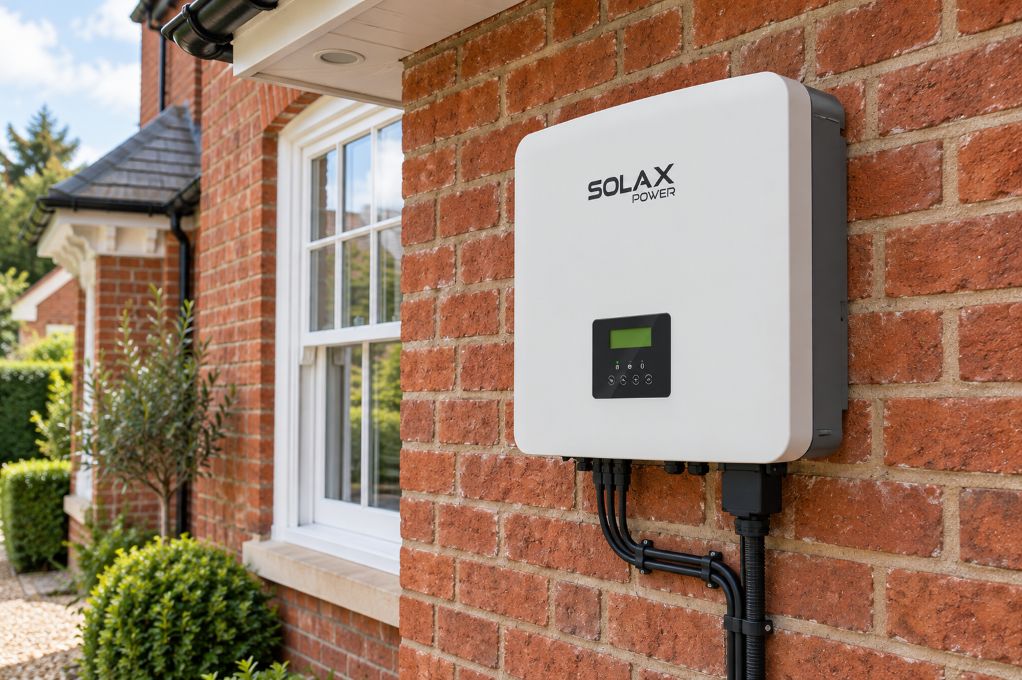
Hybrid inverter: an inverter that manages both solar production and battery charging or discharge.
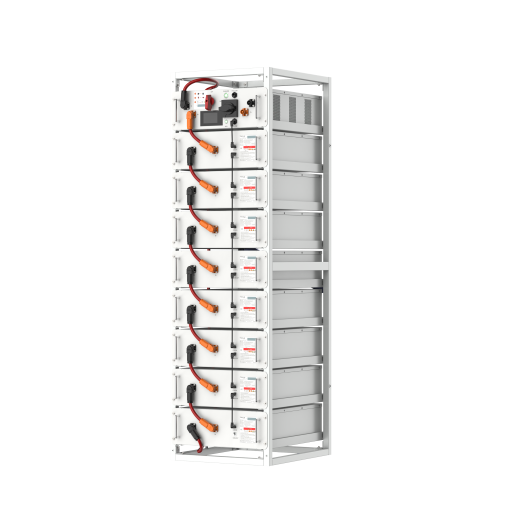
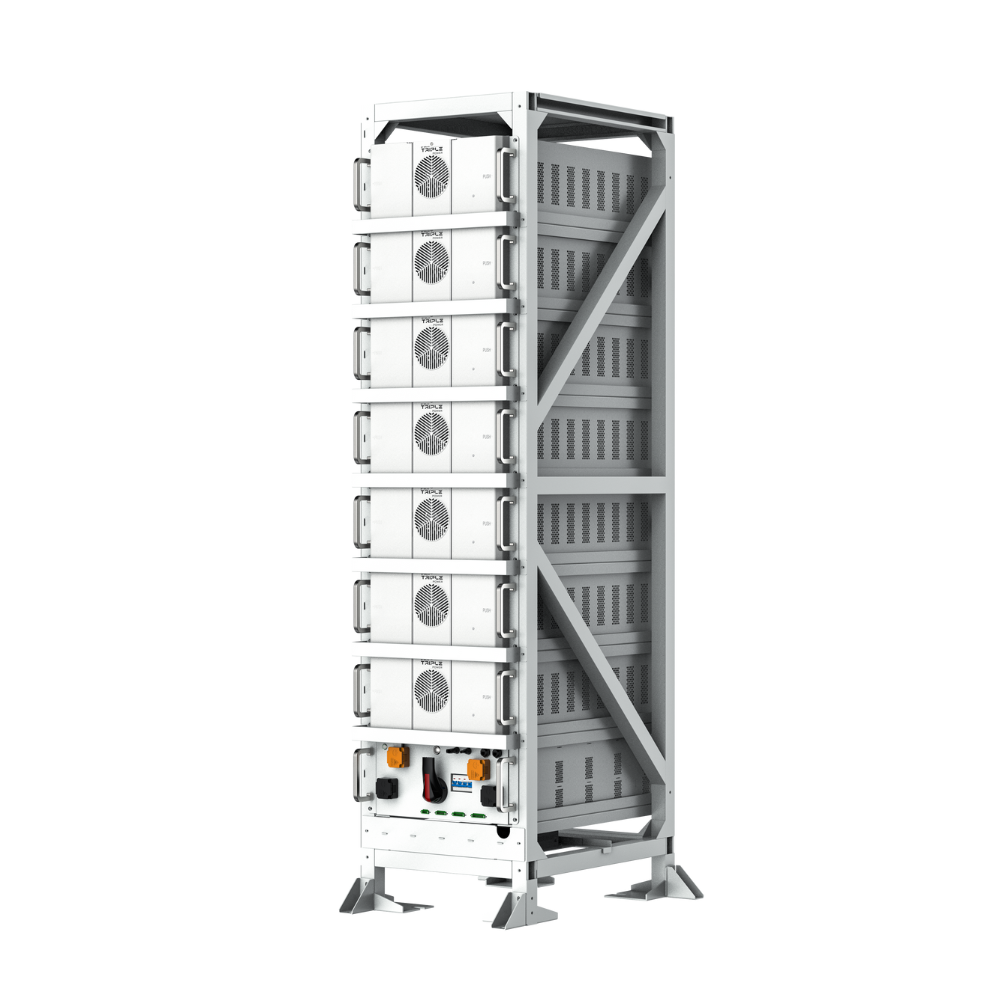
Solar battery: the storage unit that keeps extra solar energy for evening use, backup, or time-of-use shifting.
Backup: a mode that keeps selected circuits running during a grid outage.
Monitoring app: the control layer that shows production, home use, battery status, and schedules.
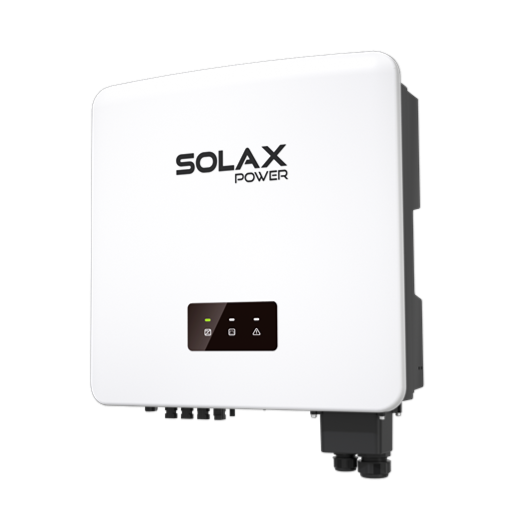
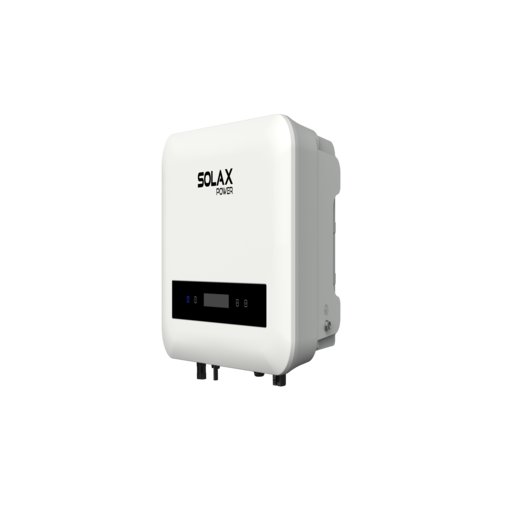
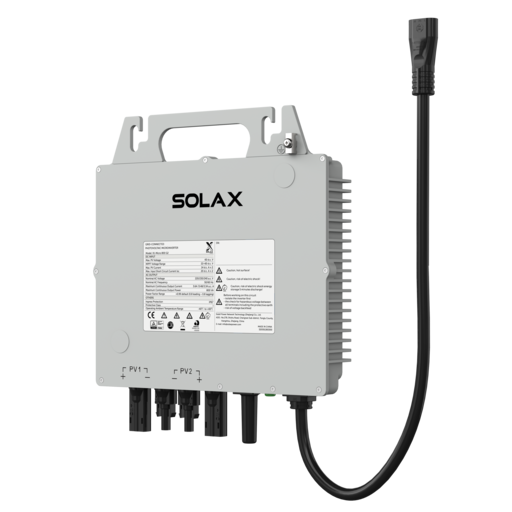
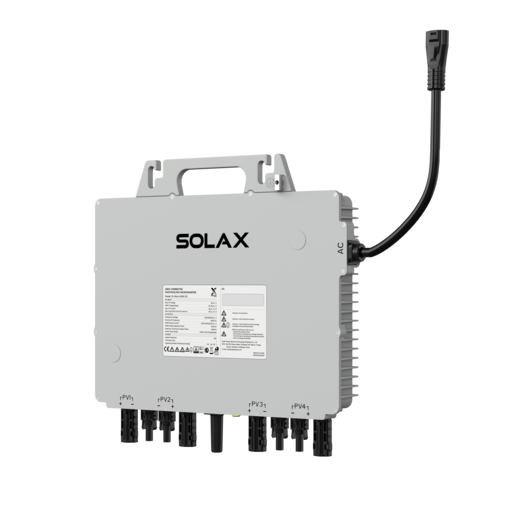
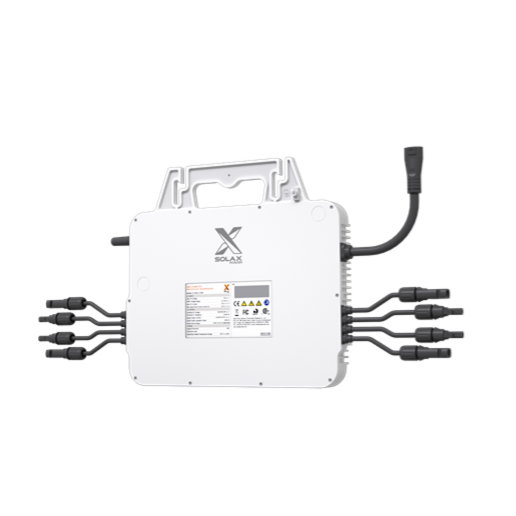
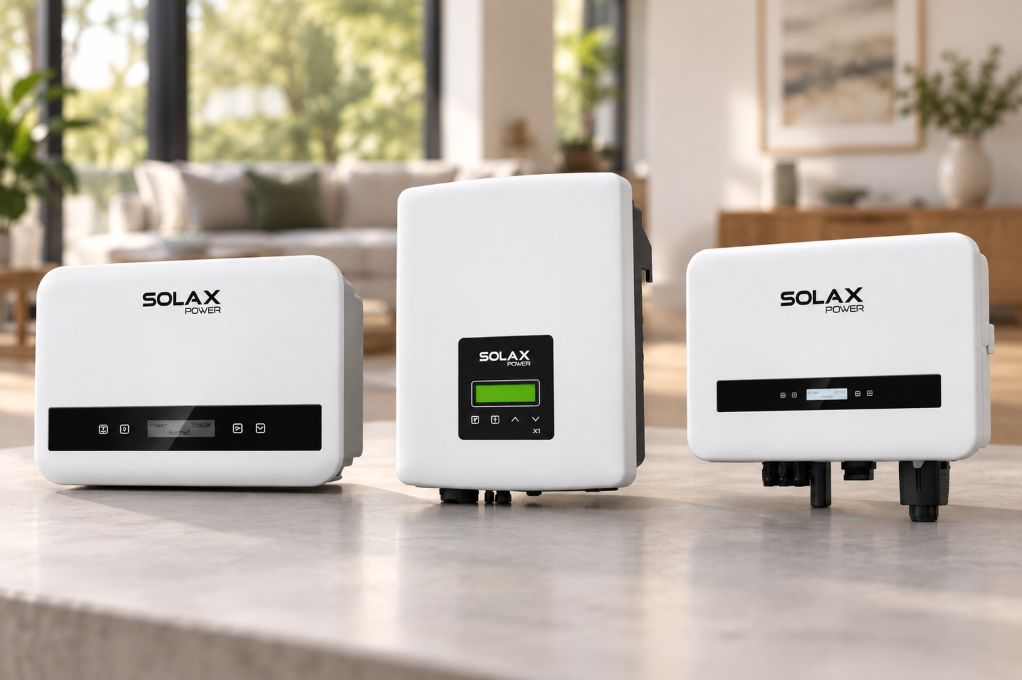
Micro inverter: a small inverter placed at the panel level, often useful when roof angles or shading vary.
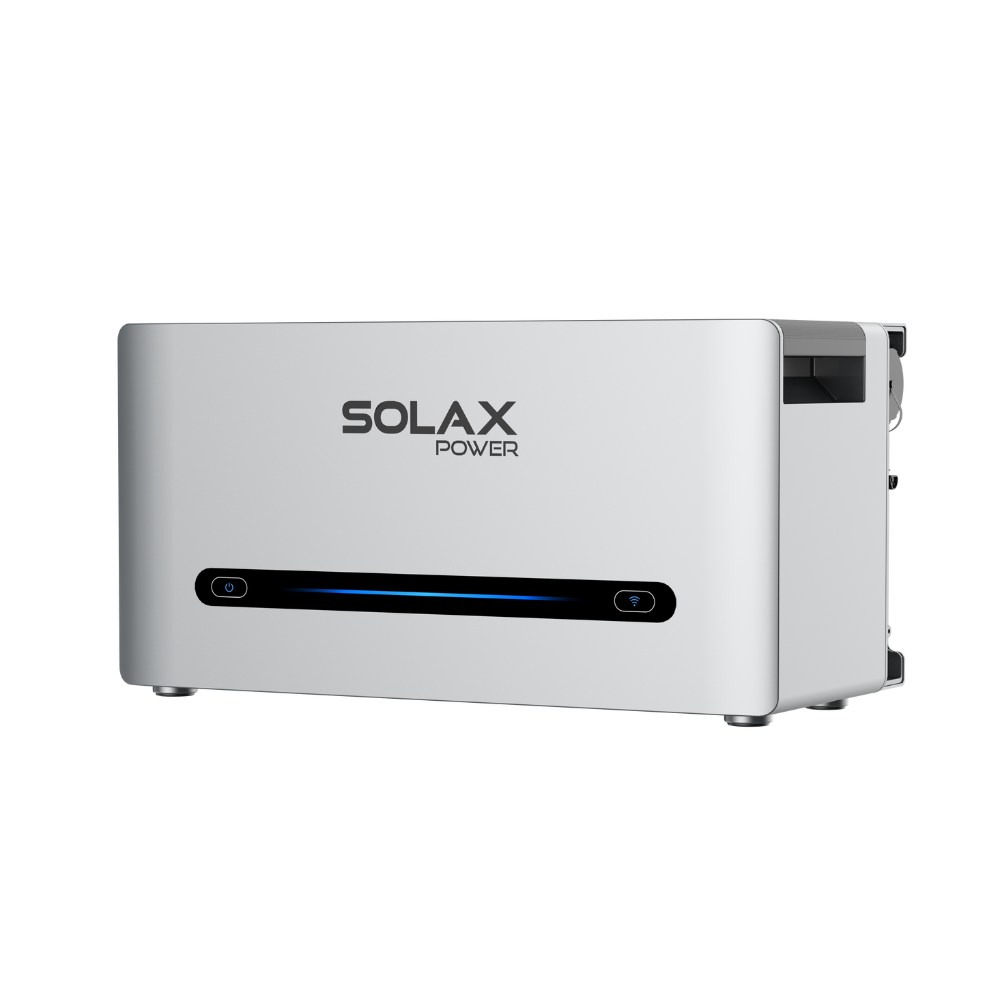
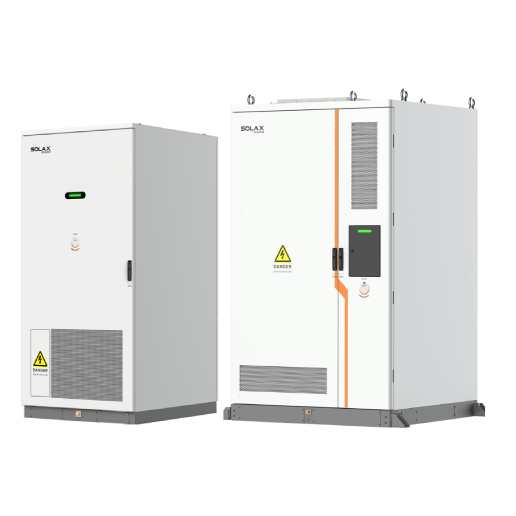
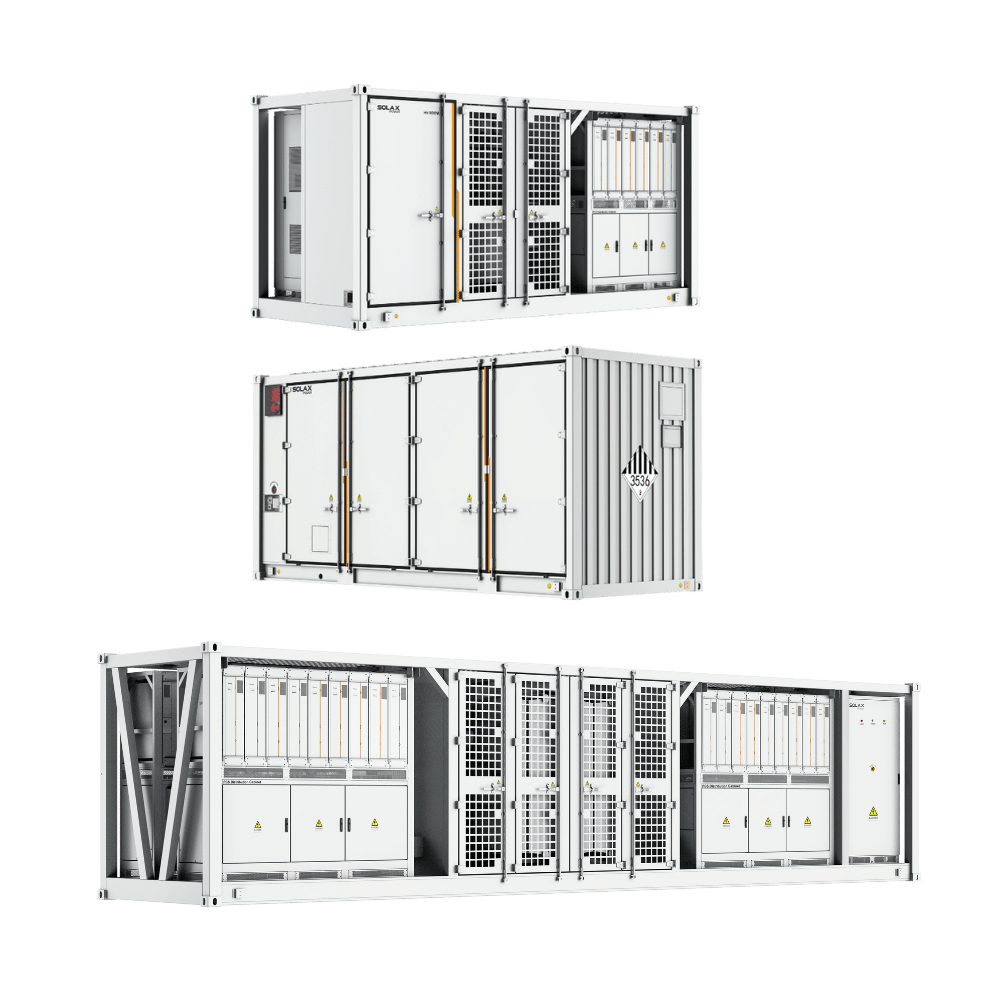
SolaX frames these functions as one ecosystem across home, C&I, and utility scenarios, with inverters, batteries, all-in-one ESS, EV chargers, software, and monitoring tools under one platform.
Why interface design matters as much as hardware specs
Daily control matters because your savings depend on behavior and automation, not only on peak output. If the home energy management app clearly shows solar generation, battery flow, home consumption, and active schedules on one screen, you can spot problems faster and adjust settings with less guesswork.
That is where integrated software starts to matter as much as rated power. SolaX says SolaXCloud supports real-time monitoring and intelligent energy management, while its broader software stack also includes SolaXDesign and a developer portal. In practice, one dashboard can reduce switching friction and make a smart energy routine easier to maintain.
How the same ideas scale from home to larger sites
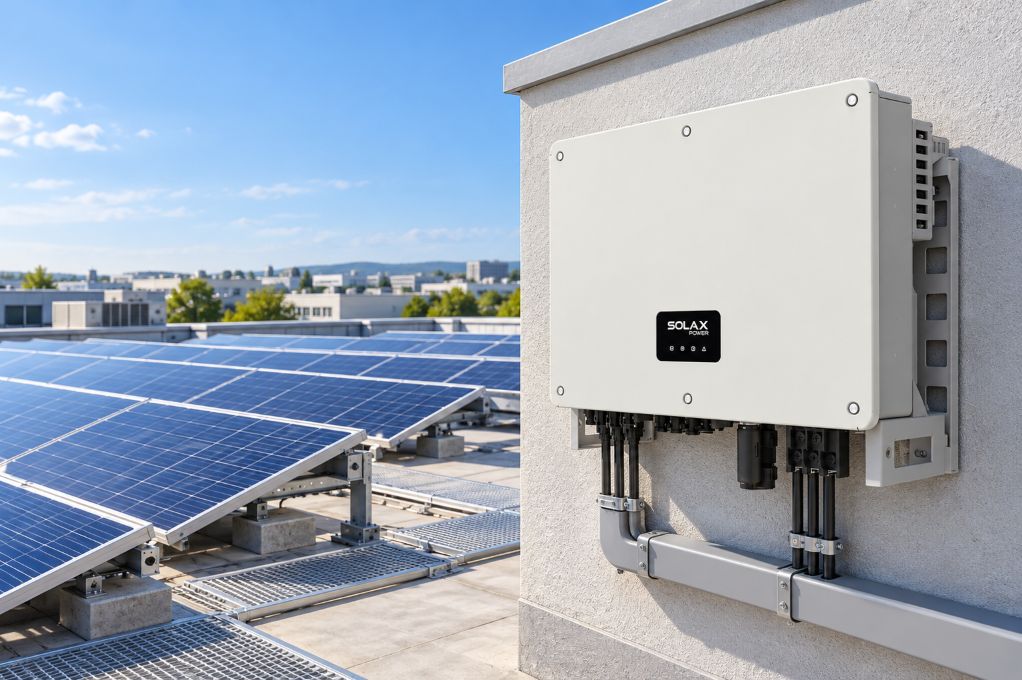
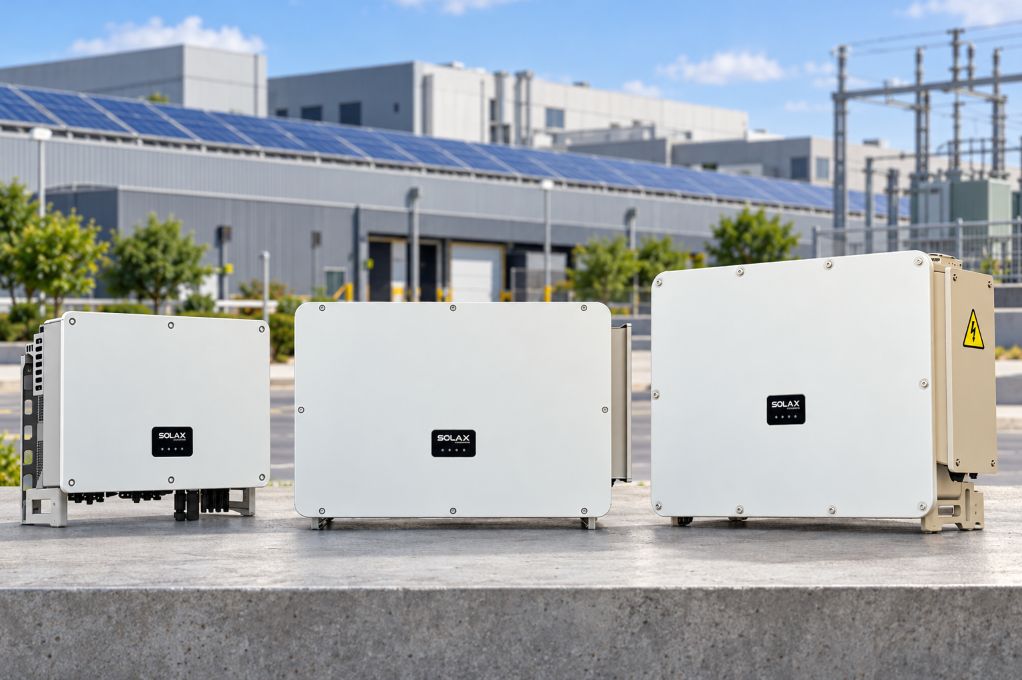
The same energy flow logic repeats at different sizes. A home may use a hybrid inverter and battery storage system to improve self-consumption. A commercial site may add charger scheduling and load control. A utility or aggregator may connect many distributed assets into a virtual power plant.
That broader picture matters because it often points to platform maturity. SolaX organizes its solutions around For Home, For C&I, and For Utility, which suggests the company is designing around multi-scenario control rather than a single device category. It also promotes a VPP platform alongside hardware and cloud management.
Which system path fits your home, budget, and future upgrades?
The cleanest path is usually to choose the architecture first, then add features around it. If you reverse that order, you may end up with a nice-looking app demo but weak upgrade options later.
Start with the system architecture
For most homes, you will compare three paths:
Solar only: lower complexity, but no stored power for night use or outages.
Solar plus battery: better for self-consumption, backup goals, and time-based charging.
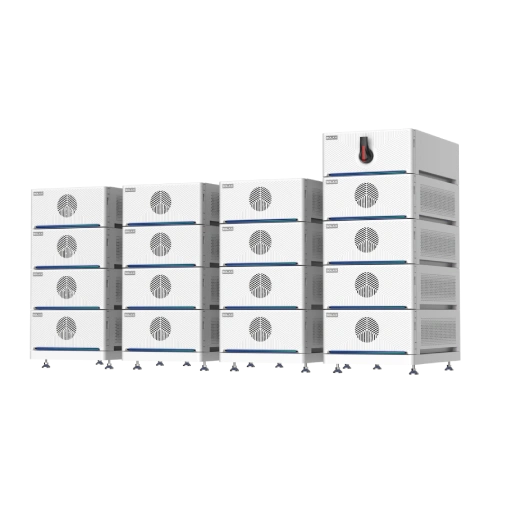
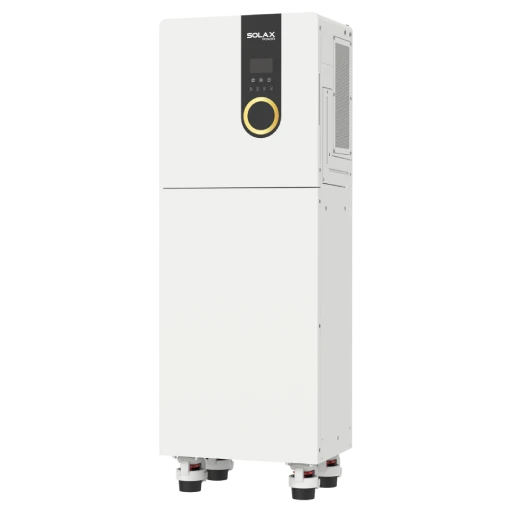
Integrated smart energy setup: adds options like EV charging, smart loads, and broader automation inside one control layer.
If usability is your top priority, matching the inverter, battery, and app early usually avoids the most common integration problems. SolaX's residential lineup supports this stepwise path with hybrid inverters, residential ESS, batteries, EV chargers, and monitoring software positioned as one ecosystem.
Add-ons that improve practical usability
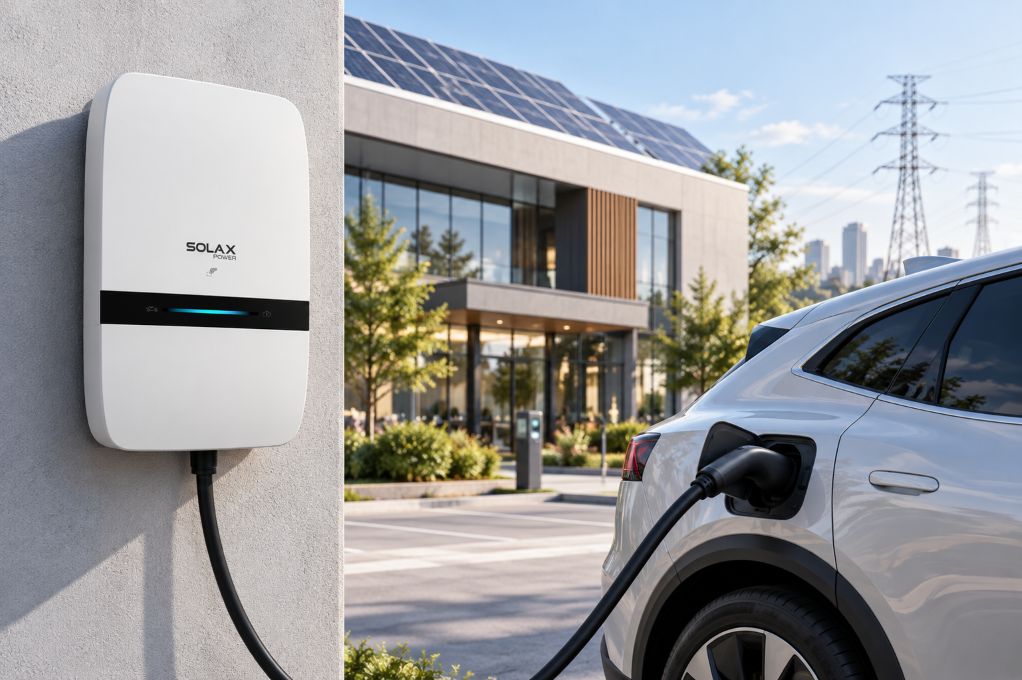
The best add-ons are the ones that stay inside the same operating logic. For example, EV charging can become more useful when the system can shift charging toward solar-rich hours. Backup becomes more practical when the inverter and battery already support fast switchover and load prioritization. Heat pump coordination is helpful when the same platform can manage smart loads instead of forcing manual timing.
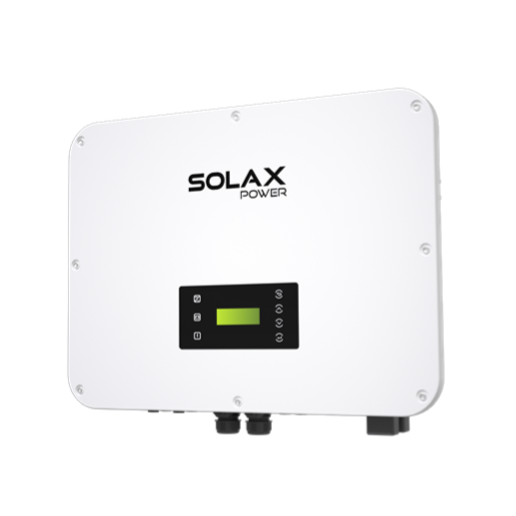
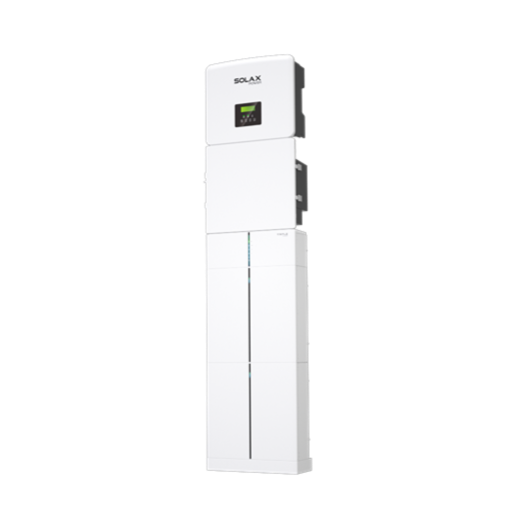
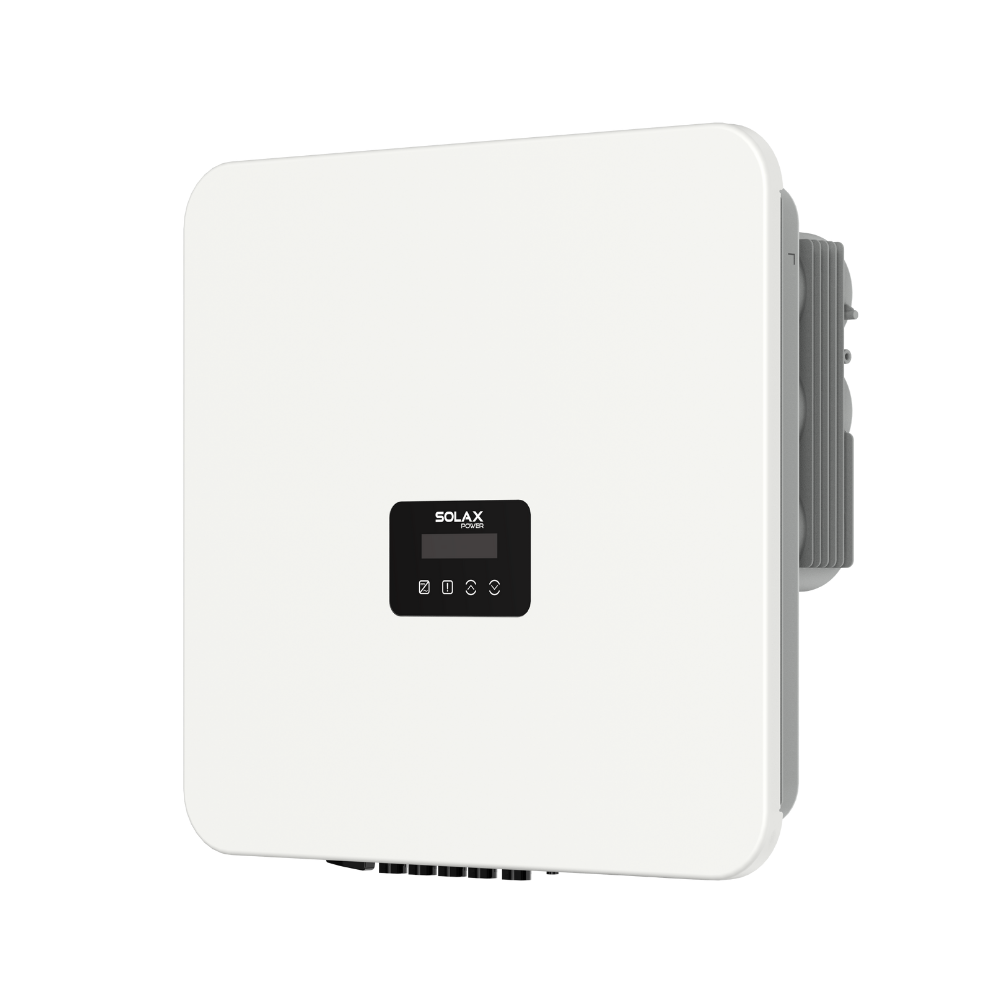
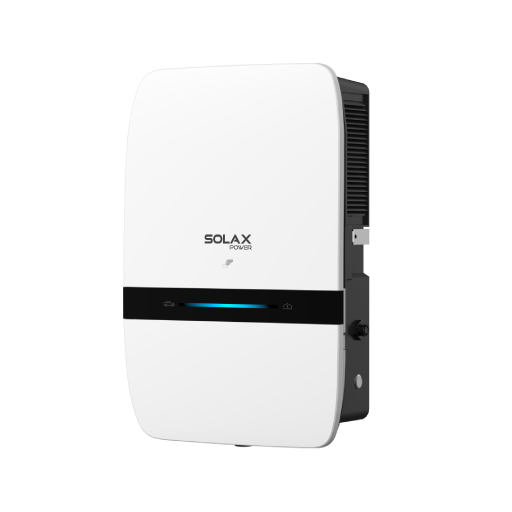
SolaX's X3-HYBRID G4 highlights smart load management for devices such as heat pumps and smart EV chargers, while the X-ESS G4 also states compatibility with EV chargers and heat pumps plus real-time monitoring via SolaXCloud.
Why expandability should be planned on day one
A system does not need every feature at installation, but it should leave room for growth. If you expect an EV in two years or want backup later, expansion limits matter more than flashy launch-day features.
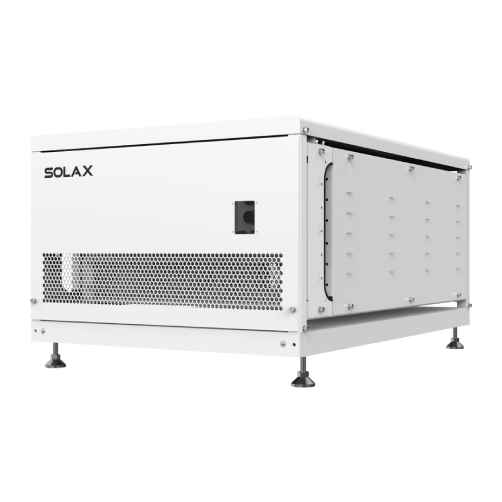
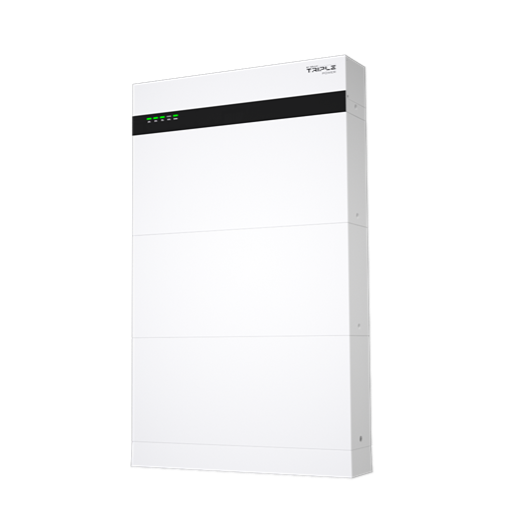
SolaX emphasizes modular residential ESS design for easier assembly, expansion, and maintenance, and its residential all-in-one ESS page highlights parallel expansion plus integration with generators, heat pumps, and EV chargers. That makes expandability a practical buying factor, not a bonus feature. Also, broader market trends support thinking ahead: the IEA reports battery storage scaled rapidly in 2025, and the EIA said solar would account for about half of new U.S. generating capacity additions in 2025, with battery storage among the other major additions.
Decision factors that matter more than headline wattage
Big numbers attract attention, but daily ownership usually comes down to control quality, support, and whether the system fits your real load pattern. A slightly smaller system that you can understand and schedule well may outperform a larger, confusing setup in practice.
Compare the control experience, not just output
Check these points before you focus on raw watts:
Can you see production, home use, grid import, and battery status on one screen?
Can you set time-of-use charge and discharge schedules clearly?
Does the app show historical trends without deep menu digging?
Will future add-ons stay inside the same dashboard?
SolaX's X-ESS G4 lists real-time monitoring, smart load management, and intelligent time-of-use energy management, while the X3-HYBRID G4 adds VPP-ready functionality and EV charger coordination. Those are good signs if you want a solar inverter and battery storage system that stays manageable after install day.
Check service depth before you buy
Support is part of usability. Even the best interface does not help much if commissioning drags out or post-install settings are hard to resolve.
SolaX says it works across more than 110 markets, with 700+ global partners and 200+ dedicated service professionals worldwide. The company also states that, by the end of 2024, it held 338 patents and more than 1,100 certifications globally. Those points do not replace local installer due diligence, but they do suggest a deeper service and compliance base than buyers often check.
A short checklist for a better buying decision
Use this quick filter when comparing offers:
What to check | Why it matters |
One monitoring environment | educes app switching and user error |
Battery scheduling controls | Helps with time-of-use savings |
Backup capability and switchover | Matters if outage resilience is a goal |
Expansion path | Makes EV charging or extra storage easier later |
Local installer support | Reduces downtime and setup friction |
Clear product fit | Prevents mismatched inverter and battery choices |
Conclusion
If you want a solar + battery setup that stays easy to use, start with integration instead of starting with the biggest spec sheet. The right solar energy system should let you see energy flow clearly, schedule battery behavior simply, and add useful upgrades without adding interface clutter.
For many buyers, that points toward a one-ecosystem approach built around a hybrid inverter, a compatible solar battery, and a home energy management app that keeps everything in one place. SolaX's portfolio fits that direction well because it spans residential ESS, hybrid inverters, EV chargers, software, and broader smart energy tools under one platform. The next move is simple: shortlist systems that can show one clear dashboard, one practical expansion path, and one support network you can actually rely on.
FAQ
Table of Contents
Latest News
Explore expert insights, practical guides, and the latest news on SolaX Power.


To the Latest Newsletter
Stay Ahead with the Latest SolaX Updates!
Subscribe
I have read and agree to Privacy Policy and User Terms