













July 10, 2026
Which String Inverters Are Easiest for Installers to Set Up and Commission?
Share my #SolaXStory


Which string inverter commissioning features actually save time?
Slow setup can wipe out labour margin long before a system starts producing power. In practice, the biggest delays in string inverter commissioning come from unclear wiring, awkward app pairing, missing grid settings, or monitoring that refuses to register before you leave site.
That is why an installer-friendly inverter is not simply one with strong electrical performance. It is one that helps you move from mounting to handover with fewer pauses, fewer menu loops, and fewer return visits.
The setup basics installers should compare first
A fast solar inverter setup usually comes down to how much unnecessary handling the product creates on site. Before you compare output ratings or headline efficiency, look at the features that affect day-one work.
Define the features that save site time
The best easy-to-install solar inverter models tend to share a few traits:
Clear terminal layout and enough working space for clean cable routing
Short commissioning flow with guided prompts rather than nested menus
Straightforward app pairing or QR-based registration
Simple access to region and grid-code settings
Built-in functions, such as export control, that reduce extra hardware or extra steps
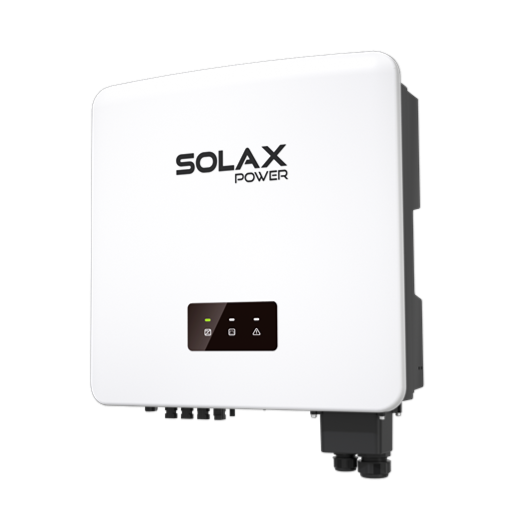
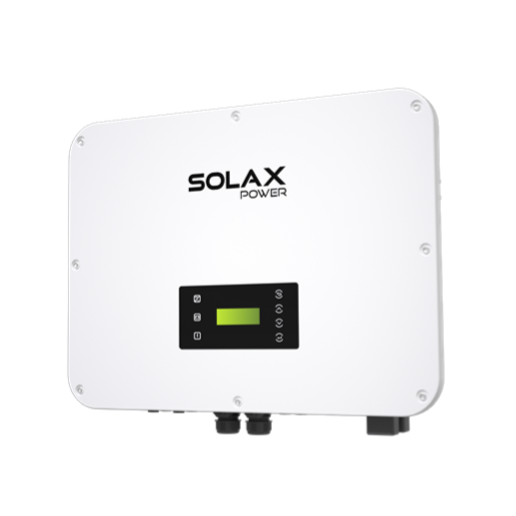
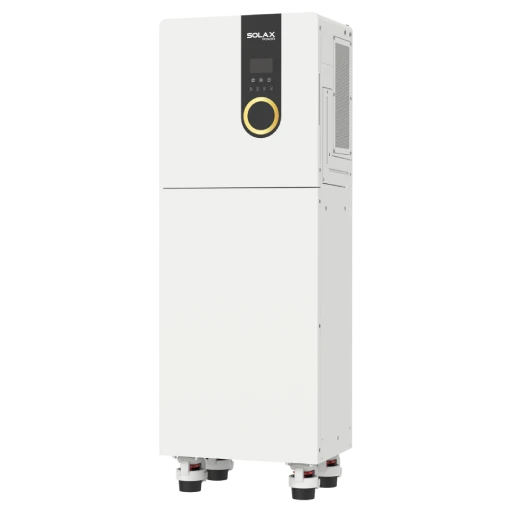
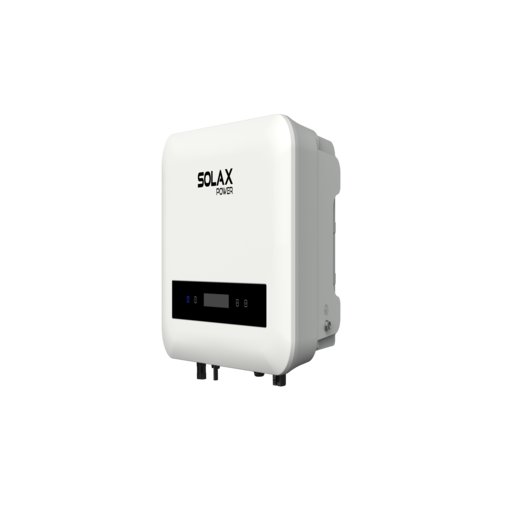
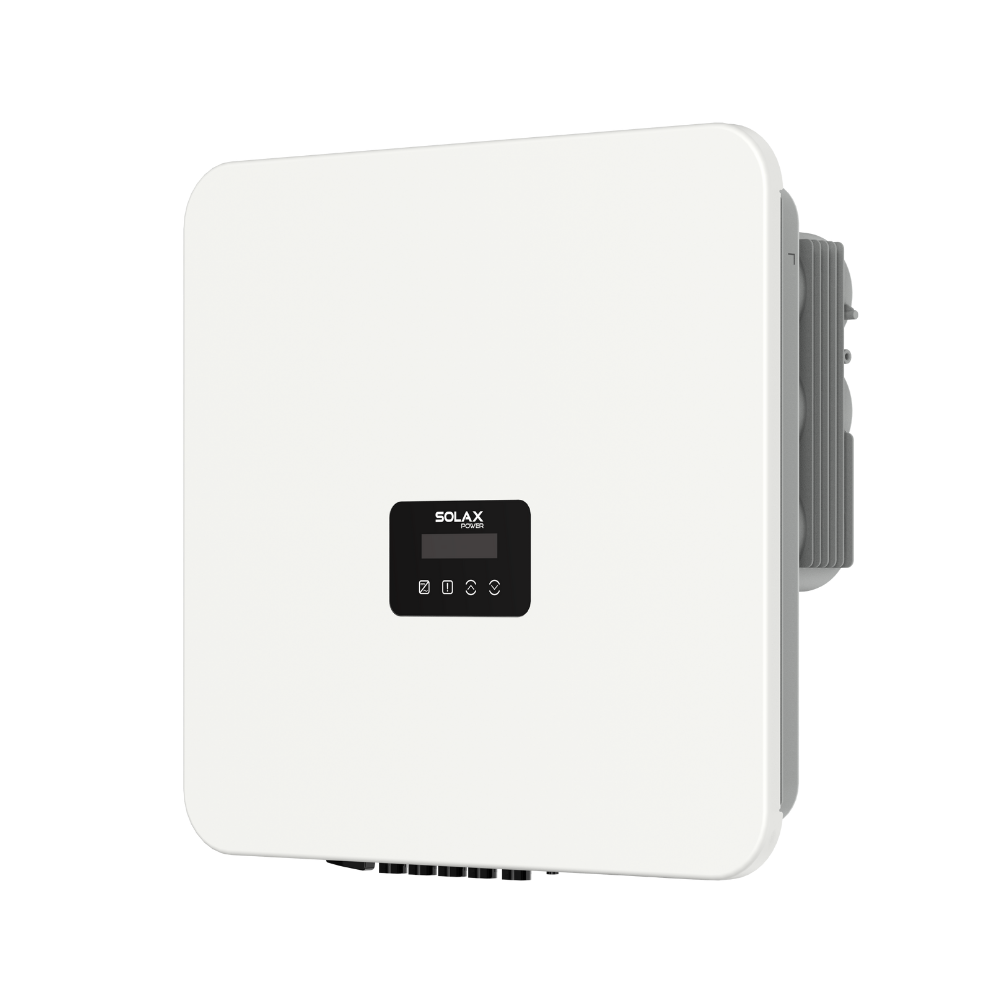
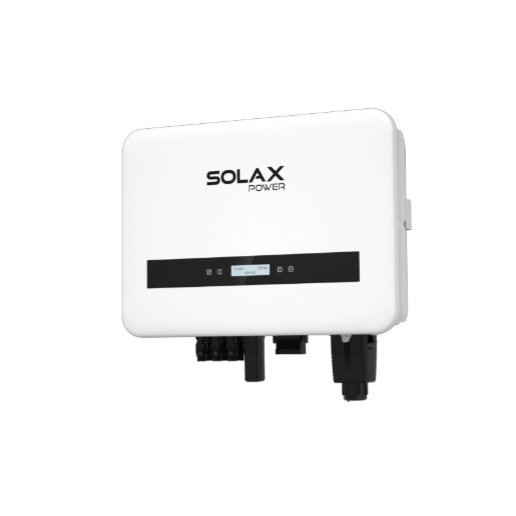
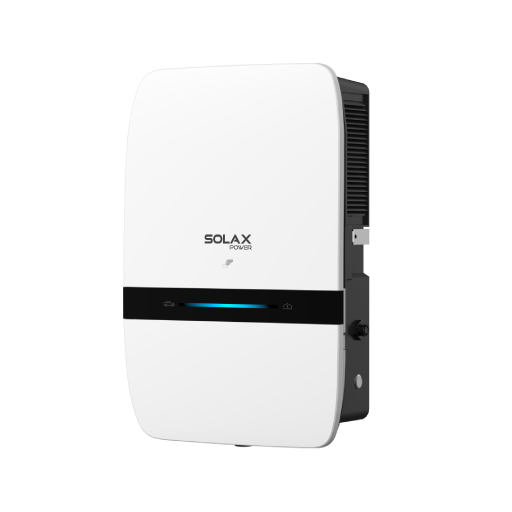
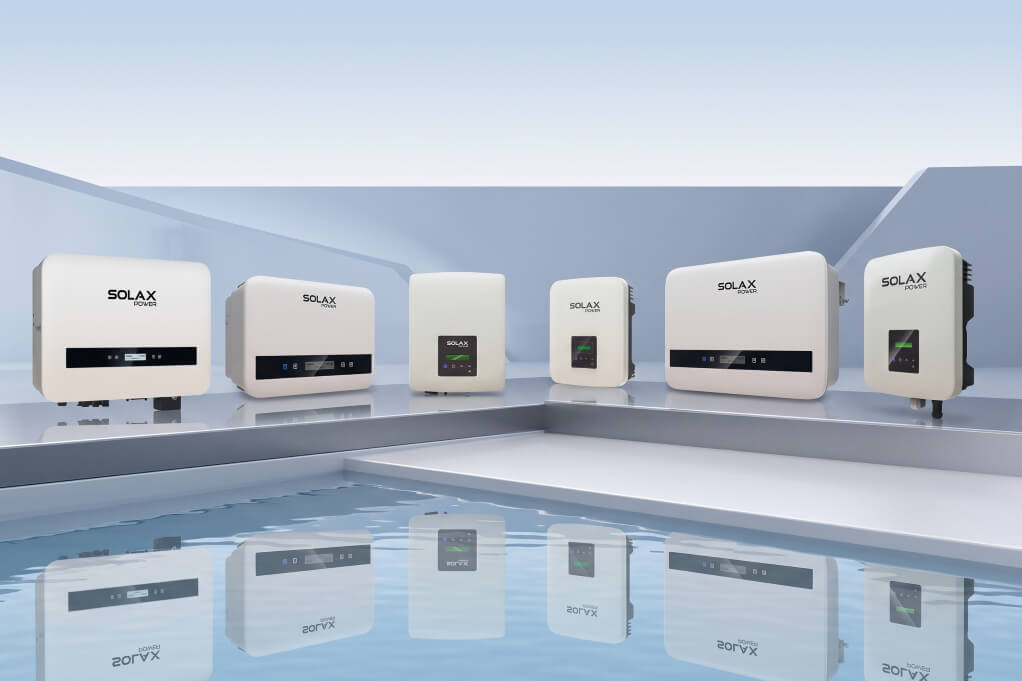
SolaX positions the X1-BOOST G3 around this sort of workflow. On the official page, it is described as easy to install and set up, and it includes built-in export control to simplify installation and support local grid compliance.
Separate installation from commissioning
It helps to treat installation and commissioning as two different labour risks. Installation is the physical work: mounting, cable entry, terminations, isolation, and tidy routing. String inverter commissioning starts after that, when you power up, apply the correct settings, confirm communication, and verify output.
If either stage is awkward, call-back risk goes up. A neat install can still become a problem if the monitoring does not bind properly or the grid code is buried in menus. Likewise, quick commissioning cannot rescue poor cable access or unclear terminals.
Group inverter choices by workflow fit
Not every project needs the same kind of inverter workflow. A simple home solar power system may value speed above all else, while mixed-use sites may care more about remote oversight.
Small homes: prioritise short onboarding, clean Wi-Fi setup, and fast handover
Larger roofs: prioritise string flexibility, voltage headroom, and easier fault tracing
Mixed sites: prioritise monitoring visibility and export-control access
Ongoing support contracts: prioritise remote diagnostics and firmware management
Which setup steps usually create delays on site?
Most commissioning delays are predictable. They happen before energisation, during first power-up, or right at the final monitoring handover. If you tighten those steps, support burden usually drops.
Pre-install checks that prevent avoidable problems
A few checks before mounting can save an hour later. In the UK, export arrangements and connection requirements can affect inverter settings and whether export limitation is needed. For example, GOV.UK notes that a Distribution Network Operator may allow solar installation to proceed if an export limitation device is fitted.
Use a short pre-check list:
Confirm array Voc and operating range match the inverter window
Check single-phase or three-phase site conditions before delivery
Verify mobile signal or local network access for smart energy monitoring
Review cable runs, isolator positions, and mounting clearances
Confirm export rules, meter position, and handover requirements
Commissioning sequence that keeps work tidy
Once the inverter is mounted and terminated, order matters. A consistent sequence reduces rushed mistakes and makes solar inverter setup easier to document.
Mount and terminate safely
Power up in the correct order
Select the right region and grid code
Confirm meter or export-control behaviour where used
Register monitoring and verify live data
Check generation, alarms, and final status before handover
That sounds basic, yet many delays come from doing step 5 too late. If the portal or app is unstable, the whole visit stretches out. SolaX knowledge-base materials cover installer registration, Wi-Fi setup, cloud monitoring, and commissioning resources, which is useful when you are standardising process across teams.
Tools that reduce support tickets later
The best installer-friendly inverter does not only save time on day one. It also makes year-one support easier.
Look for:
QR or serial-based registration rather than manual entry
Stable portal access for installers and asset owners
Alarm visibility by device or string where available
Remote settings or firmware options for supported models
SolaXCloud includes remote device management functions, and SolaX has published remote upgrade guidance for supported users and devices. That matters because remote intervention can reduce some follow-up visits, even though not every model supports every upgrade path.
Decision factors when choosing an installer-friendly inverter
Once the basic workflow is clear, compare products by labour impact rather than brochure language. A strong specification sheet is useful, but a cleaner workflow often matters more for real installer margin.
Speed of first-time setup
You are looking for fewer touches, not just better-looking features. Faster commissioning usually comes from guided setup, fewer required accessories, and clear status indication.
Fewer menus save minutes across every job
Guided setup reduces the chance of wrong settings
Built-in functions cut add-on hardware
Clear LEDs or app status improve handover confidence
On the SolaX side, the X1-BOOST G3 combines easy setup claims with integrated export control and optional monitoring support. Its published figures also include up to 150% PV oversizing, 14A input per string, and 600V maximum PV input, which can help with common residential design fits without overcomplicating commissioning.
Compliance and controls on real projects
Compliance can be where simple installs become slow installs. In Great Britain, export arrangements and metering context often affect what you need to prove at handover. GOV.UK states that eligible generators may need certified installation routes, including MCS or an equivalent accredited scheme, when participating in the Smart Export Guarantee.
For day-to-day installer work, check whether the inverter makes these tasks easy:
Region and grid-code selection
Export-control setup
Protection setting visibility
Access to installation guides and commissioning documents
Monitoring and aftercare efficiency
This is where many solar energy systems either become easy to support or quietly expensive. A slightly faster peak spec rarely saves as much operational time as stable monitoring and clean remote access.
A practical aftercare stack should include:
Fast monitoring enrolment before you leave site
Clear fault and alarm visibility
Installer-level oversight across multiple systems
Upgrade paths for supported devices
SolaXCloud is relevant here because SolaX positions it as part of its smart energy monitoring workflow, with support materials covering installer registration, device views, and remote settings functions.
Where SolaX fits for easier commissioning
SolaX is a practical candidate when your priority is reducing setup friction rather than chasing feature count for its own sake. The brand’s string inverter materials and support portal point to a workflow built around easier onboarding, monitoring enrolment, and remote management.
Why SolaX is a practical candidate
For residential jobs, the X1-BOOST G3 is the clearest example in this article. The official product page says it is easy to install and set up, and that its built-in export control can simplify installation and help with local grid requirements. That combination is useful when you want fewer external components and fewer separate configuration steps.
Beyond the hardware, SolaX support resources show installer registration paths, Wi-Fi and cloud setup guidance, and remote upgrade workflows for supported users. In other words, the brand does not stop at inverter hardware; it also addresses the support layer that often determines whether a solar power system is easy to maintain after handover.
The simplest selection rule for busy installers
If you want fewer delays, choose the inverter with the least-friction commissioning workflow, not the one with the longest feature list. In practice, that means prioritising clear wiring, fast enrolment, accessible compliance settings, and remote support tools. For many residential and light commercial jobs, SolaX belongs on the shortlist because its official materials directly address easy setup, integrated export control, and cloud-based aftercare. When labour efficiency matters, those workflow details often decide the better fit.
FAQ
Table of Contents
Latest News
Explore expert insights, practical guides, and the latest news on SolaX Power.


To the Latest Newsletter
Stay Ahead with the Latest SolaX Updates!
Subscribe
I have read and agree to Privacy Policy and User Terms